
- 対象年齢4+
- カテゴリ写真/ビデオ
- 開発元Siddharth Kevadiya
- 言語英語ほか18言語
- サイズ80.2 MB
App Storeの公式ページにリンクしています
Download.orgはCarousel Maker & Collage Makerのファイルを一切ホストしていません。ボタンを押すと、Siddharth Kevadiyaが公開しているApp Storeのアプリページが開きます。ページの最終確認:2026/11/14。
スクリーンショット



概要
開発元はこのテキストをお使いの言語で提供していません。
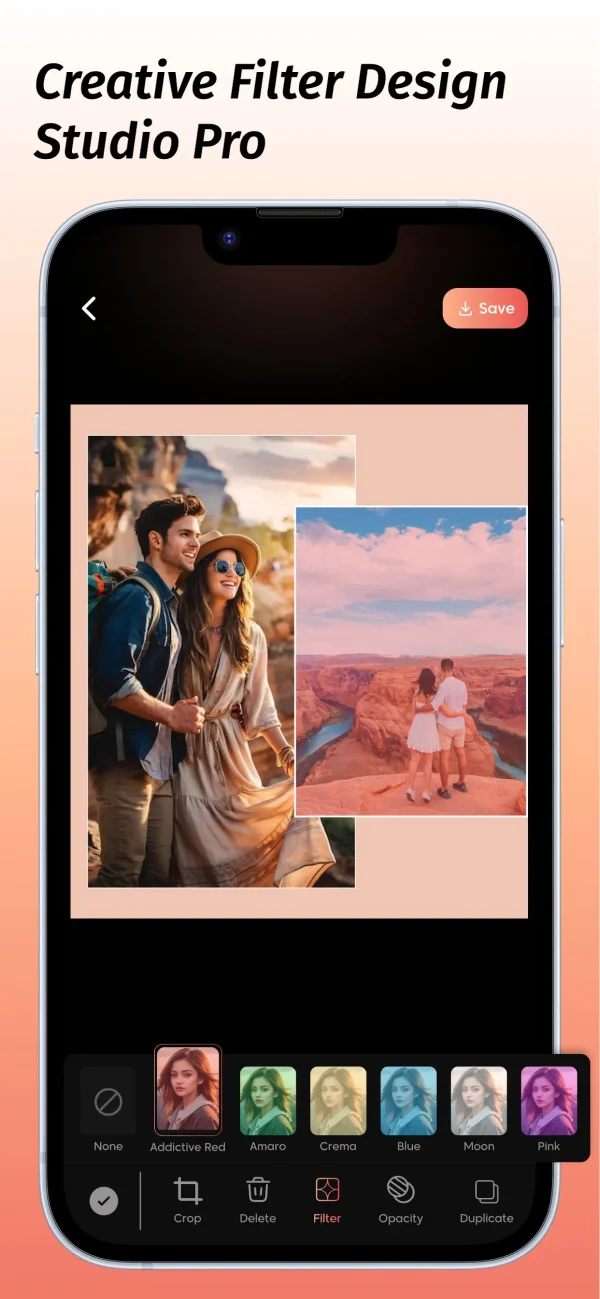
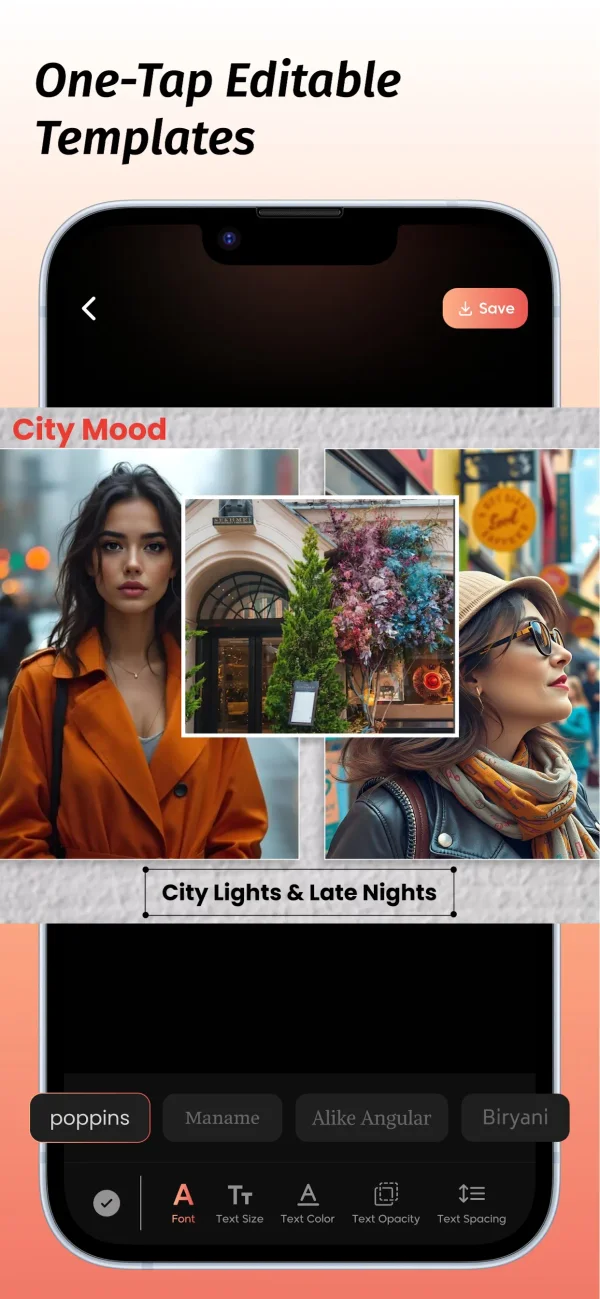
Carousel Maker & Collage Maker helps you create beautiful carousel posts and photo collages for your content. Whether you want to share multiple photos in one post or design eye-catching slide layouts, this app makes it simple and fast.
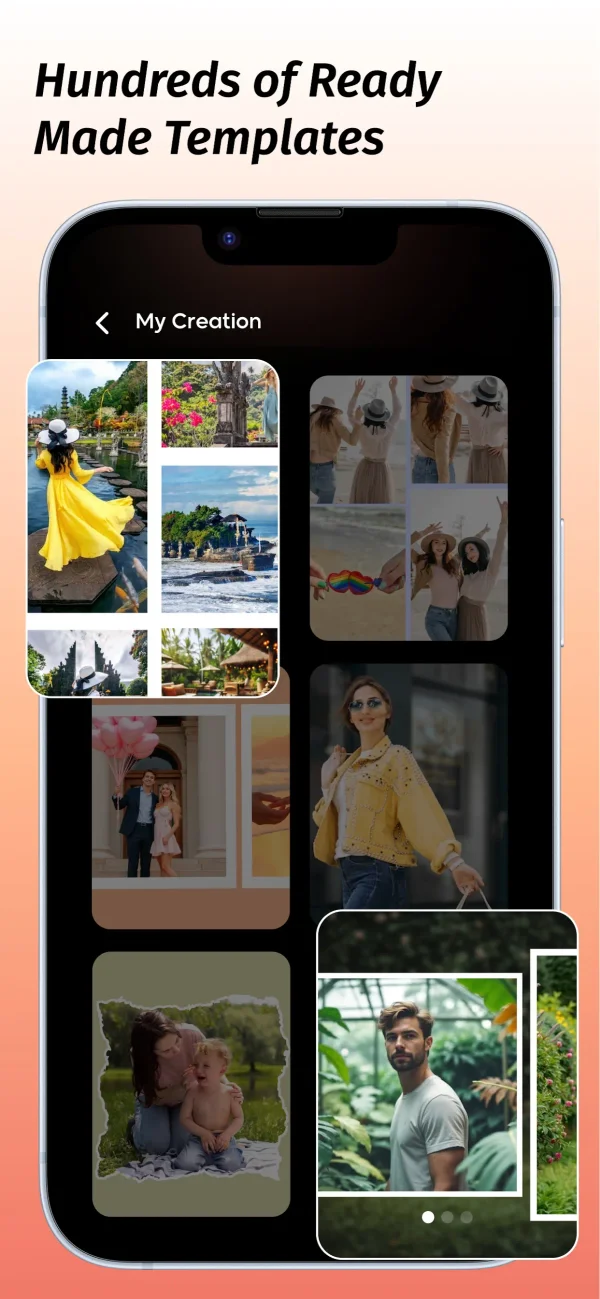
Design engaging carousel posts and creative collages using customizable templates, flexible layouts, and easy editing tools. The app allows you to combine multiple photos into smooth carousel slides or artistic collage layouts that look professional and organized.
Carousel Post Creator
Create stunning carousel posts by combining multiple photos into a smooth sliding layout. Carousel posts help present your story, ideas, or memories in a structured and attractive way.
Features include:
Multi slide carousel layouts
Flexible carousel templates
Smooth post sequence creation
Easy photo arrangement
The carousel maker helps you design content that looks organized and visually appealing.
Templates and Layouts
Choose from a variety of templates designed to make your carousel posts clean and attractive. Templates help you create designs faster without needing advanced design skills.
Template features include:
Modern carousel templates
Flexible layout editing
Simple design customization
Easy Photo Editing
Enhance your designs using built-in editing tools. Adjust your photos before placing them into a carousel or collage layout.
Editing options include:
Crop and adjust images
Arrange photo positions
Optimize photo layout balance
Improve visual presentation
Create Engaging Content
Carousel posts and photo collages are great for storytelling, tutorials, highlights, or sharing memories. The app helps you structure your photos in a way that captures attention.
With Carousel Maker & Collage Maker, you can:
Design carousel posts quickly
Organize multiple photos into slides
Build visually appealing layouts
Whether you want to create stylish or structured carousel posts, this app provides the tools you need to design engaging visual content.
Start creating professional looking carousel posts and creative photo collages with ease.
For More Information :
Privacy Policy : https://siddharthkevadiya.blogspot.com/2025/11/siddharth-kevadiyas-privacy-policy.html
Terms of Use : https://siddharthkevadiya.blogspot.com/2025/11/siddharth-kevadiyas-terms-of-use.html
アプリのプライバシー
このアプリのデータの取り扱いについて、Siddharth KevadiyaがApp Storeで申告している内容です。
-
ユーザーのトラッキングに使用されるデータ
他社のアプリやウェブサイトを横断してユーザーをトラッキングする目的で使用される場合があります。
- ID
- 使用状況データ
-
ユーザーに関連付けられないデータ
収集される場合がありますが、ユーザーの識別情報には関連付けられません。
- ID
- 使用状況データ
- 診断
プライバシーの取り扱いは、ご利用の機能やお客様の年齢などに応じて異なる場合があります。
情報
- 販売元
- Siddharth Kevadiya
- カテゴリ
- 写真/ビデオ
- バージョン
- 1.0
- 更新日
- 2026/3/19
- リリース
- 2026/3/19
- サイズ
- 80.2 MB
- 必要条件
- iOS 16.6以降
- 対象年齢
- 4+
- 価格
- 無料
- アプリ内課金
- あり
- 言語
- 英語, アラビア語, オランダ語, フランス語, ドイツ語, ヒンディー語, インドネシア語, イタリア語, 日本語, 韓国語, マレー語, ポルトガル語 ほか7言語
- 著作権
- © Siddharth Kevadiya
こちらもおすすめ
-
 Glassy: カルーセルメーカー写真をつなげる分割・パノラマ投稿
-
 Carousel - Insta Post Maker写真/ビデオ
-
 Ola: Carousel & Reel Makerカルーセル・コラージュ・ストーリーテンプレート
-
 Sparkal: カルーセル&コラージュ写真加工・パノラマ分割・テンプレート
-
 InsMix コラージュ·画像編集·レイアウトコラージュ&写真加工ができるレイアウトアプリ
-
 Panoslice: Carousel Post Maker写真/ビデオ
-
 Nola: Carousel & Collage Maker写真/ビデオ
-
 PSTR: AI写真コラージュ・レイアウト -美的テンプレート & フォトエディタ
-
 写真コラージュ & テンプレート Instagram 用レイアウト インスタ用、投稿、フォト枠、フォトグリッド
-
 Crsel: 写真加工・コラージュメーカー・ストーリー作成画像編集・動画・背景透過・文字入れ・レイアウト・テンプレート