- 対象年齢17+
- カテゴリ教育
- 開発元文 杨
- 言語英語ほか1言語
- サイズ14.9 MB
App Storeの公式ページにリンクしています
Download.orgはCastMindのファイルを一切ホストしていません。ボタンを押すと、文 杨が公開しているApp Storeのアプリページが開きます。ページの最終確認:2026/11/18。
スクリーンショット


概要
開発元はこのテキストをお使いの言語で提供していません。
Want to understand someone? CastMind gathers their interviews from wherever they are, so you can follow them and publish what you took away.
To understand Karpathy today, you dig through Lex for one episode, Dwarkesh for another, and YouTube for his own long videos. Podcast apps can't help — they subscribe by show, so search gives you shows, not the episode he was on.
CastMind works by person.
— What it does for you —
· Gather one person
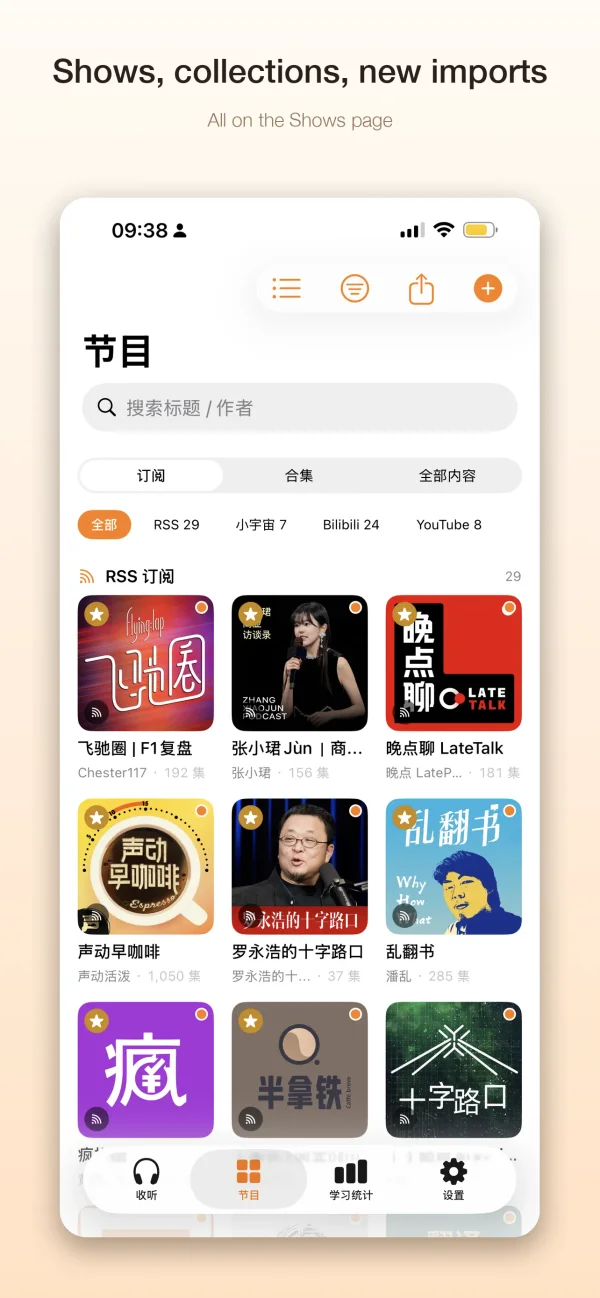
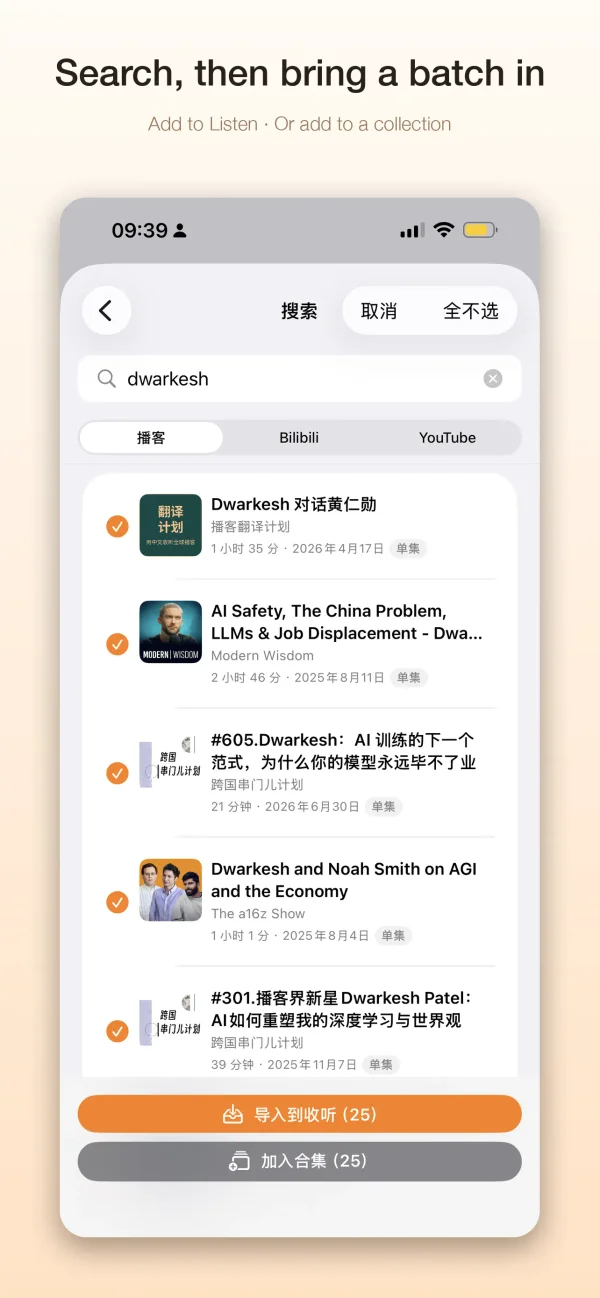
Tap + on Listen and search podcast episodes, Bilibili, and YouTube by name. Select a batch, keep them in one collection, and put them in your own order. The collection is pinned to Deep Dive on Home.
· Tap a line to understand it
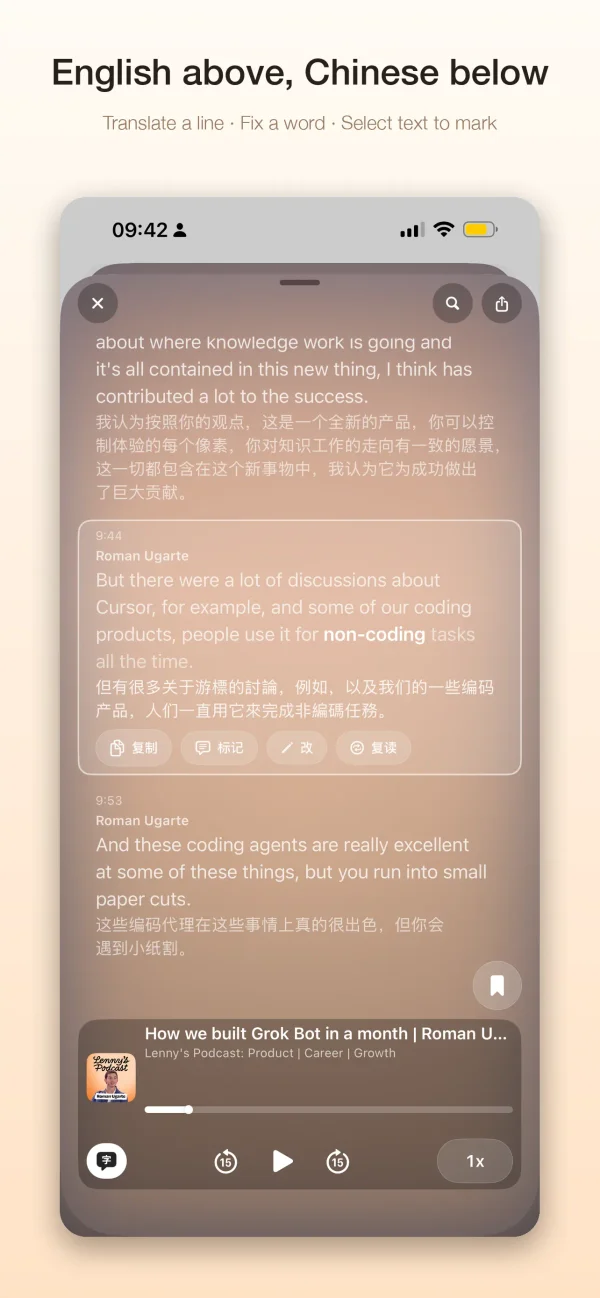
When an English interview has a transcript, tap a line to understand it on the spot, or turn on bilingual view. If the show publishes its own transcript, it's fetched when you open the episode; YouTube and Bilibili can pull platform subtitles.
· A transcript even when there isn't one
Download a podcast episode and make a transcript on this iPhone. Audio never leaves the device. I ran a 3-hour-32-minute Chinese interview (210 MB) on iPhone 15 Pro Max — about 6 minutes to a full draft. It's machine dictation, so expect typos; the bar stays labeled unproofread.
· Traces that leave themselves
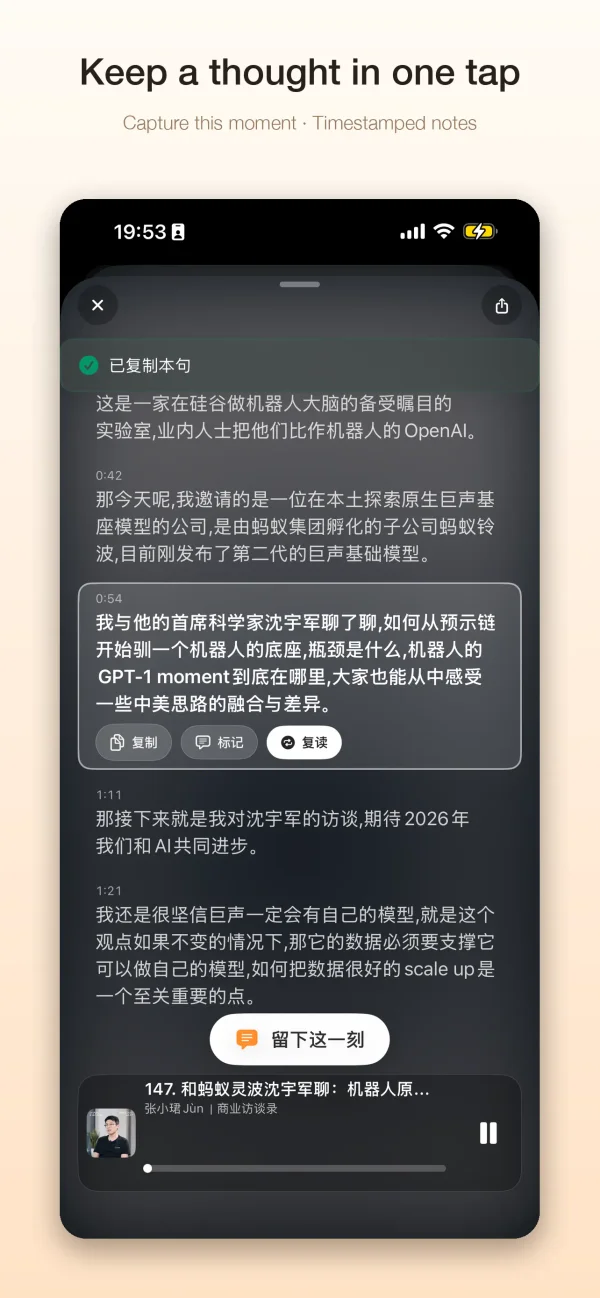
Mark a moment from the lock screen, Control Center, Siri, or your headphones without opening the app. Lines you tapped and moments you marked land in the same place.
· Write a teardown you'll sign
What you marked is laid out in the episode's teardown. You only write your own take. One Markdown file per episode, ready for X or your blog.
· Pick up where you left off
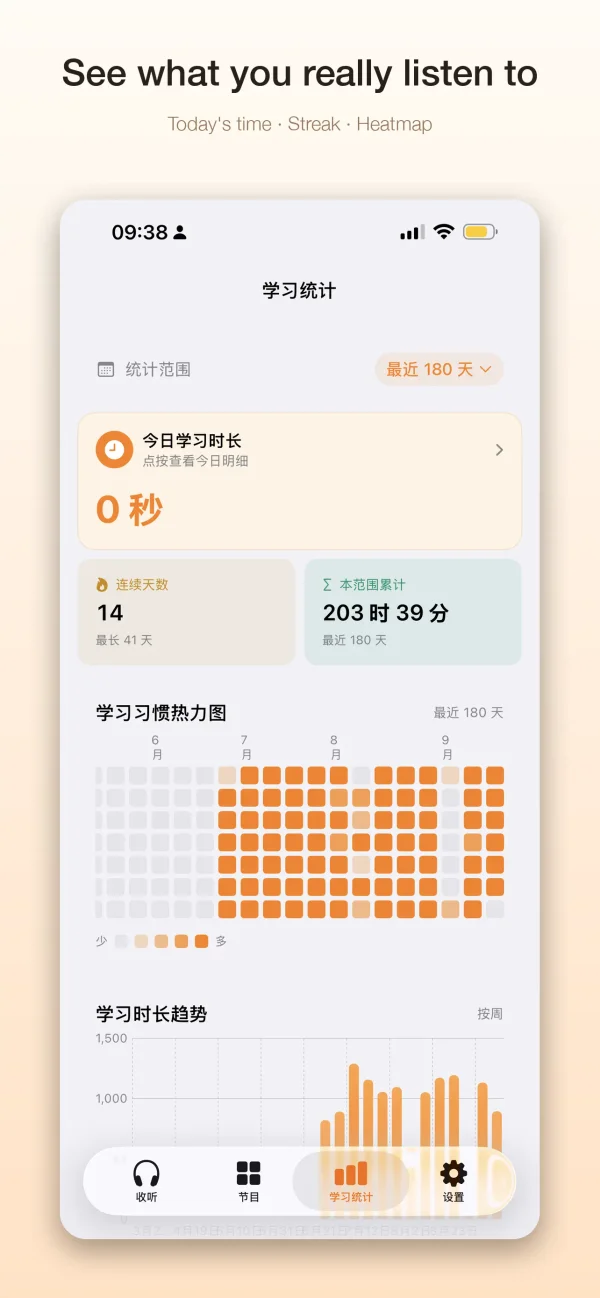
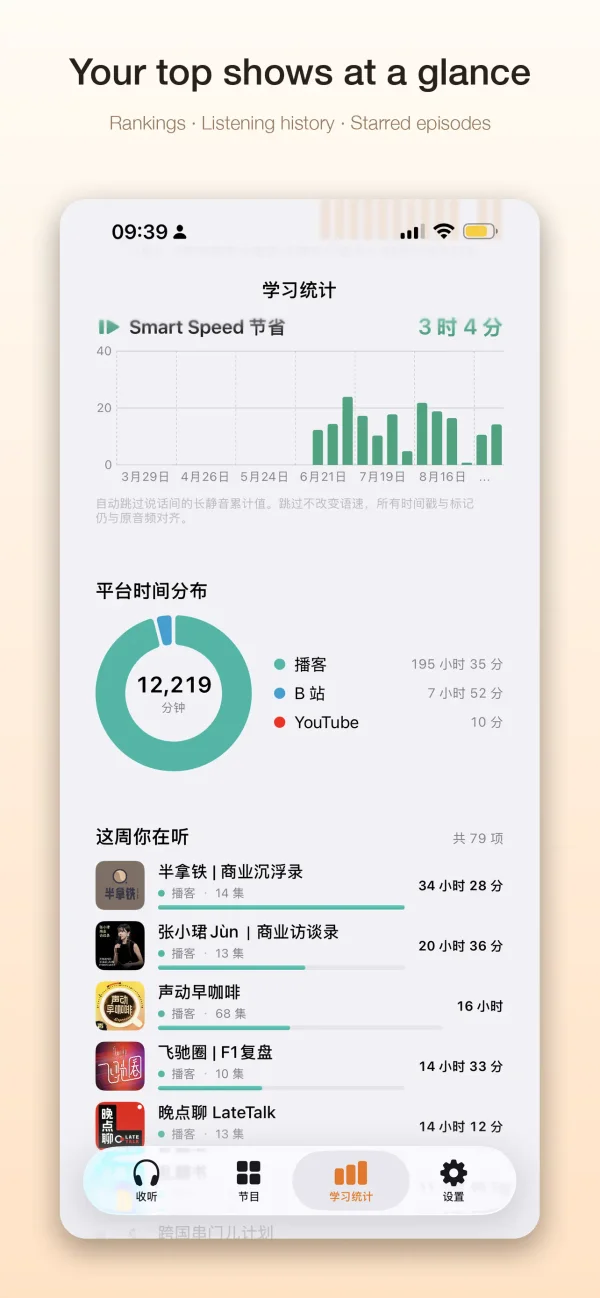
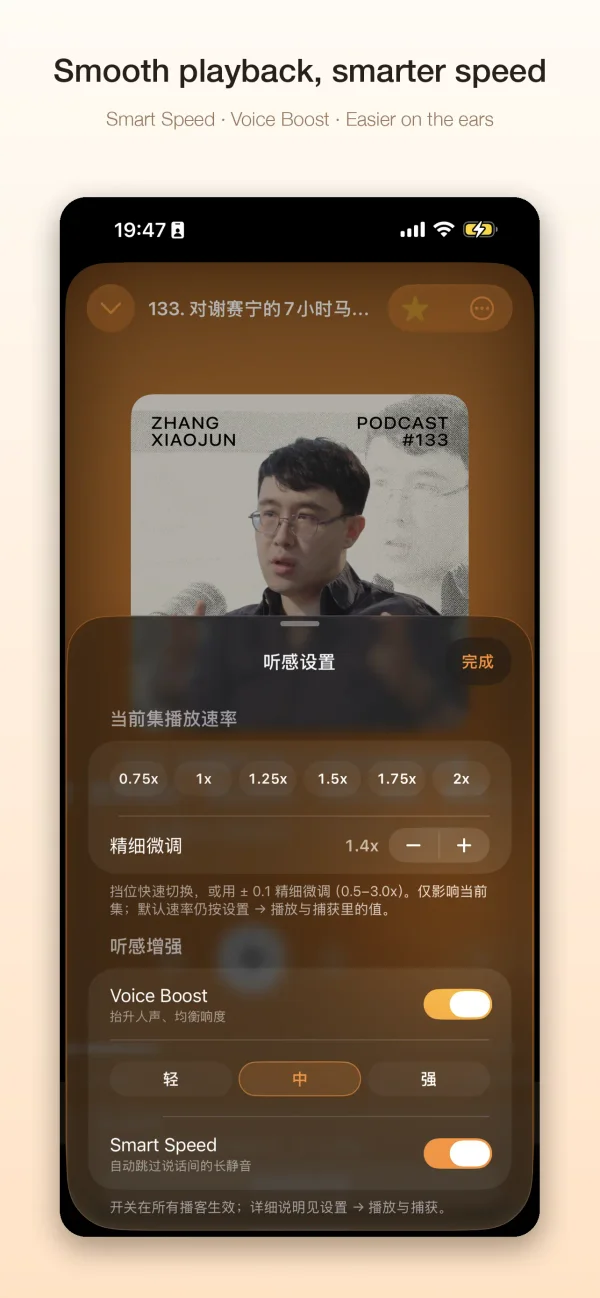
Open and continue from your last position. Each show remembers its speed; Smart Speed skips silences and Voice Boost lifts voices. Bind shows you follow to a smart collection and new episodes land there automatically.
· On runs, commutes, and in the car
Lock screen, Control Center, and headphone controls are ready. In the car, open CastMind on CarPlay to continue a podcast, open a show, or play a collection.
· Offline first
Original text, marks, and notes are readable and editable offline. No account. Nothing uploaded to the cloud.
— What we deliberately don't do —
No recommendation feed, charts, or people directory — you search for the person you already care about; we won't scroll content at you. No pronunciation scoring, no flashcards, and AI never writes your take for you.
castmind.ai is CastMind's website.
新機能
バージョン 1.6.1 · 2026/10/24
CastMind 1.6.1
• On New, swipe right for Want to Listen, left to dismiss. Picks expire if you don’t touch them; pressing play moves them to unfinished.
• On-device transcripts queue one at a time and keep going in the background; progress shows on the Lock Screen, and you can cancel.
• Paste an X post with native video to listen; collect a batch from an account’s media page; ended Space replays import as podcasts and can download for on-device transcription.
• Bilingual lines on the podcast detail page too; the current line follows along while you listen.
• Resume shows whether this trip fits, how much is left, and the line where you stopped; resume after a pause steps back a little.
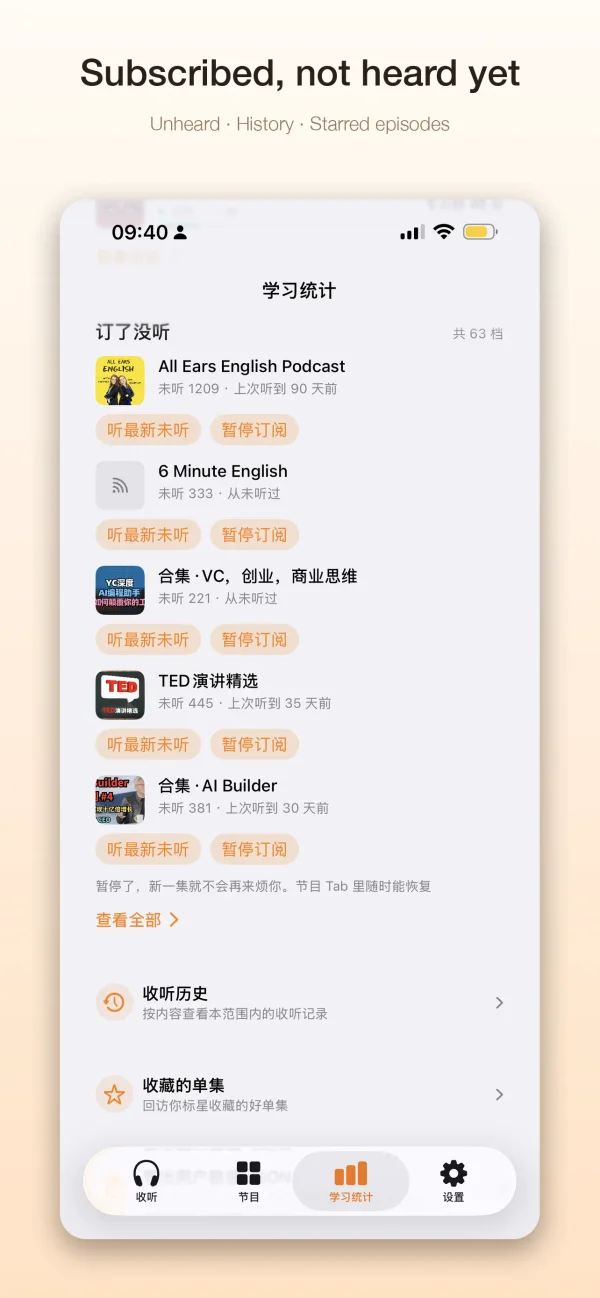
• Active subscriptions refresh in the foreground (starred first). If you have picks, New opens on Want to Listen.
• A cold-launch headphone play resumes the episode you left.
• Fixes: dismissing Bilibili detail no longer crashes; deleting the episode that’s playing stops playback cleanly.
Thanks for sticking with us. Suggestions are always welcome.
アプリのプライバシー
このアプリのデータの取り扱いについて、文 杨がApp Storeで申告している内容です。
-
データの収集なし
開発元はこのアプリからデータを収集しません。
プライバシーの取り扱いは、ご利用の機能やお客様の年齢などに応じて異なる場合があります。
情報
- 販売元
- 文 杨
- カテゴリ
- 教育
- バージョン
- 1.6.1
- 更新日
- 2026/10/24
- リリース
- 2026/7/3
- サイズ
- 14.9 MB
- 必要条件
- iOS 17.0以降
- 対象年齢
- 17+
- 価格
- ¥1,000
- 言語
- 英語, 簡体字中国語
- 著作権
- © 2026 杨文