
- 対象年齢4+
- カテゴリボード
- 開発元Pavel Gnatyuk
- 言語英語ほか4言語
- サイズ24.4 MB
App Storeの公式ページにリンクしています
Download.orgはChessViewのファイルを一切ホストしていません。ボタンを押すと、Pavel Gnatyukが公開しているApp Storeのアプリページが開きます。ページの最終確認:2026/11/13。
スクリーンショット

概要
開発元はこのテキストをお使いの言語で提供していません。
See a chess position anywhere — in a book, on another screen, on the table in front of you — and have it on a board you can play with, in seconds.
ChessView is a study tool, not another place to play. Scan a position with the camera or from a screenshot, open a PGN file, or pull in your Chess.com games — then replay them, branch off, and work out what actually happened. Free, offline, no account, no ads, no tracking.
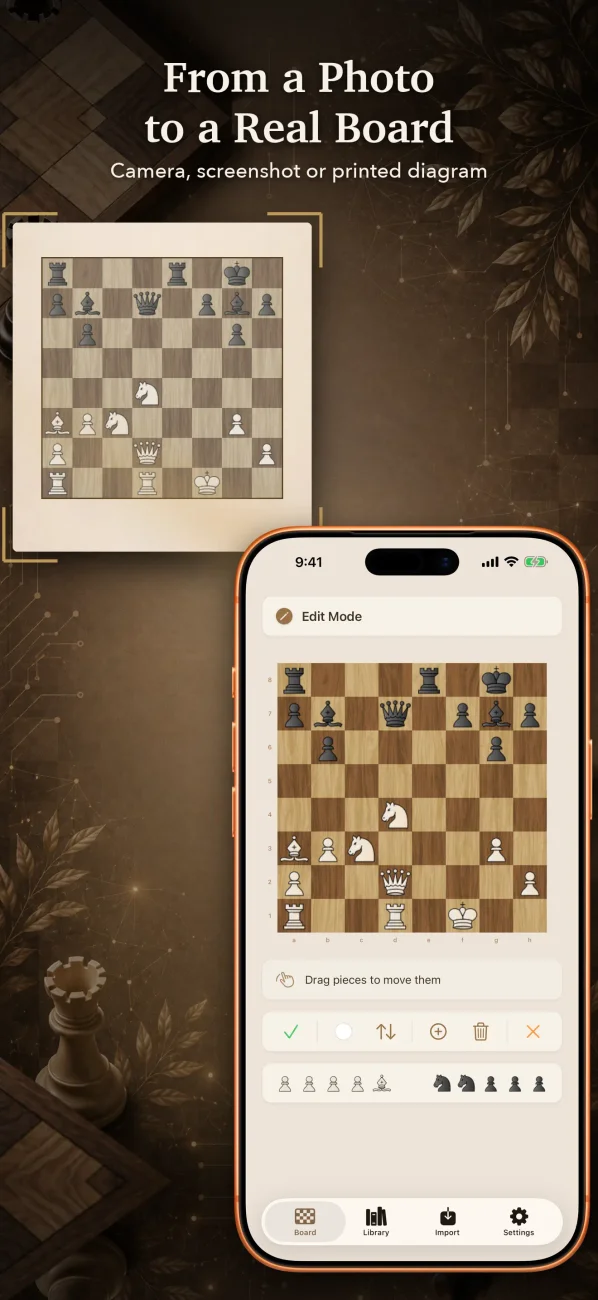
SCAN A POSITION FROM A PHOTO
Point the camera at a real board, or choose a screenshot from Chess.com, Lichess or a chess book. ChessView reads the position and puts it on your board. Anything it misreads, you fix in the position editor — then start playing it out.
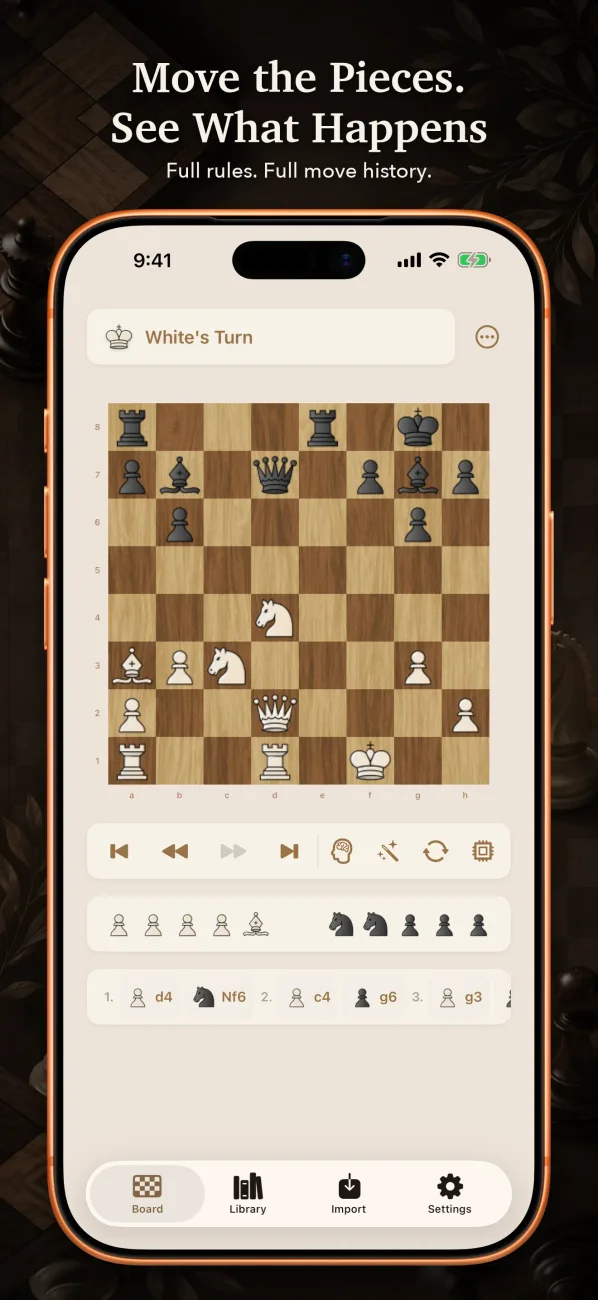
PLAY IT OUT ON A REAL BOARD
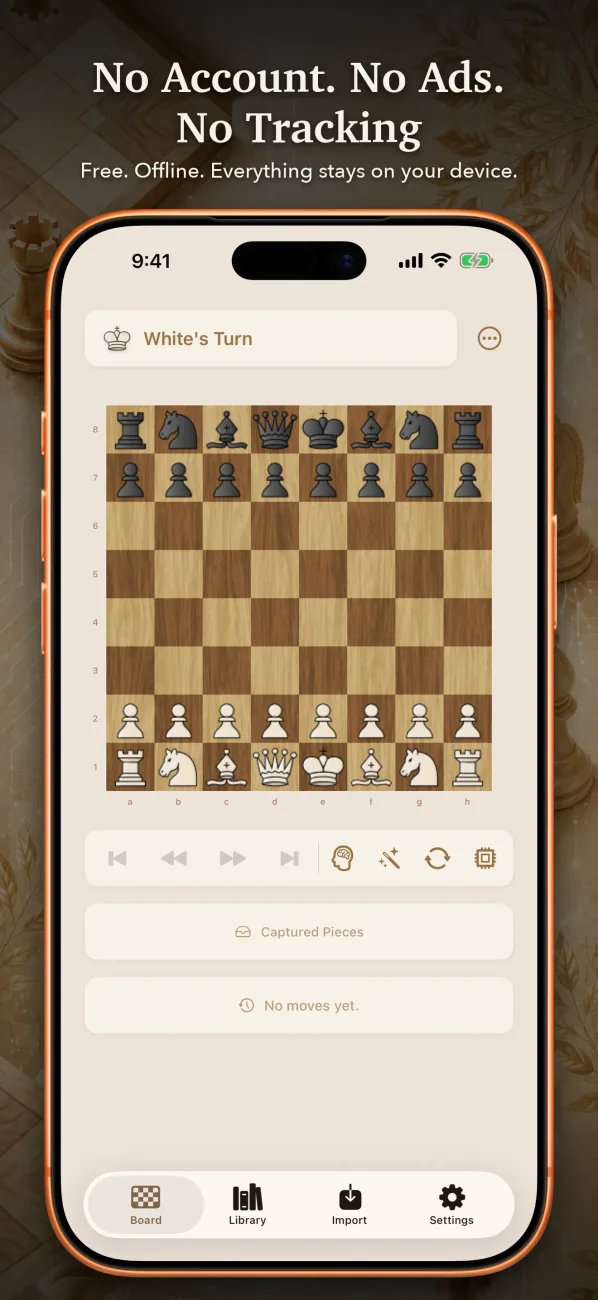
Full move validation: legal moves, en passant, castling, promotion. Drag the pieces, step back and forth through the whole game, flip the board, and branch off wherever you want to see what would have happened.
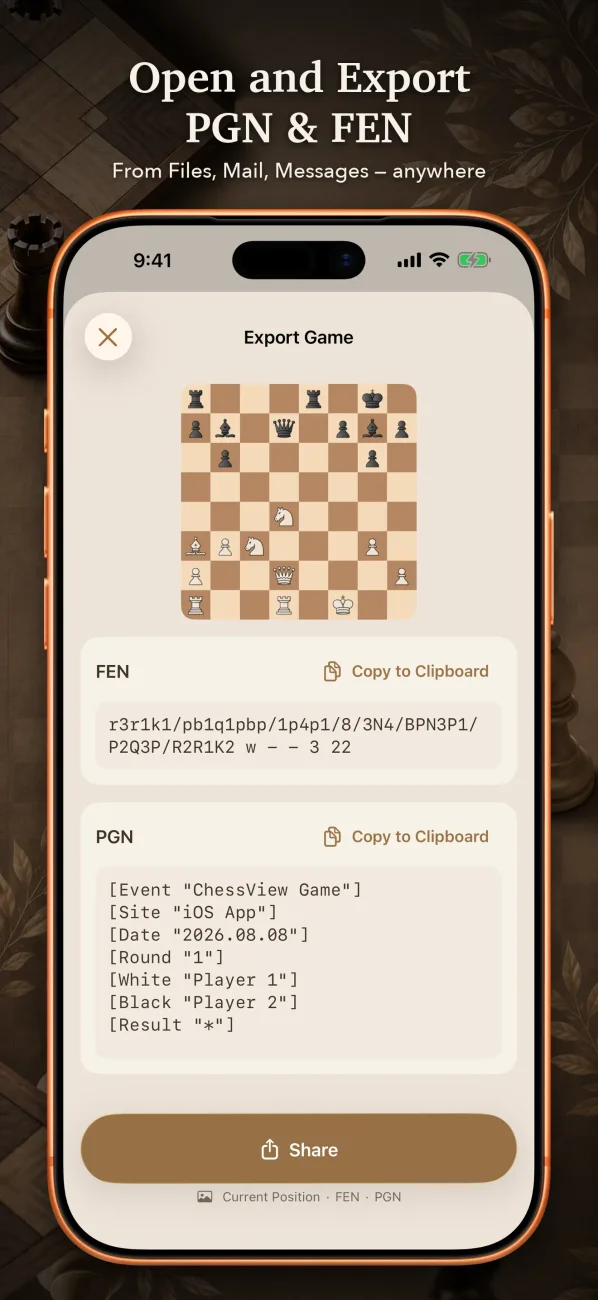
OPEN PGN AND FEN FROM ANYWHERE
PGN files from Files, Mail, Messages or any app that can share them. Paste a FEN string and it loads. Export any position or game as PGN, FEN or a PNG image, and share it in one tap.
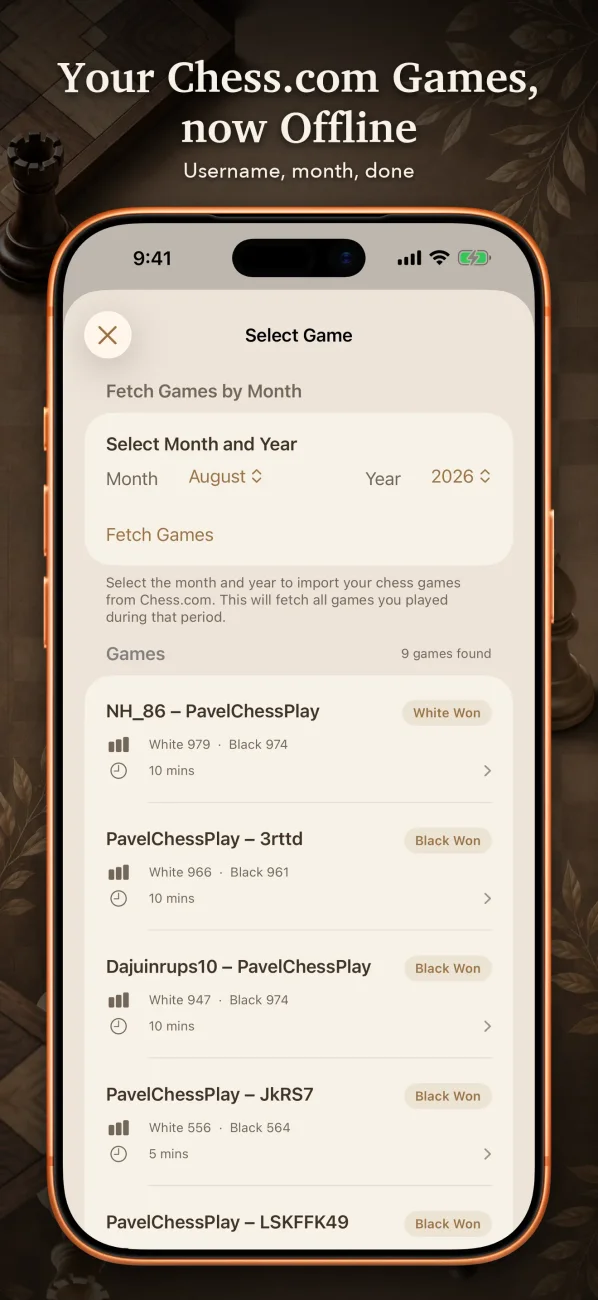
YOUR CHESS.COM GAMES, OFFLINE
Type your username, pick a month, and your games are in the library — ready to replay any time, with or without a connection.
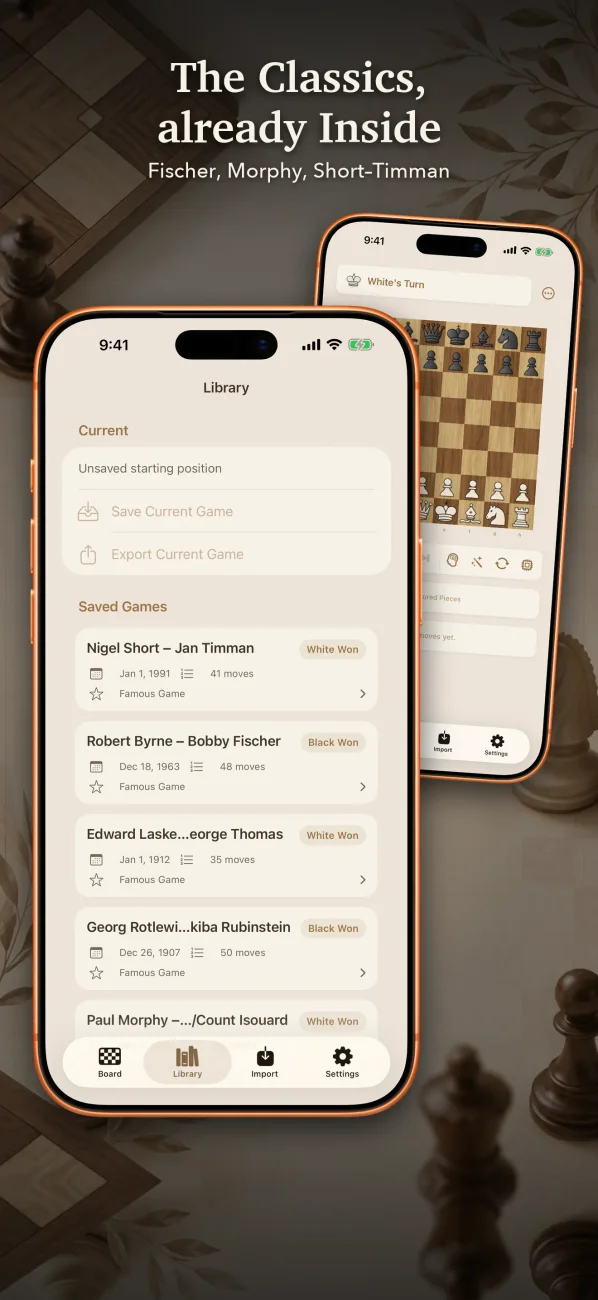
STUDY THE CLASSICS
Famous games come built in — Byrne–Fischer, Morphy, Short–Timman, Lasker–Thomas — so there is always a position worth looking at.
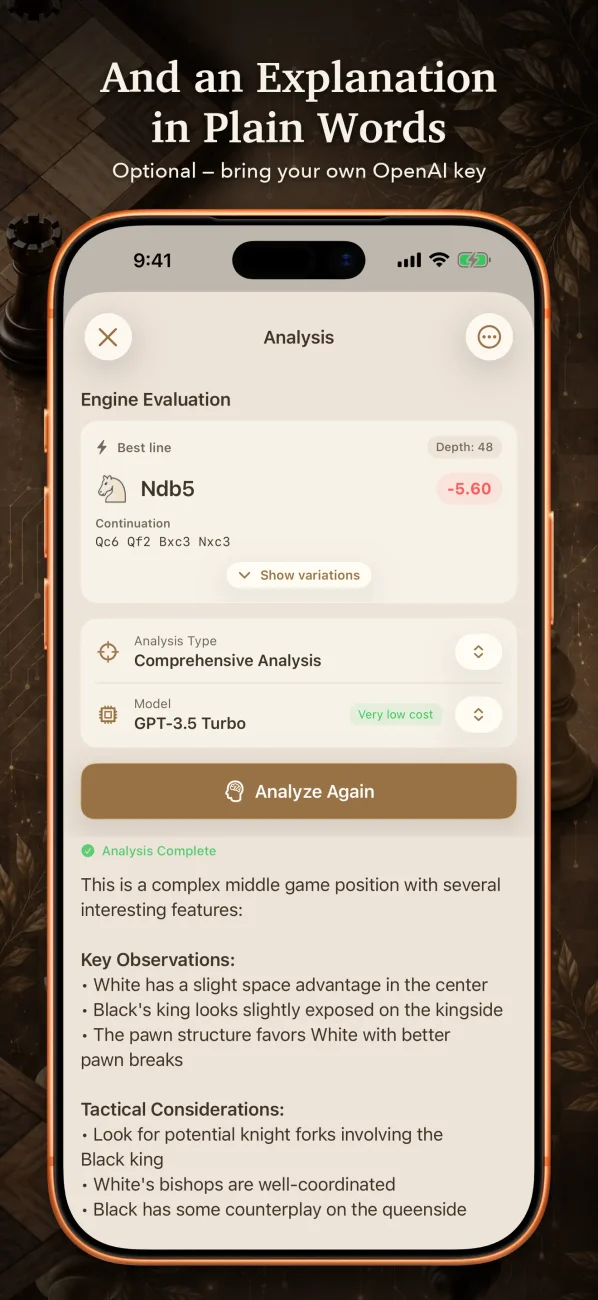
SEE THE EVALUATION
Evaluations and main lines come from the Lichess cloud database: free, fast, no account needed. For positions the database doesn't know, ChessView offers a sensible continuation of its own.
OPTIONAL: COMMENTARY IN PLAIN WORDS
Add your own OpenAI API key and ChessView will explain a position or a whole game in sentences — the plan, the key ideas, the moment it turned. Entirely optional: everything above works without it. Your key is stored in the iOS Keychain, used only from your device, and never sent to us.
PRIVACY, ACTUALLY
No account. No ads. No analytics. No tracking. Your games and your settings stay on your iPhone and iPad.
WHY I BUILT IT
Getting a chess position onto my phone used to be absurdly hard. A diagram in a book, a screenshot from a game, a FEN string someone sent me — none of it could just be opened and played through on an iPhone. PGN files were worse. So I built the app I wanted: open anything, put it on a real board, move the pieces.
— Pavel, solo developer
Designed for iPhone and iPad.
新機能
バージョン 1.20 · 2026/10/30
A cleaner, smoother ChessView.
We polished the interface throughout the app so everything feels lighter and easier to use. AI analysis is now clearer and more reliable, helping you understand every position.
Thank you for playing — enjoy the update!
アプリのプライバシー
このアプリのデータの取り扱いについて、Pavel GnatyukがApp Storeで申告している内容です。
-
データの収集なし
開発元はこのアプリからデータを収集しません。
プライバシーの取り扱いは、ご利用の機能やお客様の年齢などに応じて異なる場合があります。
情報
- 販売元
- Pavel Gnatyuk
- カテゴリ
- ボード
- バージョン
- 1.20
- 更新日
- 2026/10/30
- リリース
- 2025/8/6
- サイズ
- 24.4 MB
- 必要条件
- iOS 26.0以降
- 対象年齢
- 4+
- 価格
- 無料
- 言語
- 英語, フランス語, ドイツ語, ロシア語, ウクライナ語
- 著作権
- © Pavel Gnatyuk