- 対象年齢4+
- カテゴリ仕事効率化
- 開発元Stephan van Radecke
- 言語英語ほか3言語
- サイズ3.1 MB
App Storeの公式ページにリンクしています
Download.orgはCladusのファイルを一切ホストしていません。ボタンを押すと、Stephan van Radeckeが公開しているApp Storeのアプリページが開きます。ページの最終確認:2026/11/23。
スクリーンショット
概要
開発元はこのテキストをお使いの言語で提供していません。
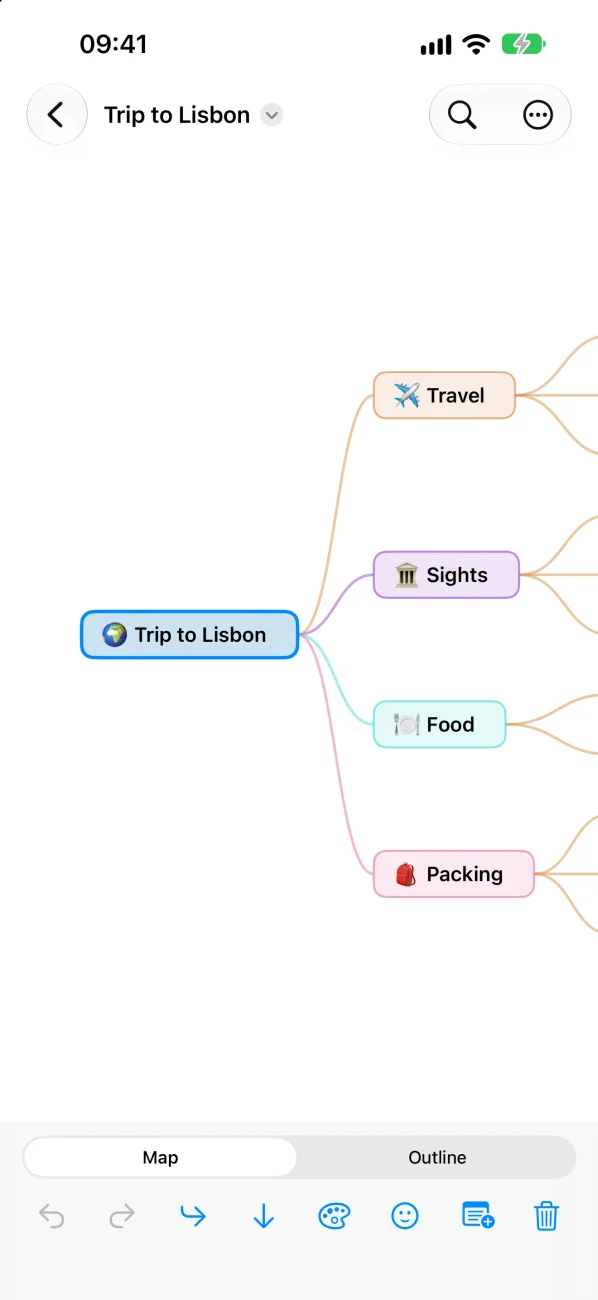
Cladus is a mind map app for Mac, iPhone and iPad with its own approach: every map is a plain Markdown file, not a format of its own. And you don't start from scratch – Cladus imports your maps from iThoughts and Xmind, and outlines from many apps via OPML.
WHAT MAKES CLADUS DIFFERENT
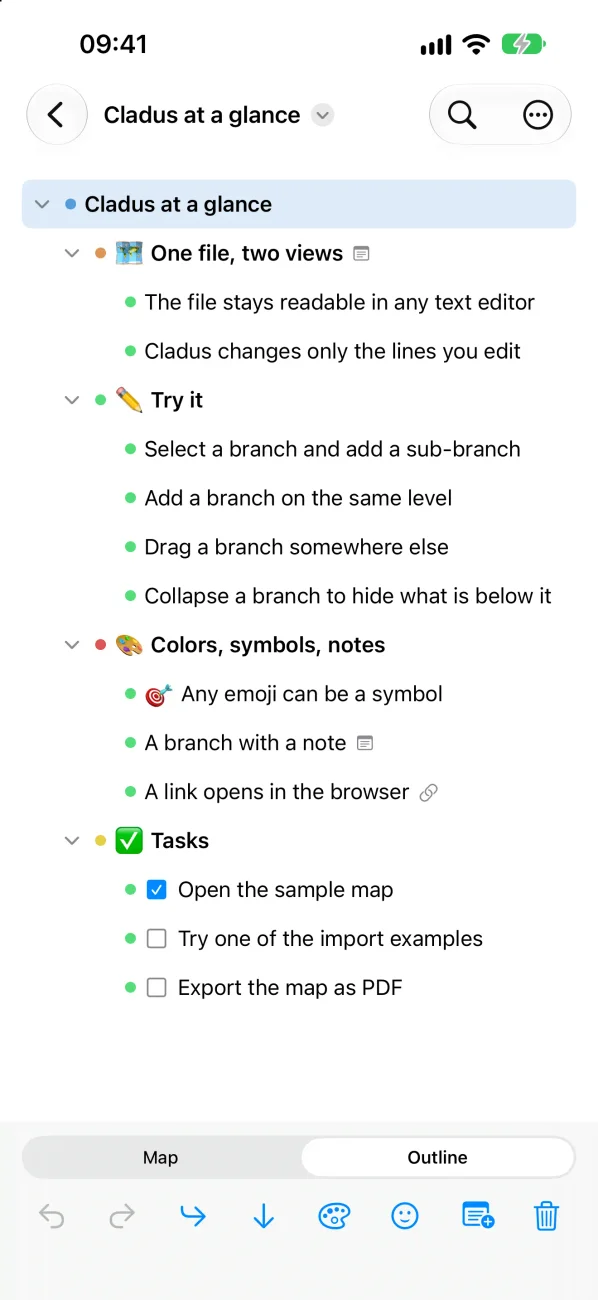
• The file is the map. Cladus reads and writes the .md file directly, with no export step, and changes only the lines you edit; everything else stays byte for byte.
• Clean Markdown. Colors are stored as an invisible comment and symbols as emoji in the text, so any text editor or Markdown app shows your map as a tidy outline.
• Maps from other apps, with a report. Before an imported map opens, Cladus shows what was kept, what was approximated and what was left out, each with a count. Nothing disappears silently; the original stays untouched.
• Your files stay yours. No account, no cloud of its own, no data collected. Even after the trial, without buying, your maps stay readable and exportable.
YOUR MAPS FROM OTHER APPS
• iThoughts (.itmz): open them directly, even if iThoughts is no longer installed
• Xmind (.xmind): current files as well as Xmind 8
• OPML (.opml): the exchange format that MindNode, OmniOutliner, MindManager, Workflowy, Logseq and many other apps export
• Markdown and text (.md, .txt): outlines from Obsidian, note apps or an email
MAP AND OUTLINE
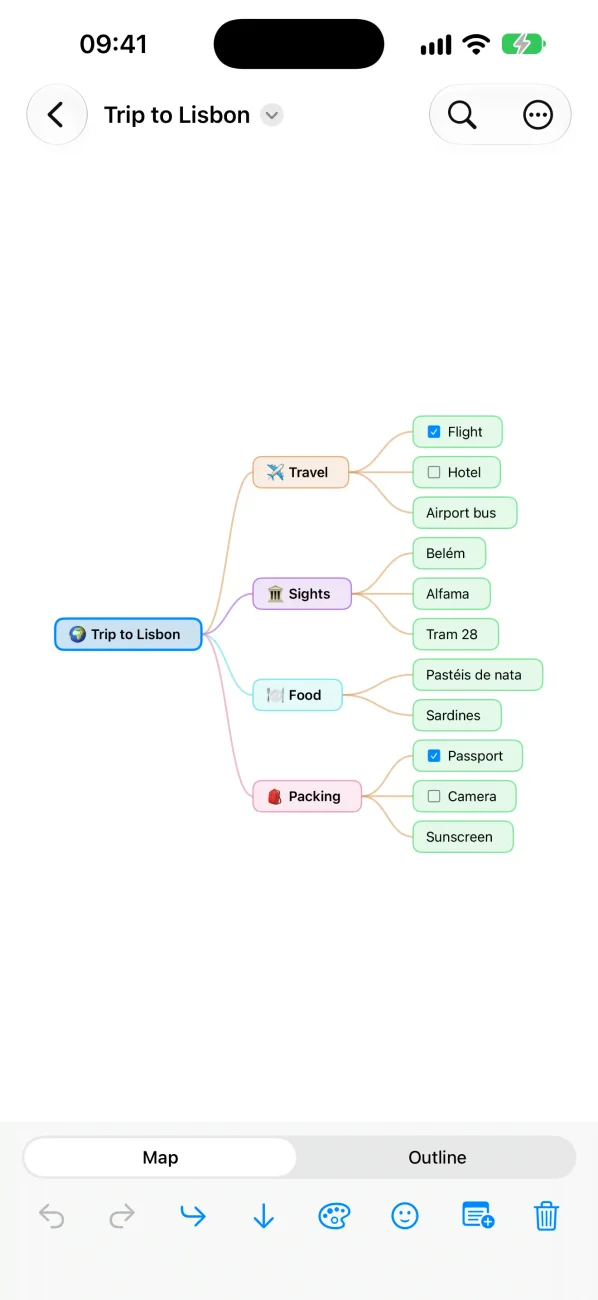
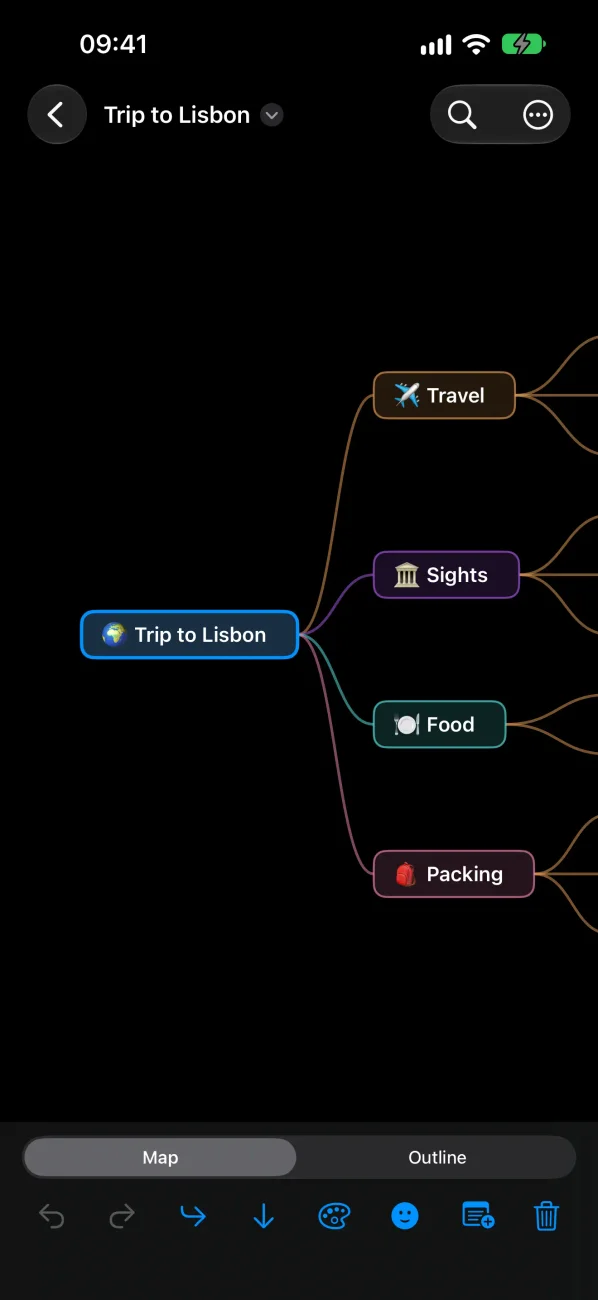
• The same file as a mind map or as an indented list.
• Add, rename, drag, collapse and expand branches – with the keyboard, the mouse or your fingers.
• Ten colors, any emoji as a symbol, notes, tasks with checkboxes, links.
• Search in titles and notes.
• Zoom with two fingers or ⌘ + scroll wheel; a double-tap shows the whole map.
• Export as PDF (vector), as an image (PNG) and as OPML.
MAC, IPHONE AND IPAD
• One app for all your devices; your files sync through iCloud Drive or your cloud folder.
• On the Mac with menus and keyboard shortcuts, on the iPad with a menu bar and a hardware keyboard.
• In English, German, French and Spanish.
PRICE
Try everything free for 14 days. After that, a one-time purchase unlocks Cladus for good, on Mac, iPhone and iPad together, with Family Sharing and no subscription.
iThoughts, Xmind, MindNode, OmniOutliner, MindManager, Workflowy, Logseq and Obsidian are trademarks of their respective owners. Cladus is not affiliated with them.
新機能
バージョン 1.0.2 · 2026/11/20
Nothing gets lost: when an open map changes on another device or in another app such as Obsidian, Cladus now shows the new version instead of overwriting it later. If you had changes of your own that were not saved yet, your version is kept as a conflict copy. What you type is saved too when you switch apps, close the window or quit Cladus. Also: code blocks in notes stay exactly as they are, the Tab key of the iPad keyboard adds a sub-branch, and the central topic is only deleted after you confirm.
アプリのプライバシー
このアプリのデータの取り扱いについて、Stephan van RadeckeがApp Storeで申告している内容です。
-
データの収集なし
開発元はこのアプリからデータを収集しません。
プライバシーの取り扱いは、ご利用の機能やお客様の年齢などに応じて異なる場合があります。
情報
- 販売元
- Stephan van Radecke
- カテゴリ
- 仕事効率化
- バージョン
- 1.0.2
- 更新日
- 2026/11/20
- リリース
- 2026/11/14
- サイズ
- 3.1 MB
- 必要条件
- iOS 18.0以降
- 対象年齢
- 4+
- 価格
- 無料
- アプリ内課金
- あり
- 言語
- 英語, フランス語, ドイツ語, スペイン語
- 著作権
- © 2026 Stephan van Radecke