
- 対象年齢4+
- カテゴリ仕事効率化
- 開発元Jonathon Sprabary
- 言語英語
- サイズ34.5 MB
App Storeの公式ページにリンクしています
Download.orgはClutterBuddyのファイルを一切ホストしていません。ボタンを押すと、Jonathon Sprabaryが公開しているApp Storeのアプリページが開きます。ページの最終確認:2026/11/14。
スクリーンショット

概要
開発元はこのテキストをお使いの言語で提供していません。
ClutterBuddy is the easiest way to catalog what's in your boxes, bins, and storage spaces — so you never have to dig through them again.
Organize with a simple hierarchy
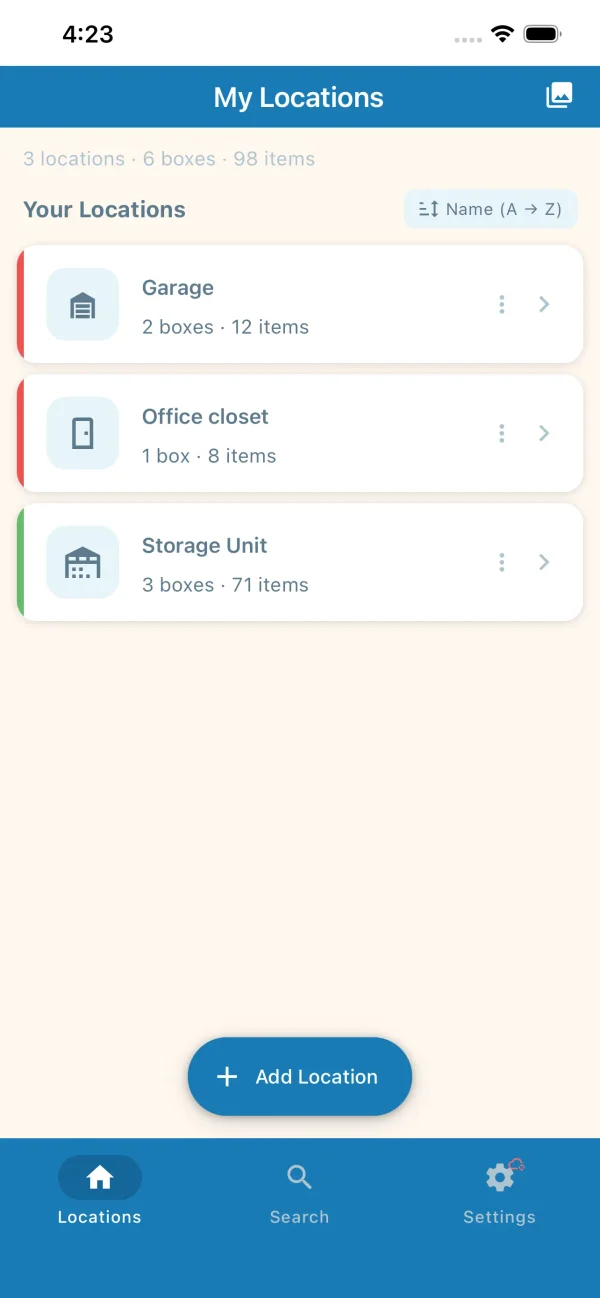
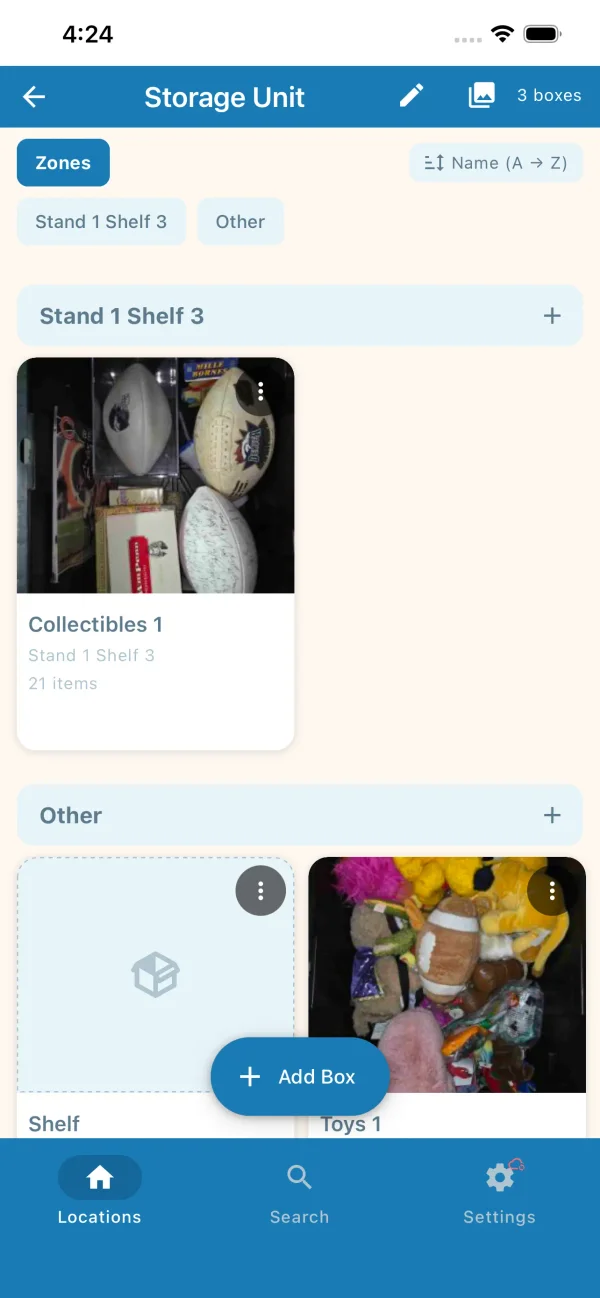
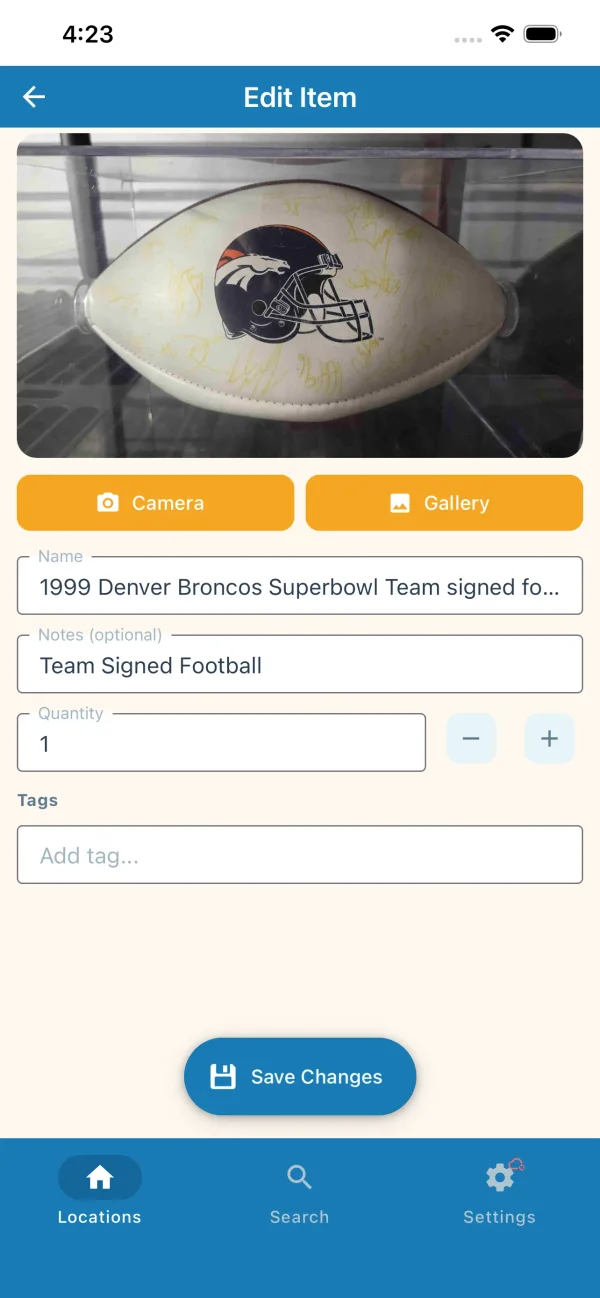
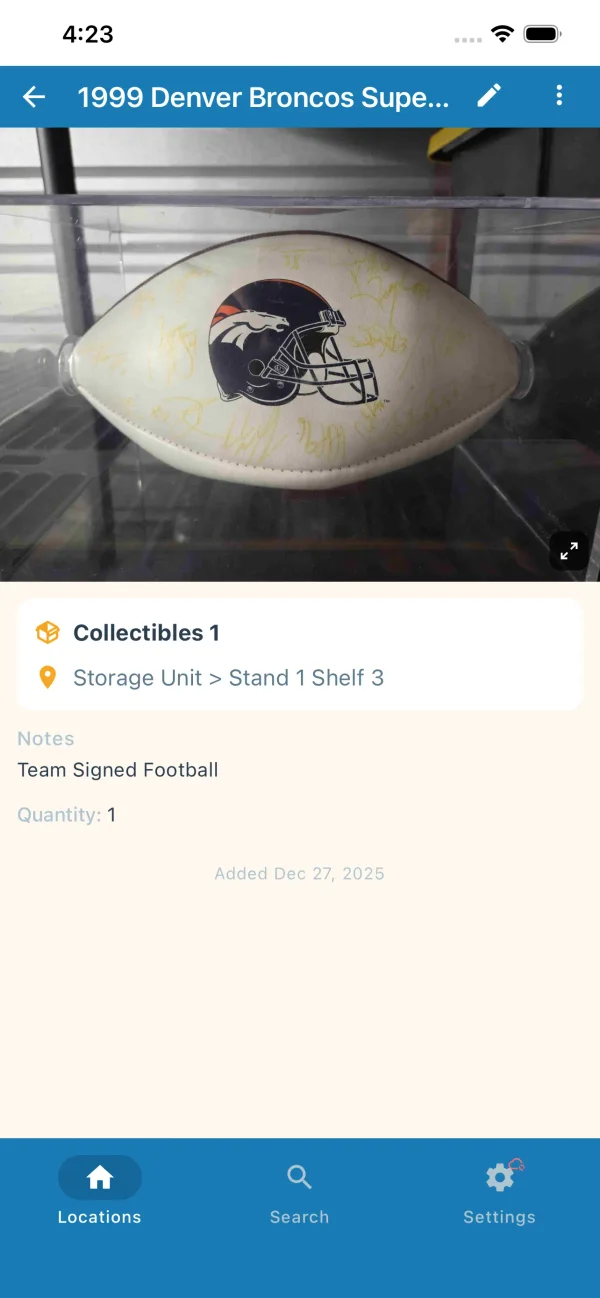
Create Locations (garage, attic, storage unit, spare room), add Boxes within them, and log every Item inside. Group boxes into Zones within a location for even more detail.
Snap photos of everything
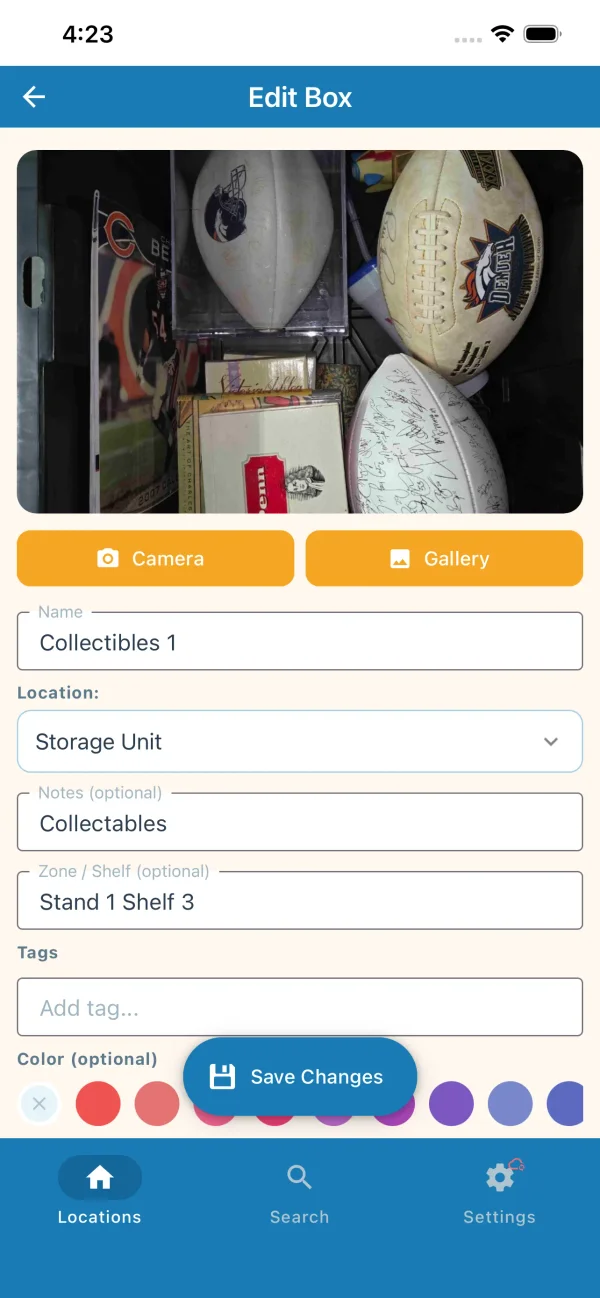
Take a photo of each box and item right from the app. Browse all photos in a location at a glance with the Photo Gallery view.
Find anything instantly
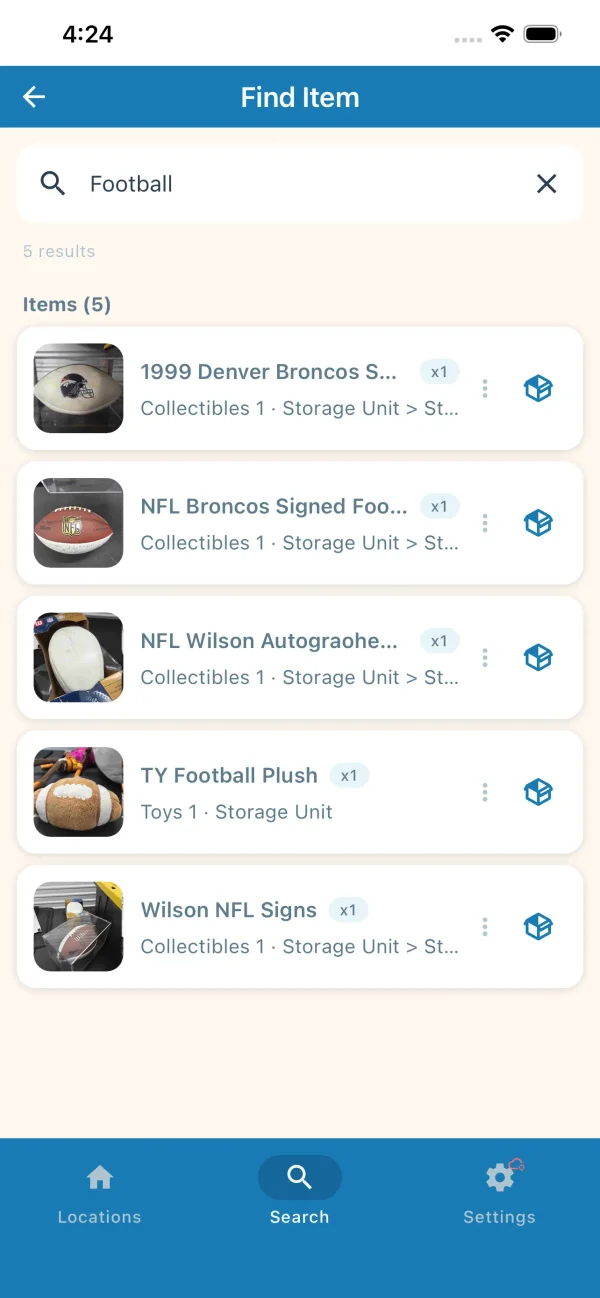
Search across all your locations, boxes, and items at once — by name, description, or tags. Results show exactly which box an item is in and where that box lives.
Scan to locate
Link QR codes or NFC tags to any box. Generate printable QR codes right in the app, or scan existing ones. Walk up to a box, scan it, and see everything inside.
Back up and sync
Sign in with Google to sync your inventory to Google Drive — including photos. Access your data across devices. Prefer to stay offline? Export a local backup to your Downloads folder anytime, or let automatic backups run in the background.
Restore with confidence
Import a backup and choose to replace your current data or combine it with what you already have. ClutterBuddy previews the backup contents before you commit.
Designed for daily use
Sort by name, date created, or last accessed
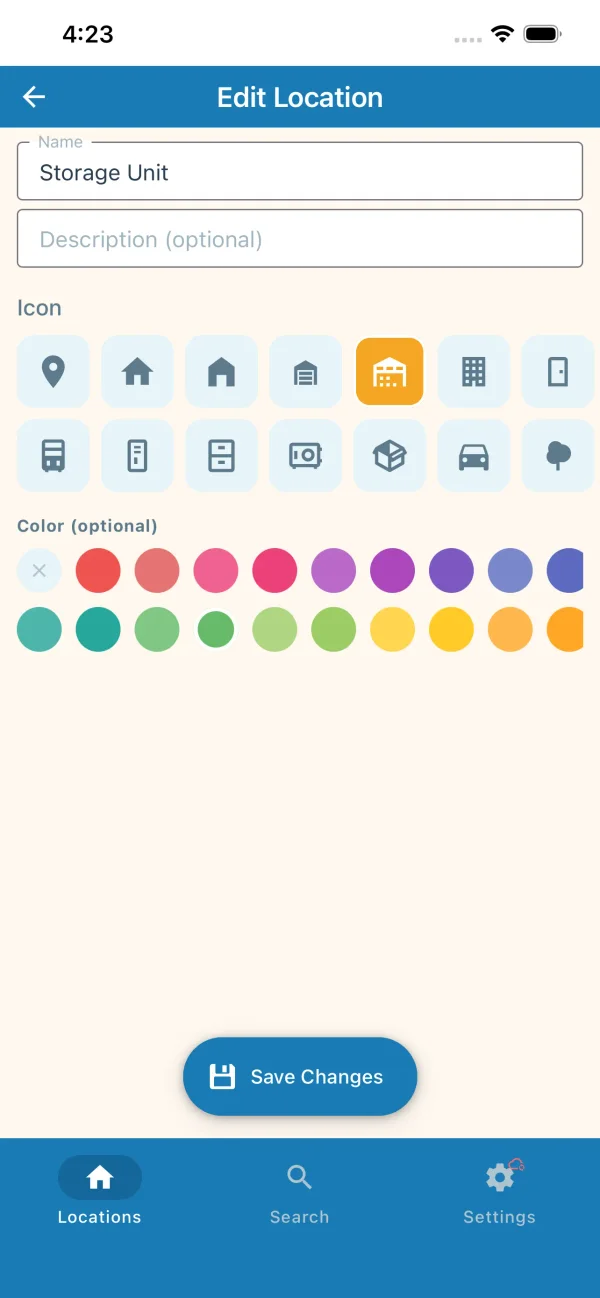
Tags and color coding on boxes and items
Move boxes between locations or items between boxes with a tap
Guided walkthrough to get you started
100% free, 100% offline
All your data stays on your device by default. Cloud sync is completely optional. No account required to use the app.
Whether you're managing a storage unit, packing for a move, organizing your garage, or just keeping track of holiday decorations — ClutterBuddy helps you stop searching and start finding.
新機能
バージョン 3.8.0 · 2026/6/2
Adding images after bulk add or CSV import has gotten easier. Any box or item that does not have an image attached to it will now have a 'quick add' button at the top left of its card. Click this button to take a photo or select an image from your gallery directly on the screen you are viewing. You no longer need to drill down into the item then edit then select image or take photo.
Added tag autofill. When adding tags to items and boxes you will see a list of previously used tags that will filter down as you type. Add them faster and keep the spelling/reference aligned across all of your items.
アプリのプライバシー
このアプリのデータの取り扱いについて、Jonathon SprabaryがApp Storeで申告している内容です。
-
ユーザーのトラッキングに使用されるデータ
他社のアプリやウェブサイトを横断してユーザーをトラッキングする目的で使用される場合があります。
- ID
-
ユーザーに関連付けられないデータ
収集される場合がありますが、ユーザーの識別情報には関連付けられません。
- 連絡先情報
- ユーザーコンテンツ
- ID
プライバシーの取り扱いは、ご利用の機能やお客様の年齢などに応じて異なる場合があります。
情報
- 販売元
- Spray Coding LLC
- カテゴリ
- 仕事効率化
- バージョン
- 3.8.0
- 更新日
- 2026/6/2
- リリース
- 2026/3/13
- サイズ
- 34.5 MB
- 必要条件
- iOS 15.1以降
- 対象年齢
- 4+
- 価格
- 無料
- 言語
- 英語
- 著作権
- © Spray Coding 2026