- 対象年齢4+
- カテゴリスポーツ
- 開発元Winning Edge Apps, Inc
- 言語英語
- サイズ133.0 MB
App Storeの公式ページにリンクしています
Download.orgはCoach Brainのファイルを一切ホストしていません。ボタンを押すと、Winning Edge Apps, Incが公開しているApp Storeのアプリページが開きます。ページの最終確認:2026/11/22。
スクリーンショット
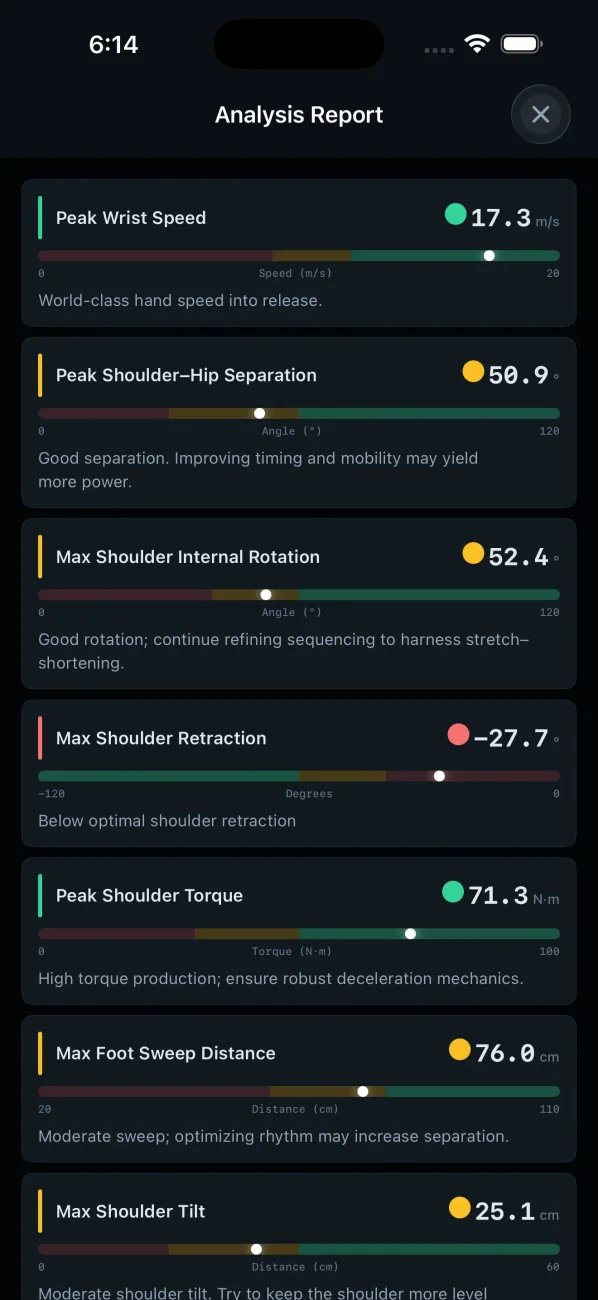
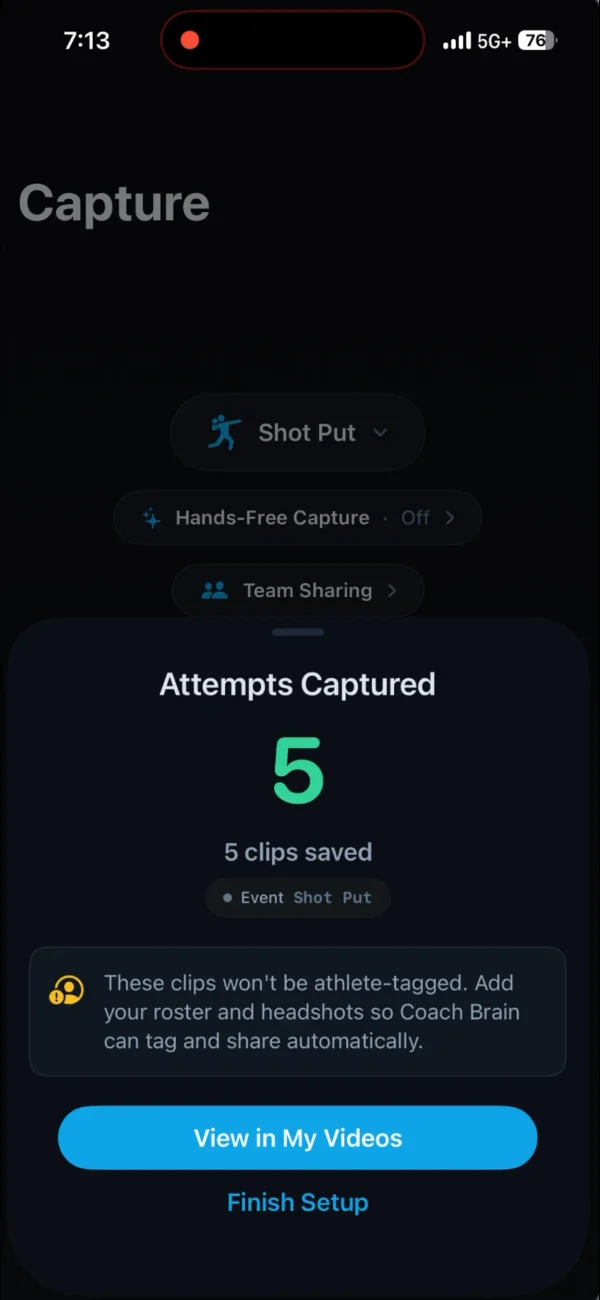
概要
開発元はこのテキストをお使いの言語で提供していません。
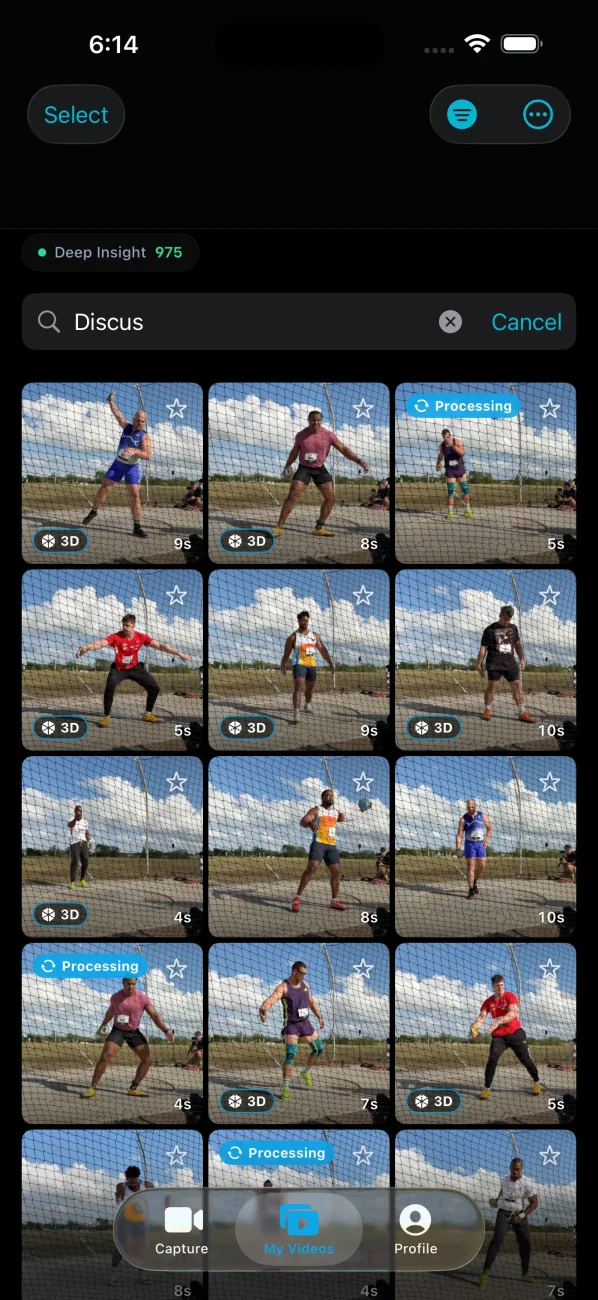
Record directly in the app at 60 or 120 frames per second to capture the details that matter. Hands-free Auto-Capture lets you place your device on a tripod and focus on coaching—not pressing the record button. Coach Brain automatically detects attempts and saves trimmed clips without the dead space before and after each performance.
Auto-Capture supports track & field events including discus, shot put, hammer throw, high jump, and pole vault, as well as diving. You can also import existing videos from your camera roll.
Turn Video Into 3D
Transform an athlete’s video into an interactive 3D representation of their movement. Rotate the athlete with your finger, pinch to zoom, pause at key positions, and examine technique from viewpoints that aren’t available in the original video.
Compare attempts using our 3D overlay, visualize joint paths through space, and identify differences that can be difficult to see in traditional video.
Coach With Better Visuals
Show athletes exactly what you see. Pause movement at critical positions, change the viewing angle, and use 3D visualization to make technical feedback easier to understand.
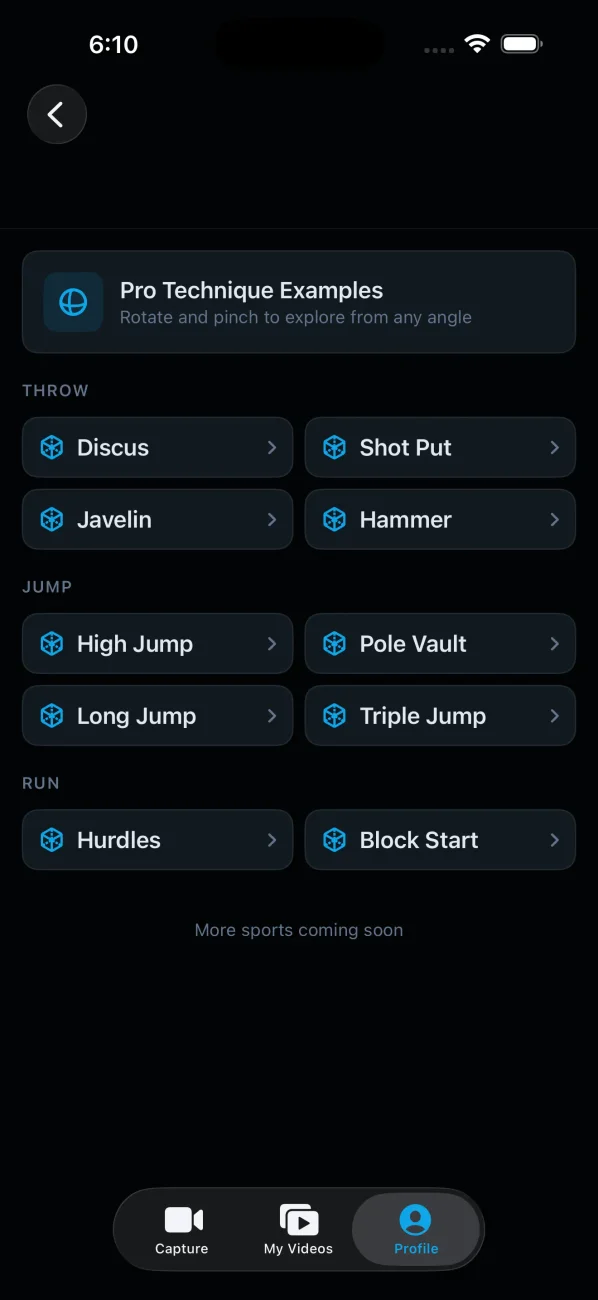
Explore expert technique demonstrations in interactive 3D. Play, pause, rotate, and zoom to study important positions and movement patterns from any angle.
Spend Less Time Managing Video
Coach Brain helps streamline the entire video workflow—from hands-free capture and automatic trimming to analysis and distribution—so coaches can spend more time coaching and less time managing clips.
Coach Brain combines AI-powered movement analysis with coaching knowledge curated from elite athletes and coaches, including Olympic-level expertise.
Instant Replay Display
Turn a second screen into your hands-free instant replay station. Connect Coach Brain to an Apple TV or a second iPad, then use Auto-Capture to record each attempt automatically.
As soon as an attempt is captured, the trimmed video plays in a slow-motion loop on the connected display—and keeps looping until the next attempt is ready.
Capture. Review. Adjust. Repeat.
Terms of Use:
https://winningedgeapps.com/terms.html
新機能
バージョン 5.1 · 2026/11/22
Now you can favorite a clip from the replay screen and dictate notes. There a a new Hold/ Resume button on the replay that gives you more time to review the clip until you are ready to resume viewing the next auto-capture.
アプリのプライバシー
このアプリのデータの取り扱いについて、Winning Edge Apps, IncがApp Storeで申告している内容です。
-
ユーザーに関連付けられないデータ
収集される場合がありますが、ユーザーの識別情報には関連付けられません。
- ヘルスケアとフィットネス
- 連絡先情報
- ユーザーコンテンツ
- ID
- 機密情報
- 診断
プライバシーの取り扱いは、ご利用の機能やお客様の年齢などに応じて異なる場合があります。
情報
- 販売元
- Winning Edge Apps, Inc
- カテゴリ
- スポーツ
- バージョン
- 5.1
- 更新日
- 2026/11/22
- リリース
- 2025/2/13
- サイズ
- 133.0 MB
- 必要条件
- iOS 18.0以降
- 対象年齢
- 4+
- 価格
- 無料
- アプリ内課金
- あり
- 言語
- 英語
- 著作権
- © 2026 Winning Edge Apps, Inc