
- 対象年齢4+
- カテゴリビジネス
- 開発元CodeREADr Inc
- 言語英語ほか4言語
- サイズ79.1 MB
App Storeの公式ページにリンクしています
Download.orgはCodeREADr: Admin Editionのファイルを一切ホストしていません。ボタンを押すと、CodeREADr Incが公開しているApp Storeのアプリページが開きます。ページの最終確認:2026/11/12。
スクリーンショット


概要
開発元はこのテキストをお使いの言語で提供していません。
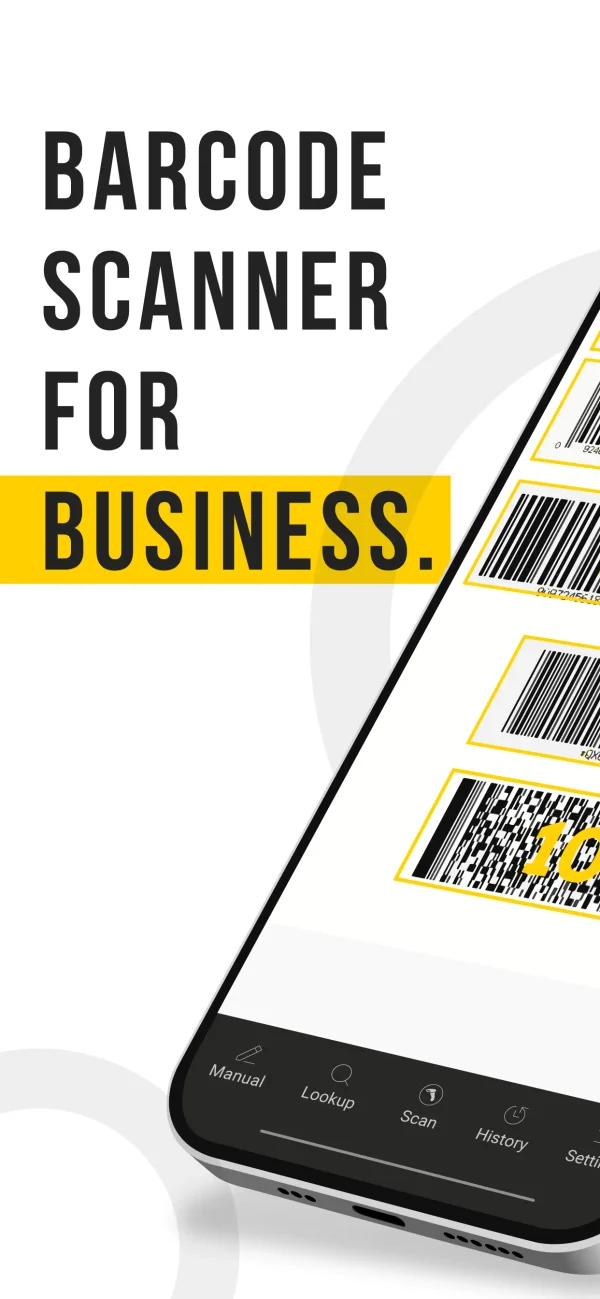
CodeREADr is an enterprise-grade barcode scanner and data capture app used by businesses and integrated by developers for capturing, validating, and tracking data (AIDC).
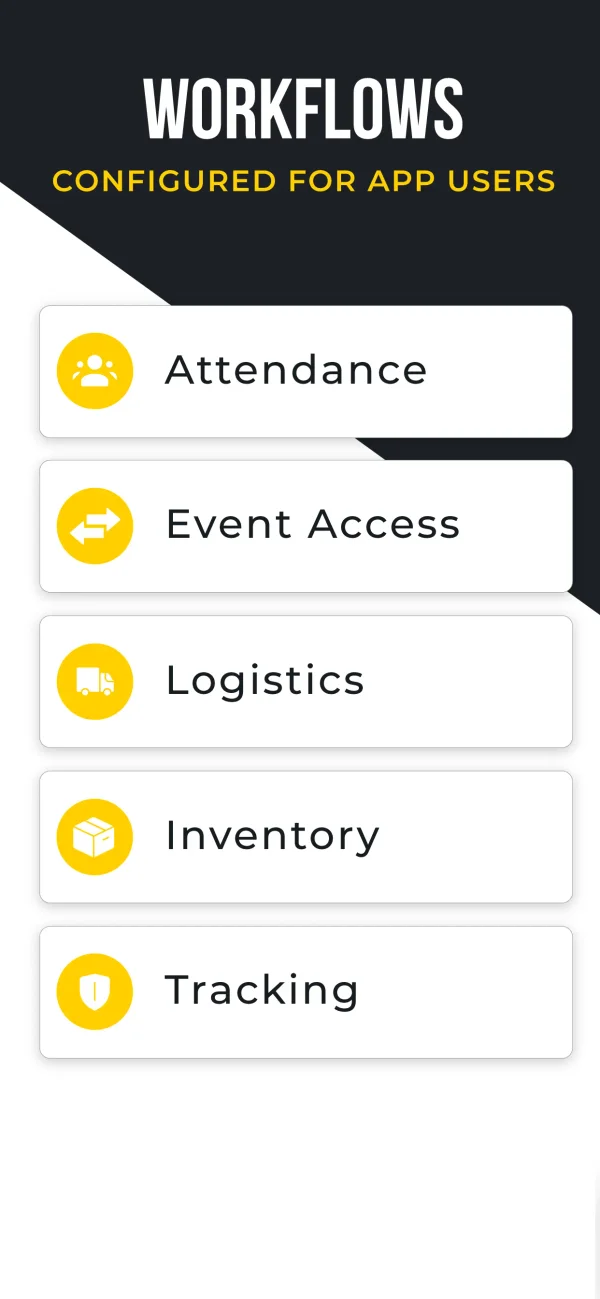
Ideal for ticket validation, access control, inventory, asset tracking, logistics, attendance, security patrols, lead retrieval, coupon/voucher/loyalty programs, retail price audits, scan-to-order services, and more.
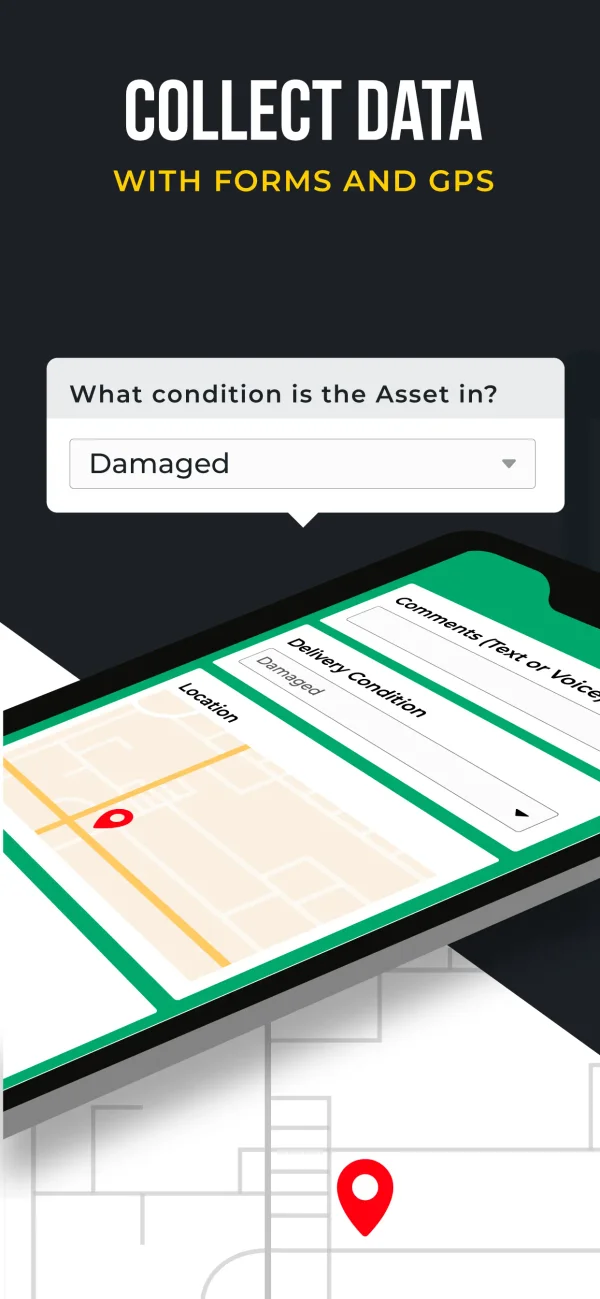
Use the app in conjunction with our web services to scan barcodes, read NFC, and capture text (OCR). You can collect data with form fields, secondary scans, multiple-choice answers, drop-down menus, photos, GPS locations, and signatures. You can record and validate the data embedded in each scanned barcode and know who scanned (app usernames), what they scanned (i.e. barcodes, RFID/NFC, and OCR data), when they scanned (timestamps), where they scanned (GPS), how they scanned (capture type), and why they scanned (your configured workflow).
Connect to 4,000+ apps to automate the flow of data to and from our servers. Connect to secure server in real-time with APIs and webhooks (Postback URL). Real-time and scheduled data transfer to third-party databases (e.g. Google Sheets, Excel, etc.).
The app uses the device's built-in camera but you can optionally use rugged, dedicated scanning devices and accessories with standard keyboard emulation.
Features:
* Fast, accurate scanning of print and mobile barcodes using the device's own camera.
* Secure, real-time recording and validation of every scan.
* Manage users, databases, services, and more with the integrated SaaS web service.
* Scan offline for recording and validation with Auto-Sync in the background.
* Simply hover the camera over the target barcode to read it.
* Scan up to 50 commercial, industrial, and medical barcode types.
* SD PRO Scan Modes: Batch (captures up to 200 barcodes in a single camera view), Framing (select decoding window), Targeting (targets one code among many), Selecting (preview multiple codes and select), and Triggering (simulates pressing a button or trigger to scan a specific barcode).
* SD PRO Rule-Based Scanning: Create rules to scan only the barcode(s) you want to capture in the camera view.
* Auto-Next-Scan for continuous, repetitive scanning (no need to press any buttons).
* Kiosk Mode for unattended applications and to hide in-app settings.
* Developer API, Postback URL, and Direct Scan to URL for using your own servers.
* Scan Mask technology (Pattern Matching) if no database is available.
* Import databases. Export barcodes.
* Custom question-answer scripts for form data.
* Conditional and custom validations of scanned and collected data.
* White Label version available to rebrand the app.
* Single Sign-On (SSO) SAML 2.0 support.
Questions? Feedback? Email: info@codereadr.com
新機能
バージョン 3.1.1 · 2026/10/30
CodeREADr 3.1.1 is here!
- NEW: Portuguese language support
- IMPROVED: Spanish, French and German translations
- NEW: Wallet NFC integration
- NEW: Added INDEXING technology to improve shipping and receiving accuracy
- IMPROVED: Clearer error messaging
- PLUS: General improvements and minor bug fixes
Thank you for scanning with CodeREADr!
アプリのプライバシー
このアプリのデータの取り扱いについて、CodeREADr IncがApp Storeで申告している内容です。
-
ユーザーに関連付けられないデータ
収集される場合がありますが、ユーザーの識別情報には関連付けられません。
- 診断
プライバシーの取り扱いは、ご利用の機能やお客様の年齢などに応じて異なる場合があります。
情報
- 販売元
- CodeREADr Inc.
- カテゴリ
- ビジネス
- バージョン
- 3.1.1
- 更新日
- 2026/10/30
- リリース
- 2010/3/8
- サイズ
- 79.1 MB
- 必要条件
- iOS 13.0以降
- 対象年齢
- 4+
- 価格
- 無料
- 言語
- 英語, フランス語, ドイツ語, ポルトガル語, スペイン語
- 著作権
- © 2009-2026 CodeREADr Inc.
こちらもおすすめ
-
 在庫管理 - Scanoid在庫,入庫,出庫,発注,ざいこかんり
-
 棚卸 - Scanoid棚卸,検品,入庫,出庫,照合,発注,入荷検品,ピッキング検品
-
 在庫バーコード管理棚卸・欠品アラート・粗利計算・クラウド共有・CSV取込
-
 Naventy - 在庫と請求書在庫と販売を追跡
-
 Amoa: Easy scanner & Inventoryビジネス
-
 備品管理 ビジネス資産物品管理 固定資産 工具 貸出
-
 BarcodeChecker for Tickets仕事効率化
-
 Tookstock: Inventory Trackerビジネス
-
 Erply Stocktakeビジネス
-
 ビジネスインベントリ - 在庫管理在庫 棚卸し 共有 スキャン 簡単