
- 対象年齢4+
- カテゴリ仕事効率化
- 開発元Carl Yip
- 言語英語
- サイズ42.2 MB
App Storeの公式ページにリンクしています
Download.orgはCodeSpace AI OCR Scannerのファイルを一切ホストしていません。ボタンを押すと、Carl Yipが公開しているApp Storeのアプリページが開きます。ページの最終確認:2026/11/17。
スクリーンショット
概要
開発元はこのテキストをお使いの言語で提供していません。
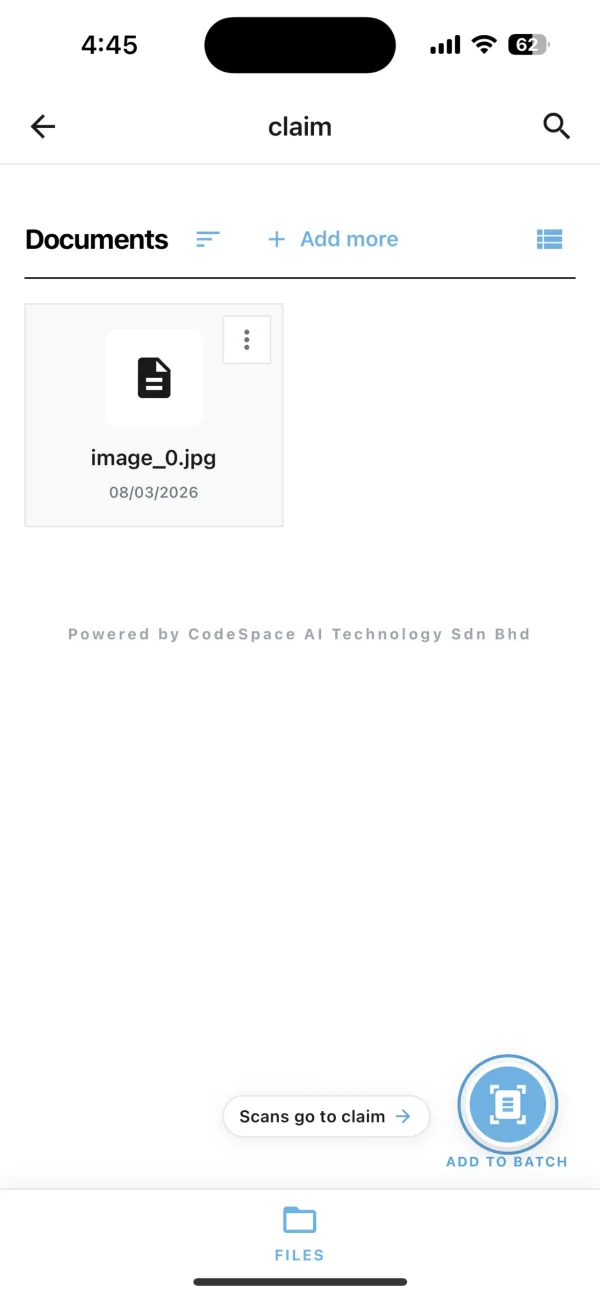
CodeSpace OCR Scanner turns your mobile device into a smart document scanner connected to the CodeSpace OCR Cloud.
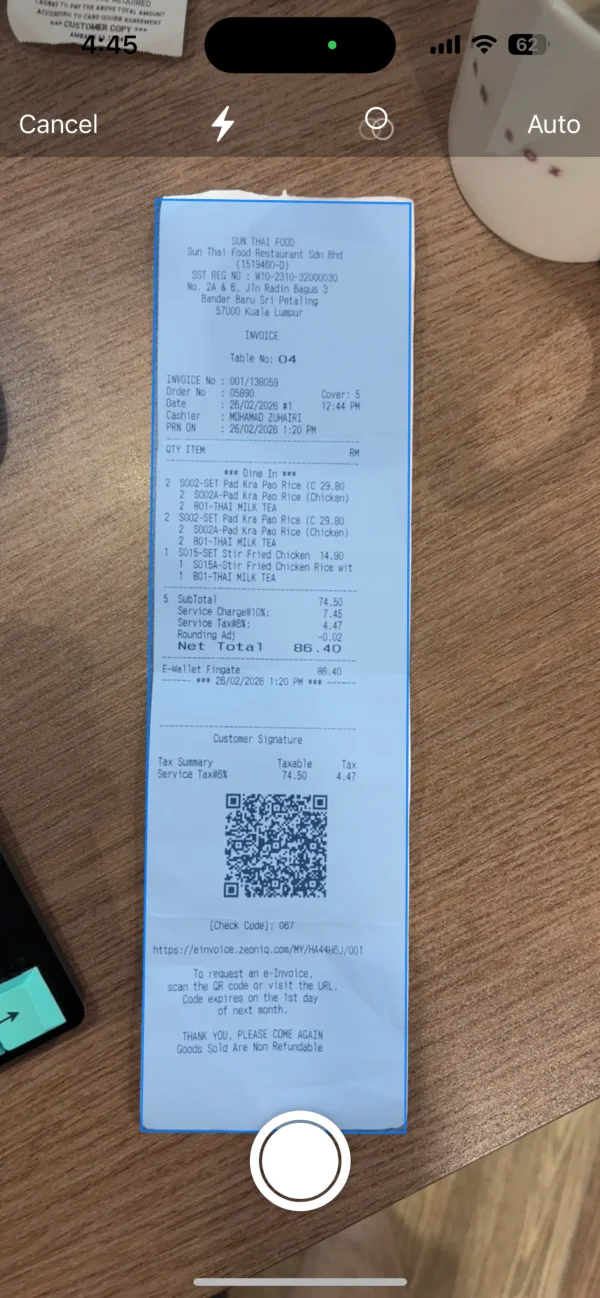
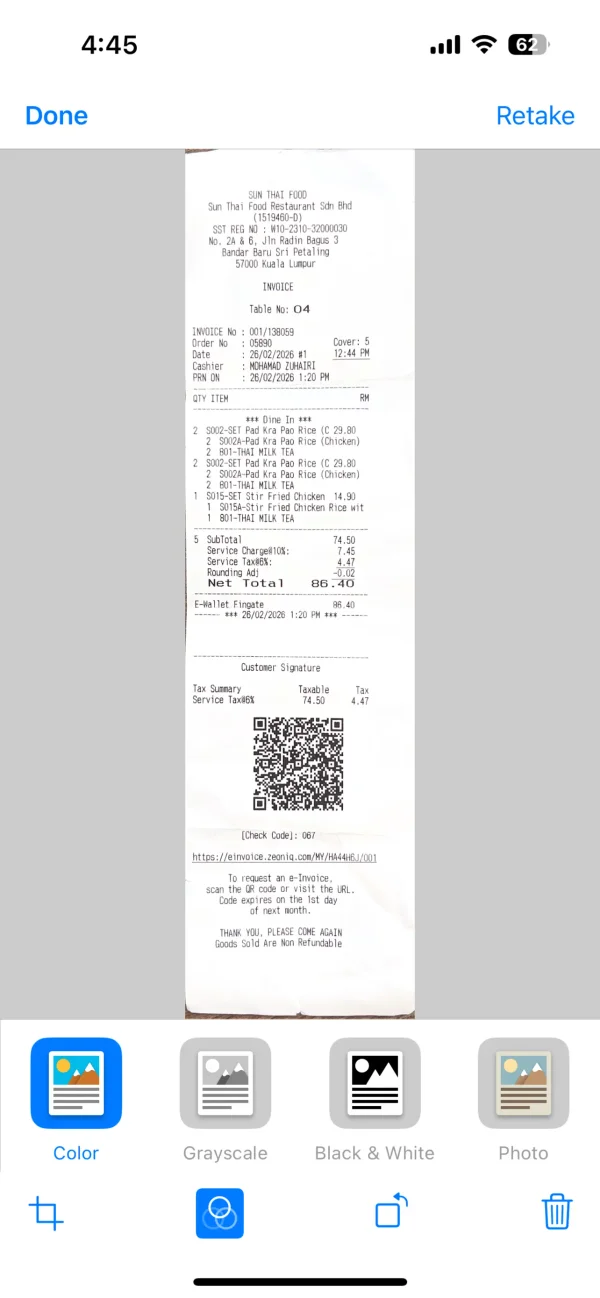
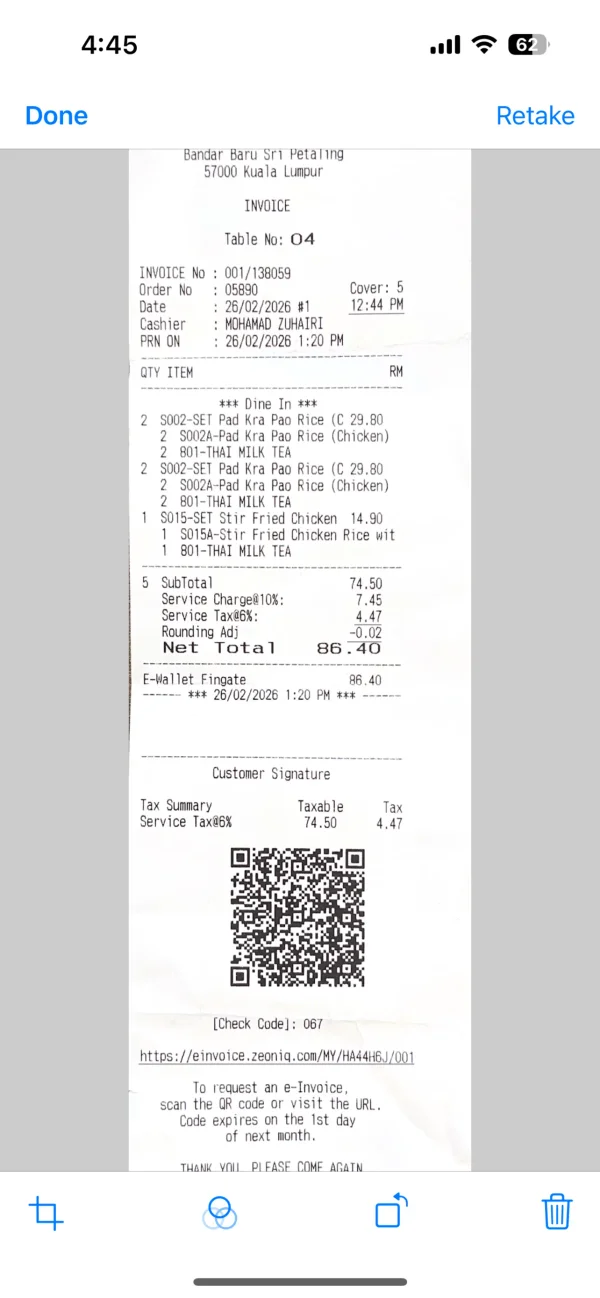
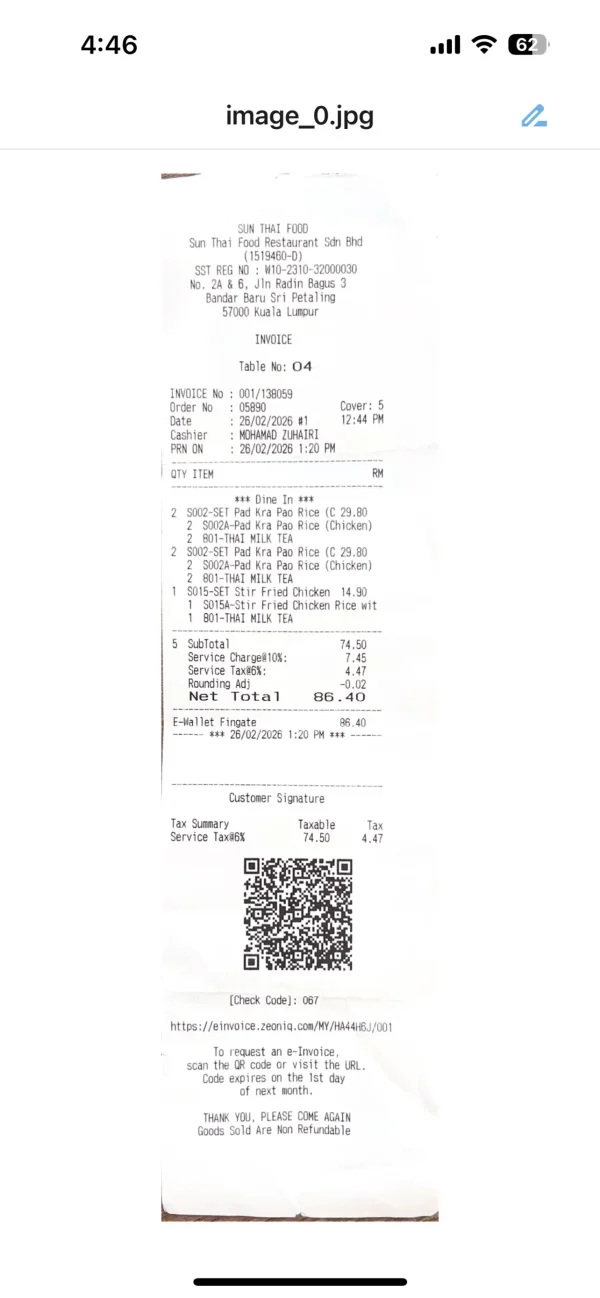
Scan documents using your camera, and let AI automatically detect edges, auto-crop, adjust contrast, and enhance readability for clearer results.
Once scanned, documents can be securely uploaded to the CodeSpace OCR Cloud for OCR processing, storage, and further document management.
Key features:
1. Scan documents using your device camera
2. Automatic edge detection and auto-crop
3. AI-powered contrast and clarity enhancement
4. Upload scans directly to CodeSpace OCR Cloud
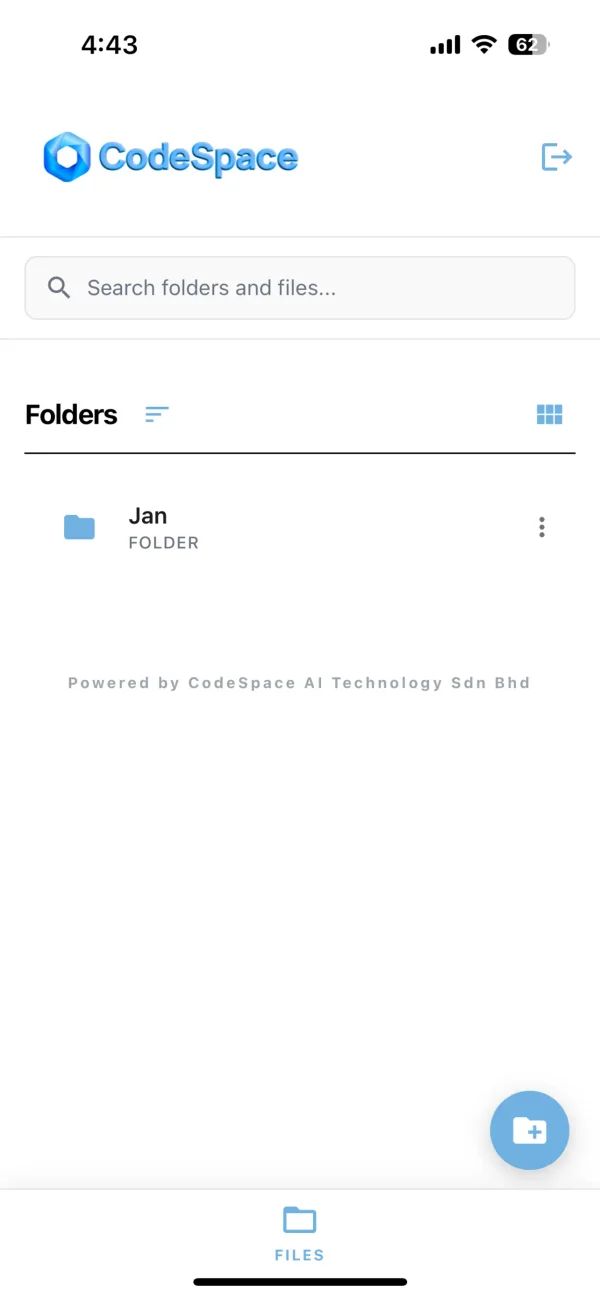
5. Manage scanned documents and files in one place
Designed for businesses and professionals who need fast, clean, and reliable document digitisation.
アプリのプライバシー
このアプリのデータの取り扱いについて、Carl YipがApp Storeで申告している内容です。
-
ユーザーに関連付けられたデータ
収集され、ユーザーの識別情報に関連付けられる場合があります。
- 連絡先情報
- ユーザーコンテンツ
プライバシーの取り扱いは、ご利用の機能やお客様の年齢などに応じて異なる場合があります。
情報
- 販売元
- Carl Yip
- カテゴリ
- 仕事効率化
- バージョン
- 1.0
- 更新日
- 2026/3/25
- リリース
- 2026/6/15
- サイズ
- 42.2 MB
- 必要条件
- iOS 15.1以降
- 対象年齢
- 4+
- 価格
- 無料
- 言語
- 英語
- 著作権
- © CodeSpace AI Technology Sdn Bhd
こちらもおすすめ
-
 InstaScan AI: OCR Scanner仕事効率化
-
 BookAloud: 読み上げアプリAIが本を音声で読み上げ
-
 Lirivo: テキスト音声化聴いて音声を保存
-
 言い換え・要約・リライト-AI文章作成敬語変換・校正・文法・論文レポート
-
 強力パスワード生成: ランダムパスワードジェネレーター安全なパスワードを簡単に作成 カスタム数字記号・特殊文字
-
 Aura – AI Assistant仕事効率化
-
 FileSpeech: Text to SpeechConvert Files to Neural Voice
-
 FocusDo: ADHD向けToDo・やることリスト集中タイマーと記録|先延ばしを防ぐ、ひとつずつのタスク管理
-
 NextChat AI仕事効率化
-
 Cash Flow Planner仕事効率化