
- 対象年齢4+
- カテゴリ開発ツール
- 開発元鑫华 李
- 言語英語
- サイズ84.0 MB
App Storeの公式ページにリンクしています
Download.orgはCoduxのファイルを一切ホストしていません。ボタンを押すと、鑫华 李が公開しているApp Storeのアプリページが開きます。ページの最終確認:2026/11/17。
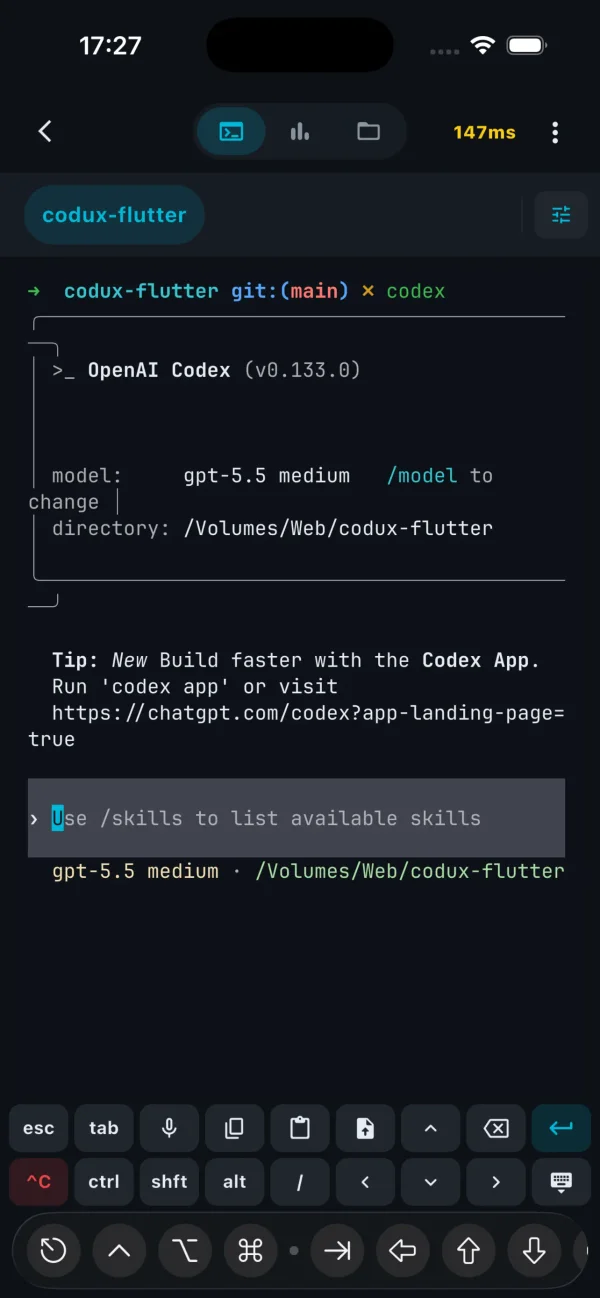
スクリーンショット
概要
開発元はこのテキストをお使いの言語で提供していません。
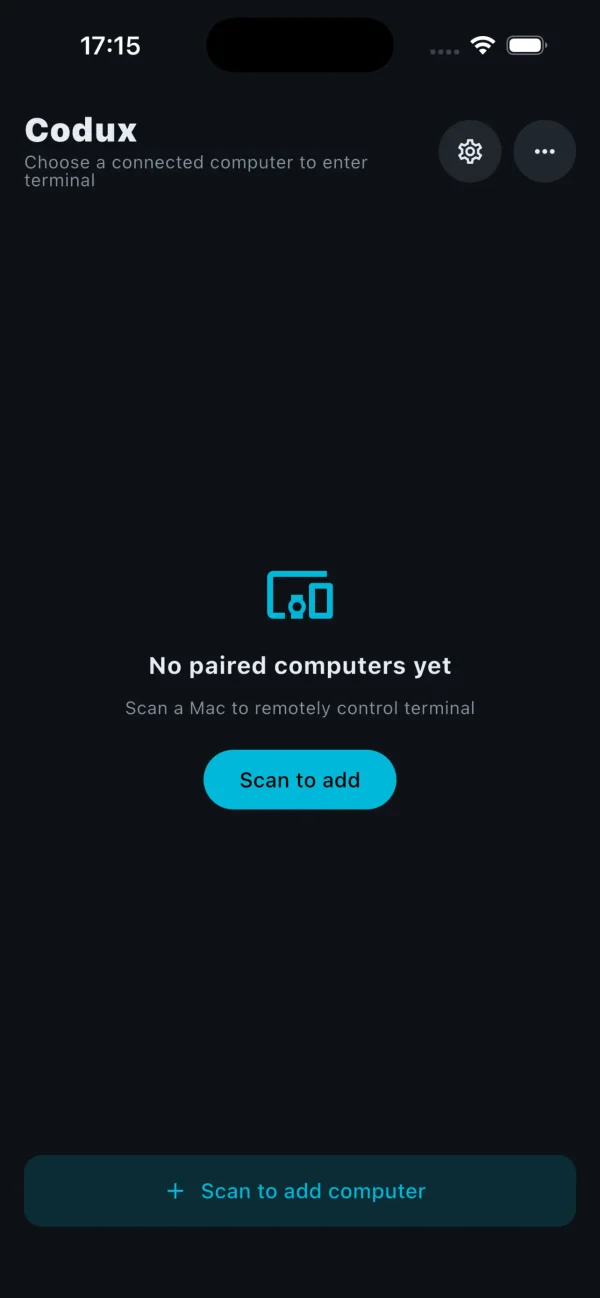
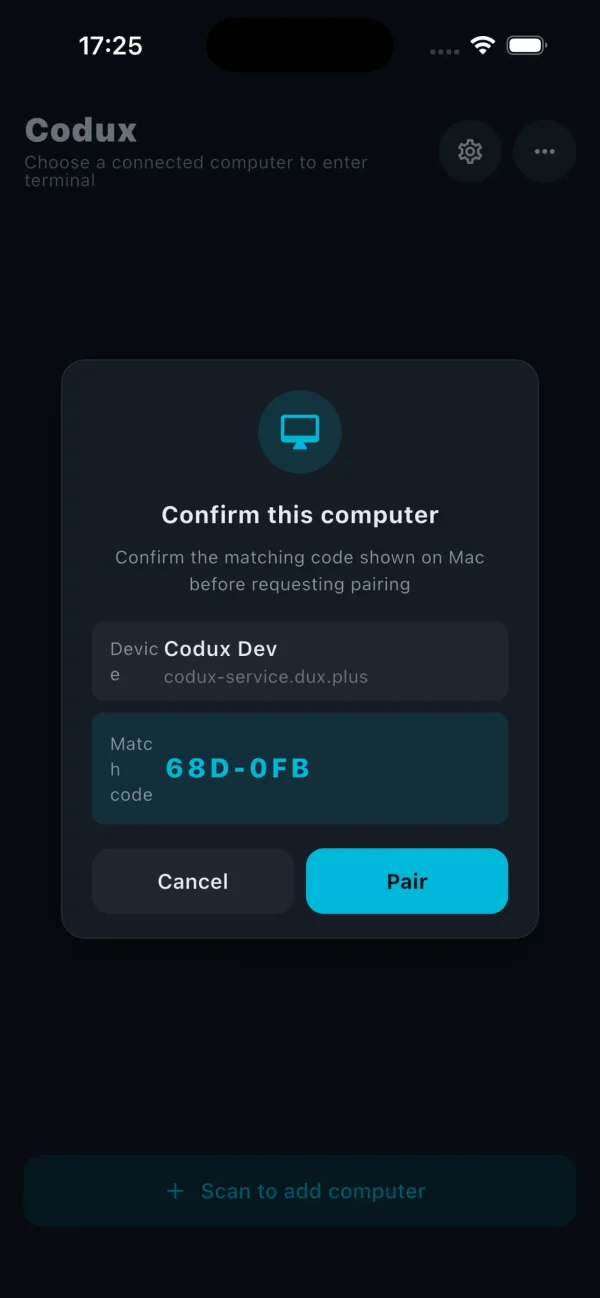
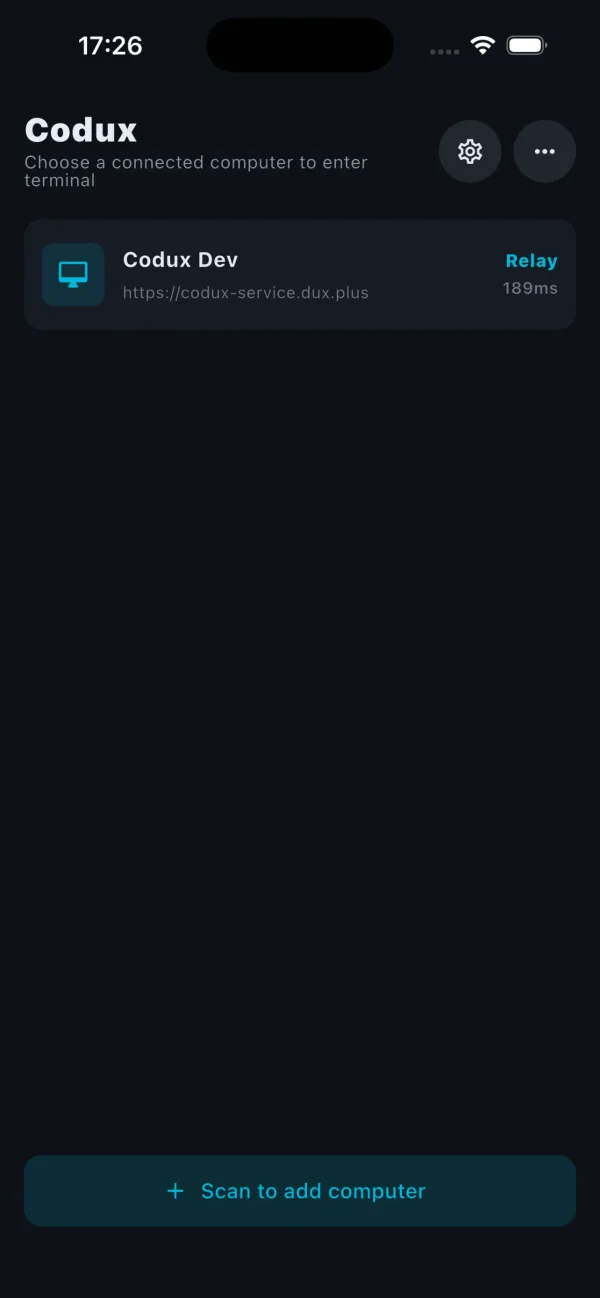
Codux is an open-source AI coding workspace that lets you securely connect to Codux Desktop or a Codux Agent from your mobile device and manage remote development tasks wherever you are.
Key features:
• Manage projects, files, Git repositories, and worktrees
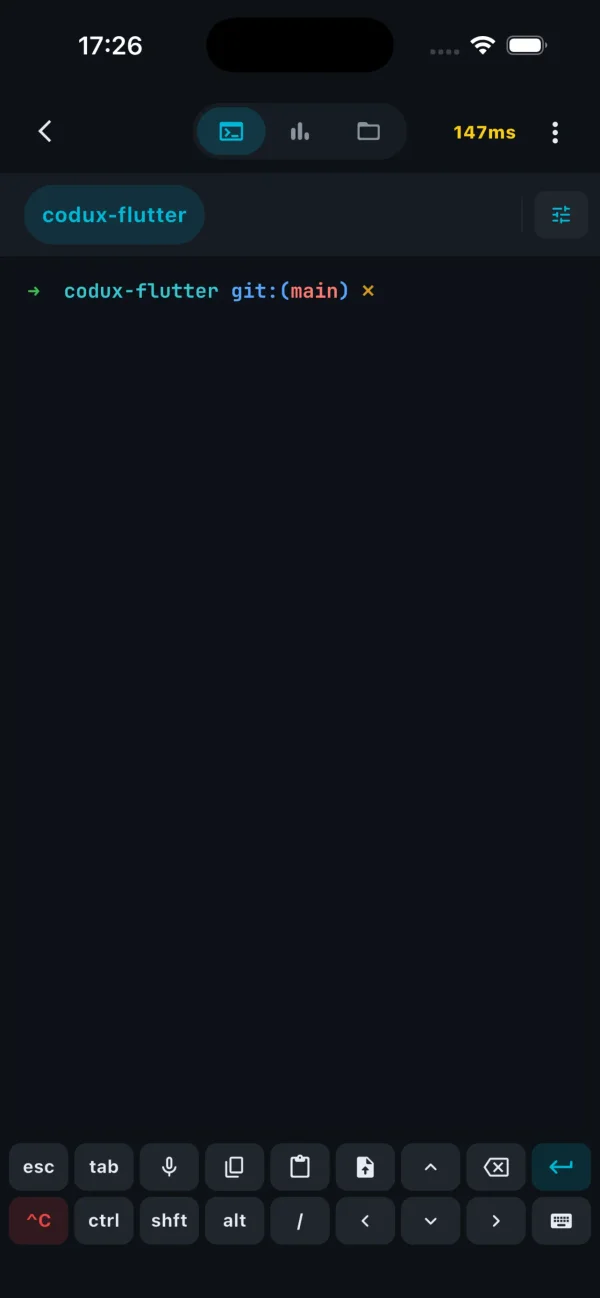
• View and take control of remote terminal sessions
• Track AI CLI activity and session information
• Synchronize terminal and project state across desktop and mobile
• Use encrypted device connections for remote development workflows
Codux is open-source software. You can access the complete source code on GitHub and compile and use it yourself for free:
https://github.com/duxweb/codux
If you encounter connection, terminal, or compatibility issues, please submit a GitHub Issue with your device model, OS version, reproduction steps, and relevant logs:
https://github.com/duxweb/codux/issues
App Store reviews do not provide enough context for effective troubleshooting. Please avoid leaving a low rating without technical details; a clear Issue helps us identify and resolve problems much faster.
新機能
バージョン 2.0.3 · 2026/7/18
This update improves remote terminal restoration and switching reliability:
- Fixed duplicated history, stale fragments, and blank regions when rapidly switching projects, worktrees, or running
terminals.
- Fixed terminal display issues after scrolling, resizing, and folding or unfolding a device.
- Improved cached terminal restoration to reduce unnecessary replays while keeping terminal output accurate and
continuous.
アプリのプライバシー
このアプリのデータの取り扱いについて、鑫华 李がApp Storeで申告している内容です。
-
データの収集なし
開発元はこのアプリからデータを収集しません。
プライバシーの取り扱いは、ご利用の機能やお客様の年齢などに応じて異なる場合があります。
情報
- 販売元
- 鑫华 李
- カテゴリ
- 開発ツール
- バージョン
- 2.0.3
- 更新日
- 2026/7/18
- リリース
- 2026/6/23
- サイズ
- 84.0 MB
- 必要条件
- iOS 17.0以降
- 対象年齢
- 4+
- 価格
- ¥800
- 言語
- 英語
- 著作権
- Copyright © 2026 Duxweb
こちらもおすすめ
-
 Promptgate開発ツール
-
 Terminal File Manager AdvancedFTPサーバー & コードエディタ
-
 My Styles: Custom Website Lookダークモード・userstyle・CSS
-
 MDQuill: Markdownエディタノート整理・プレビュー・PDF書き出し
-
 AppIcon Maker - Developer ToolIcon Export Tool
-
 App Screenshots: Store Makerモックアップ&デバイスフレーム編集
-
 HTTP Debugger+開発ツール
-
 API Matrix開発ツール
-
 Octodoge GitHub Companion開発ツール
-
 SharkTTY: SSHターミナルSSH/Mosh + リモートデスクトップ