
- 対象年齢4+
- カテゴリユーティリティ
- 開発元Lap Tong MAK
- 言語英語
- サイズ32.1 MB
App Storeの公式ページにリンクしています
Download.orgはcoffee_timerのファイルを一切ホストしていません。ボタンを押すと、Lap Tong MAKが公開しているApp Storeのアプリページが開きます。ページの最終確認:2026/11/21。
スクリーンショット
概要
開発元はこのテキストをお使いの言語で提供していません。
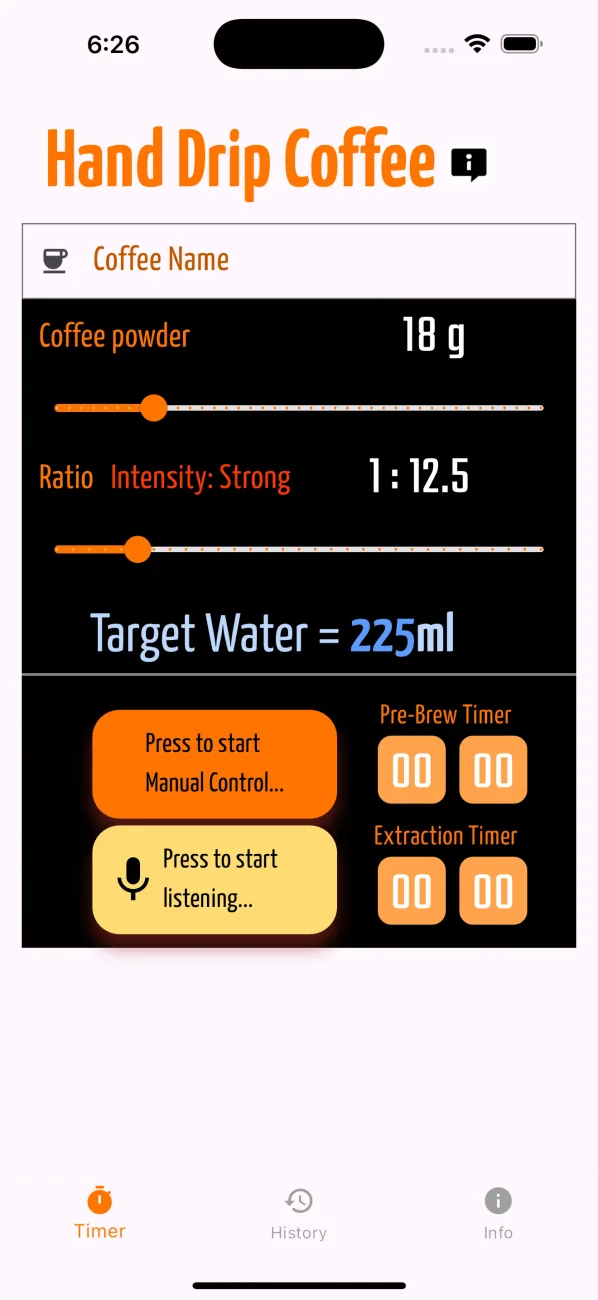
A very simple hand-drip coffee calculator and timer.
The upper part is the calculator of target water based on coffee powder and ratio.
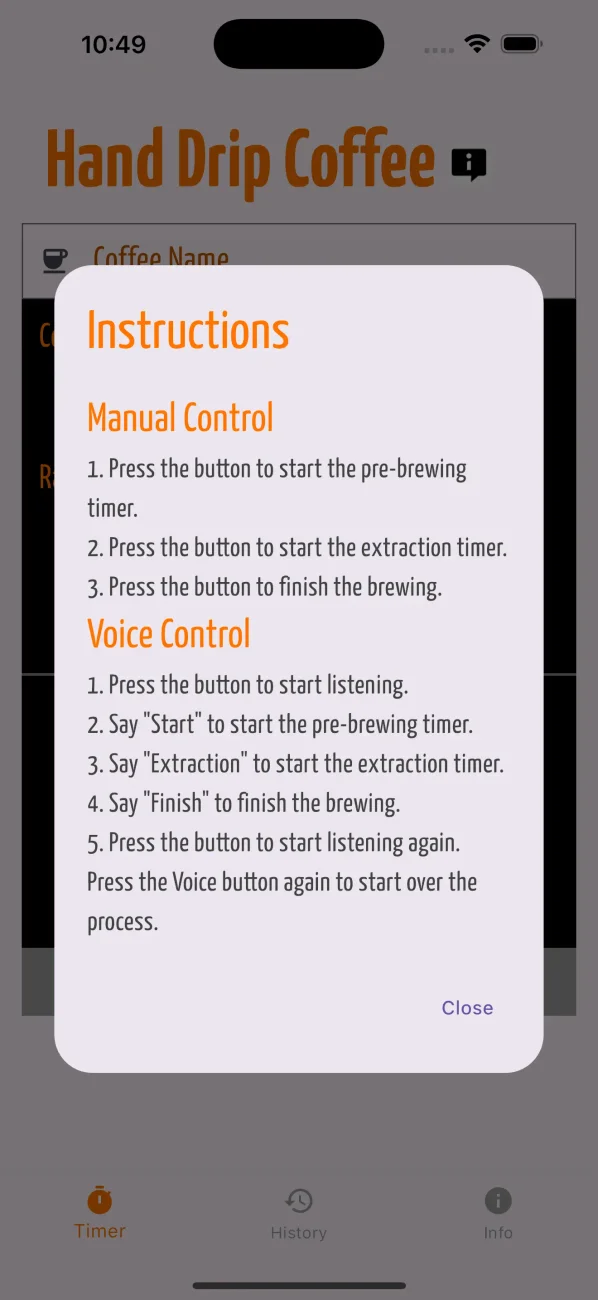
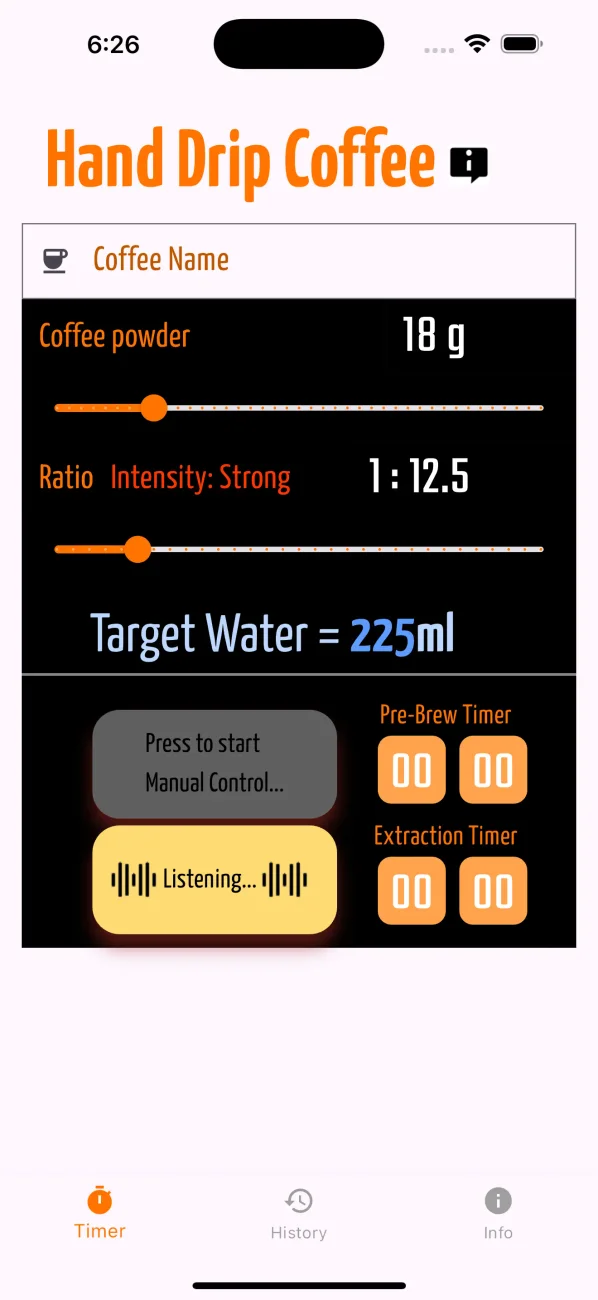
To use voice control, after pressed the Voice Control button and say the following:
1. "Start" (start prebrewing)
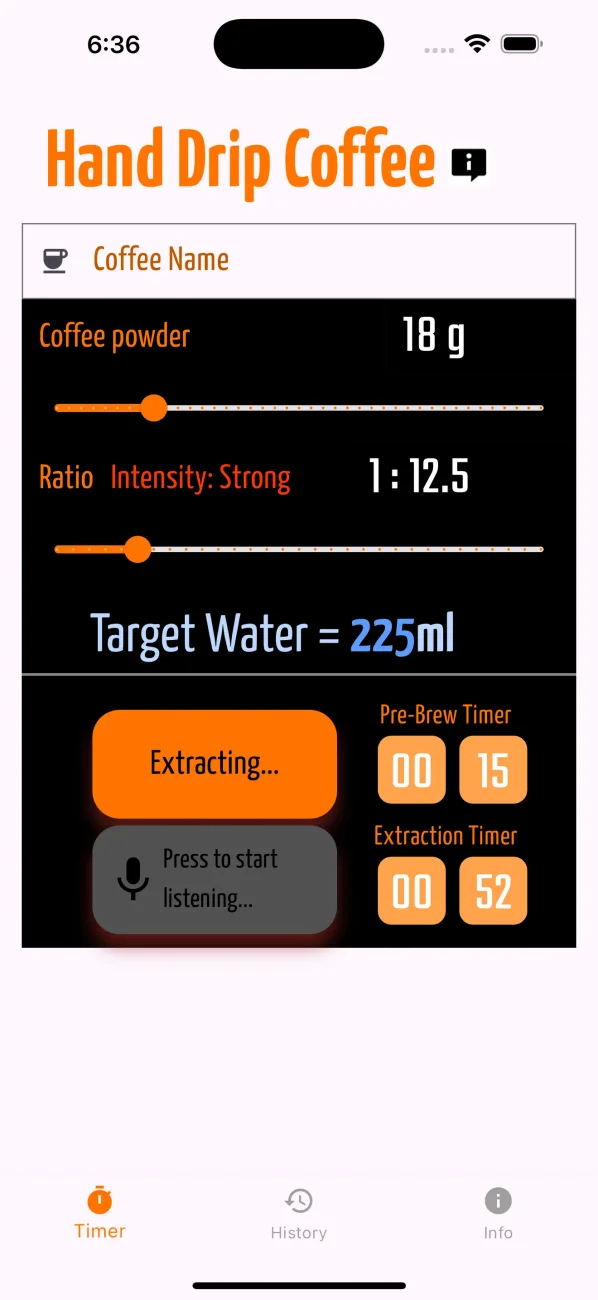
2. "Extraction" (start extraction)
3. "Finish" (finish brewing)
Ratio from 1:10-14 : Strong strength highest intensity of flavor
Ratio from 1:14-18 : Popular ratio for most people like, have a balance flavor
Ratio from 1:18-25 : Lighter coffee extracted
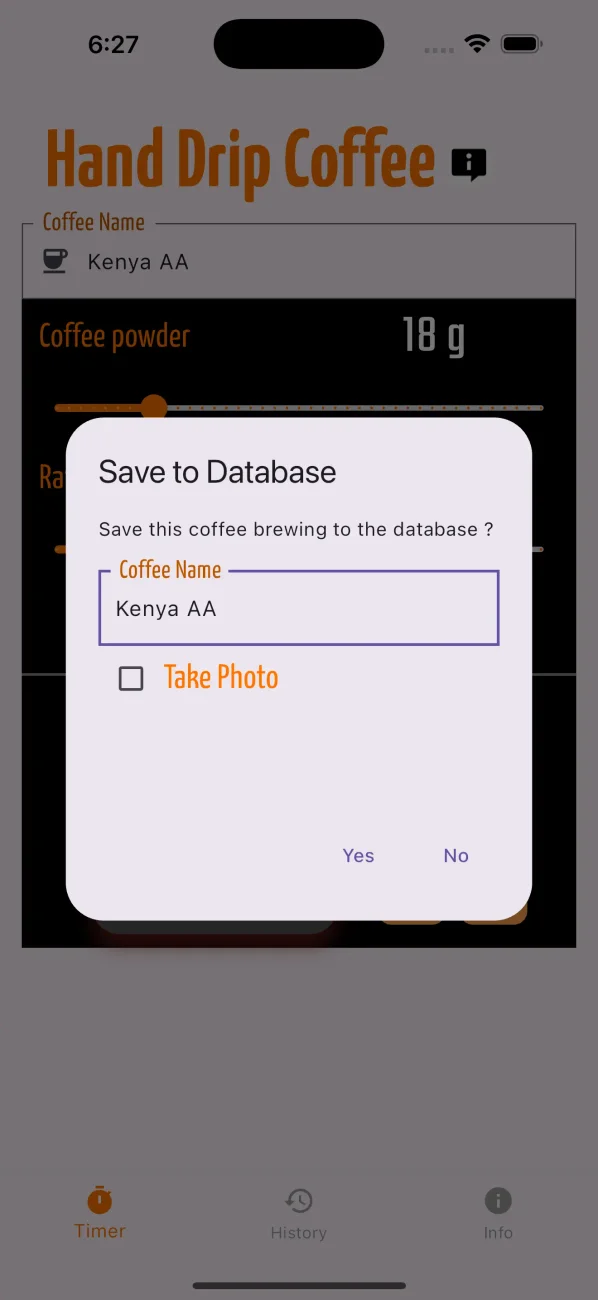
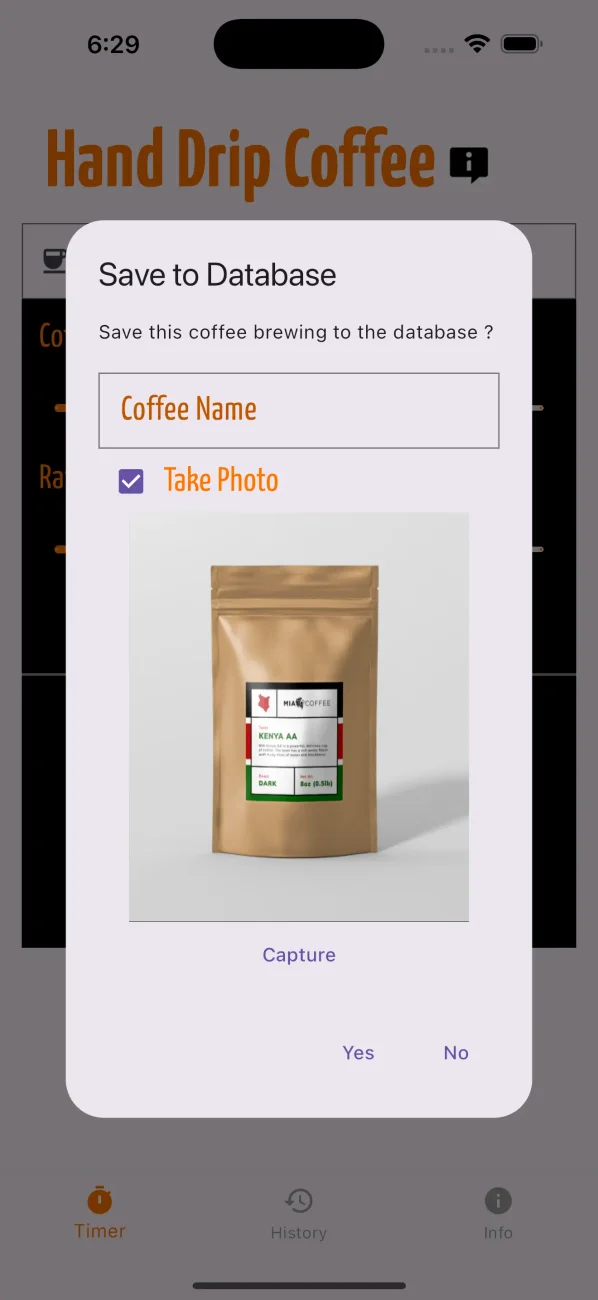
To store the brewing records, a pop-up window shows after extraction timer is pressed to stopped.
- In the "Coffee Name", you can enter the name of coffee (e.g. Geisha, Kenya AA, Blue Mountain.... etc)
- Check/uncheck "Take Photo", you can take photo of your coffee for future reviewing your brewing data.
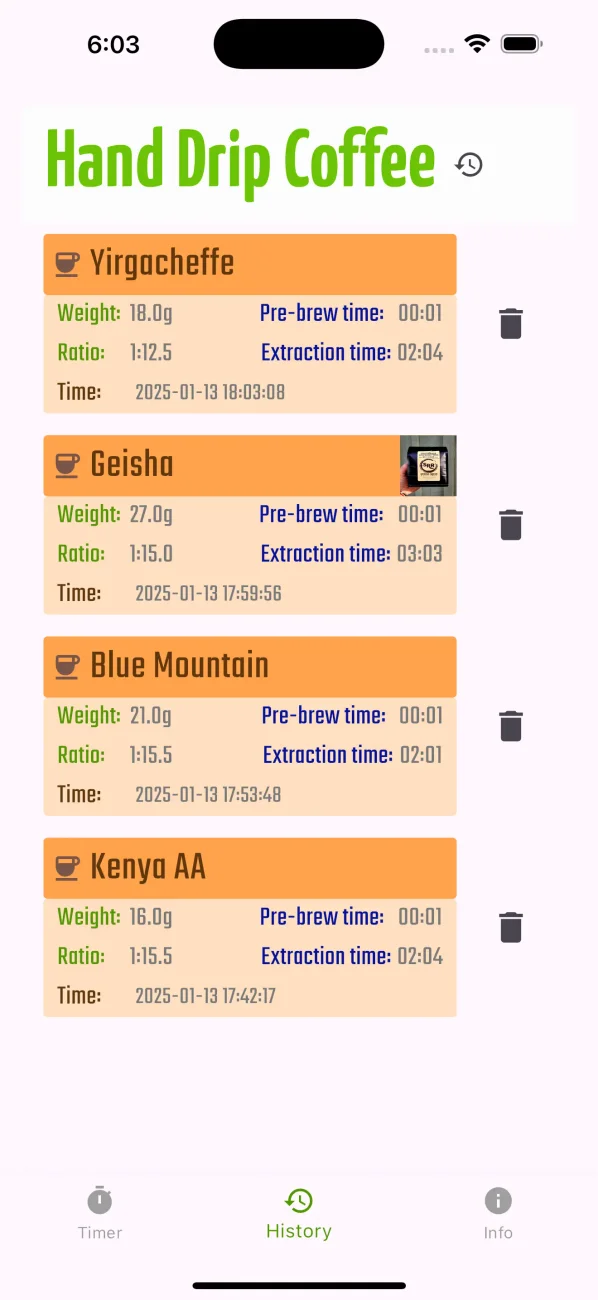
- Finally press "Yes" to confirm storing the record, and review the time and ratio in "History" page.
Time control is also essential to brew a coffee in right way, let's use the timer and practice !
Enjoy ~ !
新機能
バージョン 1.1.0 · 2025/2/9
- Voice control is added, after press the voice control button, say "Start"->"Extraction"->"Finish" to do the brewing
アプリのプライバシー
このアプリのデータの取り扱いについて、Lap Tong MAKがApp Storeで申告している内容です。
-
データの収集なし
開発元はこのアプリからデータを収集しません。
プライバシーの取り扱いは、ご利用の機能やお客様の年齢などに応じて異なる場合があります。
情報
- 販売元
- Lap Tong MAK
- カテゴリ
- ユーティリティ
- バージョン
- 1.1.0
- 更新日
- 2025/2/9
- リリース
- 2025/1/8
- サイズ
- 32.1 MB
- 必要条件
- iOS 12.0以降
- 対象年齢
- 4+
- 価格
- 無料
- 言語
- 英語
- 著作権
- © Tong Mak