- 対象年齢4+
- カテゴリ教育
- 開発元PZZL.com
- 言語英語
- サイズ3.0 MB
App Storeの公式ページにリンクしています
Download.orgはColor-Clockのファイルを一切ホストしていません。ボタンを押すと、PZZL.comが公開しているApp Storeのアプリページが開きます。ページの最終確認:2026/11/17。
スクリーンショット

概要
開発元はこのテキストをお使いの言語で提供していません。
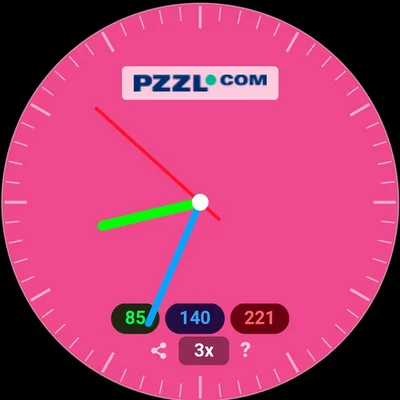
Color-Clock is a unique clock that translates time into color. The more hours, the more red, more minutes more green, more seconds more blue. Every second a different color!
Give your old cell phone a new life as a stylish desk clock. No sim card needed. It will run all day on airplane mode, even with the screen always on.
Share a particular beautiful color as png with your friends. The RGB values will be added too, so you can use it later in your own designs.
Manipulate time with the Science Fiction mode. Challenge your friends: who can be the first to share the clock showing the time from one hour ago?
HOW IT WORKS
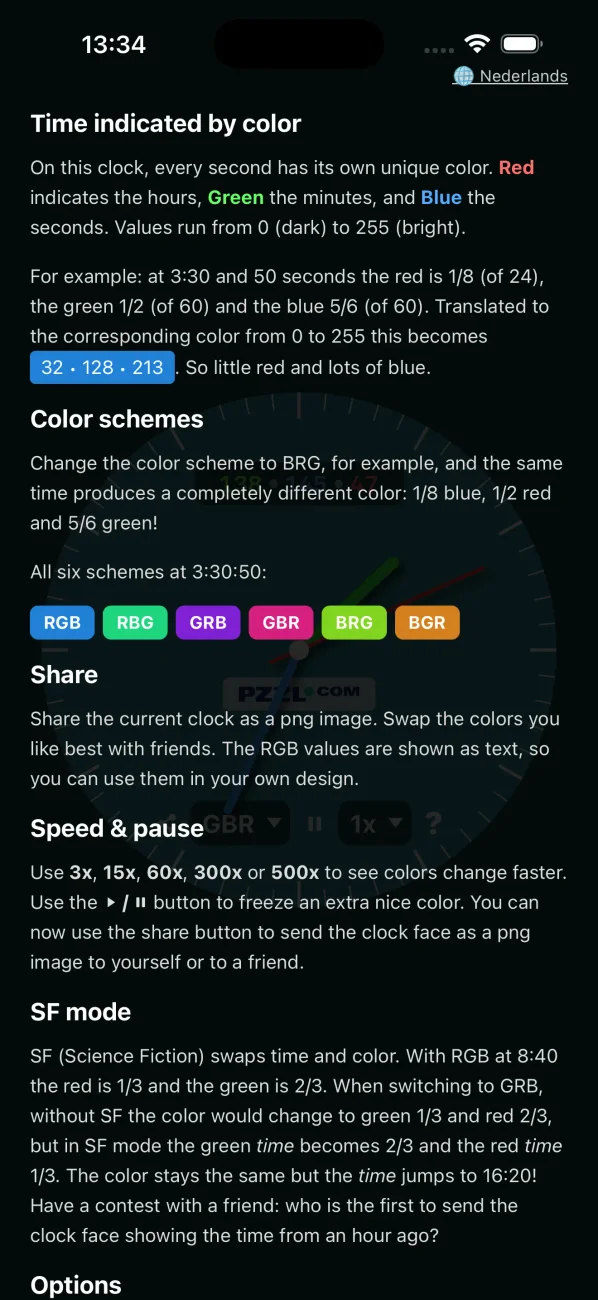
The dial continuously changes color throughout the day. Red indicates the hours, green the minutes, and blue the seconds. The values range from 0 (dark) to 255 (bright) – just like in design software.
For example: it is 8:40 and 20 seconds. 8 hours is one-third of 24 hours, so red is one-third of 255. 40 minutes is two-thirds of 60, so green is two-thirds of 255. And 20 seconds is one-third of 60, so blue is one-third of 255, or 85. But wait, one second later, blue is 89!
Once you get used to it, you may look forward to the colors in a particular part of the day.
COLOR SCHEMES
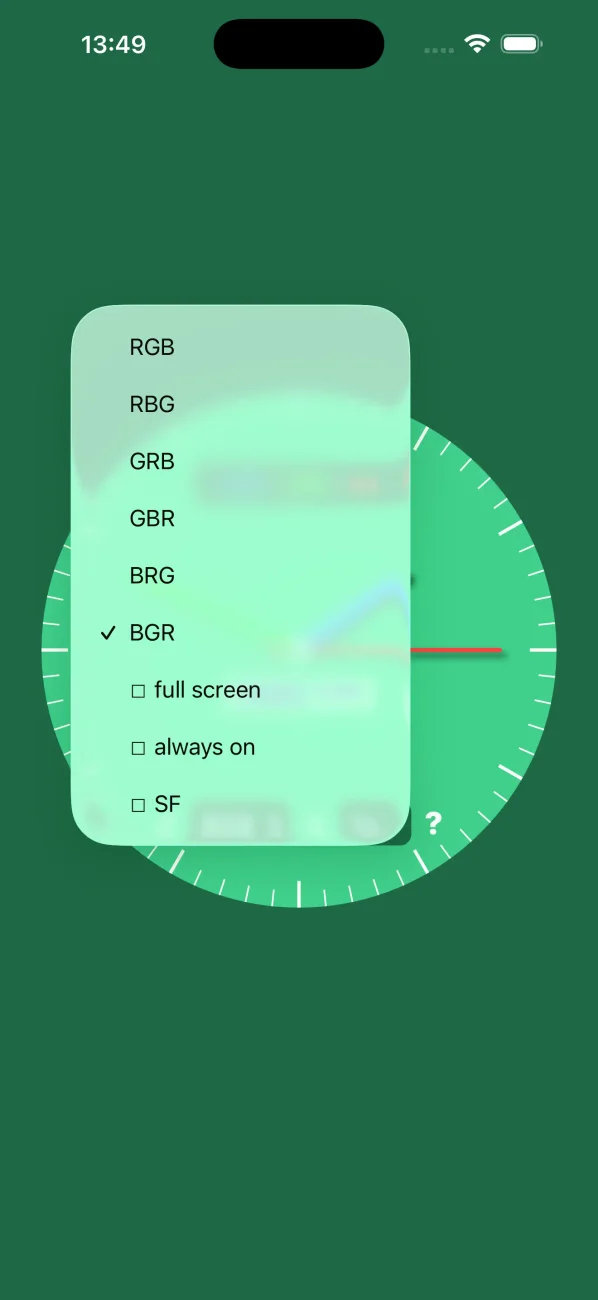
Switch between six color schemes: RGB, RBG, GRB, GBR, BRG, and BGR. Each scheme assigns the three color channels to hours, minutes, and seconds in a different order, creating a completely different color palette for the same moment.
FEATURES
- Analog clock with colored hands that correspond to the active color scheme
- RGB value display showing the exact color composition
- Six color schemes to choose from
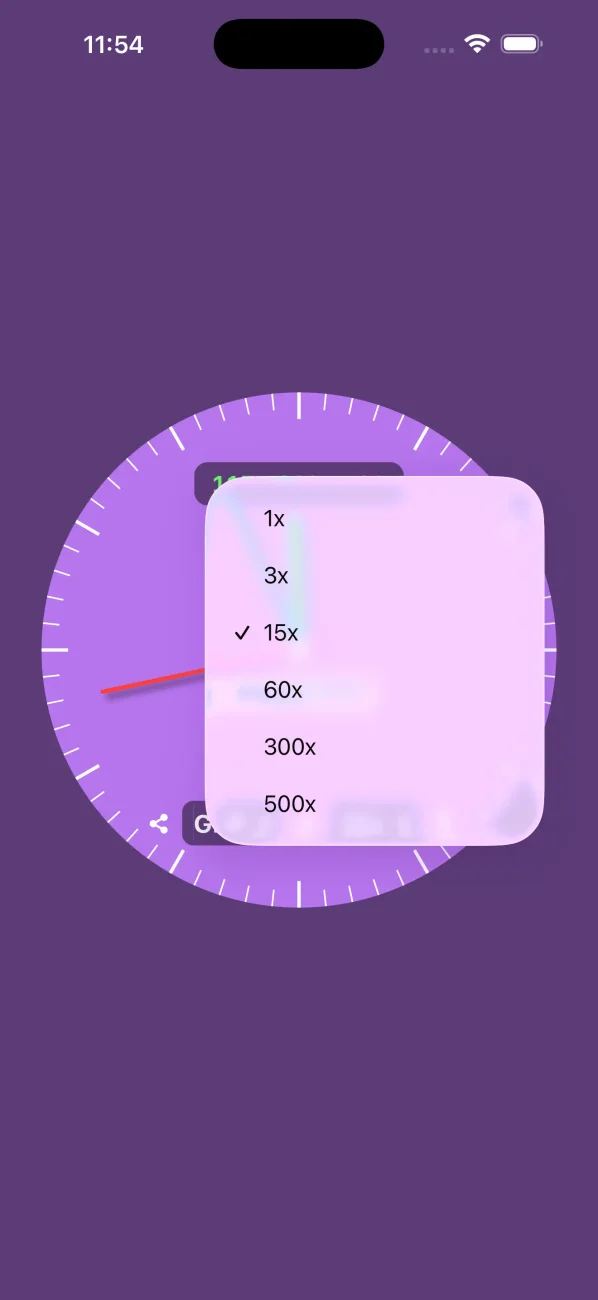
- Speed modes: 3x, 15x, 60x, 300x and 500x to see colors change quickly
- Freeze mode: pause to capture a color you like and share it.
- Share: share the current clock as a PNG image
- SF (Science Fiction) mode: switching between color schemes does not change color, but time!
- Picture-in-Picture: keep the clock visible as a floating window
- Always On: keep the screen active as long as the app is open
- Full screen: now the clock stands out beautifully
DESIGNED BY
Color-Clock is designed by Peter Ritmeester / PZZL.com — known for innovative puzzles and brain games.
Free to use. No ads. No data collection.
新機能
バージョン 1.2 · 2026/6/10
- New Science Fiction (SF) mode
- Separate play/pause button to freeze a color
- Improved speed selector
- Expanded in-app help
- Various design refinements
アプリのプライバシー
このアプリのデータの取り扱いについて、PZZL.comがApp Storeで申告している内容です。
-
データの収集なし
開発元はこのアプリからデータを収集しません。
プライバシーの取り扱いは、ご利用の機能やお客様の年齢などに応じて異なる場合があります。
情報
- 販売元
- PZZLcom
- カテゴリ
- 教育
- バージョン
- 1.2
- 更新日
- 2026/6/10
- リリース
- 2026/5/22
- サイズ
- 3.0 MB
- 必要条件
- iOS 15.0以降
- 対象年齢
- 4+
- 価格
- 無料
- 言語
- 英語
- 著作権
- © 2026 PZZL.com