
- 対象年齢4+
- カテゴリミュージック
- 開発元Pencil Research
- 言語英語
- サイズ21.8 MB
App Storeの公式ページにリンクしています
Download.orgはCondukt: MIDI Controllerのファイルを一切ホストしていません。ボタンを押すと、Pencil Researchが公開しているApp Storeのアプリページが開きます。ページの最終確認:2026/11/17。
スクリーンショット

概要
開発元はこのテキストをお使いの言語で提供していません。
Turn your iPhone, iPad or Mac into a customizable MIDI controller. Plug in your synth, pick parameters by name, and start playing in seconds.
Condukt connects to any class-compliant USB MIDI device. No adapters. No manual CC programming. Just plug in and go.
▸ PLUG AND PLAY
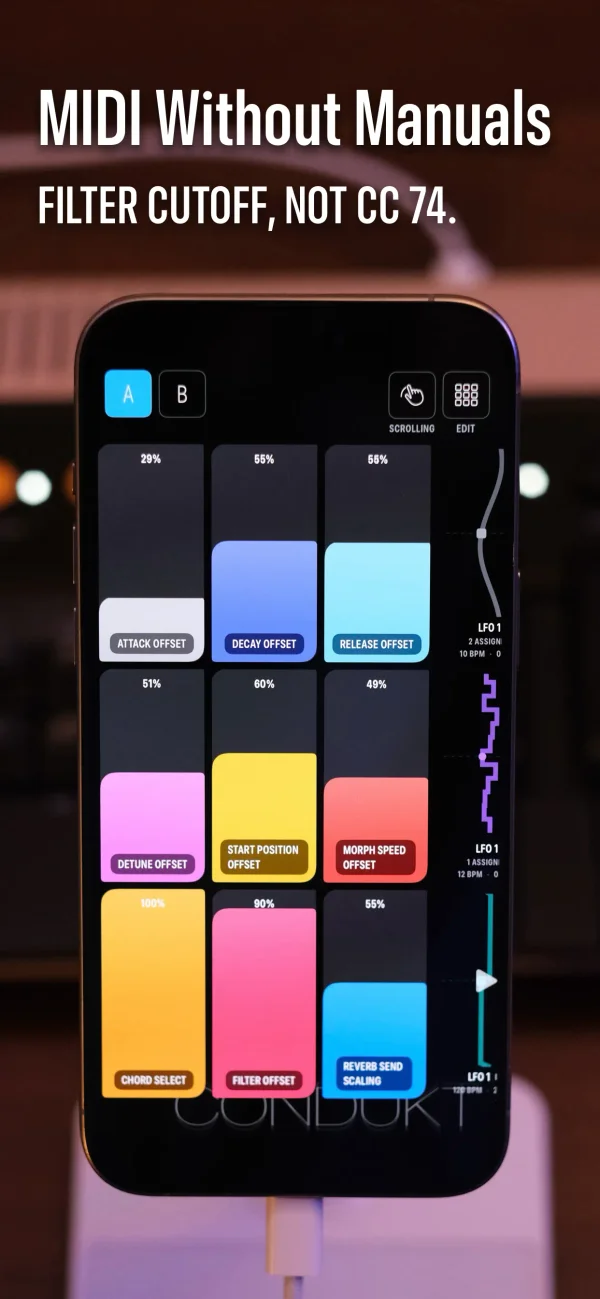
Connect your synth via USB-C. Condukt recognizes it instantly. Pick parameters from a list, filter cutoff, oscillator pitch, envelope attack, and you're controlling it. No more digging through manuals for CC numbers.
▸ RUNS IN YOUR AUv3 HOST (NEW)
Load Condukt as an Audio Unit inside AUM, Loopy Pro, Logic Pro for iPad, Cubasis or Drambo. It follows host transport and tempo, so every sequencer starts on the host's downbeat. Run as many instances as you like, each with its own board, clock and patch cables, and your host project saves and restores all of it.
▸ SEVEN SEQUENCERS
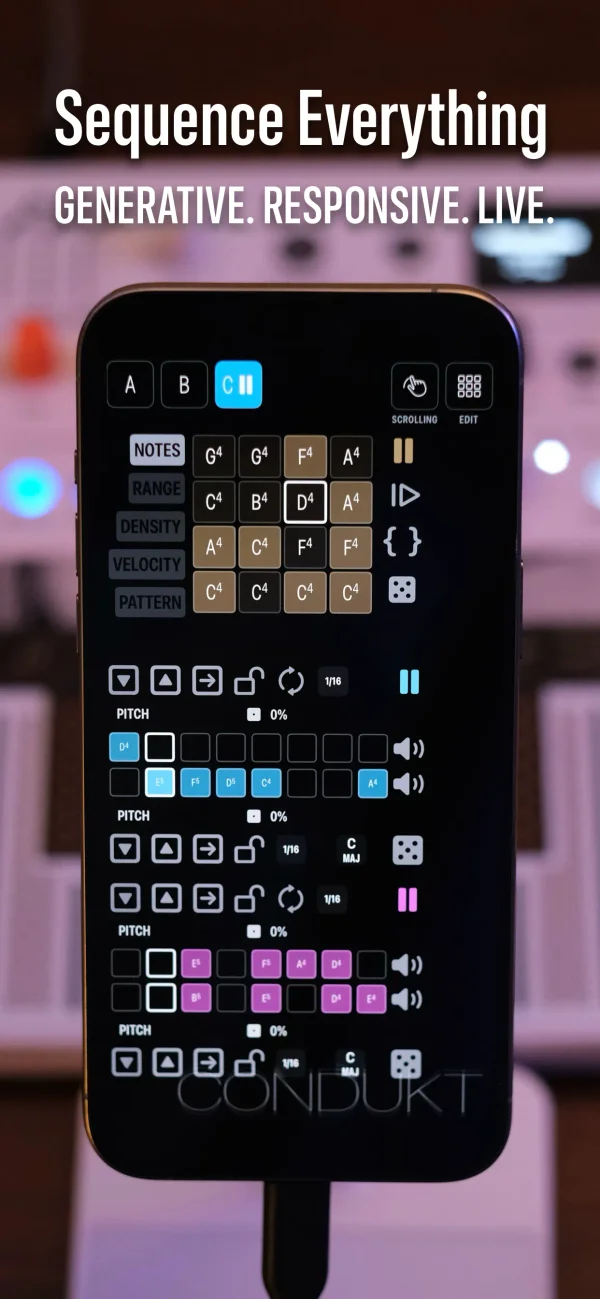
Conduktor, Phrase, Drum, Arpeggiator, Turing Machine, Cartesian and Painter. Draw chords with a finger or Pencil, program a XOX drum grid with polyrhythmic track pages, or let a Turing Machine find the pattern for you. One clock runs them all.
▸ POWERED BY midi.guide
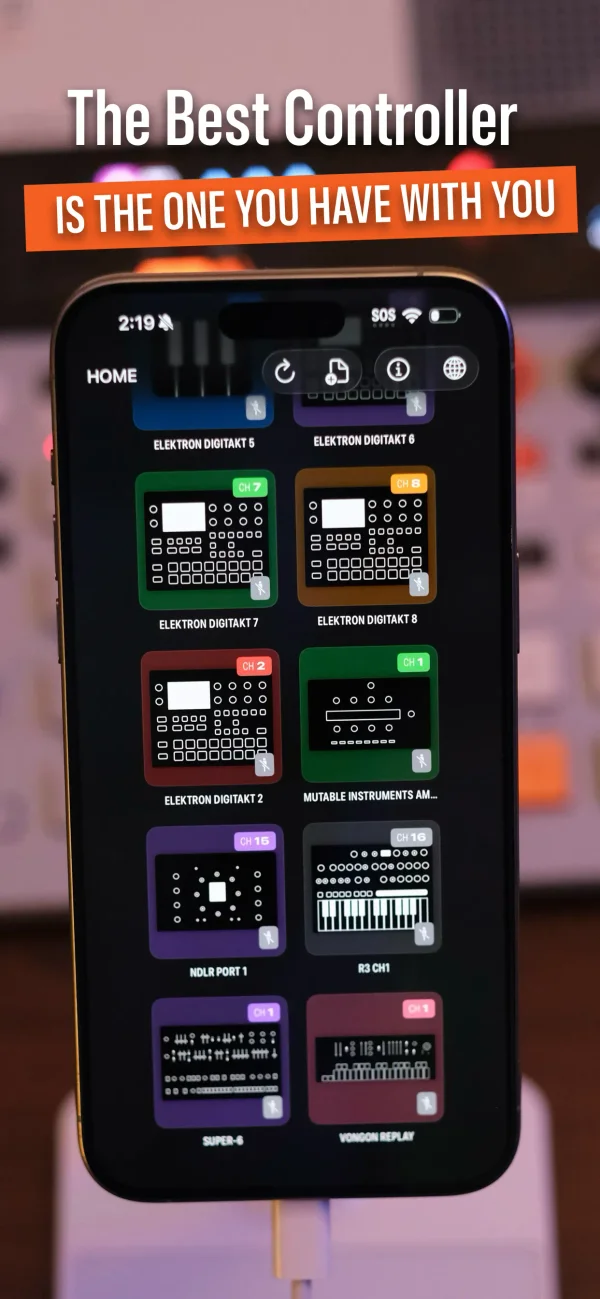
Condukt uses the midi.guide open-source database with MIDI definitions for hundreds of synths, drum machines, and effects. Community-maintained and constantly growing.
▸ BUILD YOUR OWN BOARDS
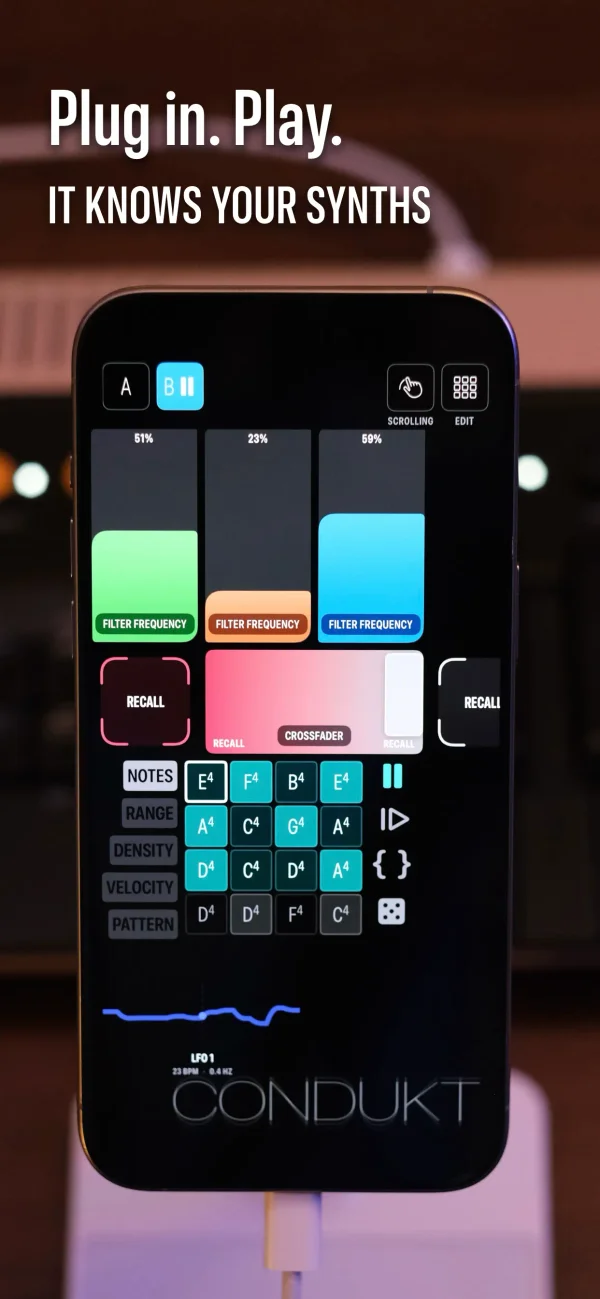
Create custom control surfaces tailored to your workflow. Sequencers, faders, crossfaders, recall buttons: arrange them however you want. Save multiple boards for different setups.
▸ DO WHAT YOUR HARDWARE CAN'T
- Add multiple LFOs to synths that only have one
- Shape any parameter with the new Step Modulator
- Control the same parameter across multiple tracks with a single fader
- Instant snapshot recall for live performance
- Sophisticated generative sequencers
▸ MULTI-DEVICE CONTROL
One board can control multiple synths simultaneously. A single "Filter" fader can adjust cutoff on your Minifreak, Digitakt, and Moog at the same time.
▸ PERFORMANCE LAYOUTS
Switch between layouts on the fly. Page 1 for sound design. Page 2 for performance. Page 3 for mixing. All within the same board.
▸ SNAPSHOT RECALL
Store and recall control settings instantly. Tap and hold to save. Quick tap to restore. Perfect for live sets. Add crossfaders and morph between saved scenes.
▸ FULLY THEMEABLE
Condukt looks as good as it works. Custom themes make your controller visually distinctive, whether you're performing on stage or filming content.
▸ WORKS WITH
Elektron (Digitakt, Syntakt, Octatrack, Analog Four, Model:Cycles, Model:Samples), Arturia (Minifreak, Microfreak, MiniBrute), Moog (Subharmonicon, DFAM, Mother-32, Matriarch), Teenage Engineering, Novation, Korg, Roland, Sequential, and hundreds more.
▸ MADE FOR MUSICIANS
Built by synthheads for synthheads. We've been working on this project for 5+ years, and Condukt is the app we always wanted. Start free with the Hello board, subscribe monthly, or buy Lifetime once and be done. No account required. Just plug in and play.
Terms of use: https://www.apple.com/legal/internet-services/itunes/dev/stdeula/
新機能
バージョン 1.7 · 2026/10/14
Condukt 1.7 puts a keyboard on your board.
KEYS
A playable, polyphonic keyboard control bound to an instrument. Lay it out as a piano or a pad grid (Sequential, Fourths, Thirds, Fifths, Octave, Guitar), in sizes up to 5x3. Pick a root and scale, then choose what out-of-scale notes do: Highlight, Disable, Hide or Fold. Latch notes, slide across pads, and play lower on a pad for more velocity. Keys has notes, gate, trigger and velocity outputs plus a transpose input, so it can drive a Recorder or a sequencer, and it can follow external harmony. Works in the AUv3 too.
MIDI LEARN
The Add Control sheet now starts with MIDI Learn. Turn a knob on your synth and it shows up in the list, tap it to add a fader. Synths in the midi.guide database show real parameter names, NRPN and 14-bit CC are detected, and moving one stage of an envelope offers the whole envelope as a control.
ALSO
Popovers follow the board theme. Duplicating or reassigning a page opens an instrument picker. Boards with XY pads or many sequencers stay fluid. Tapping notes, moving faders and rolling dice no longer save the board mid-performance.
FIXES
Synths plugged in after launch are detected again. Root notes in the scale picker are reachable on iPhone. Boards with a duplicated page no longer crash on open. Conduktor edits are no longer lost after closing a board. Board thumbnails no longer stay blank or swap between boards.
アプリのプライバシー
このアプリのデータの取り扱いについて、Pencil ResearchがApp Storeで申告している内容です。
-
データの収集なし
開発元はこのアプリからデータを収集しません。
プライバシーの取り扱いは、ご利用の機能やお客様の年齢などに応じて異なる場合があります。
情報
- 販売元
- User Camp Inc.
- カテゴリ
- ミュージック
- バージョン
- 1.7
- 更新日
- 2026/10/14
- リリース
- 2026/3/3
- サイズ
- 21.8 MB
- 必要条件
- iOS 18.1以降
- 対象年齢
- 4+
- 価格
- 無料
- アプリ内課金
- あり
- 言語
- 英語
- 著作権
- © 2026 Pencil Research