Copy Data Content Transfer App
Mobile Clone & Move From Phone
iPhone, iPad向けに設計
無料 · アプリ内課金
- 対象年齢4+
- カテゴリ仕事効率化
- 開発元Corina Hirthe
- 言語英語
- サイズ12.0 MB
App Storeの公式ページにリンクしています
Download.orgはCopy Data Content Transfer Appのファイルを一切ホストしていません。ボタンを押すと、Corina Hirtheが公開しているApp Storeのアプリページが開きます。ページの最終確認:2026/11/17。
スクリーンショット
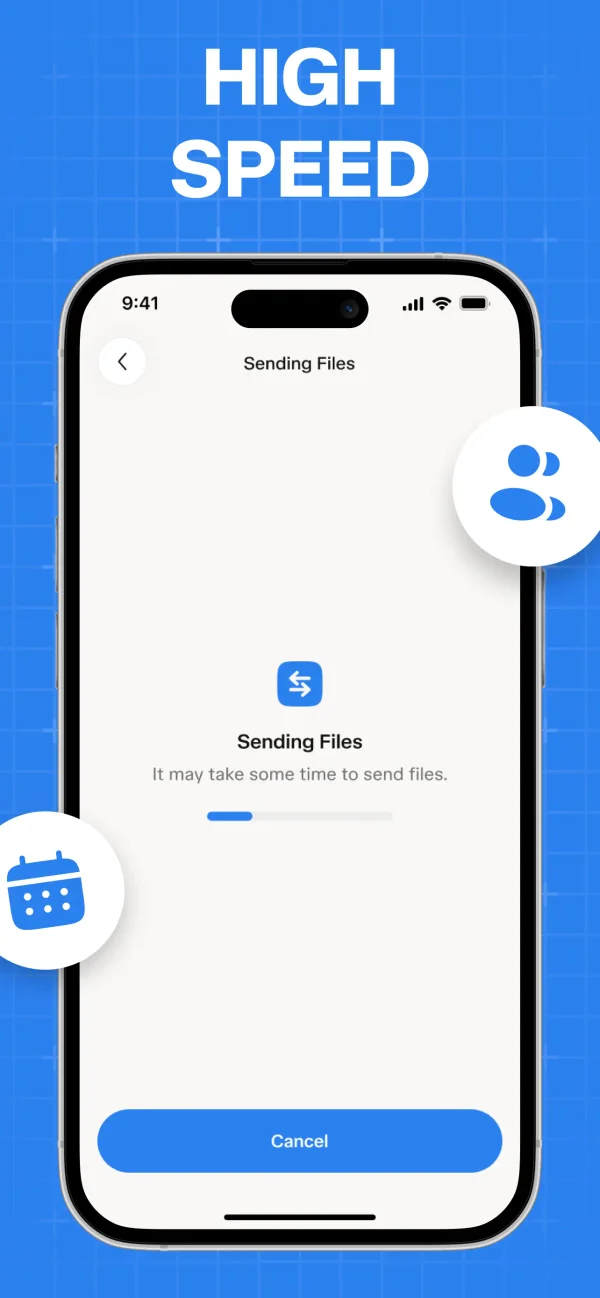
概要
開発元はこのテキストをお使いの言語で提供していません。
Copy Data Content Transfer App: Simple and Secure Data Transfer. Move your digital life to a new phone.
Switching to a new Phone should be seamless, not stressful. With Copy Data Content Transfer App, moving all your important information is safe, simple, and incredibly fast. We've designed the entire process to be straightforward for everyone. No technical knowledge needed, no messy cables, and no complicated steps - just a smooth and reliable way to bring your photos, contacts, and messages to your new device.
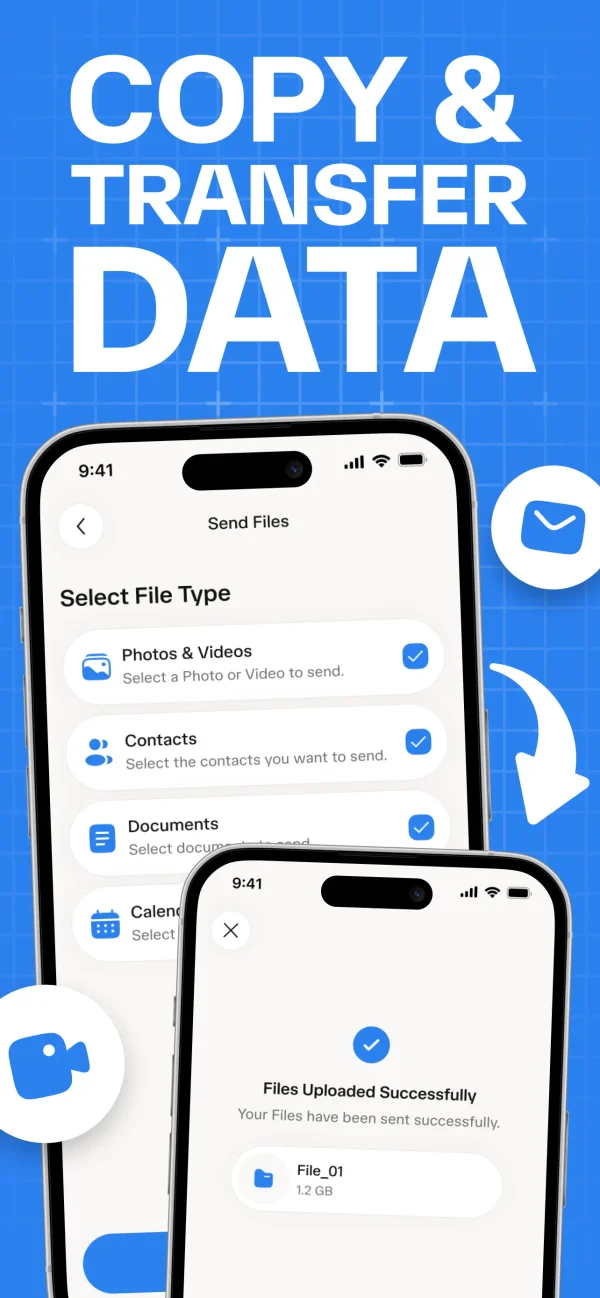
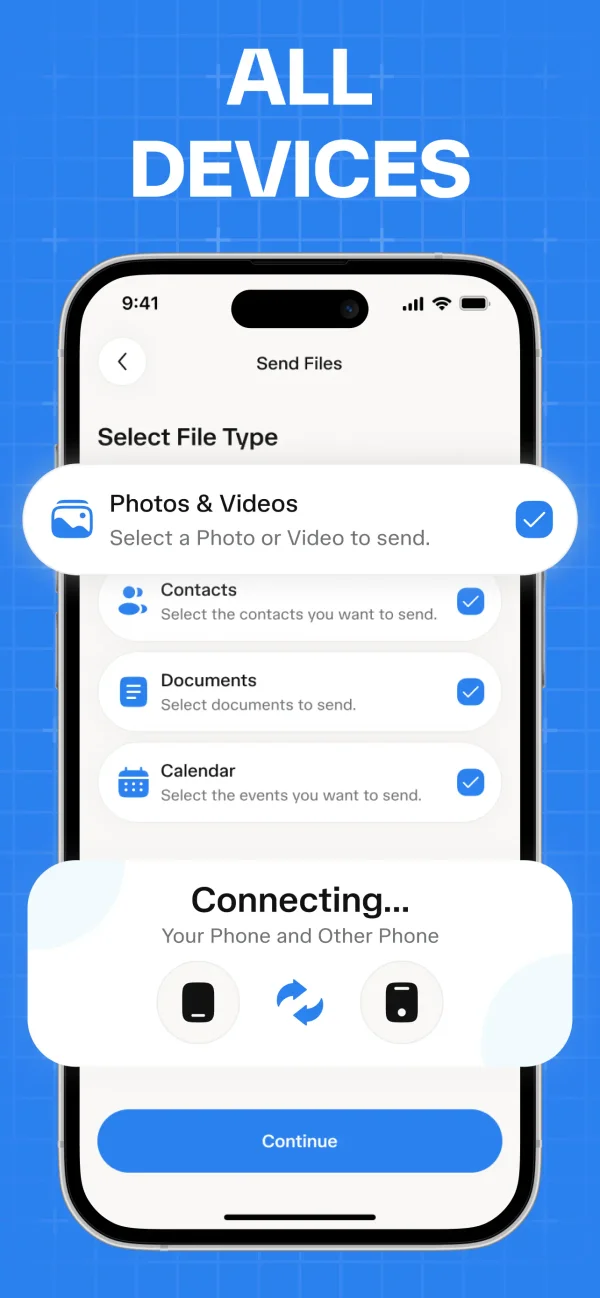
Move all your important information with total confidence. Copy Data Content Transfer App supports a wide range of file types to ensure a seamless transition:
1.Contacts - your entire address book;
2.Photos & Videos - your entire camera roll and video library in original, high quality;
3.Documents - important files, PDFs, and other documents;
4.Calendar events.
Why You'll Love Using Copy Data Content Transfer App:
- Designed for Complete Simplicity. A clean, intuitive design with clear instructions at every step.
- Built for Impressive Speed. Creates a powerful direct wireless connection. Your data moves quickly, getting you set up in minutes, not hours.
- Engineered for High-Quality Transfer. Every photo, video, and document is moved in its original quality, with no loss of detail or compression.
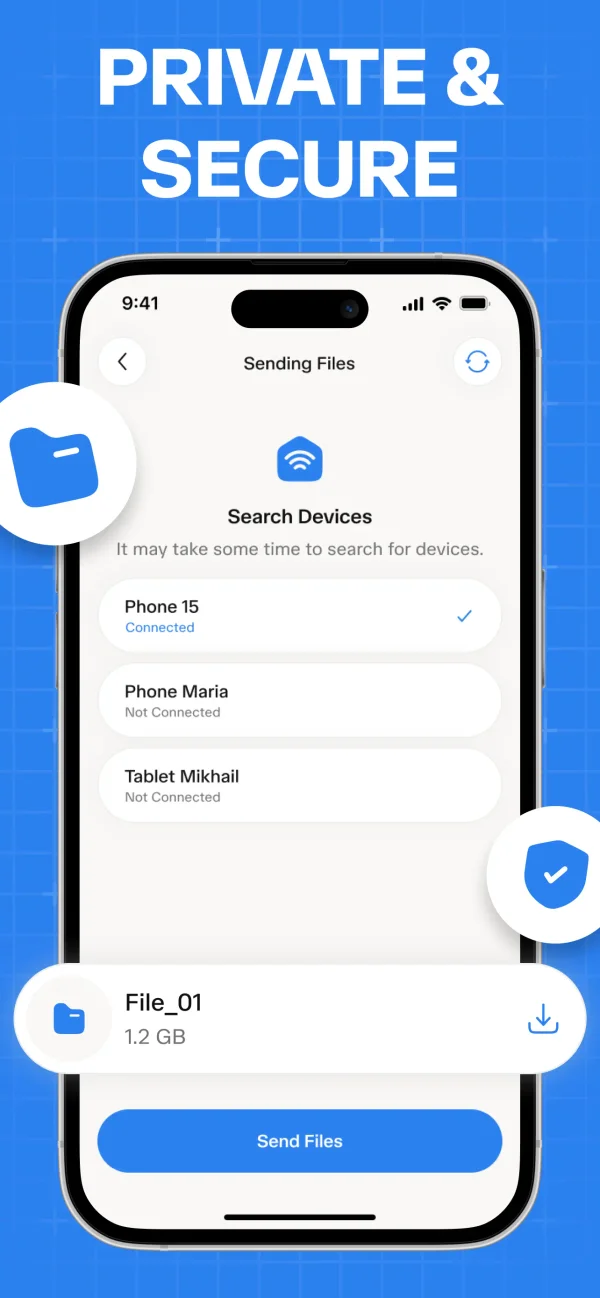
- Your Privacy and Security Are Guaranteed. Your files are sent directly from one device to the other and are never stored on any cloud or server.
How It Works in Three Easy Steps:
1. Download and Open the app on both phones.
2. Follow the on-screen instructions to securely connect and choose your data.
3. Start the Transfer. Sit back and relax. Your selected information will be safely copied.
The Perfect Tool For Many Situations:
- Getting a New Phone - have it ready to use with all your data in just minutes.
- Managing Your Digital Space - keep information organized across devices.
- Helping Friends and Family - easily help loved ones set up their new devices.
Get Started Today. Make your next phone upgrade the easiest one you've ever experienced.
Download Copy Data Content Transfer App now. It’s time to move your data the smart way.
Subscription information:
1. Payment is processed through your iTunes account at purchase.
2. Your subscription is set to automatically renew for uninterrupted access.
3. Your iTunes account will be charged 24 hours before the current period ends.
4. You can manage or turn off auto-renewal anytime through your iTunes Account Settings.
Paid Features:
Send Files
Receive Files
Move to Other Smartphone
Terms and Conditions - https://www.apple.com/legal/internet-services/itunes/dev/stdeula/
アプリのプライバシー
このアプリのデータの取り扱いについて、Corina HirtheがApp Storeで申告している内容です。
-
ユーザーに関連付けられないデータ
収集される場合がありますが、ユーザーの識別情報には関連付けられません。
- 使用状況データ
- 診断
プライバシーの取り扱いは、ご利用の機能やお客様の年齢などに応じて異なる場合があります。
情報
- 販売元
- Corina Hirthe
- カテゴリ
- 仕事効率化
- バージョン
- 1.0.3
- 更新日
- 2026/8/28
- リリース
- 2026/8/28
- サイズ
- 12.0 MB
- 必要条件
- iOS 16.0以降
- 対象年齢
- 4+
- 価格
- 無料
- アプリ内課金
- あり
- 言語
- 英語
- 著作権
- © Copy Data Content Transfer App
こちらもおすすめ
-
 换机助手 - 手机克隆:一键换机助手仕事効率化
-
 Shotbox: スクリーンショット整理レシート・メモ・カレンダーをワンタップで
-
 私密相册-相册管家/隐私相册视频/私密照片仕事効率化
-
 Phone Scanner: Detector Hidden仕事効率化
-
 データお引っ越し - スマホ簡単移行かんたん・らくらくワンタップデータコピー
-
 Phone Clone - Transfer data仕事効率化
-
 Box App – Casillero y Paquetes仕事効率化
-
 Geode - 日本語音声のAI文字起こし・オフライン対応会議・講義・取材を録音。AI要約・翻訳・議事録作成・音声メモ
-
 Content Transfer: Smart Switch仕事効率化
-
 1LinkS仕事効率化