Cosmic Brush
Sketch,draw,paint,create art
iPhone, iPad, Mac, iPod touch向けに設計
無料 · アプリ内課金
- 対象年齢4+
- カテゴリグラフィック/デザイン
- 開発元Norbyte
- 言語英語
- サイズ23.9 MB
App Storeの公式ページにリンクしています
Download.orgはCosmic Brushのファイルを一切ホストしていません。ボタンを押すと、Norbyteが公開しているApp Storeのアプリページが開きます。ページの最終確認:2026/11/15。
スクリーンショット


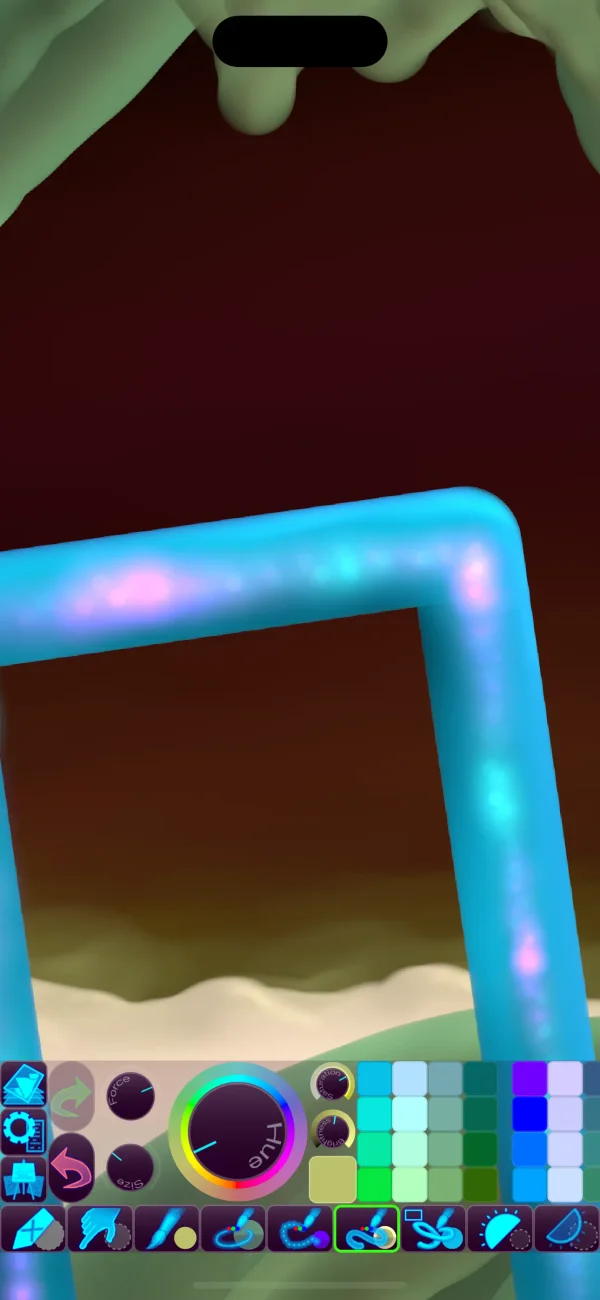
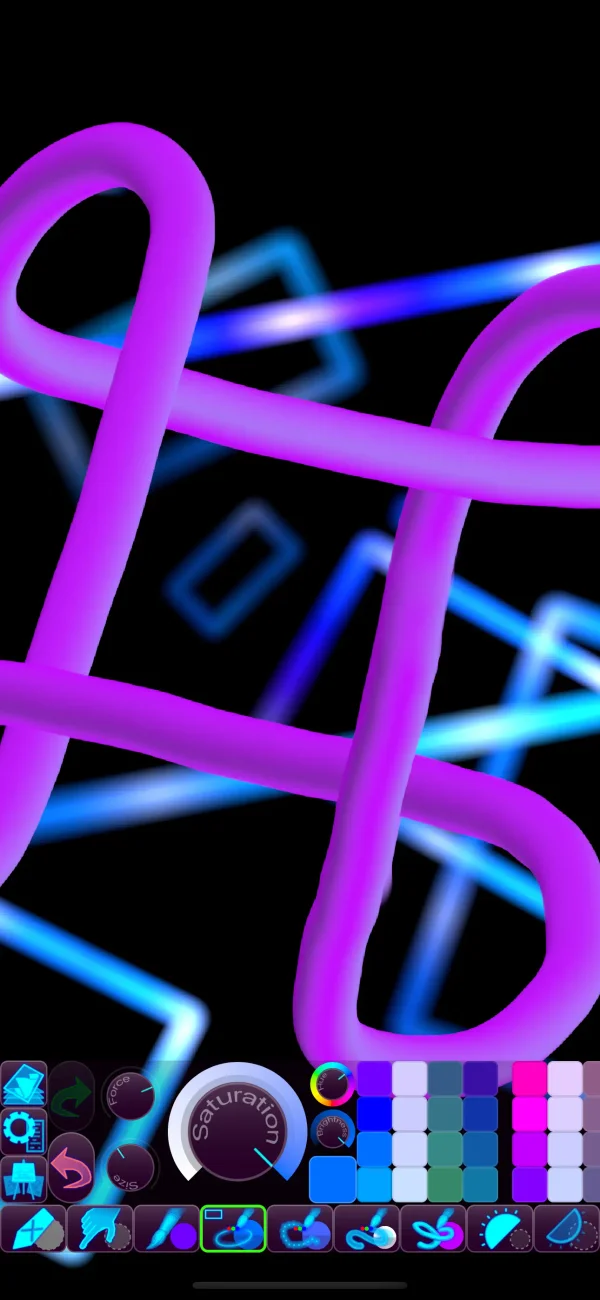


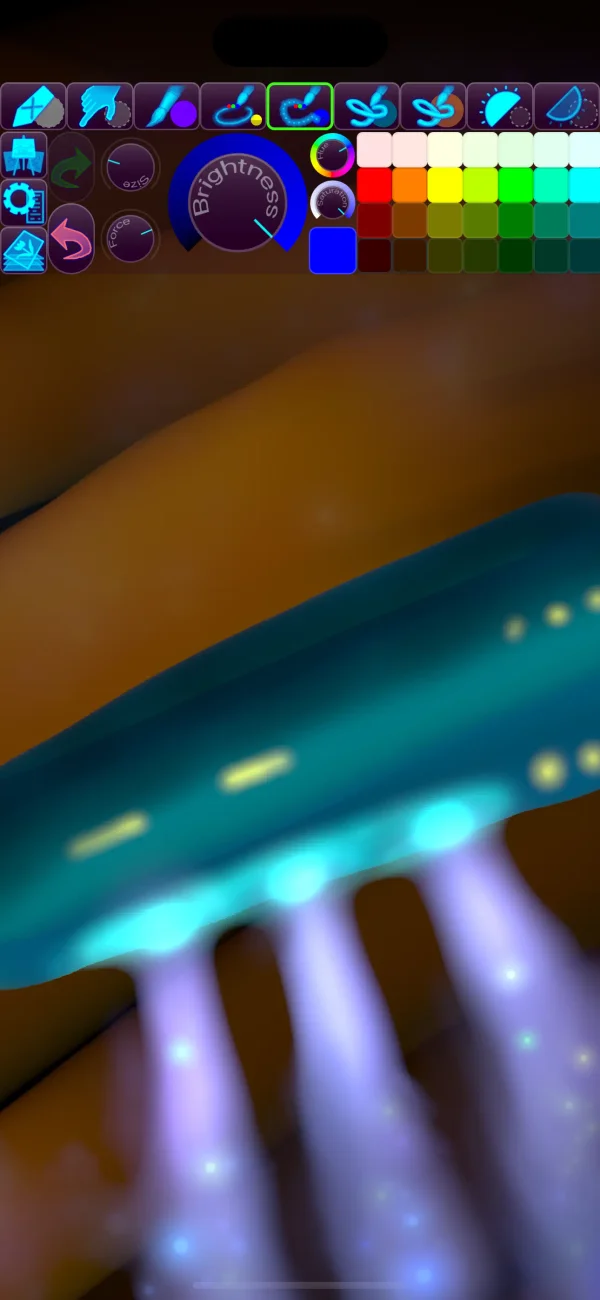

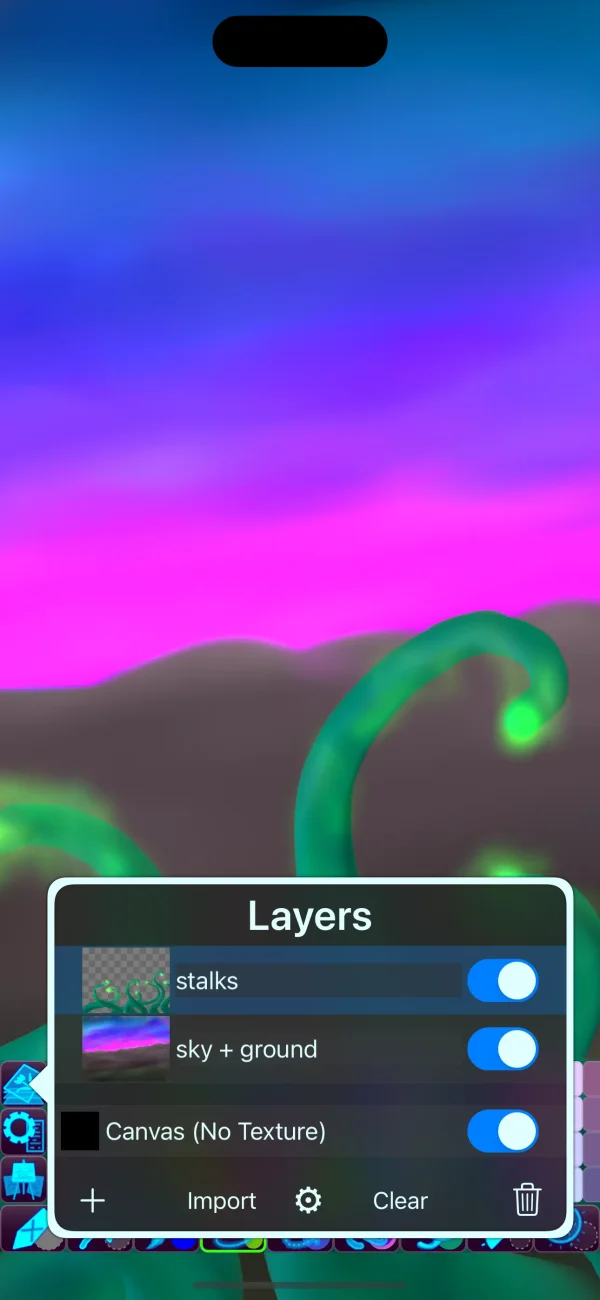

概要
開発元はこのテキストをお使いの言語で提供していません。
Paint a beautiful piece of art or just doodle on a photo.
Only your imagination sets the limits for what you can create!
• INSPIRING PAINTING TOOLS •
Be as creative as you want with inspiring out-of-this-world painting tools like 3D-Shaded Brush, Halo Brush, Plasma Chain Brush, and Translucent Brush.
It also has Lighten and Darken tools, a tremendous help when you want to add some depth and life to your drawings.
• FINGERTIP = STROKE SIZE •
When you paint, the app measures how much of your finger is touching the screen and changes the stroke size accordingly.
Apply just the corner of your fingertip for a thin line, or the whole fingerprint area for a broad stroke.
A 2nd tool assigned to your finger will still use this feature, so don’t ignore it just because you have an Apple Pencil!
• LEFT-HANDED? •
Just swipe the toolbar over to the other side!
• PARAMETERS CAN BE CHANGED LIVE •
Use any buttons or controls to change/adjust color, size, force, simultaneously while painting.
• UNIVERSAL PURCHASE •
If you choose to buy the Pro upgrade, this one-time in-app purchase will unlock all Pro features in the app on all available platforms (iPad-iPhone-Mac)!
• METAL •
The engine is based on Metal, with 128-bit color and floating-point arithmetic.
• SWIFT •
The app was developed entirely using Swift (earlier versions used C++).
• APPLE PENCIL SUPPORT • FULL SCREEN PAINTING •
• DARK MODE • LANDSCAPE • PORTRAIT • WIDE COLOR •
• MULTIPLE LAYERS • PHOTO TRACING MODE (Pro feature) •
新機能
バージョン 5.3.1 · 2023/12/6
[NEW] Added some selection options (like “Select All”) in Work in Progress (Gallery). Long-press the Multi-Select button or tap “Selected…” next to the buttons.
[NEW] Added “Reset to Default” button to the Scrollable Palette Area menu (to open that menu, scroll the palette to its beginning and tap the largest of the three buttons that appear).
[IMPROVED] Adjusted the spacing between the thumbnails in Work in Progress (Gallery).
[FIXED] Dismissing some types of alerts by tapping outside would sometimes block the painting tools (for both touch and Apple Pencil).
[FIXED] A minor, rare user interface graphics glitch.
[FIXED] Pasting multiple files in Work in Progress (Gallery) did not always select all the imported pics.
[IMPROVED] (for devices with attached hardware keyboard) Minor changes/additions to the keyboard shortcuts in Work in Progress (Gallery), and the shortcuts for Copy, Paste, Duplicate now work with layers if the Layers stack is open.
[FIXED] Rotating the device could, in some very rare circumstances, cause the app to crash.
[IMPROVED] Tapping or long-pressing a dial could result in an unintentional adjustment (especially if using Apple Pencil).
[FIXED] Copy Layer was not always working properly.
[FIXED] Some minor multi-select issues in Work in Progress (Gallery).
[FIXED] A couple of drag & drop issues.
[FIXED] A very improbable crash bug.
[IMPROVED] A few minor things.
アプリのプライバシー
このアプリのデータの取り扱いについて、NorbyteがApp Storeで申告している内容です。
-
データの収集なし
開発元はこのアプリからデータを収集しません。
プライバシーの取り扱いは、ご利用の機能やお客様の年齢などに応じて異なる場合があります。
情報
- 販売元
- Norbyte
- カテゴリ
- グラフィック/デザイン
- バージョン
- 5.3.1
- 更新日
- 2023/12/6
- リリース
- 2013/5/7
- サイズ
- 23.9 MB
- 必要条件
- iOS 12.0以降
- 対象年齢
- 4+
- 価格
- 無料
- アプリ内課金
- あり
- 言語
- 英語
- 著作権
- © 2013-2023 Norbyte