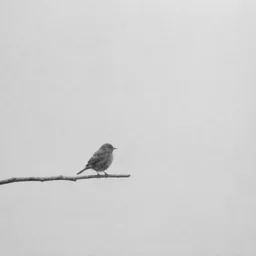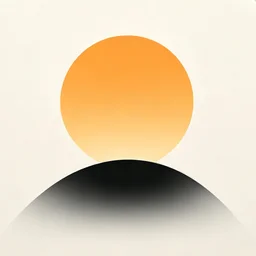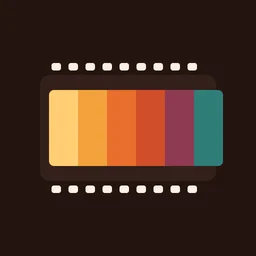
- 対象年齢4+
- カテゴリ写真/ビデオ
- 開発元康安 冉
- 言語英語ほか1言語
- サイズ143.3 MB
App Storeの公式ページにリンクしています
Download.orgはCraftiveのファイルを一切ホストしていません。ボタンを押すと、康安 冉が公開しているApp Storeのアプリページが開きます。ページの最終確認:2026/11/23。
スクリーンショット

概要
開発元はこのテキストをお使いの言語で提供していません。
Some photos bring you right back to the moment you took them.
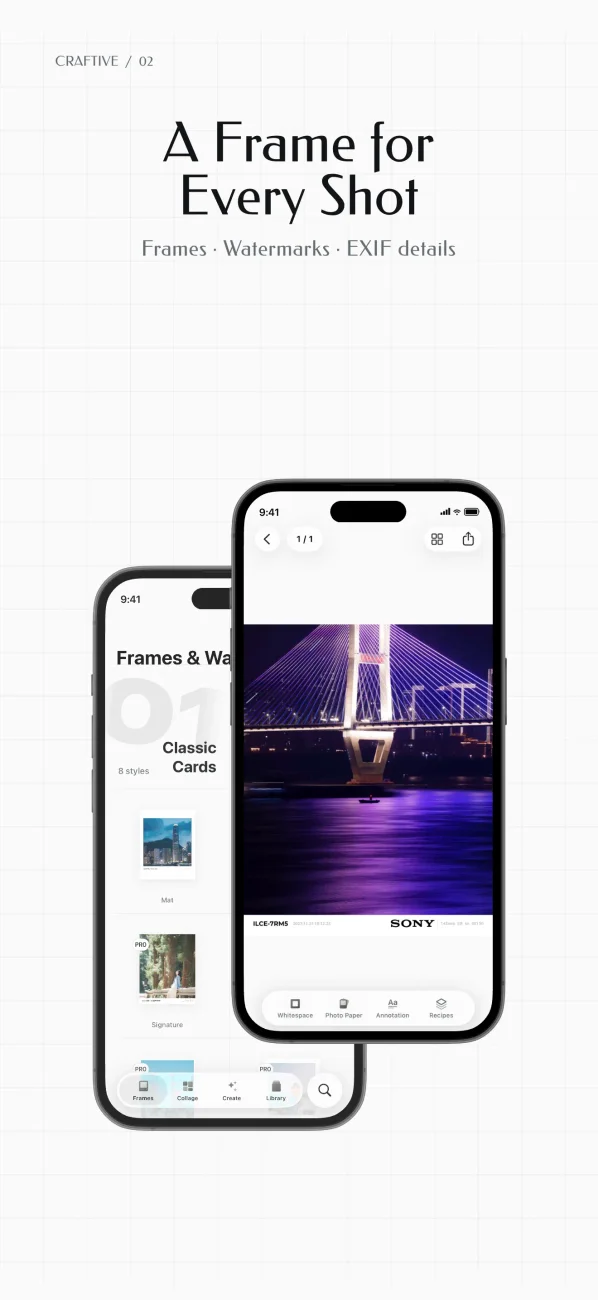
Craftive gives your photos a considered finish with frames, watermarks, collages, photo splitting, subject cutout, and reference-based color matching. Explore creative wallpapers and tools for video and Live Photos.
Frames and watermarks
Choose white cards, photo paper, 35mm and 120 film, ticket stubs, gallery mounts, movie posters, halftone layouts, or translucent glass bars. Craftive reads EXIF camera, lens, exposure, and date details and matches camera brand marks. Import transparent signatures or logos, save border, material, and text styles as recipes, or batch-export framed photos.
Collages and photo splitting
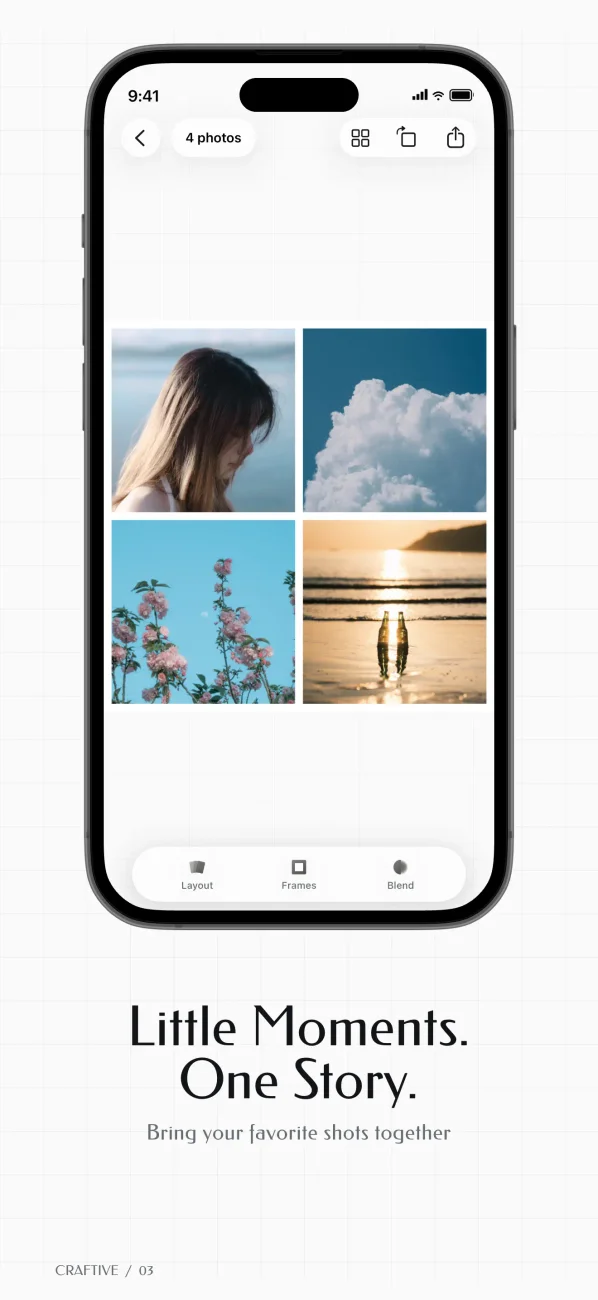
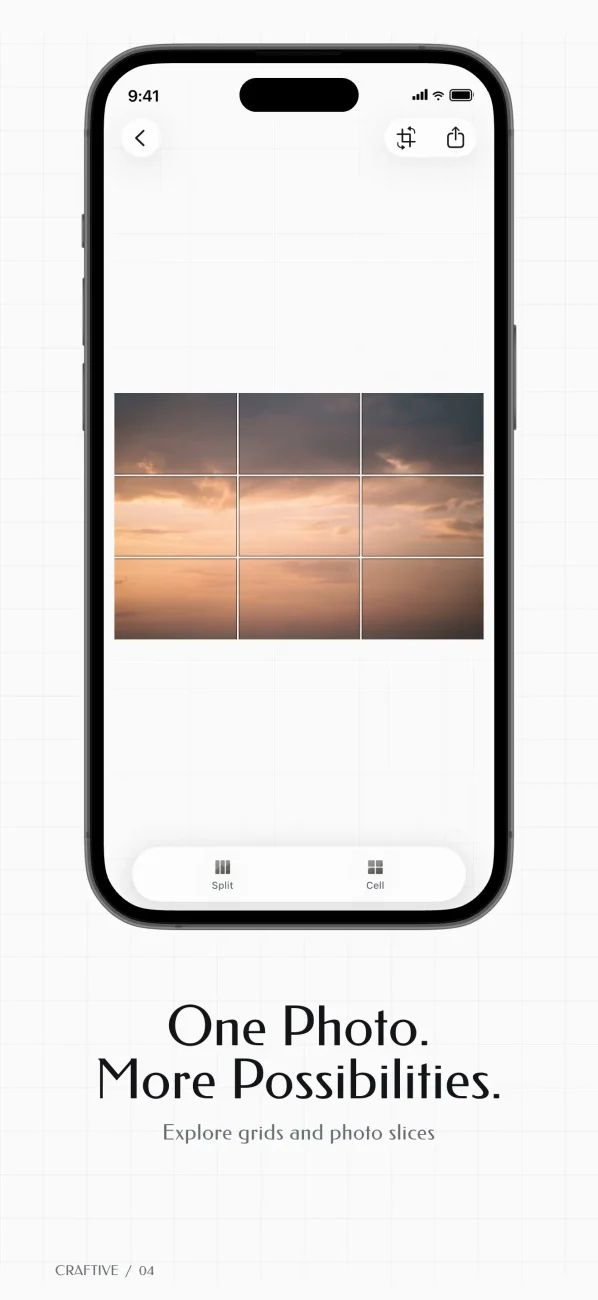
Arrange photos in grids, across-frames subject collages, jigsaw pieces, proportional strips, 35mm contact sheets, or subtitle layouts. Adjust grid cell angles. Split a photo into a grid or panoramic slices, refine each crop, and export the pieces together.
Subject cutout
Separate subjects with smart selection, brush strokes, and edge feathering. Export a transparent PNG, or save to My Assets for frame watermarks, across-frames collages, and sticker wallpapers.
Reference-based color matching
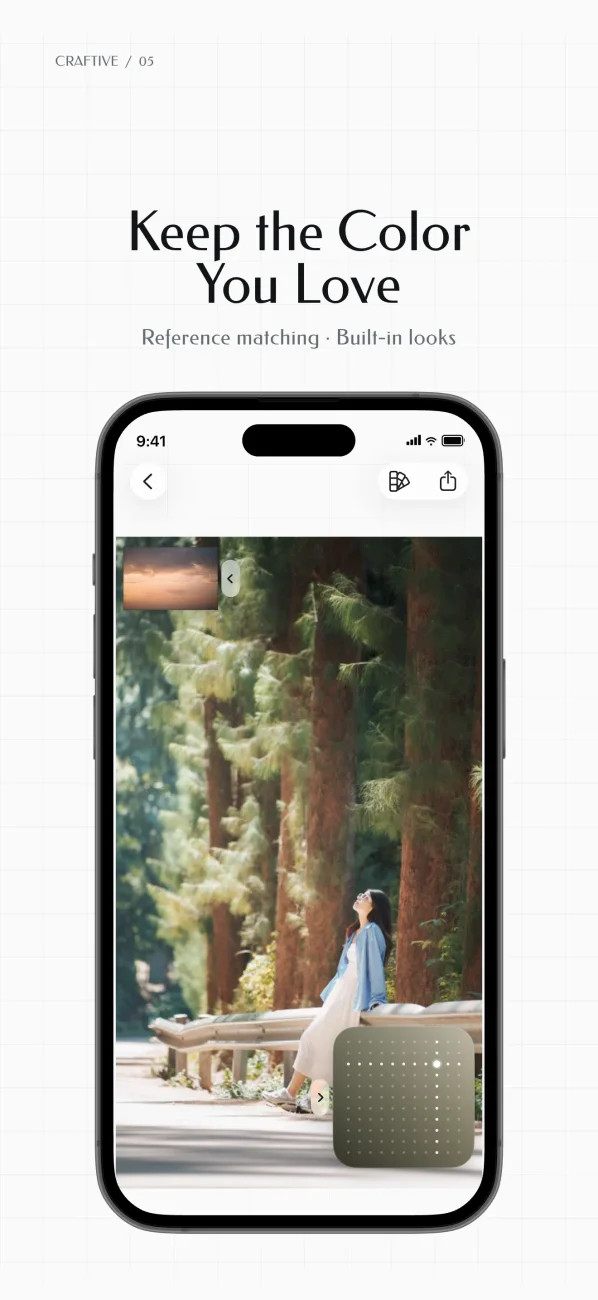
Match your photo to a reference image's tones and colors, and hold the canvas to compare the original. Save reusable looks, export .cube 3D LUTs, or apply built-in looks.
Video and Live Photos
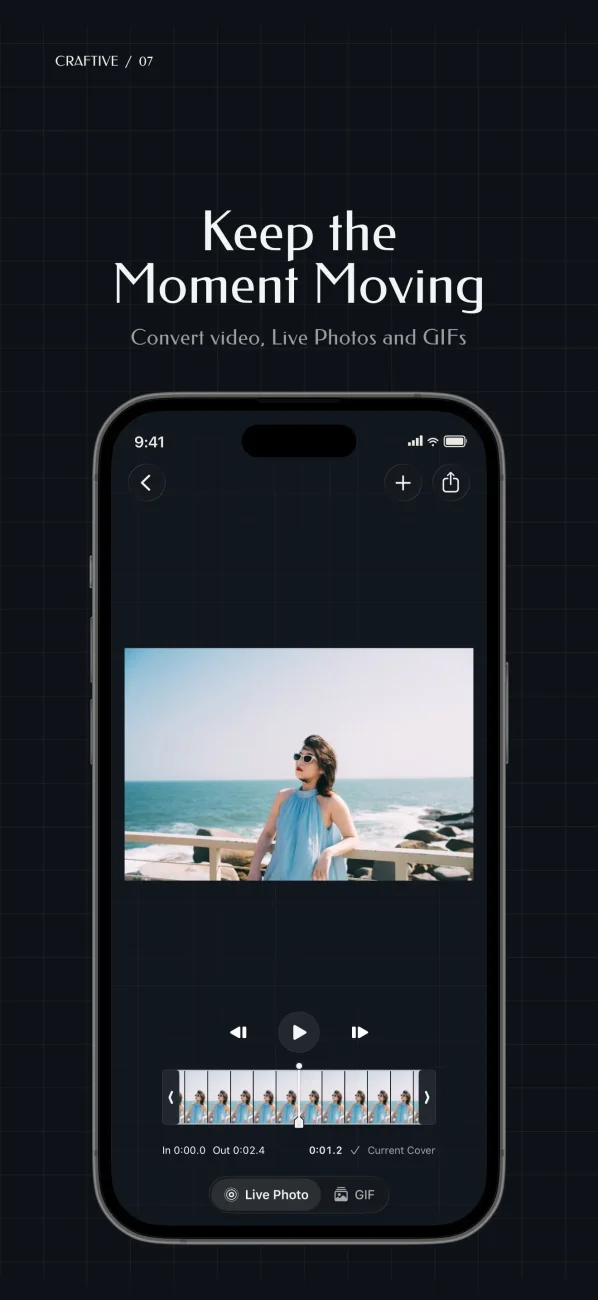
Frame videos and Live Photos or combine them in collages using compatible templates. Convert between video, Live Photos, and GIFs, or extract an exact still frame from the timeline. Live Photo works save natively to Photos and export as compatible video when shared to other apps.
Creative wallpapers
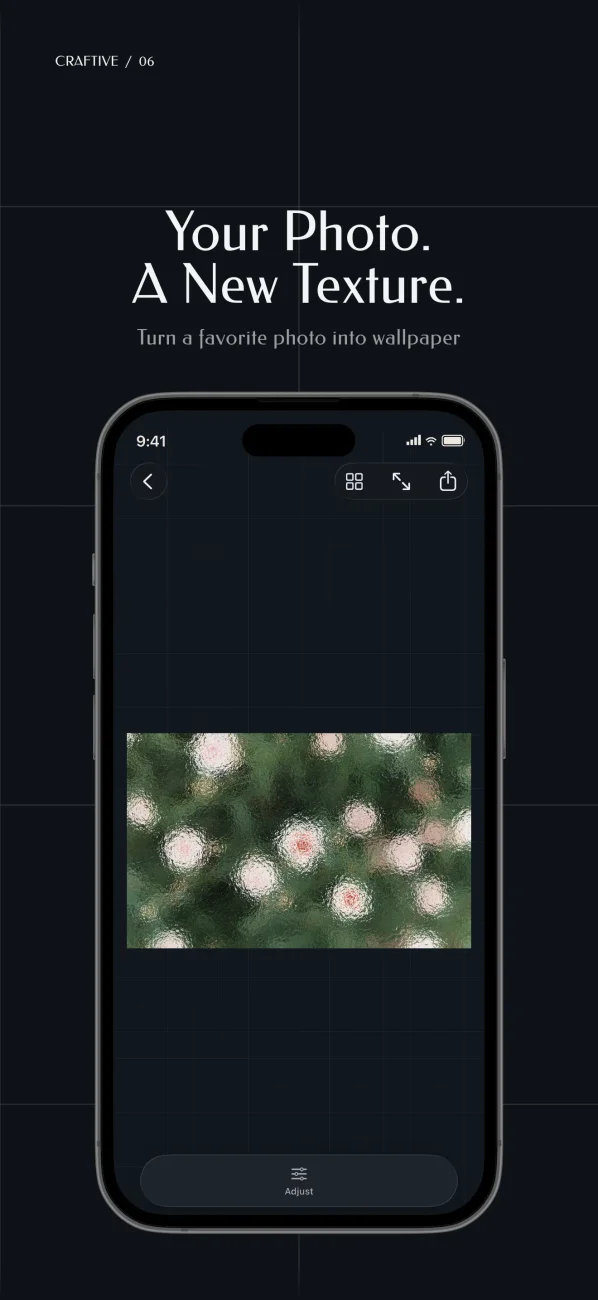
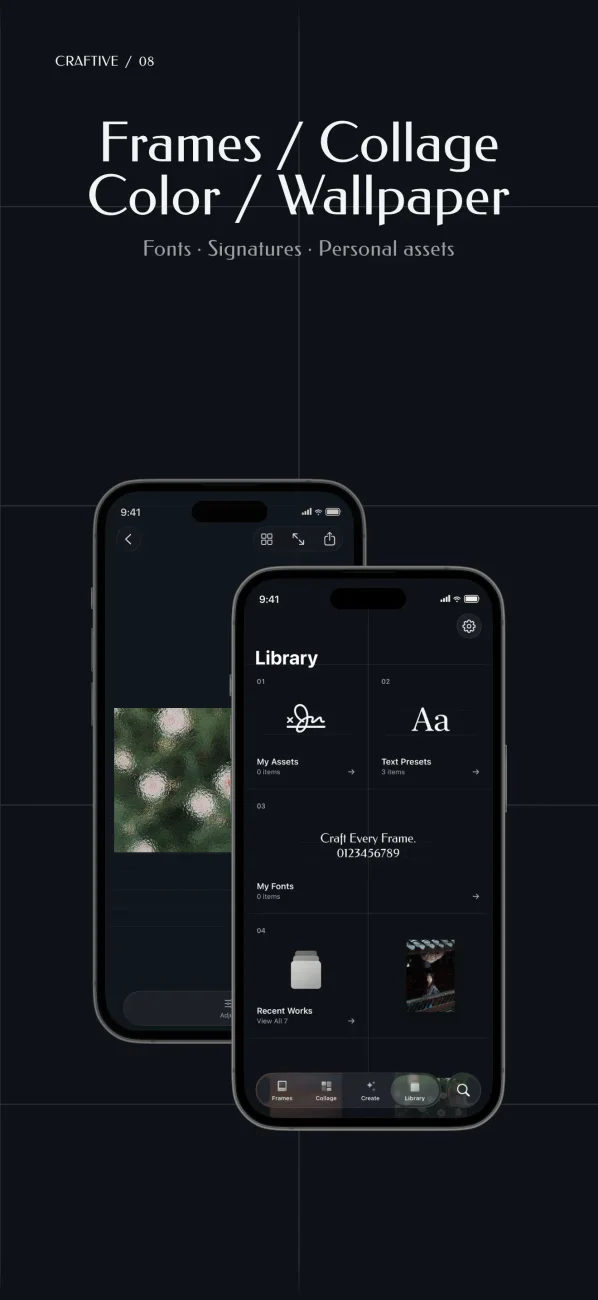
Explore frosted or ribbed glass, silver-halide grain, paper and fabric textures, subject-freeze streaks, motion blur, oil paint, pixel art, fuse beads, brick mosaics, multiple exposures, selective color, and halftone or CMYK print effects. Arrange emoji, text, and personal assets over solid, gradient, textured, or photo backgrounds. Create photo-sampled soft mist and color flow wallpapers, or mesh and flowing gradients with custom color stops.
Fonts and export
Import static or variable .ttf and .otf fonts for free in supported text slots. Configure file format, maximum dimensions, color space, and EXIF metadata preservation before saving or sharing. Works saved to Photos are indexed in Library for browsing by date or category.
On-device privacy
No account required, no ads, and no mandatory Craftive watermark. All photo and video processing runs locally on your iPhone or iPad, and your media is never uploaded to our servers.
Basic templates, photo splitting, and font import are free. You can edit and preview reference-based color matches for free; saving and sharing the results requires Craftive Pro.
Craftive Pro
• Access all released templates and styles
• Save and share reference-based color matches
• Save and apply your own color looks, and export LUTs
• Save framed photos and color-matched photos in batches
• Import and use your own signatures, logos, and stickers
Purchase options
• Monthly: auto-renews each month, with a 7-day free trial for eligible users
• Yearly: auto-renews each year, with a 7-day free trial for eligible users
• Lifetime: pay once for permanent access to current and future Pro features
Subscription details
Purchases are charged to your Apple ID account. Subscriptions renew automatically unless canceled at least 24 hours before the end of the current period. Renewal charges apply within 24 hours before the current period ends. You can manage or cancel subscriptions in your App Store account settings. Deleting the app does not cancel a subscription. A Lifetime purchase does not cancel any existing subscription or provide a credit or refund for subscription payments.
Privacy Policy: https://ember-air-1fe.notion.site/Craftive-3df0d1931b258123b835cc151ff5d231
Terms of Use: https://www.apple.com/legal/internet-services/itunes/dev/stdeula/
新機能
バージョン 1.2.0 · 2026/11/18
iCloud Sync is now available. Sync personal assets, imported fonts, frame recipes, text presets, template favorites, and export settings across devices signed in to the same Apple Account. Go to Library > Settings > iCloud Sync to choose what to sync.
Fixed thin lines that could appear in some gap-free collage exports and black borders that could appear when converting certain videos to GIF.
アプリのプライバシー
このアプリのデータの取り扱いについて、康安 冉がApp Storeで申告している内容です。
-
データの収集なし
開発元はこのアプリからデータを収集しません。
プライバシーの取り扱いは、ご利用の機能やお客様の年齢などに応じて異なる場合があります。
情報
- 販売元
- 康安 冉
- カテゴリ
- 写真/ビデオ
- バージョン
- 1.2.0
- 更新日
- 2026/11/18
- リリース
- 2026/10/6
- サイズ
- 143.3 MB
- 必要条件
- iOS 26.0以降
- 対象年齢
- 4+
- 価格
- 無料
- アプリ内課金
- あり
- 言語
- 英語, 簡体字中国語
- 著作権
- © 2026 Ran Kangan