- 対象年齢12+
- カテゴリエンターテインメント
- 開発元CrawlPass LLC
- 言語英語
- サイズ36.6 MB
CrawlPassは現在App Storeで入手できない可能性があります
前回の確認時、ストアのページにアクセスできませんでした。リンク先は引き続きApp Storeの公式ページです。
スクリーンショット
概要
開発元はこのテキストをお使いの言語で提供していません。
No web interface is available outside of the application. Details on how to use the application can be found here.
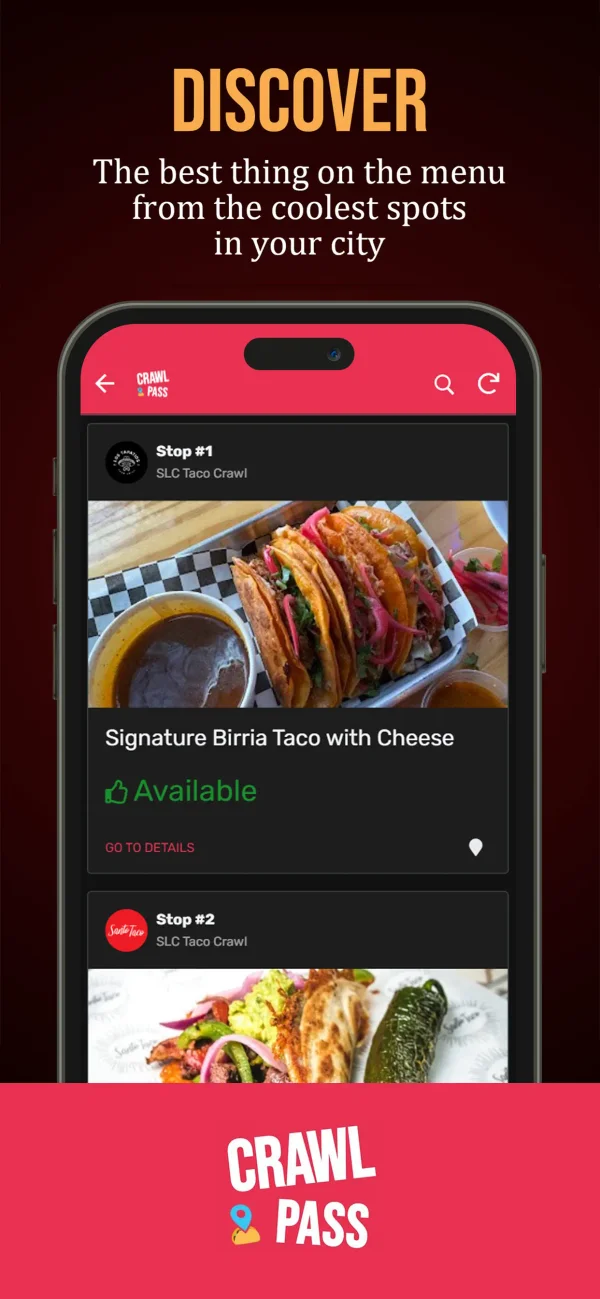
Steps for using the CrawlPass app.
Step 1. After purchasing your CrawlPass from crawlpass.co, check your email for details on how to redeem your CrawlPass vouchers.
Step 2. Download the app.
Step 3. Once downloaded, enter your email and promo code. If you have trouble logging in, reach out to support@crawlpass.co
Step 4. After successful login, click “Continue to your CrawlPass” (do not click the back button or you’ll be forced to enter you promo code again).
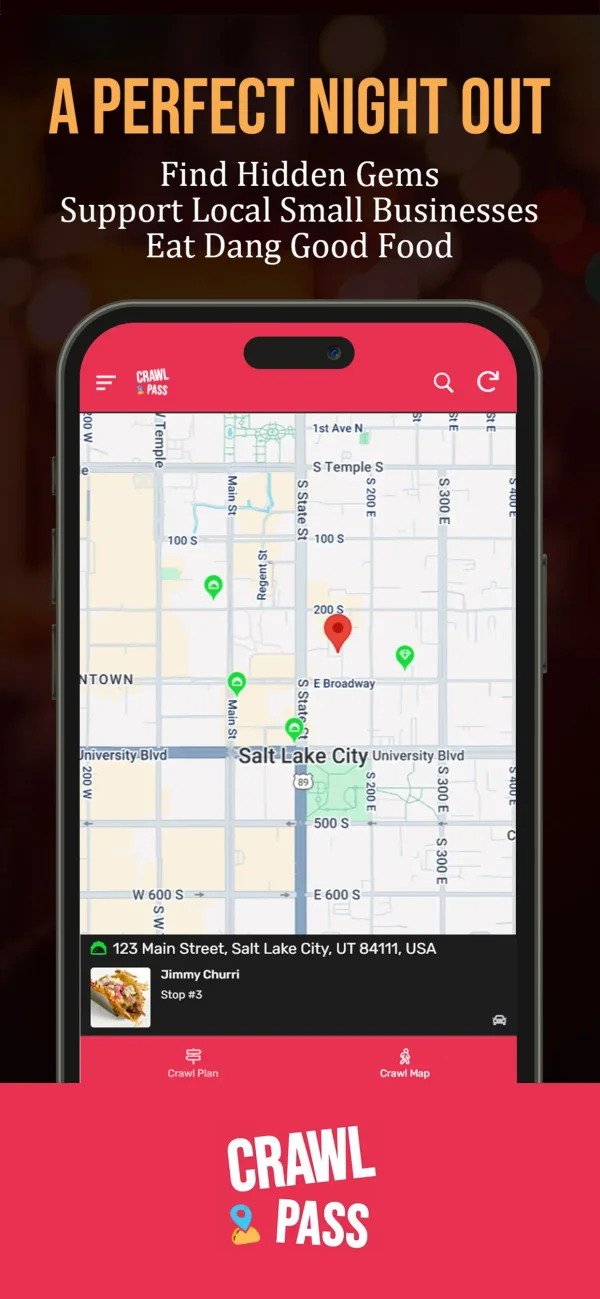
Step 5. Hit the refresh arrow on the top right of the screen to refresh and see your CrawlPass vouchers. You should now see your “Crawl Plan”. You can also use the “Crawl Map” to navigate using maps. Click on the car icon to navigate even though you’re walking.
Step 6. Once you’ve arrive at the specified location and your at the cash register, click on “Redeem Now” to redeem your voucher. Once you’ve confirmed you want to “Redeem Now”, you’ll need to show the venue your voucher for them to then click “Venue Accept” on your device.
Step 7. This will confirm the redemption of your voucher and the venue will begin preparing your item. Then on to the next stop!
アプリのプライバシー
このアプリのデータの取り扱いについて、CrawlPass LLCがApp Storeで申告している内容です。
-
ユーザーに関連付けられたデータ
収集され、ユーザーの識別情報に関連付けられる場合があります。
- ID
-
ユーザーに関連付けられないデータ
収集される場合がありますが、ユーザーの識別情報には関連付けられません。
- 位置情報
- 使用状況データ
プライバシーの取り扱いは、ご利用の機能やお客様の年齢などに応じて異なる場合があります。
情報
- 販売元
- CrawlPass LLC
- カテゴリ
- エンターテインメント
- バージョン
- 1.0
- 更新日
- 2025/8/8
- リリース
- 2025/8/8
- サイズ
- 36.6 MB
- 必要条件
- iOS 12.0以降
- 対象年齢
- 12+
- 言語
- 英語
- 著作権
- © 2025 CrawlPass LLC