
- 対象年齢4+
- カテゴリ仕事効率化
- 開発元Google
- 言語英語
- サイズ30.0 MB
App Storeの公式ページにリンクしています
Download.orgはCreative Previewのファイルを一切ホストしていません。ボタンを押すと、Googleが公開しているApp Storeのアプリページが開きます。ページの最終確認:2026/11/6。
スクリーンショット
概要
開発元はこのテキストをお使いの言語で提供していません。
Make sure you know how consumers will experience your ad when it goes live. Creative Preview helps you test mobile ads directly on a smartphone or tablet.
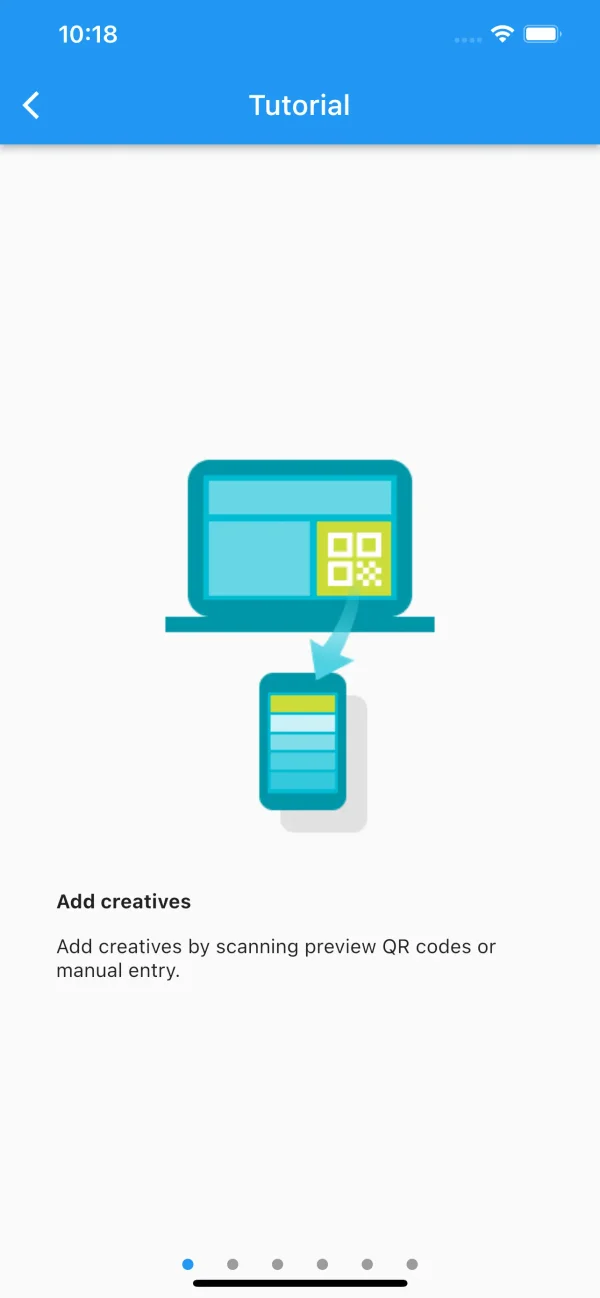
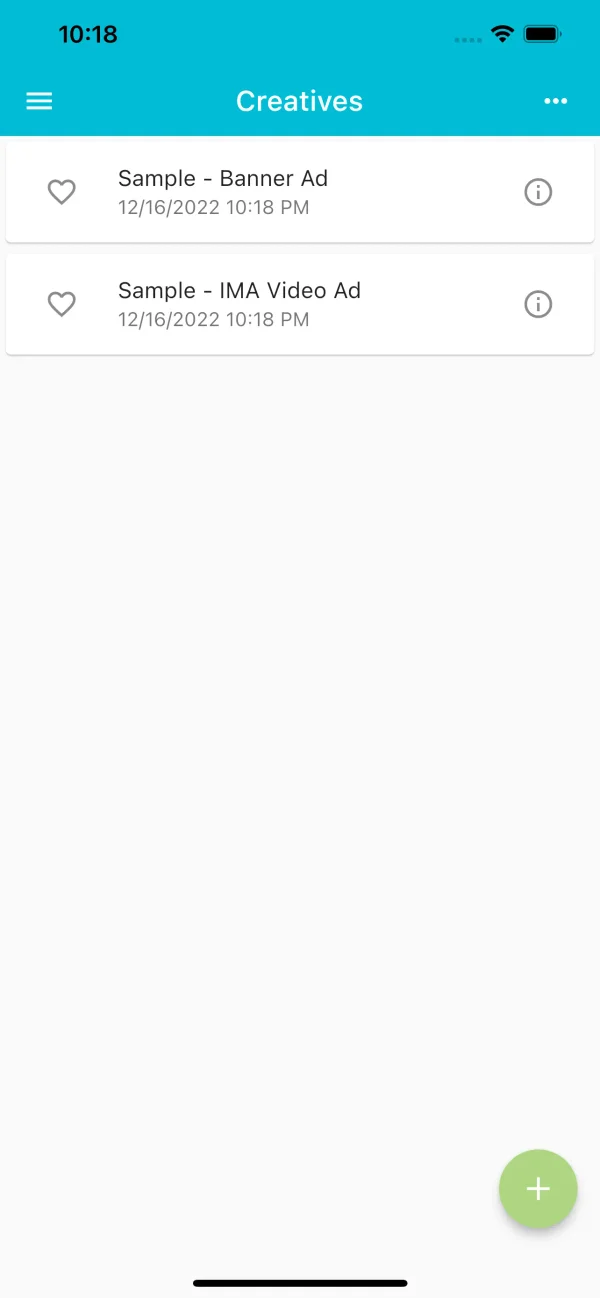
Scan a QR code from a Google Marketing Platform product to preview an ad on your device, or manually add a creative URL. Test on your device using the supported mobile ad SDKs or in any mobile browser, and review reporting metrics in the app's console.
Use Creative Preview to:
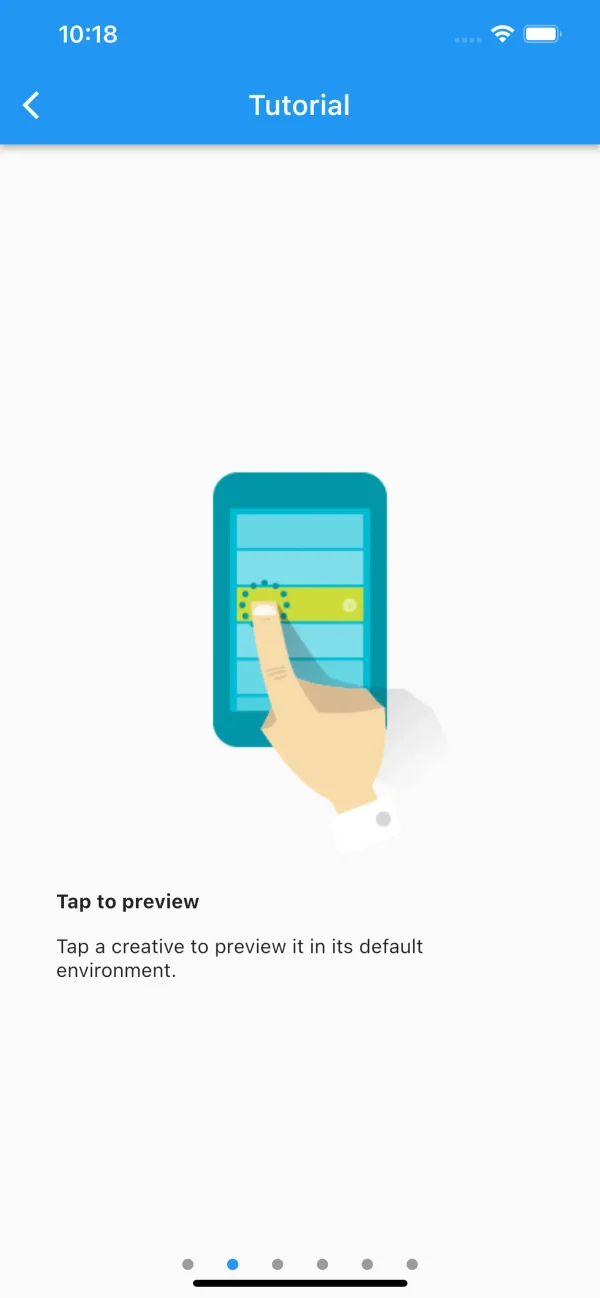
* Preview and test display and video creatives directly on your mobile device.
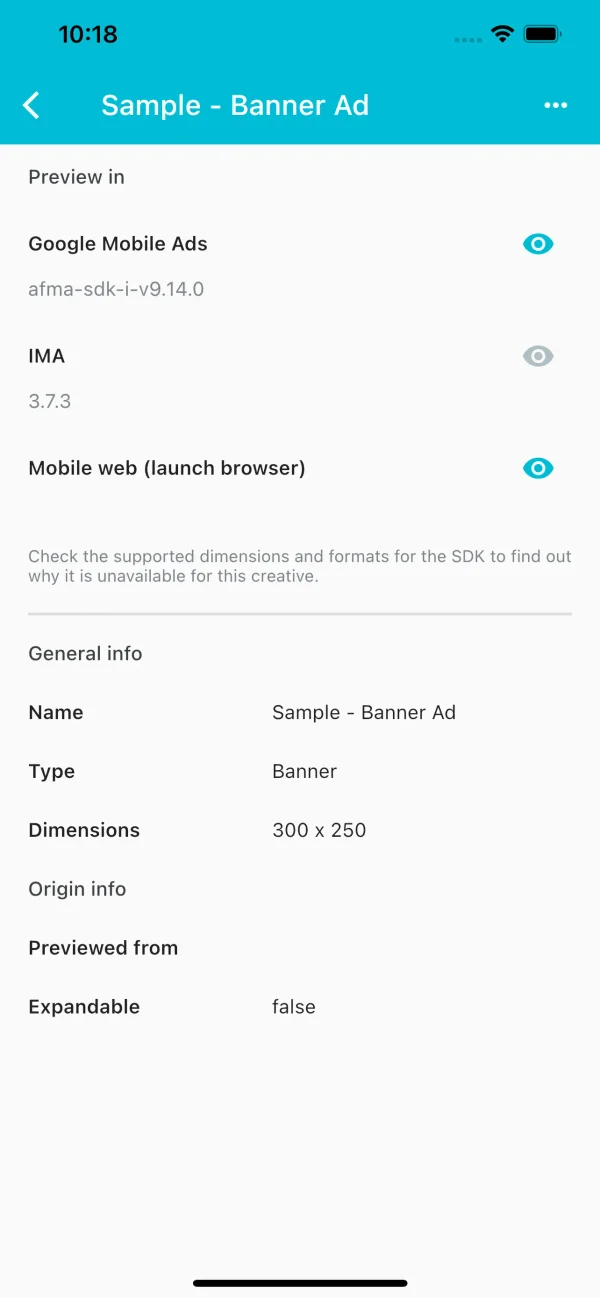
Supported mobile ad SDKs:
* Google Mobile Ads
* Interactive Media Ads (IMA)
Permissions Notice:
* Camera: Needed to scan QR codes.
* Microphone: Needed to preview creatives using mobile ads SDKs that support audio recording.
* Storage: Needed to attach photos, videos, and local files for submitting app feedback. It's also needed to save your preview list and app settings.
新機能
バージョン 2.1.1 · 2026/2/23
This update includes bug fixes and stability improvements to enhance your experience.
アプリのプライバシー
このアプリのデータの取り扱いについて、GoogleがApp Storeで申告している内容です。
-
ユーザーに関連付けられたデータ
収集され、ユーザーの識別情報に関連付けられる場合があります。
- 位置情報
- 使用状況データ
-
ユーザーに関連付けられないデータ
収集される場合がありますが、ユーザーの識別情報には関連付けられません。
- ID
- 使用状況データ
- 診断
プライバシーの取り扱いは、ご利用の機能やお客様の年齢などに応じて異なる場合があります。
情報
- 販売元
- Google LLC
- カテゴリ
- 仕事効率化
- バージョン
- 2.1.1
- 更新日
- 2026/2/23
- リリース
- 2015/9/23
- サイズ
- 30.0 MB
- 必要条件
- iOS 17.0以降
- 対象年齢
- 4+
- 価格
- 無料
- 言語
- 英語
- 著作権
- © 2022 Google Inc.
こちらもおすすめ
-
 Origami Live仕事効率化
-
 Adobe Analytics ダッシュボードAdobe Analytics 公式アプリ
-
 Ultimate Success仕事効率化
-
 Search Console ToolSEO分析と順位管理
-
 SingleFile for Safari仕事効率化
-
 Cardhop Contacts手放せなくなる連絡先App
-
 G App Launcher仕事効率化
-
 xSearch for SafariSwitch search engine instantly
-
 Templates for Google DocsDocs、Slides、および Sheets テンプレート
-
 OmniPlan 4パワフルなプロジェクト管理