- 対象年齢4+
- カテゴリユーティリティ
- 開発元MedHue Labs
- 言語英語
- サイズ15.1 MB
App Storeの公式ページにリンクしています
Download.orgはCTRL Microのファイルを一切ホストしていません。ボタンを押すと、MedHue Labsが公開しているApp Storeのアプリページが開きます。ページの最終確認:2026/11/18。
スクリーンショット

概要
開発元はこのテキストをお使いの言語で提供していません。
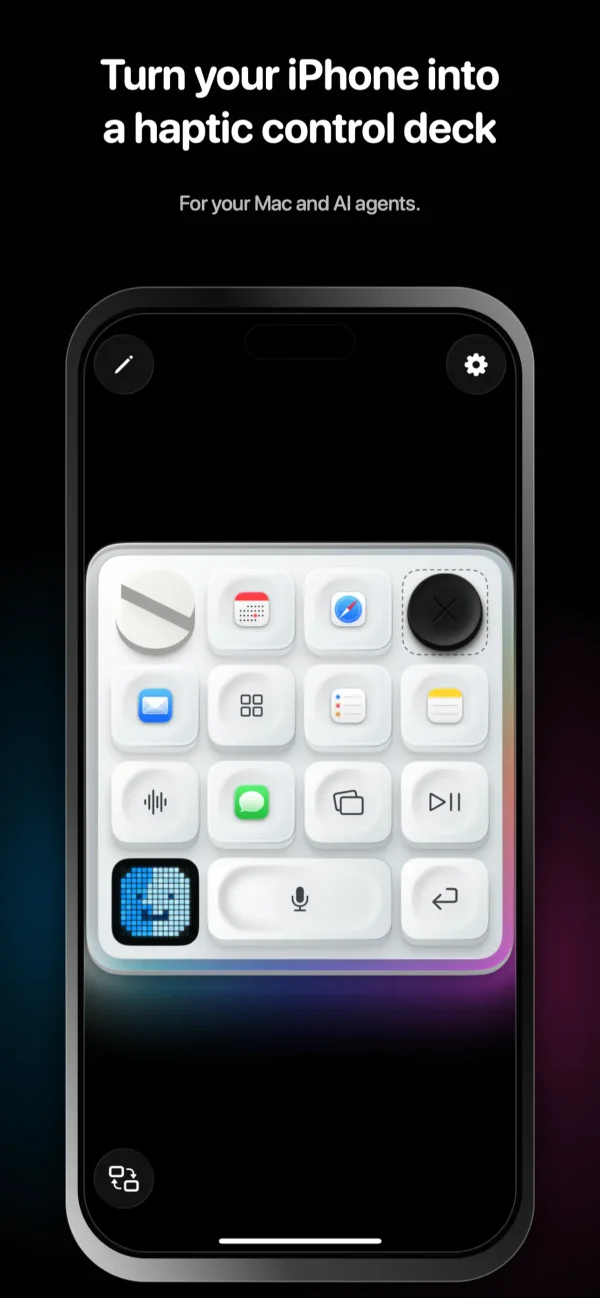
CTRL Micro turns your iPhone or iPad into a tactile control deck for your Mac and AI agents.
HAPTIC CONTROL DECK
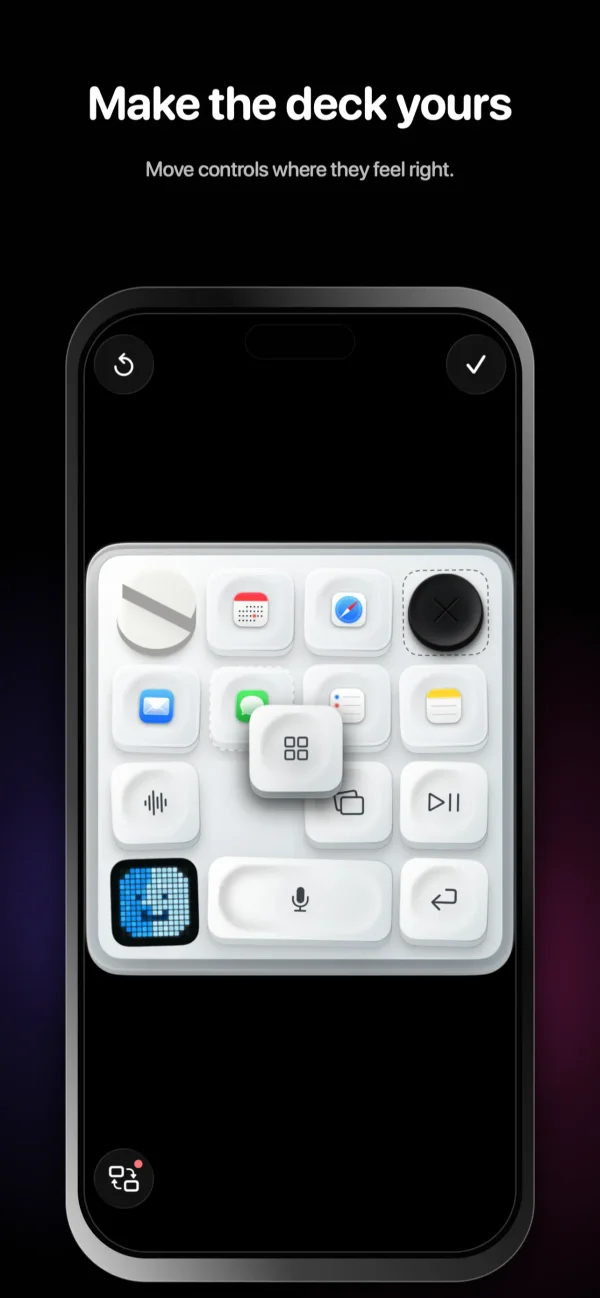
• Feel responsive haptics, sounds, and visual feedback
• Arrange controls where they feel right
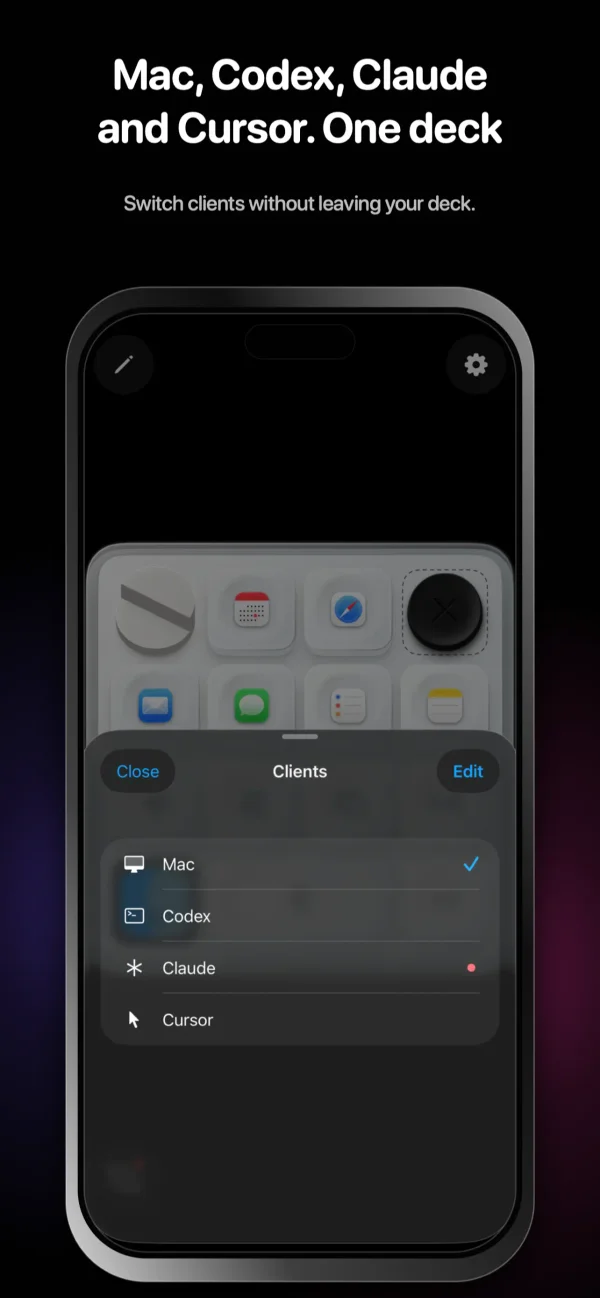
• Switch between Mac, Codex, Claude, and Cursor from one deck
CONTROL YOUR MAC
• Launch applications
• Control volume, brightness, media, and windows
• Move the pointer, scroll, click, run Shortcuts, and talk to Siri
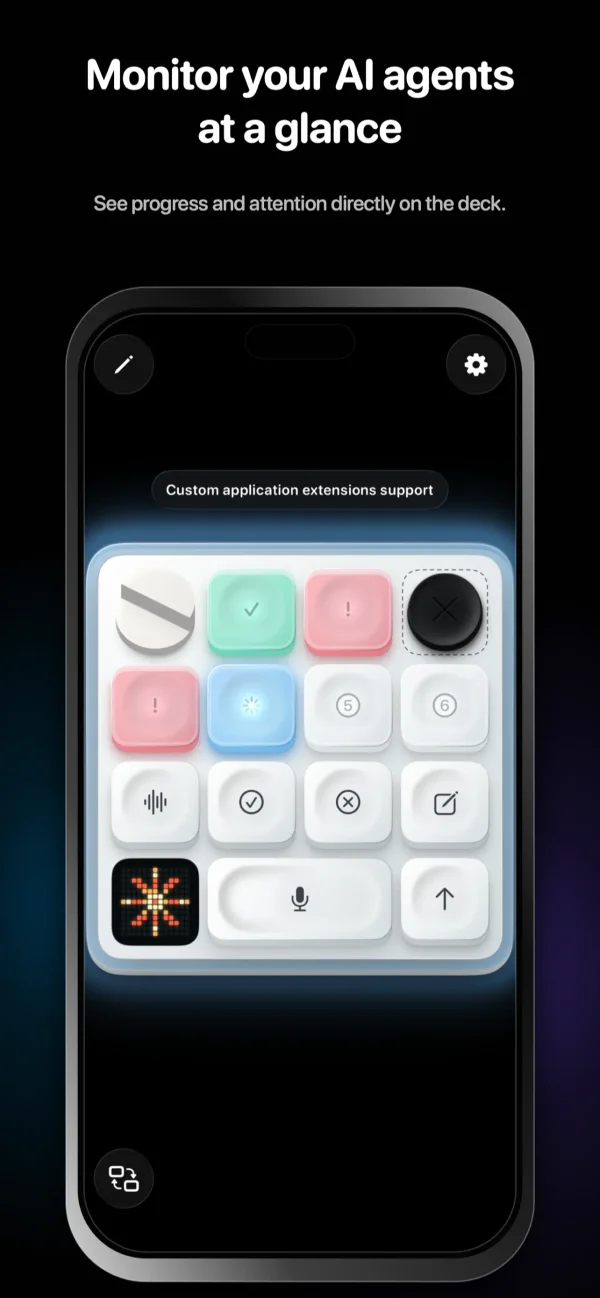
MONITOR AI AGENTS
• See task progress and attention states at a glance
• Open recent tasks and start new ones
• Use client-specific controls for Codex, Claude, and Cursor
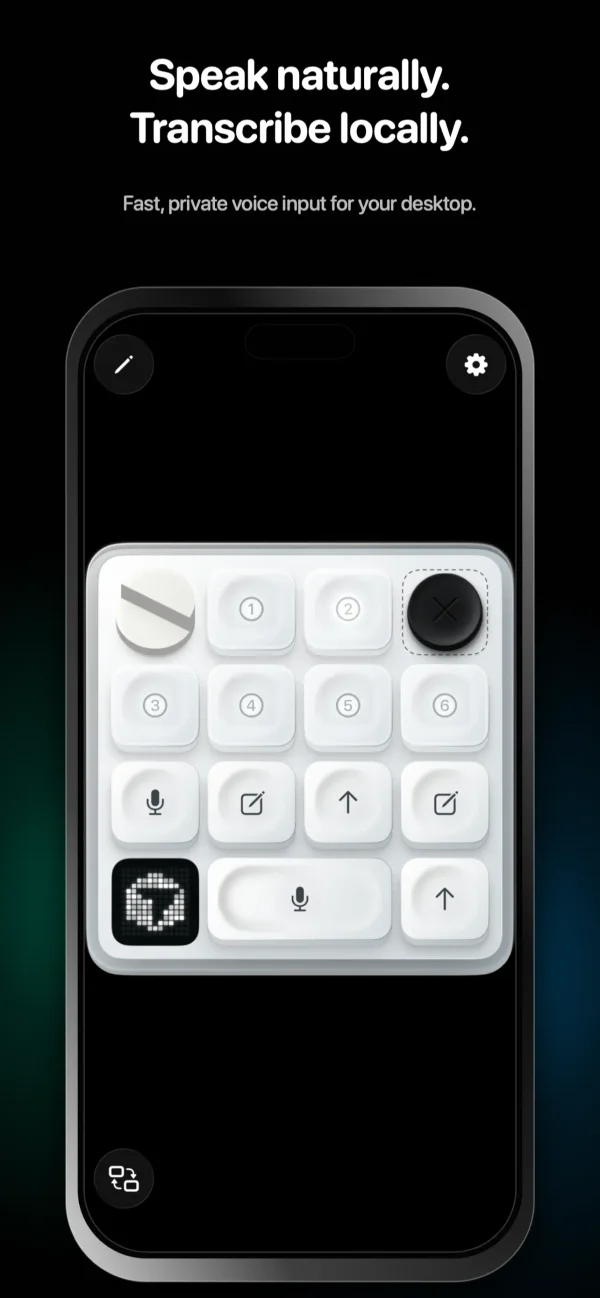
SPEAK NATURALLY
• Dictate into desktop apps from your deck
• Transcription is processed locally by CTRL Micro Host on your Mac
SEE YOUR MAC
• Watch your Mac respond as you use the control deck, Trackpad, or Keyboard
• Open Desktop View nearby or through Remote Anywhere
• Keep the live screen above your controls or expand it full screen
• Pinch, pan, and double-tap to inspect your Mac screen
PRIVATE BY DESIGN
• No CTRL Micro account required
• Nearby connections stay directly between your devices
• Remote Anywhere is end-to-end encrypted; the relay forwards opaque data and cannot read your screen or control content
• Screen frames, keyboard input, commands, and dictation content are not recorded or stored
CTRL Micro requires the separate CTRL Micro Host app for Mac, available from ctrlmicro.com. Pair your iPhone or iPad with one selected Mac and control it nearby or through Remote Anywhere.
新機能
バージョン 1.0.10 · 2026/10/5
Chat task keys now use Recent ordering and open the task shown in the preview. Existing Sidebar settings migrate automatically. Update the Mac Host for the matching fix.
アプリのプライバシー
このアプリのデータの取り扱いについて、MedHue LabsがApp Storeで申告している内容です。
-
ユーザーに関連付けられないデータ
収集される場合がありますが、ユーザーの識別情報には関連付けられません。
- ID
プライバシーの取り扱いは、ご利用の機能やお客様の年齢などに応じて異なる場合があります。
情報
- 販売元
- MedHue Labs LLC
- カテゴリ
- ユーティリティ
- バージョン
- 1.0.10
- 更新日
- 2026/10/5
- リリース
- 2026/8/24
- サイズ
- 15.1 MB
- 必要条件
- iOS 17.0以降
- 対象年齢
- 4+
- 価格
- 無料
- 言語
- 英語
- 著作権
- © 2026 MedHue Labs LLC