- 対象年齢4+
- カテゴリ仕事効率化
- 開発元Arpad Larrinaga Aviles
- 言語英語
- サイズ5.5 MB
App Storeの公式ページにリンクしています
Download.orgはCue Clock - Presentation Appのファイルを一切ホストしていません。ボタンを押すと、Arpad Larrinaga Avilesが公開しているApp Storeのアプリページが開きます。ページの最終確認:2026/11/17。
スクリーンショット

概要
開発元はこのテキストをお使いの言語で提供していません。
Cue Clock helps you run presentations with confidence.
Build custom timers for talks, workshops, classroom sessions, rehearsals, demos, and meetings. Break your session into timed segments, keep your pacing clear, and stay focused while pTimer tracks what comes next.
Features:
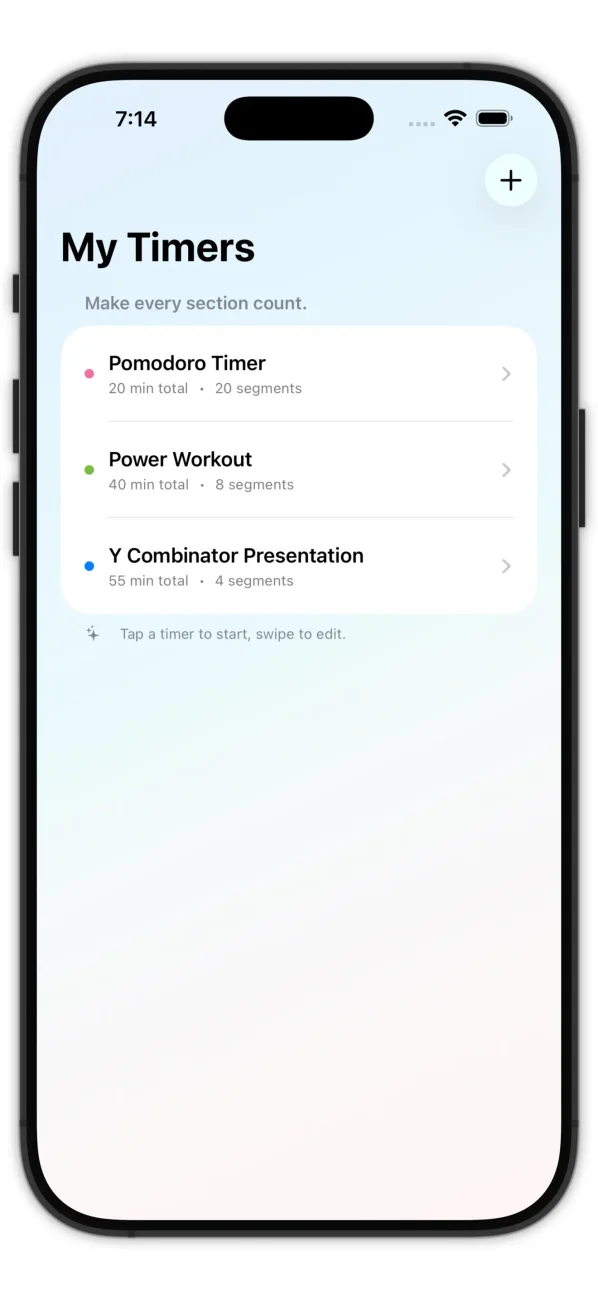
Create multi-segment presentation timers
Customize each segment with its own title, duration, and color
Reuse timer plans for recurring talks and sessions
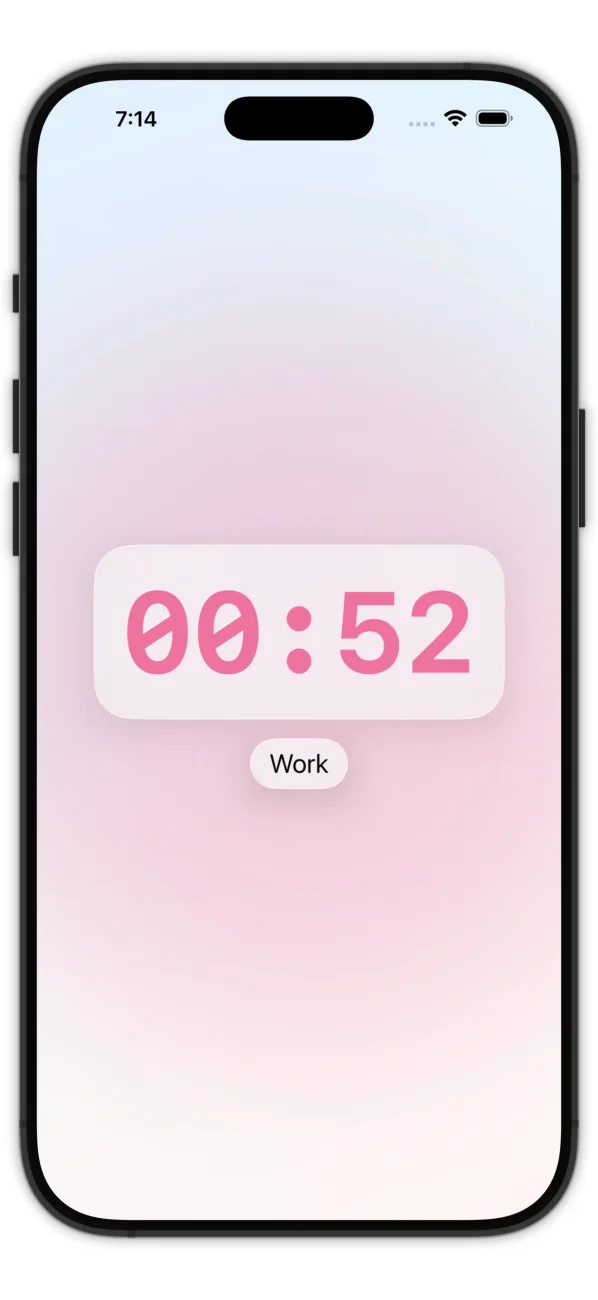
See progress at a glance with a clean, focused interface
Use full-screen presentation mode while you speak
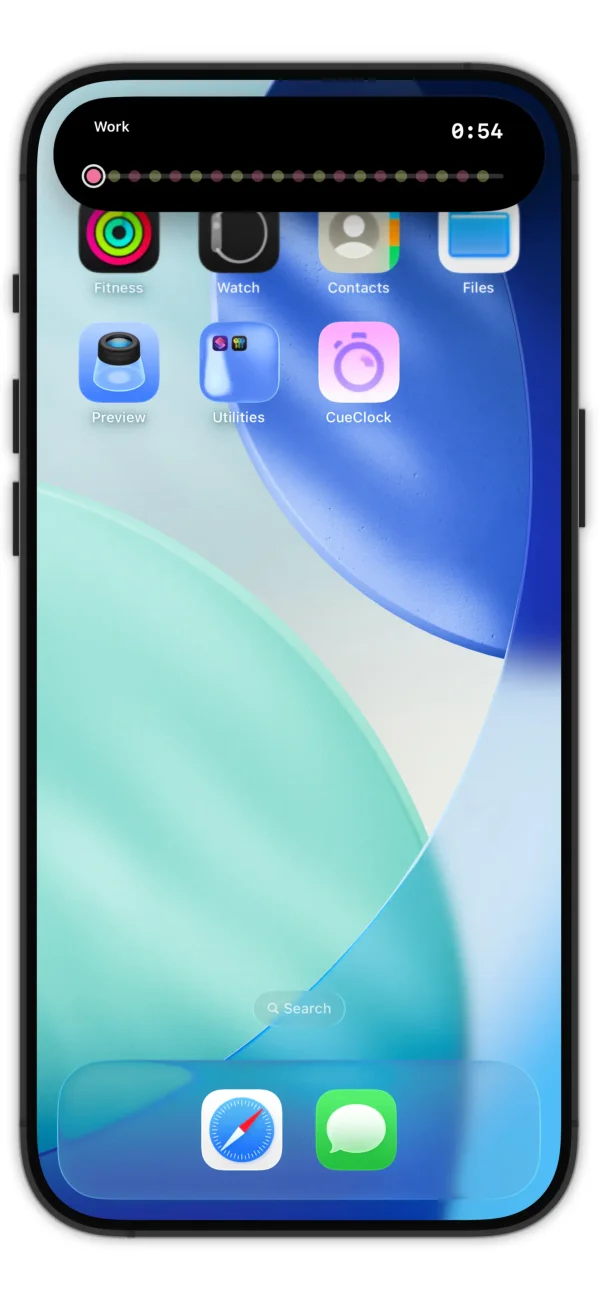
Follow your timer from the Lock Screen and Dynamic Island with Live Activities
Quickly move between segments when your session changes in real time
pTimer is designed for speakers, teachers, facilitators, students, and anyone who needs a reliable structure while presenting.
新機能
バージョン 1.1 · 2026/7/14
Version 1.1 brings a more polished presentation experience with a redesigned upgrade screen, better dark mode contrast, improved timer editing, more accurate background timer syncing, stronger StoreKit purchase testing support, and a more reliable Live Activity countdown.
アプリのプライバシー
このアプリのデータの取り扱いについて、Arpad Larrinaga AvilesがApp Storeで申告している内容です。
-
ユーザーに関連付けられないデータ
収集される場合がありますが、ユーザーの識別情報には関連付けられません。
- 診断
プライバシーの取り扱いは、ご利用の機能やお客様の年齢などに応じて異なる場合があります。
情報
- 販売元
- Arpad Larrinaga Aviles
- カテゴリ
- 仕事効率化
- バージョン
- 1.1
- 更新日
- 2026/7/14
- リリース
- 2025/4/28
- サイズ
- 5.5 MB
- 必要条件
- iOS 17.6以降
- 対象年齢
- 4+
- 価格
- 無料
- アプリ内課金
- あり
- 言語
- 英語
- 著作権
- © Arpad Larrinaga Aviles