
- 対象年齢4+
- カテゴリ仕事効率化
- 開発元Zach Waterfield
- 言語英語
- サイズ44.6 MB
App Storeの公式ページにリンクしています
Download.orgはCue: Daily Notesのファイルを一切ホストしていません。ボタンを押すと、Zach Waterfieldが公開しているApp Storeのアプリページが開きます。ページの最終確認:2026/11/23。
スクリーンショット


概要
開発元はこのテキストをお使いの言語で提供していません。
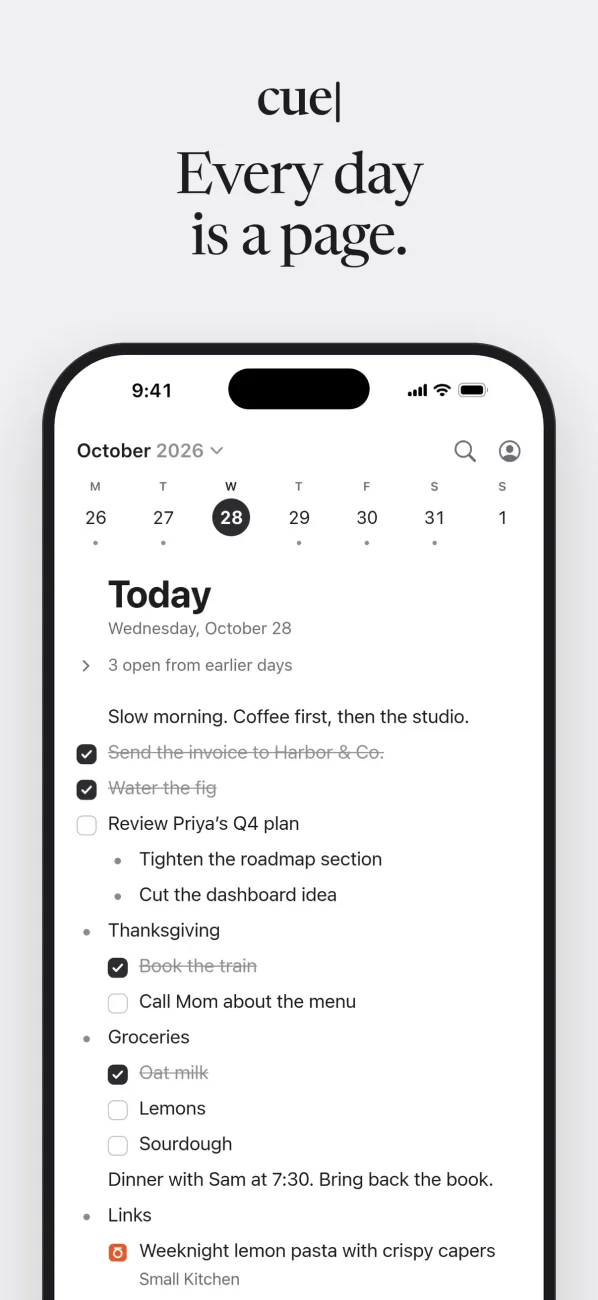
Every day in Cue is a page. Open the app and start typing into today.
Cue is daily notes and to-dos for iPhone and Mac. There are no projects, no tags, no priorities — just days, and what you wrote on them. What didn’t get done moves to tomorrow.
THE DAY IS THE ONLY FOLDER
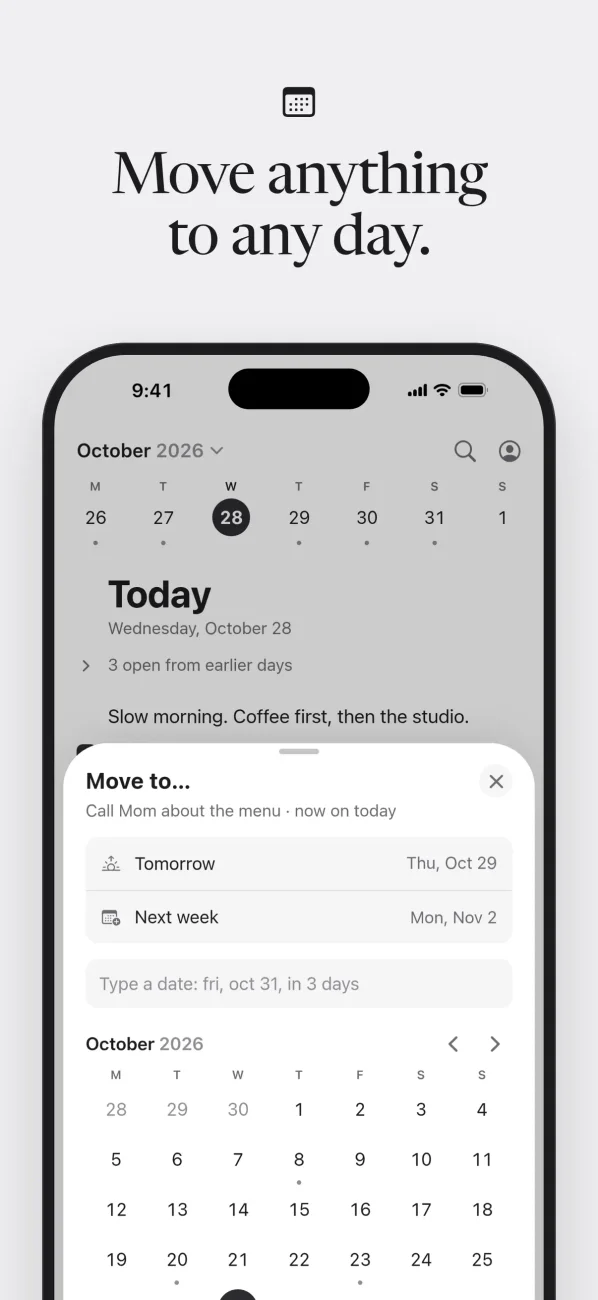
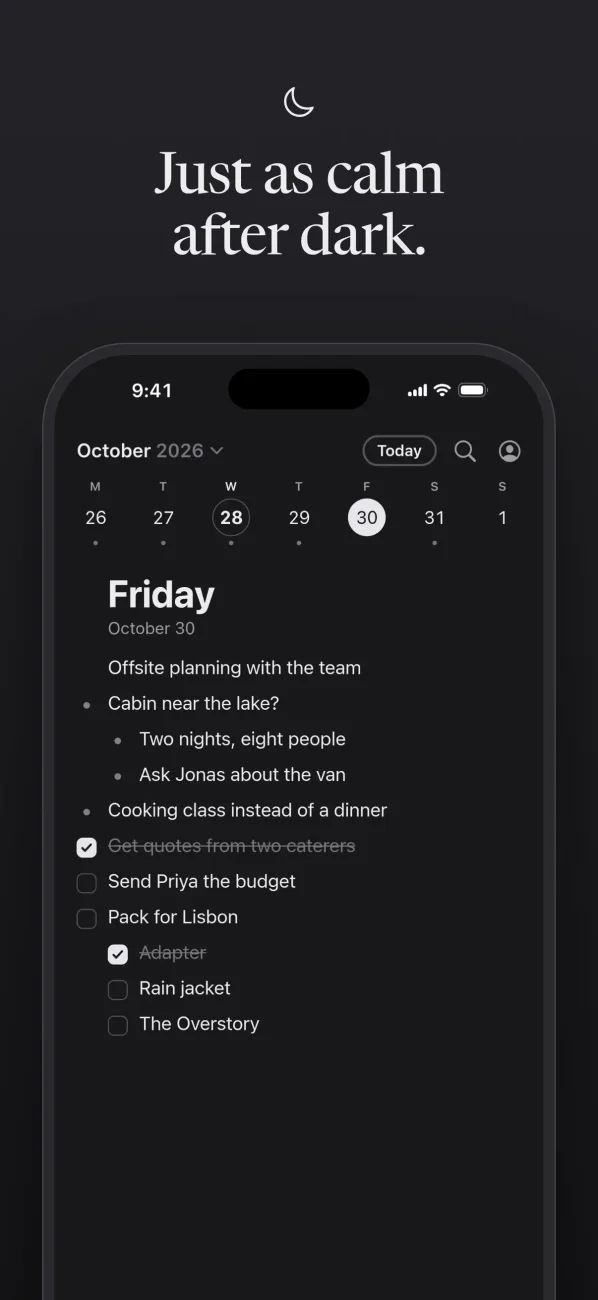
Text, bullets and to-dos, nested as deep as you like. One day at a time, with a week strip above it. Swipe the page for the next or previous day, tap a day to jump to it, or tap the month for a calendar that understands “fri”, “oct 31” and “in 3 days”.
MADE FOR THUMBS
Tap a bullet to make it a to-do. Tap the box to check it off. Swipe right to complete, swipe left to send a line to tomorrow, long-press to drag — children come along, and dragging sideways nests. Markdown as you type: ”- ” for a bullet, ”[] ” for a to-do.
NOTHING LEFT BEHIND
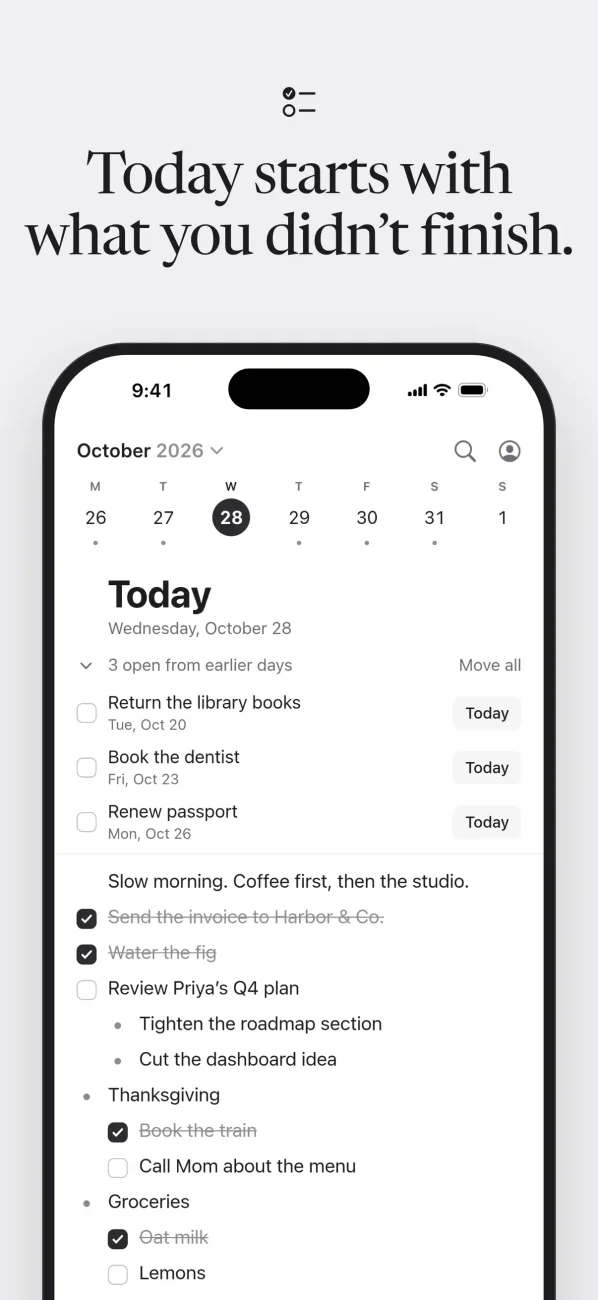
Today opens with a quiet line: “3 open from earlier days”. Unfold it to see unfinished to-dos from the last month, oldest first. Check them off where they are, open the day they came from, or move them all to today.
SHARE TO TODAY
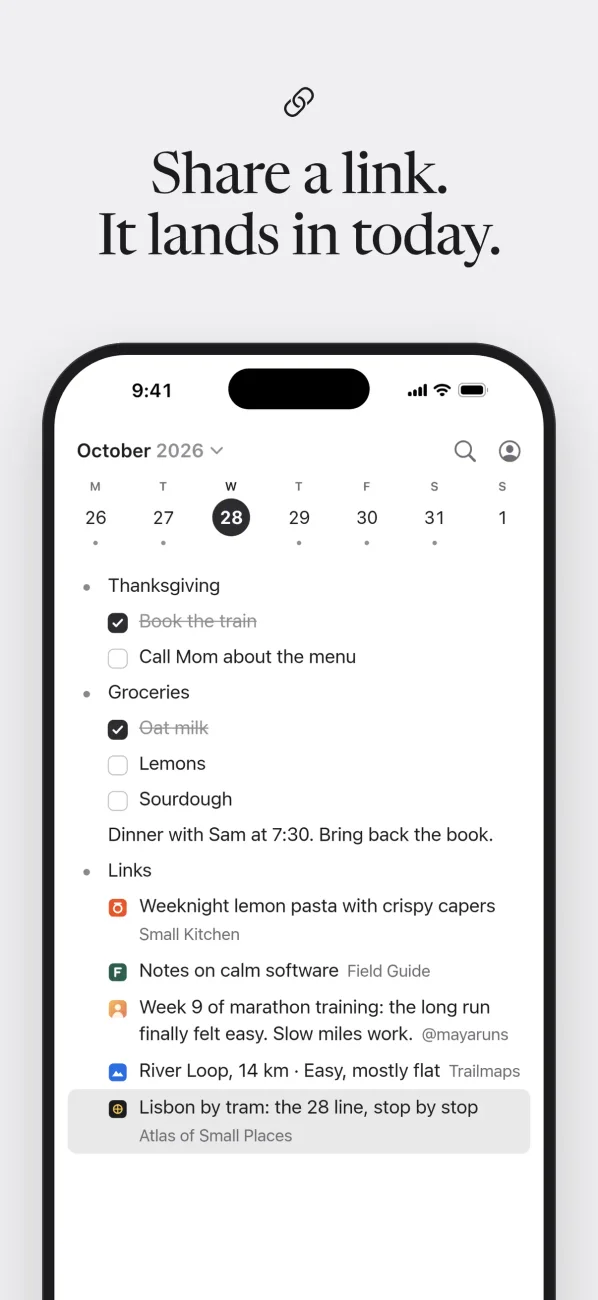
Send a link from Safari, X, YouTube or any app and it’s filed under today’s Links. A line that’s only a link shows the page it points to — the site’s icon, the title, where it’s from. Previews come from the page’s own header, so no third-party service ever sees your links.
SYNC THAT STAYS OUT OF THE WAY
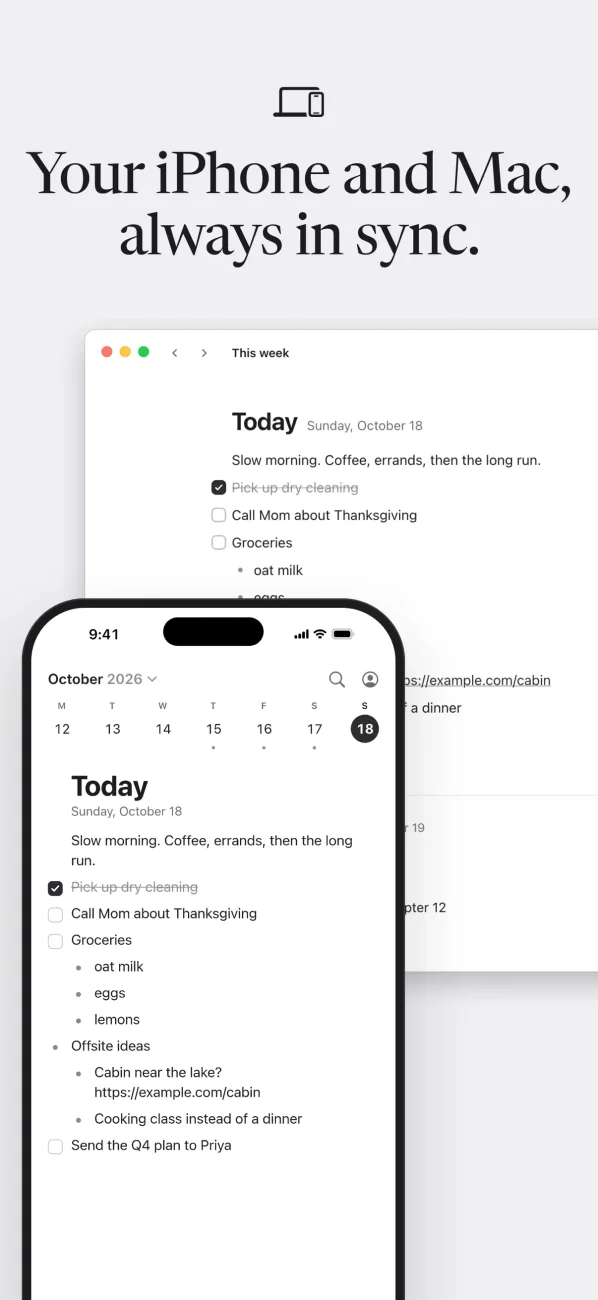
Sign in with Apple, or with your email and a six-digit code. Your notes reach your other devices about a second after you stop typing. Everything works offline: the phone keeps its own copy, so it opens instantly on the subway and catches up later. Nothing ever waits on a save.
ASSISTANTS, IF YOU WANT THEM
Connect Claude, ChatGPT or another assistant over MCP to read your days, add to-dos, check them off and move them, from wherever you happen to be chatting.
FAST, AND KEPT THAT WAY
A keystroke redraws exactly one line, writes happen in the background, and only the days on screen are loaded. Search runs across every day you’ve ever written and returns before you’ve finished typing.
QUIET BY DESIGN
One calm column in monochrome graphite, system typography, light and dark. The caret is the brand: it holds still while you type, and rests when you do.
Cue is on the Mac too, keyboard-first, at usecue.today.
新機能
バージョン 1.1 · 2026/11/20
Polished design.
アプリのプライバシー
このアプリのデータの取り扱いについて、Zach WaterfieldがApp Storeで申告している内容です。
-
データの収集なし
開発元はこのアプリからデータを収集しません。
プライバシーの取り扱いは、ご利用の機能やお客様の年齢などに応じて異なる場合があります。
情報
- 販売元
- Zach Waterfield
- カテゴリ
- 仕事効率化
- バージョン
- 1.1
- 更新日
- 2026/11/20
- リリース
- 2026/11/14
- サイズ
- 44.6 MB
- 必要条件
- iOS 16.4以降
- 対象年齢
- 4+
- 価格
- 無料
- 言語
- 英語
- 著作権
- © 2026 Zach Waterfield
こちらもおすすめ
-
 Pelican: AIチャットアシスタント何でも聞いて、すぐ片づける
-
 Result: Your Personal Agent仕事効率化
-
 Sol: Daily Notes & Documents仕事効率化
-
 Comma:パーソナルAIエージェントタスクを任せられるAIアシスタント
-
 Loops: Think through anything仕事効率化
-
 Daycard • Today's Reminders仕事効率化
-
 Halo - パーソナルAIプライバシー重視のAIアシスタント
-
 Dawn - Markdown仕事効率化
-
 ThisDay: プランナーとリマインダータスク、習慣、リマインダー
-
 Reflect Open仕事効率化