- 対象年齢4+
- カテゴリユーティリティ
- 開発元Ross Henderson
- 言語英語
- サイズ20.6 MB
App Storeの公式ページにリンクしています
Download.orgはCueCamのファイルを一切ホストしていません。ボタンを押すと、Ross Hendersonが公開しているApp Storeのアプリページが開きます。ページの最終確認:2026/11/13。
スクリーンショット


概要
開発元はこのテキストをお使いの言語で提供していません。
CueCam records video with live lighting and other cue data from your ETC Eos lighting controller (console or ETCnomad) and QLab embedded directly into the footage - making rehearsal reviews, show documentation, and collaboration faster and more effective.
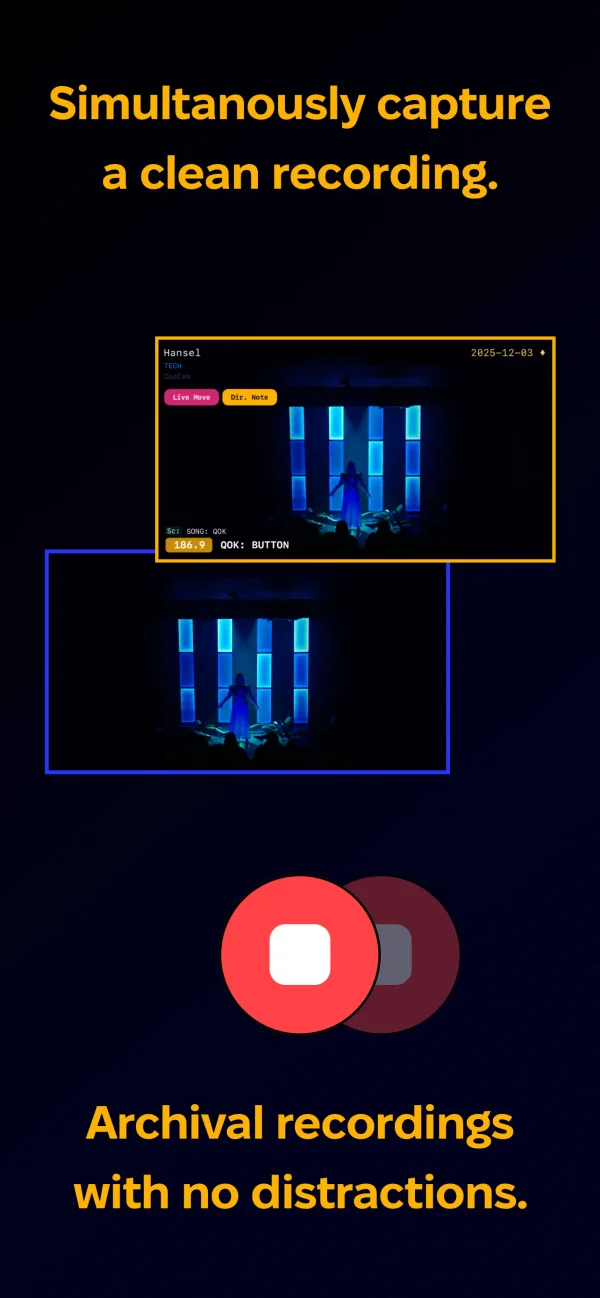
Annotate recordings with time-stamped markers and tags, capture cue state photos automatically, and share polished video files with your team. You can also record a clean, archive-ready copy with no overlays.
Try the full functionality for 10 minutes, and unlock immediately in the app.
No subscriptions, just a simple professional tool with a one-time purchase
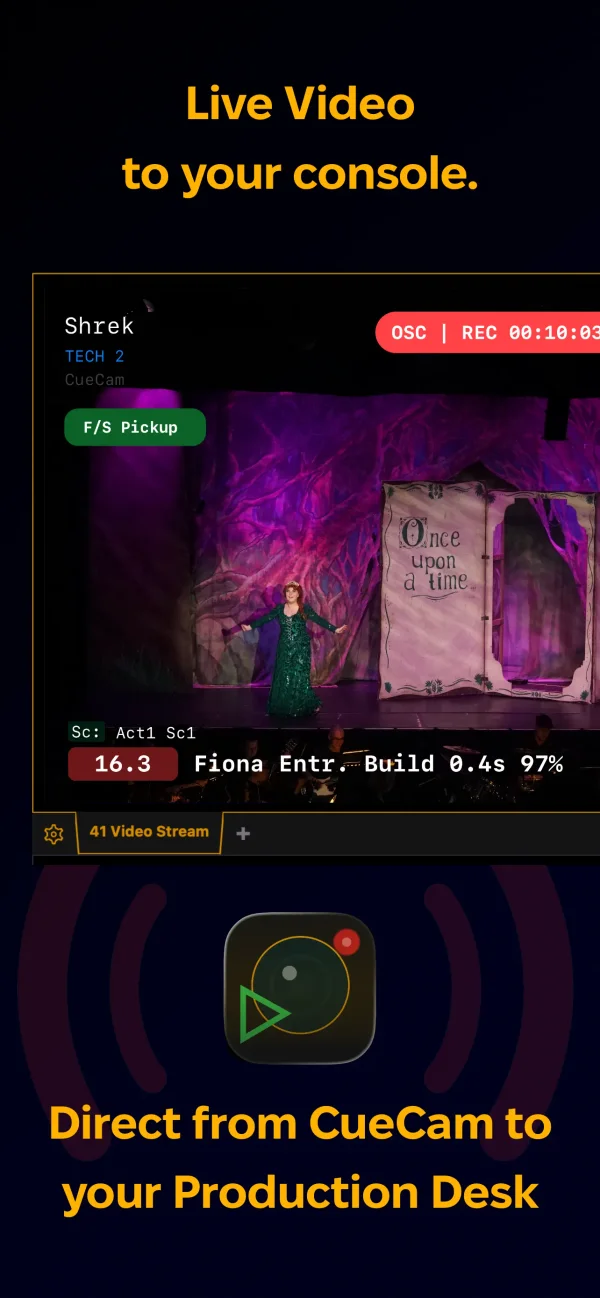
Live Cue Overlays – Display essential lighting information directly on your recordings;
- Custom Title Text with Show Numbering
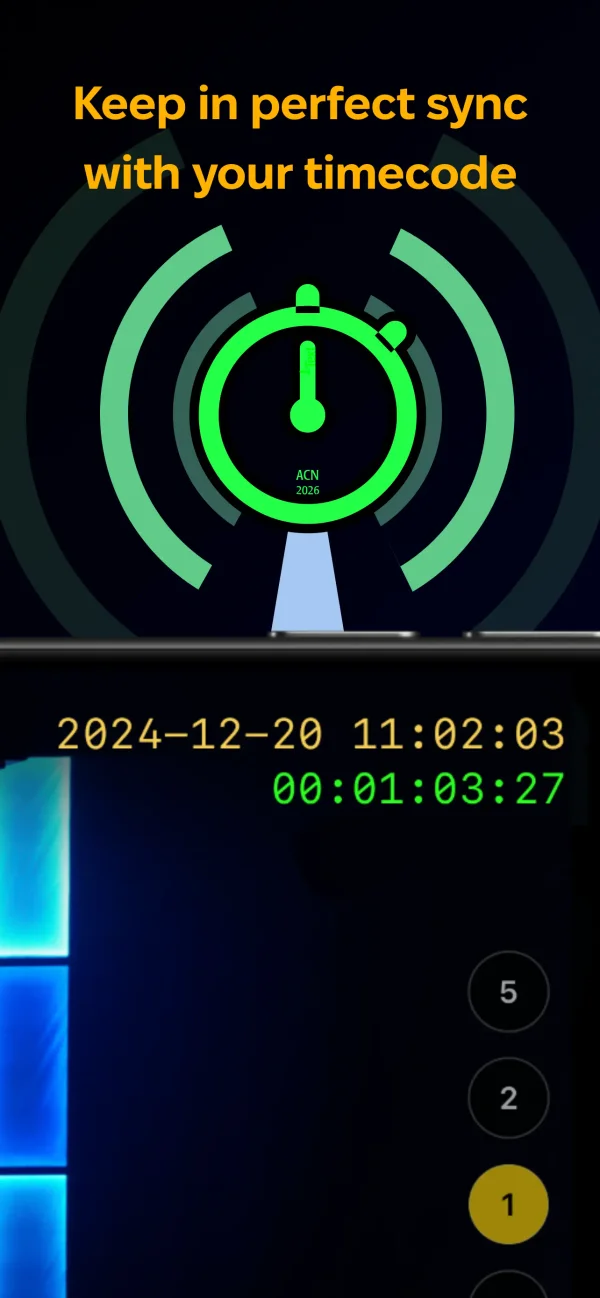
- Timestamp (synchronised with your console)
- Timecode from external sources including (MIDI (USB or Network), Art-Net, ACN, or LTC*)
- Current scene, cue number, and name from multiple Eos Cue Lists or QLab Lighting Cues
- Your non-lighting QLab Cues with realtime progress bars
- OSC-controlled Stopwatch / Timer
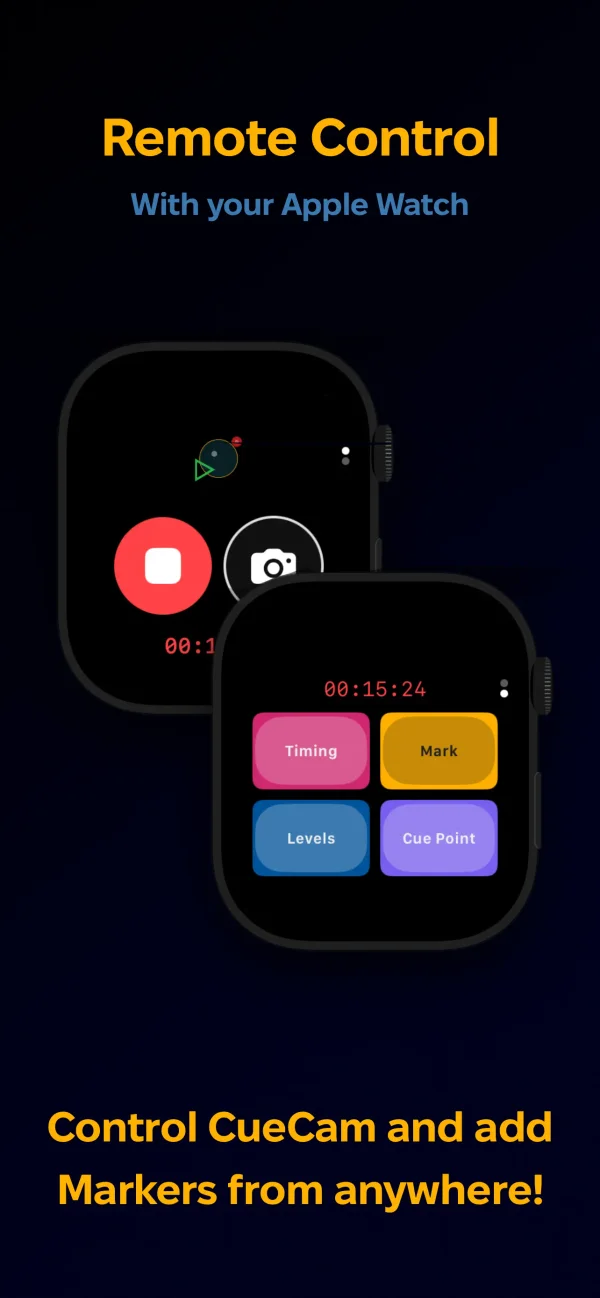
- Labelled markers added from your phone, desk, browser, or even your wrist with Apple Watch
Full OSC Control – Record and annotate directly from your Eos Console, QLab or Companion
- Start / Stop Recording / Capture Stills
- Start, Stop, and Reset Stopwatch / Timer
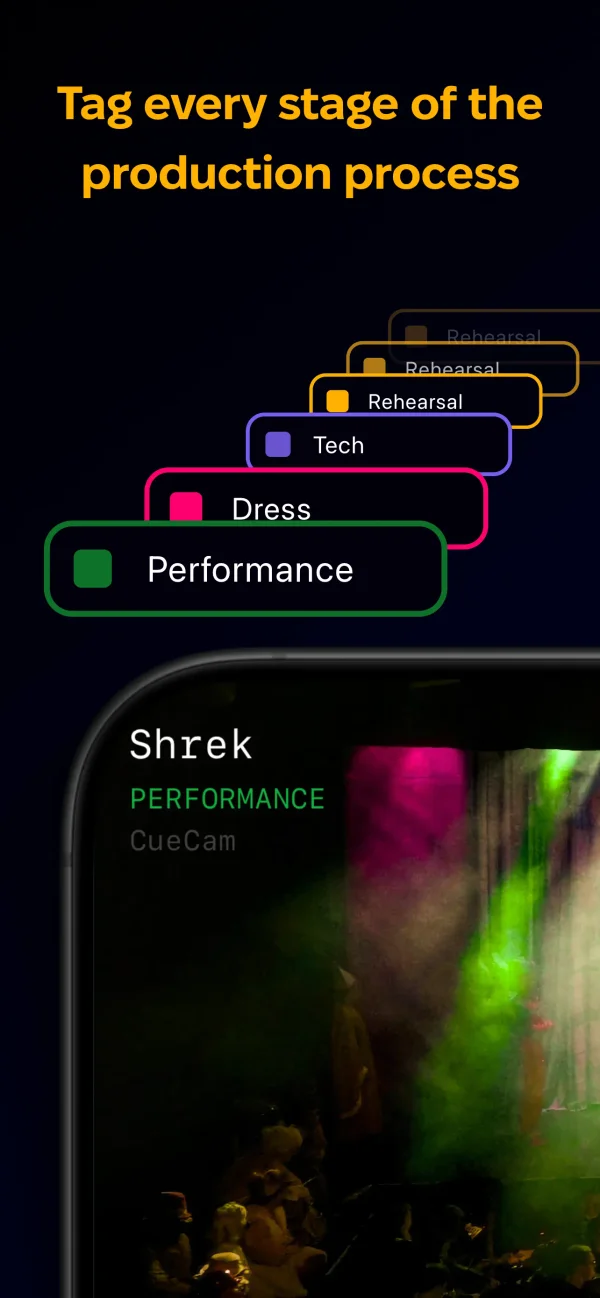
- Add colour-coded markers in real-time.
- Control CueCam features
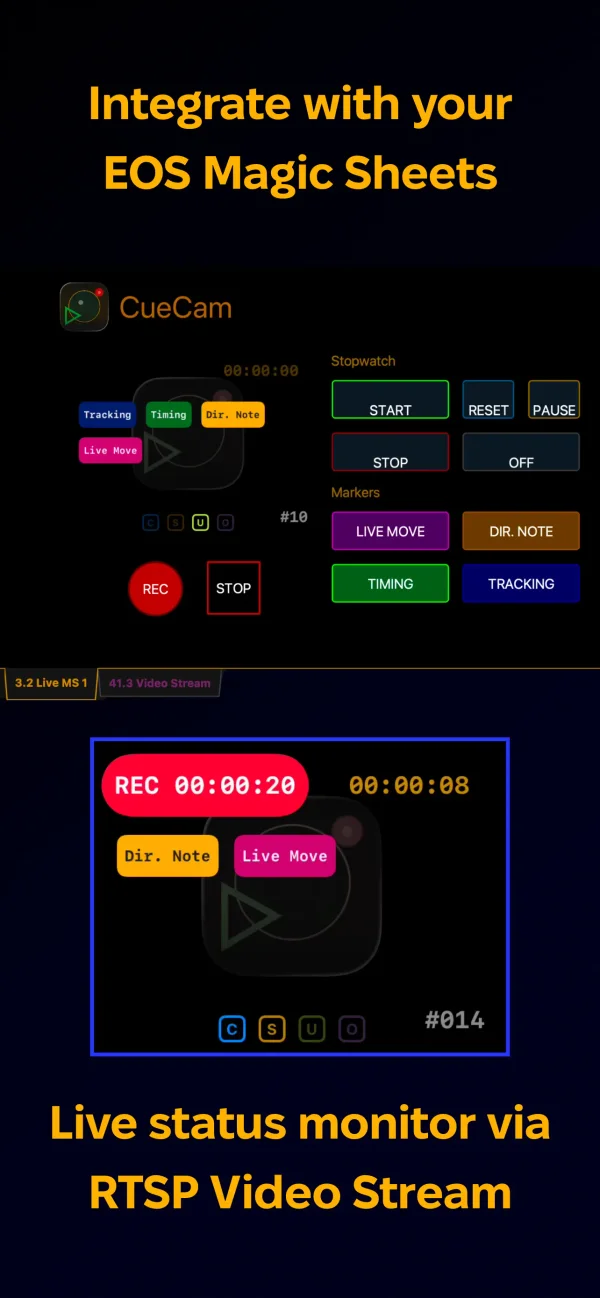
Integrated RTSP Server - Video direct to your desk
- View your CueCam video direct on the desk (1080 only)
- RTSP stream of status for easy integration in your Magic Sheets.
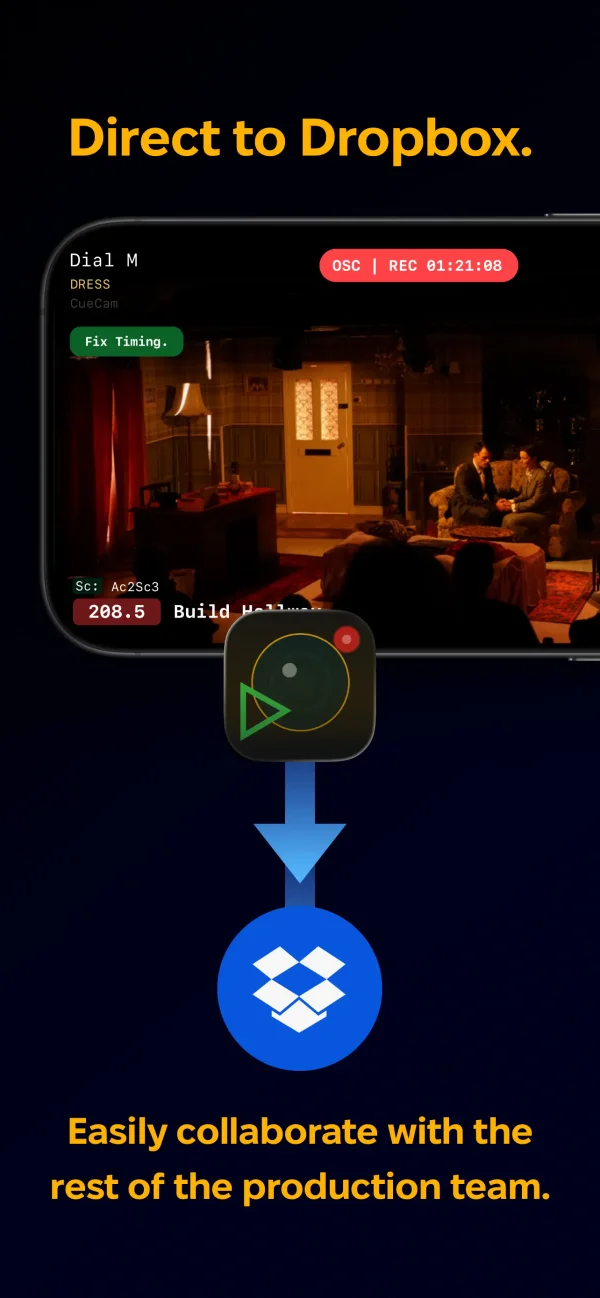
Share captured recordings and CueSnaps with ease
- Generates flat videos - no special software required to view
- Videos include chapter markers for easy navigation
- Upload direct to Dropbox or iCloud Drive
Fast, Simple, Setup
Just point your iPhone or iPad at the stage, connect to Eos and/or QLab, and start recording.
No complex configuration. Ready in seconds.
Trusted by Professionals. Our early users are seeing real-world benefits;
- "Invaluable in reviewing our rehearsal footage"
- "Great to be able to mark director's notes or live moves and just scrub through the footage to find these points"
- "Dropbox integration means that our choreographer had footage before I was even home"
- "Status by RTSP is such a great idea, I always know it's working"
- "The cue snaps were really helpful preparing a show for relighting"
- "Used CueCam for a week. 4K over 5 days for a dance festival. EOS and Timecode. Didn’t skip a beat once!"
- "It's become an essential tool for programming"
Created by working lighting designers and programmers, CueCam is the tool we wanted ourselves.
We use it regularly, and we’re constantly improving it with new features.
新機能
バージョン 2.1.8 · 2026/10/23
Adds a web-based remote for managing CueCam and adding markers from any web browser, allow any members of the team to connect to CueCam and add markers as your rehearsal or show takes place.
アプリのプライバシー
このアプリのデータの取り扱いについて、Ross HendersonがApp Storeで申告している内容です。
-
データの収集なし
開発元はこのアプリからデータを収集しません。
プライバシーの取り扱いは、ご利用の機能やお客様の年齢などに応じて異なる場合があります。
情報
- 販売元
- Ross Henderson
- カテゴリ
- ユーティリティ
- バージョン
- 2.1.8
- 更新日
- 2026/10/23
- リリース
- 2026/2/26
- サイズ
- 20.6 MB
- 必要条件
- iOS 18.6以降
- 対象年齢
- 4+
- 価格
- 無料
- アプリ内課金
- あり
- 言語
- 英語
- 著作権
- ©2026 RHLX Lighting