- 対象年齢4+
- カテゴリ仕事効率化
- 開発元Jiri Kluciar
- 言語ドイツ語ほか6言語
- サイズ10.4 MB
App Storeの公式ページにリンクしています
Download.orgはDashBase - Personal Archiveのファイルを一切ホストしていません。ボタンを押すと、Jiri Kluciarが公開しているApp Storeのアプリページが開きます。ページの最終確認:2026/11/16。
スクリーンショット
概要
開発元はこのテキストをお使いの言語で提供していません。
Your personal archive, always with you.
DashBase for iPhone and iPad is the free companion to your archive: read documents, check off tasks, add photos and files on the go - and keep everything that matters in your pocket.
RECEIPTS, DOCUMENTS AND NOTES FROM HONESTSCAN
• Receive corrected text, every page of the original scan as a PDF, and labelled diagrams. Text and originals stay separate.
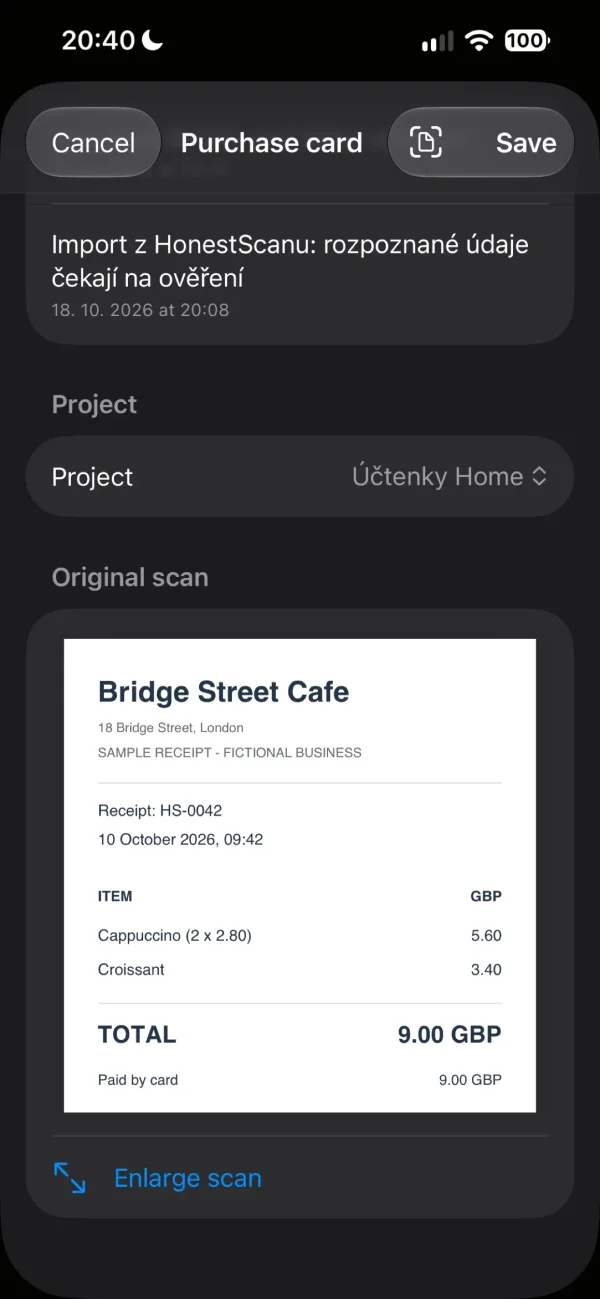
• Purchase cards link receipts to products, confirmed warranty dates, claims and archive reviews. Contracts have their own date card.
• Enlarge the scan and check the details before filing. Reminders use confirmed dates; archive reviews never delete anything automatically. Connecting HonestScan is optional.
WHAT IT DOES
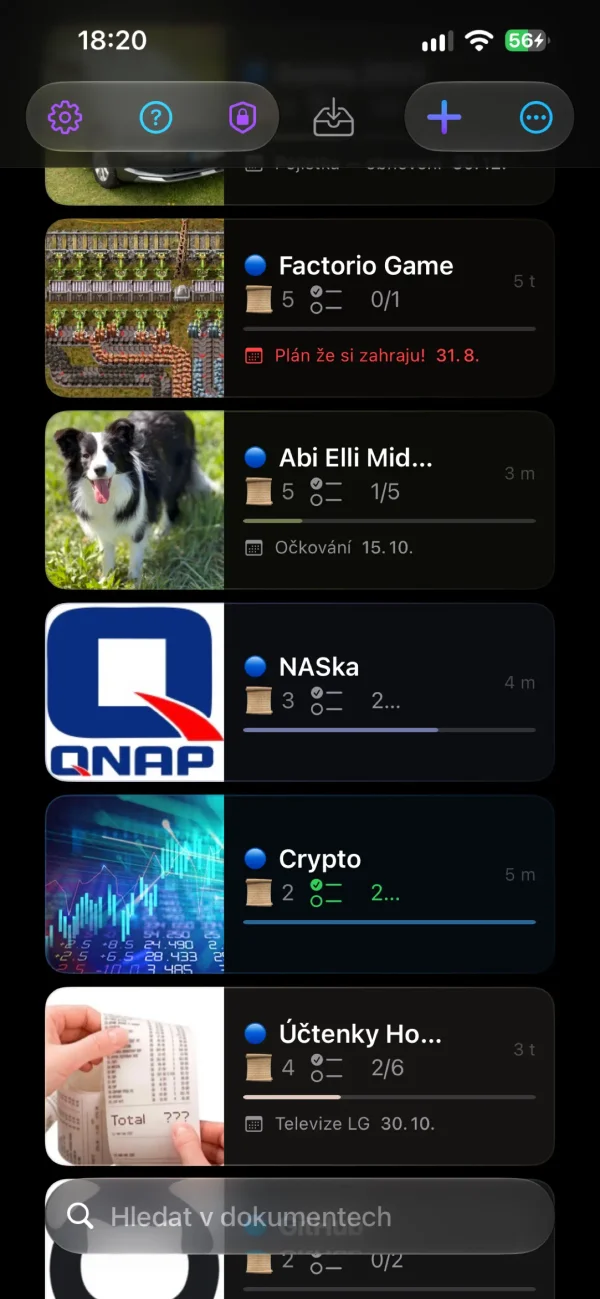
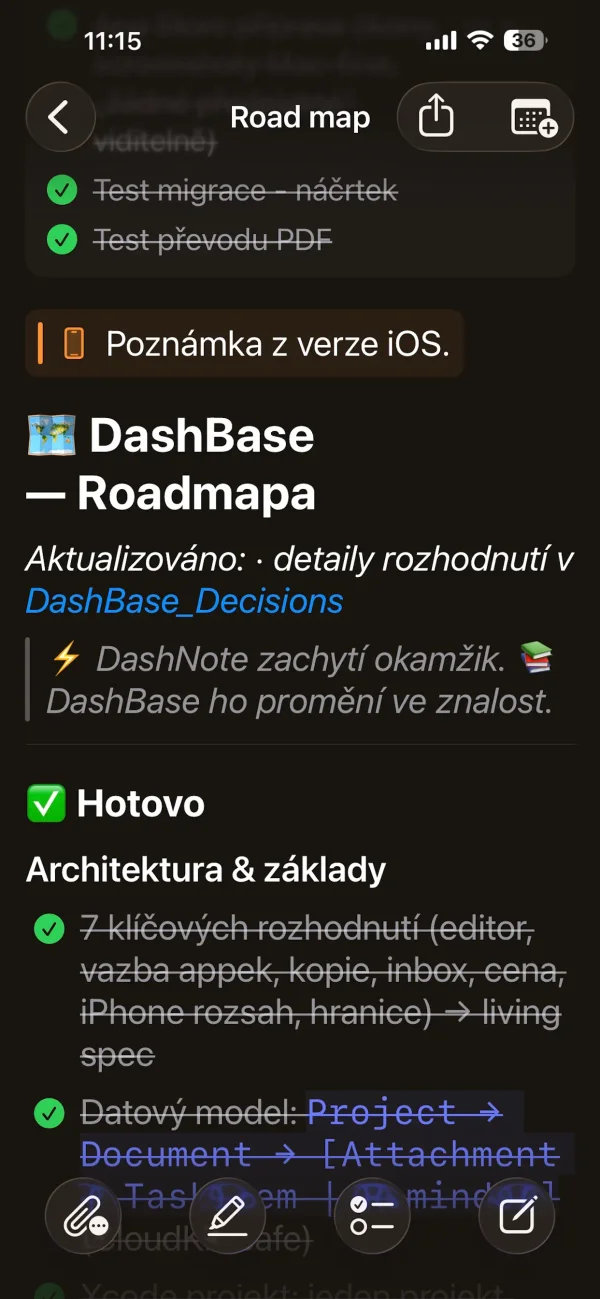
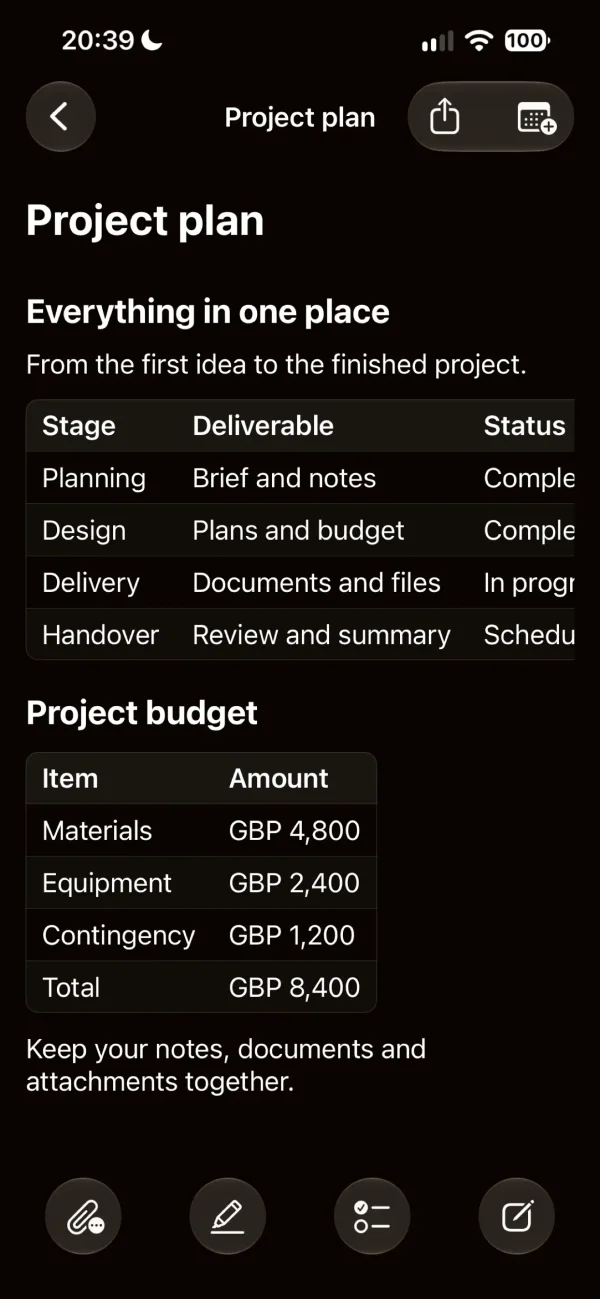
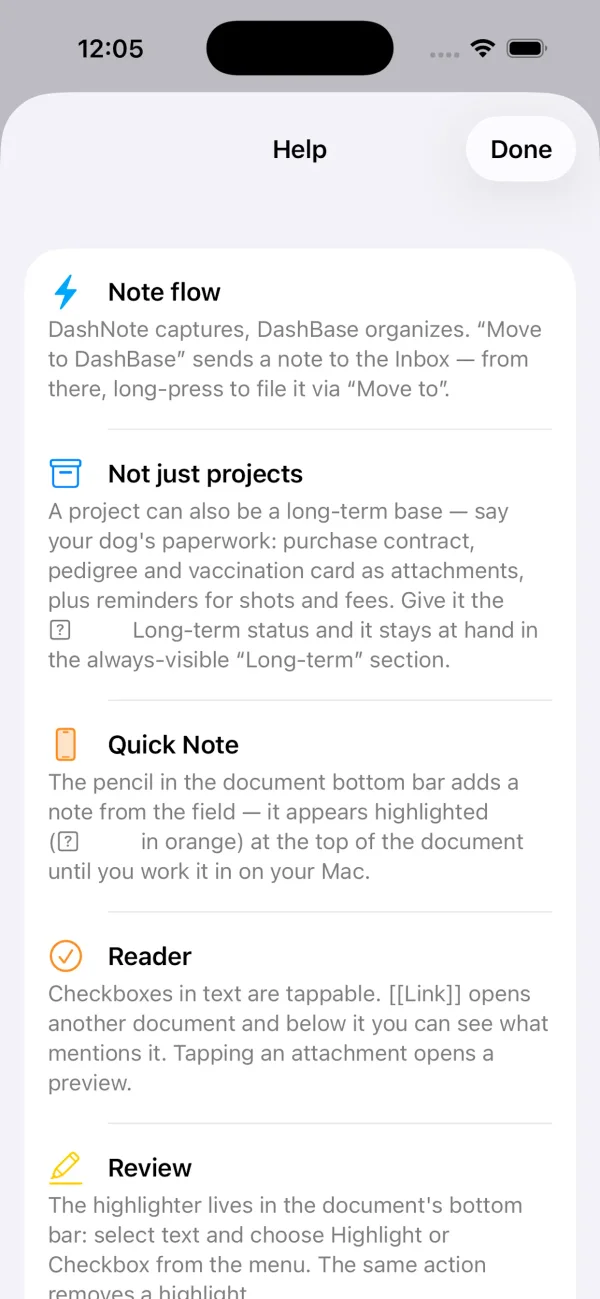
• A beautiful document reader - Markdown with no syntax in sight, tappable checkboxes, clickable links.
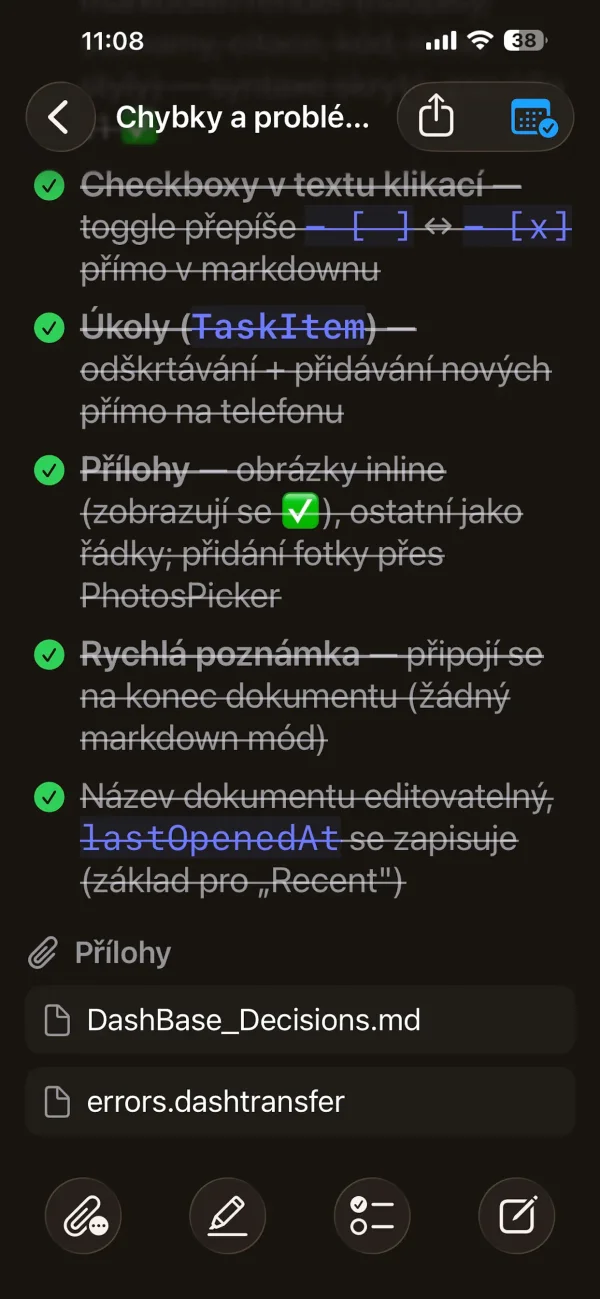
• Tasks with due dates - check off, add new ones, and get notified on the morning they're due.
• Upcoming: tasks with a due date from all projects in one place – overdue, today and soon.
• Review mode: select text with your finger and highlight what matters.
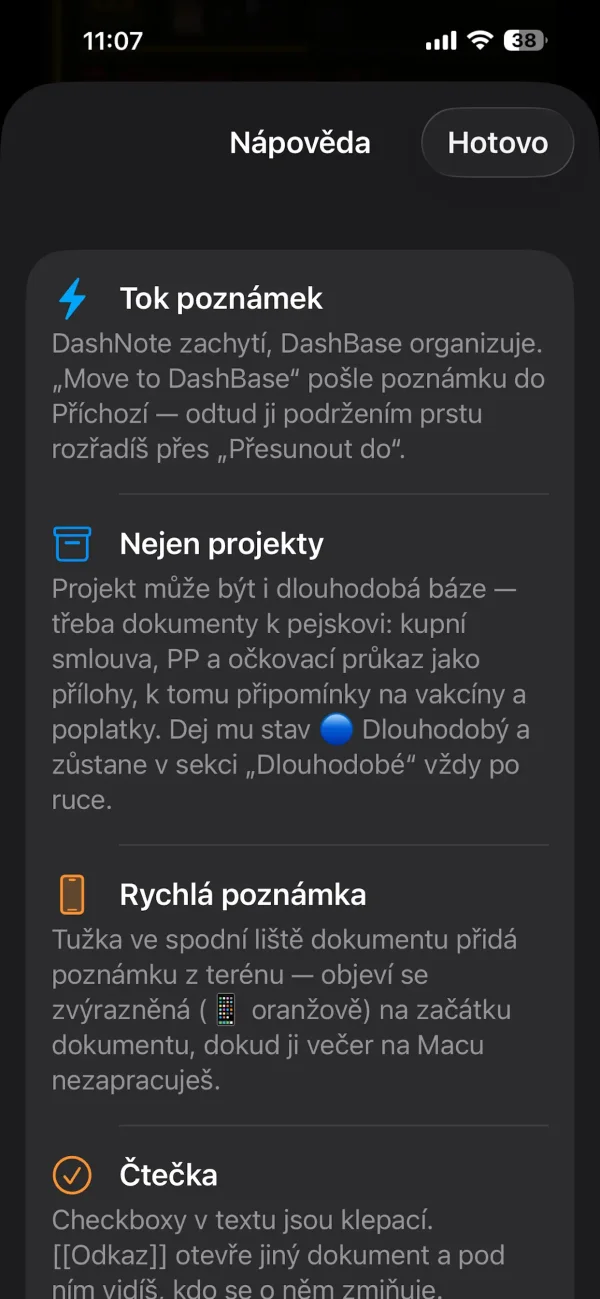
• Quick note from the field - lands at the top of the document, ready to process later.
• Photos and files as attachments, with preview.
• Share anything from anywhere: a PDF from Mail, a link from Safari - straight into your Inbox via the Share sheet. .md files become documents with their text.
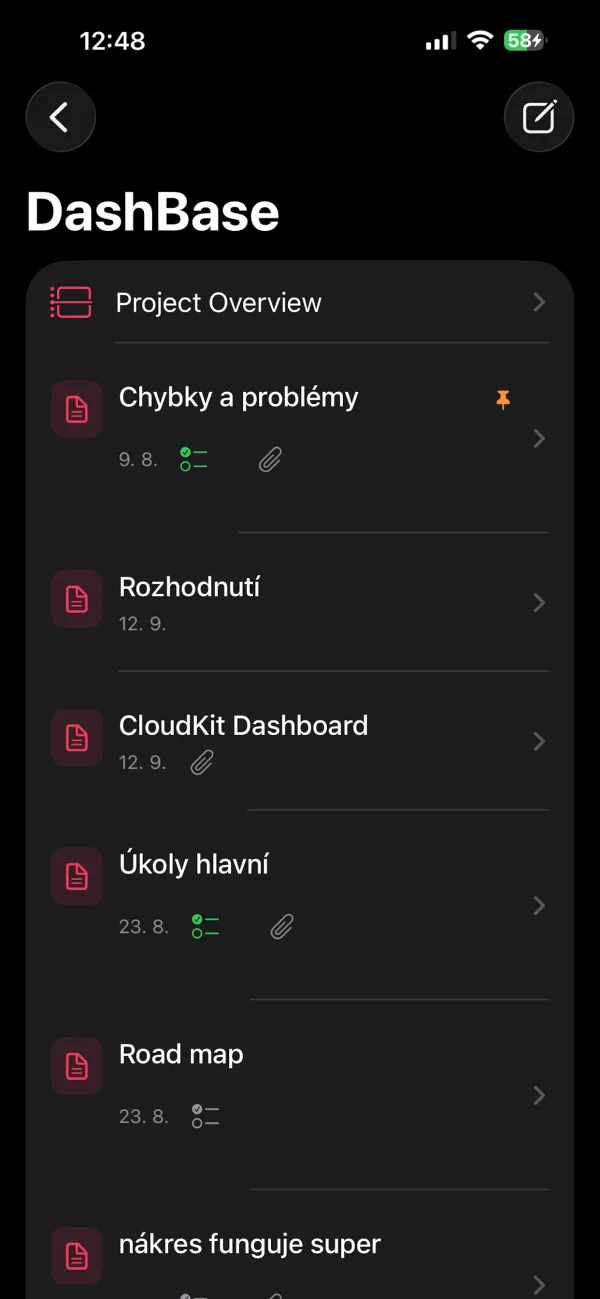
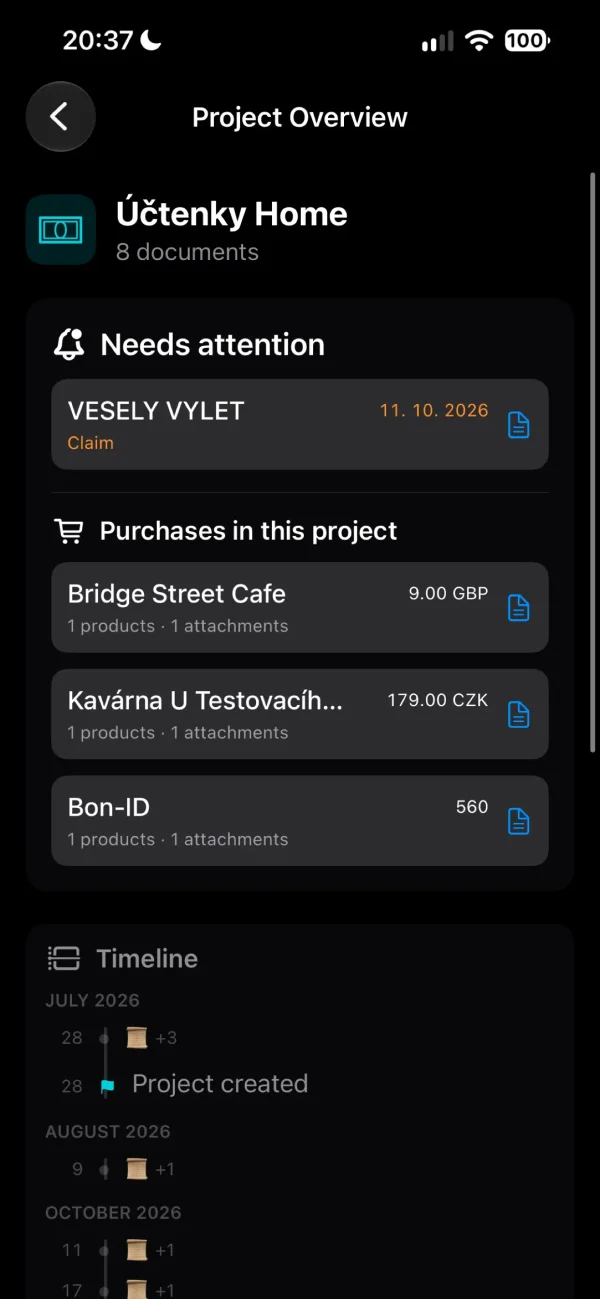
• Projects with statuses, Long-term bases, a Timeline with milestones, tags and full-text search.
BIG ON IPAD
• A three-pane layout just like the Mac - projects, documents and reader side by side.
• iPhone Duo: unfolded it shows columns like the iPad; half-open it reads like a book or works as a tiny laptop.
A FAIR DEAL
• Free. No accounts, no ads, no tracking, no AI.
• Works fully offline; syncs through your own iCloud - the developer never sees your data.
MADE FOR MAC
• The full live Markdown editor, drag & drop attachments and exports live in DashBase for Mac. iPhone and iPad are your window into the archive - the Mac is the workshop.
WORKS GREAT WITH DASHNOTE
• Capture quick thoughts in DashNote and send them to DashBase to grow into knowledge.
VAULTOFF ARCHIVE AND A CLEARER INBOX
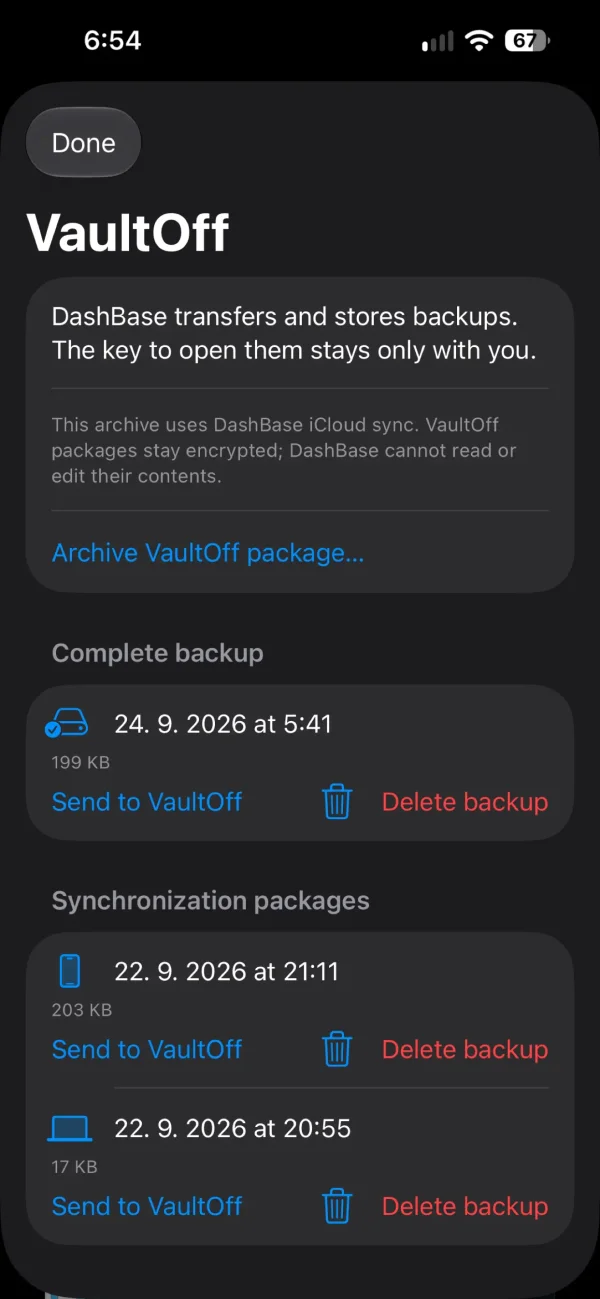
• Keep encrypted VaultOff backups and synchronisation packages in a dedicated archive. DashBase carries them between devices through its iCloud sync and lets you hand them back to VaultOff. It cannot read or edit their contents; you keep the keys. This connection is optional: VaultOff also works without DashBase.
• Select multiple documents and move them to another project together, or delete them – including attachments and tasks.
• After an import, a confirmation with an Open Inbox action stays visible until you act on it.
IDEAS, FEEDBACK AND BUG REPORTS
Help make DashBase better. Share your ideas, feedback and any bugs you find on the developer Discord:
https://discord.com/invite/UeJEAZWG8T
DashNote captures the moment. DashBase turns it into knowledge.
新機能
バージョン 1.5 · 2026/11/16
1.5
• iPhone Duo: unfolded, DashBase switches to the iPad column layout, and the open document stays open when you fold it again. Half-open in landscape it reads like a book (text on the left, tasks and attachments on the right); in portrait it works like a tiny laptop – the document on top, projects and the keyboard below.
• Markdown (.md) and text files from Files or the Share sheet now arrive as a document with text instead of an attachment – readable, searchable and with tickable checklists.
• Tags now appear under the document title: tap one to see every document with it, × removes it and the tag button adds a new one. Search covers tags too, and #tag searches only them.
• Delete in bulk: in Select documents, mark documents and choose Delete selected. A confirmation with the count appears first; their attachments, tasks and reminders are removed too.
• Upcoming: tasks with a due date from all projects in one place – overdue, today, next 7 days and later. The calendar icon next to Inbox shows how many need attention; tick them off right there or open their document.
アプリのプライバシー
このアプリのデータの取り扱いについて、Jiri KluciarがApp Storeで申告している内容です。
-
データの収集なし
開発元はこのアプリからデータを収集しません。
プライバシーの取り扱いは、ご利用の機能やお客様の年齢などに応じて異なる場合があります。
情報
- 販売元
- Jiri Kluciar
- カテゴリ
- 仕事効率化
- バージョン
- 1.5
- 更新日
- 2026/11/16
- リリース
- 2026/8/4
- サイズ
- 10.4 MB
- 必要条件
- iOS 18.6以降
- 対象年齢
- 4+
- 価格
- 無料
- 言語
- ドイツ語, 英語, フランス語, イタリア語, ポルトガル語, スペイン語, チェコ語
- 著作権
- © Jiří Klučiar