
- 対象年齢4+
- カテゴリ仕事効率化
- 開発元MARK CHRISTOPHER WINSTANLEY
- 言語英語
- サイズ27.0 MB
App Storeの公式ページにリンクしています
Download.orgはDayNookのファイルを一切ホストしていません。ボタンを押すと、MARK CHRISTOPHER WINSTANLEYが公開しているApp Storeのアプリページが開きます。ページの最終確認:2026/11/20。
スクリーンショット


概要
開発元はこのテキストをお使いの言語で提供していません。
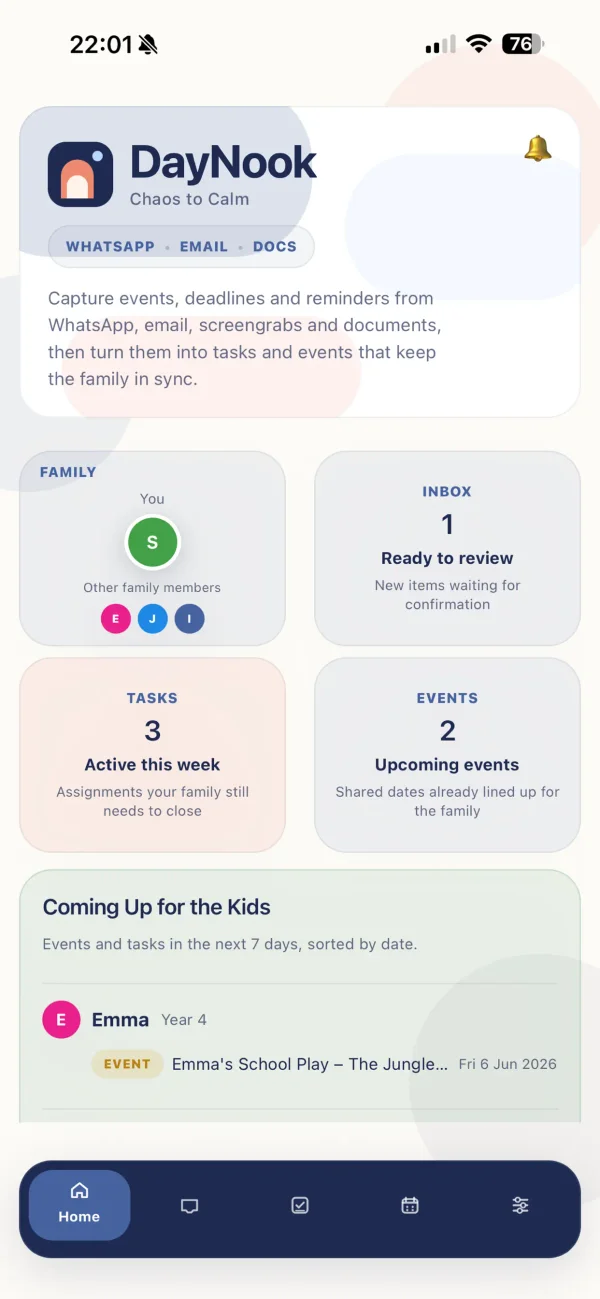
DayNook is the family organiser that does the hard work for you. Instead of manually copying dates and tasks from emails, WhatsApp messages, school newsletters and screenshots, DayNook reads them for you — extracting events, deadlines and to-dos automatically, then putting them somewhere your whole family can see and act on.
Always in sync, across the whole family
Every event and task lives in one shared space. When something is added, updated or completed, every family member sees it instantly. No more missed messages, no more "did you know about this?" — DayNook keeps everyone on the same page, in real time.
How it works
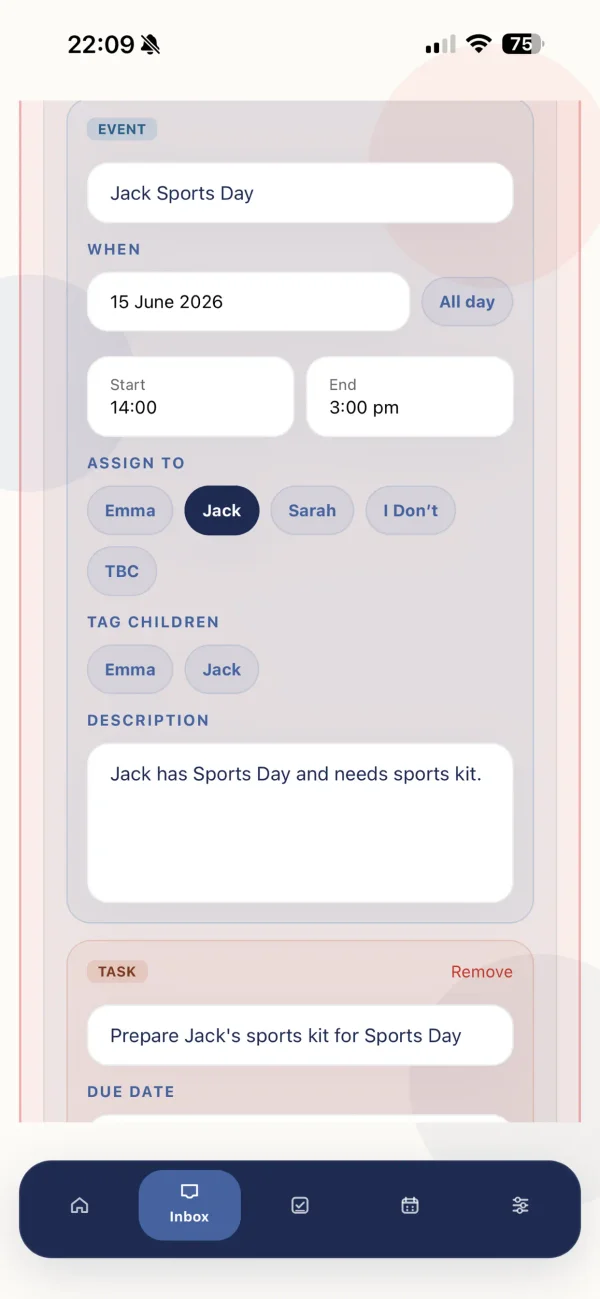
Share anything into DayNook — a forwarded school email, a WhatsApp screenshot, a PDF letter or a pasted note. DayNook's AI reads it, pulls out the key information, and suggests events and tasks for you to confirm. One tap and it's in your family planner.
RSVP without the faff
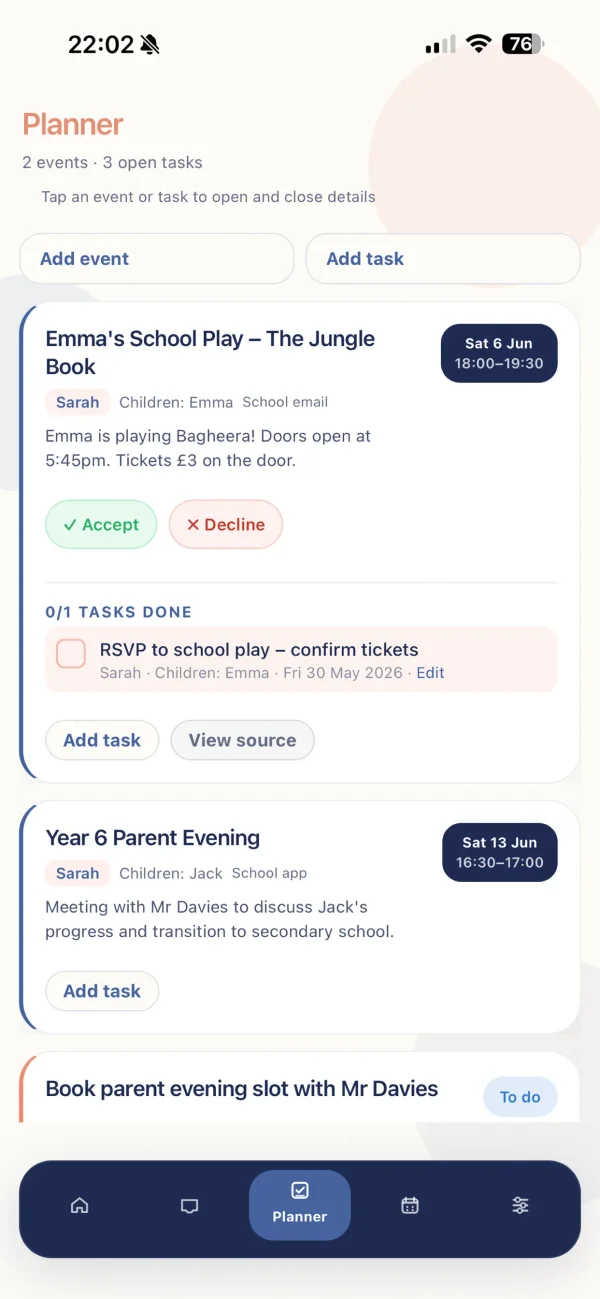
When an invite comes in, DayNook spots it and gives you Accept and Decline buttons right on the event. Your response is saved and your calendar updated automatically, helping everyone stay up to date.
Connected to your calendar
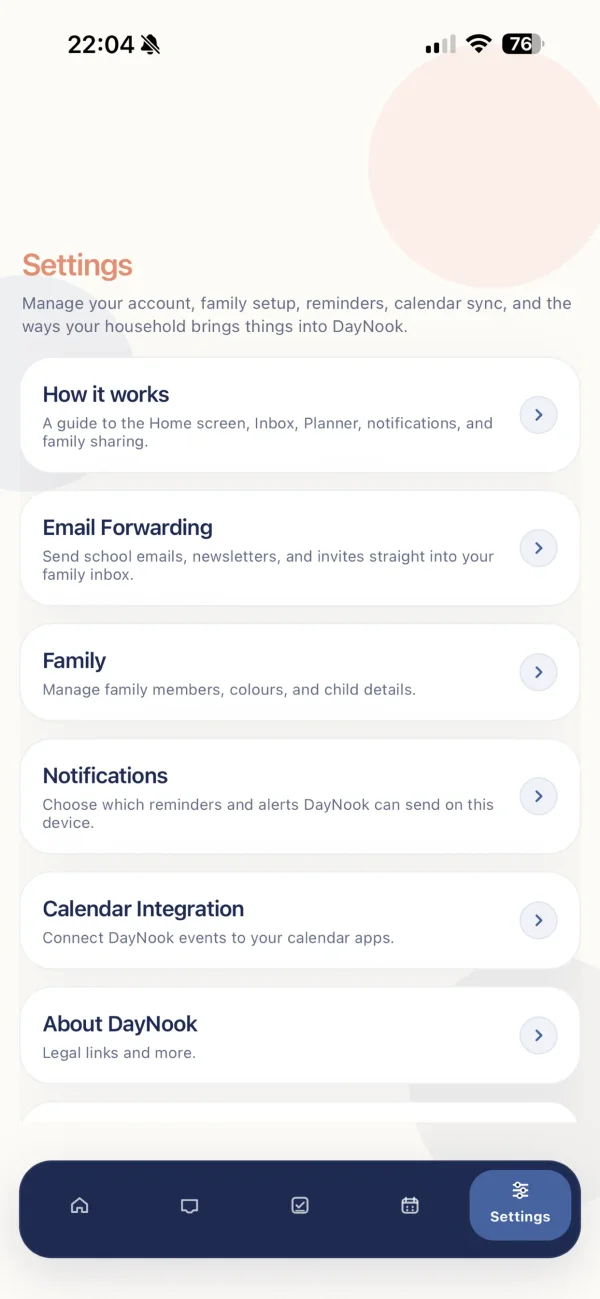
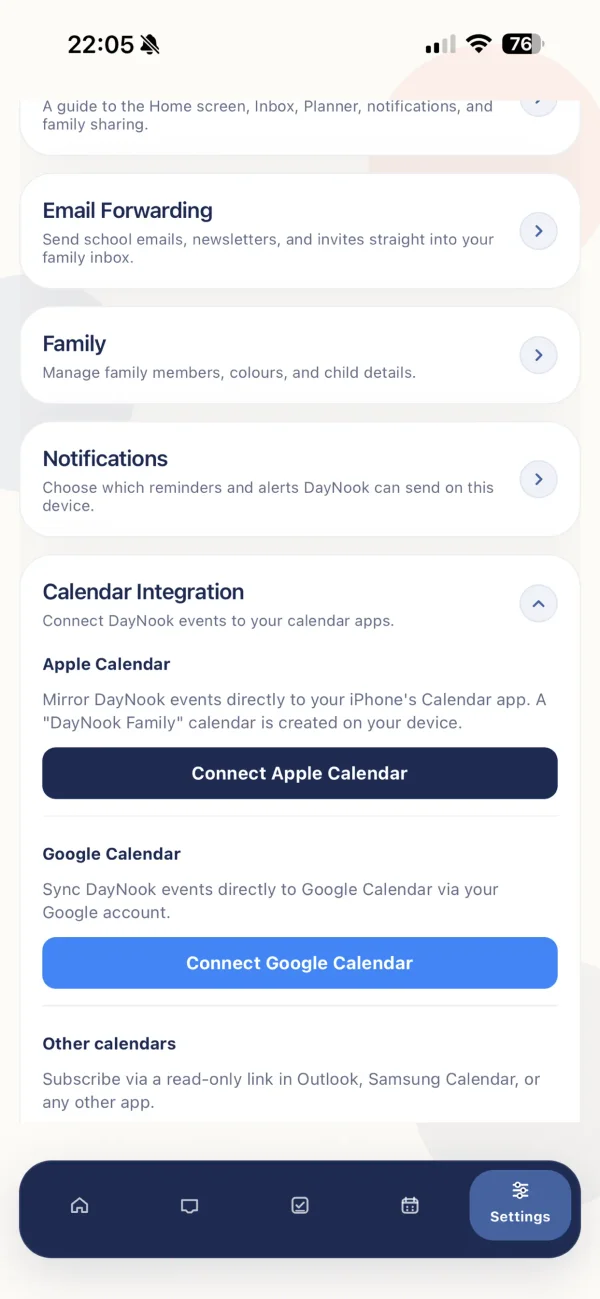
DayNook syncs events to Google, Apple or other calendars so nothing lives in a silo. Add an event in DayNook, it appears everywhere.
Built for busy parents
No complicated setup. Add your family members, connect your calendar, and start sharing things in. DayNook handles the rest.
Key features:
• AI extraction from emails, WhatsApp, screenshots and PDFs
• Shared family planner — always in sync across every family member
• Real-time updates so nothing gets missed
• RSVP tracking on invites
• Google Calendar and Apple Calendar sync
• Email forwarding inbox — forward school emails directly in
• Assign tasks and tag children by name
• "Coming up this week" view for each child on the home screen
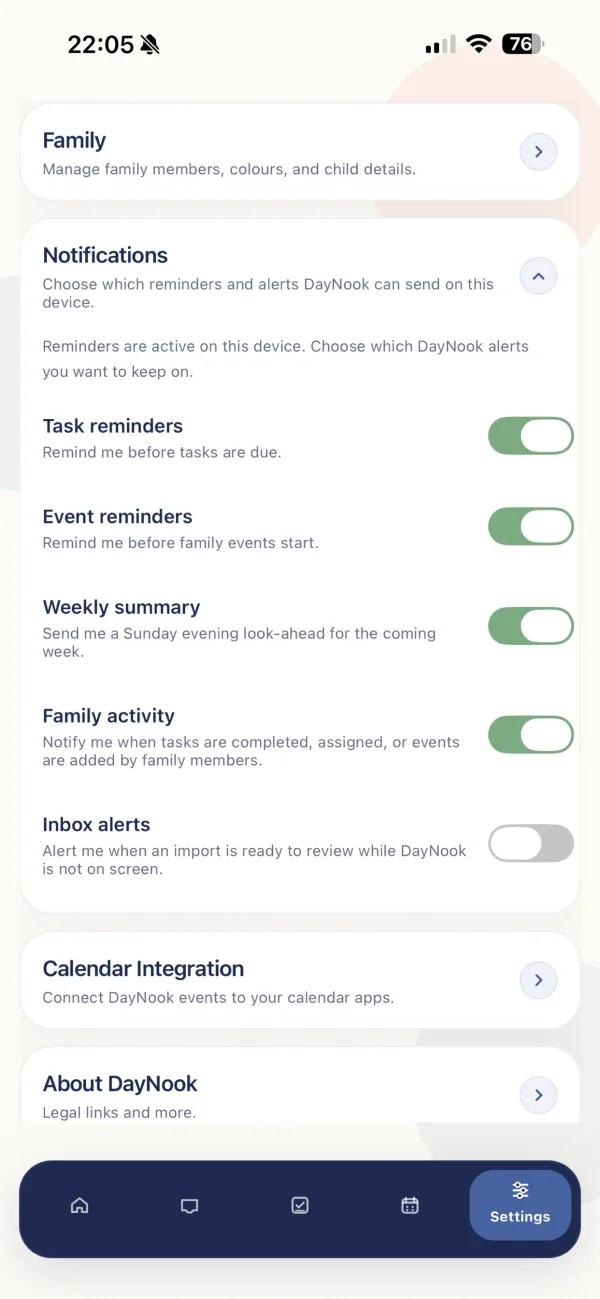
• Weekly summary notifications
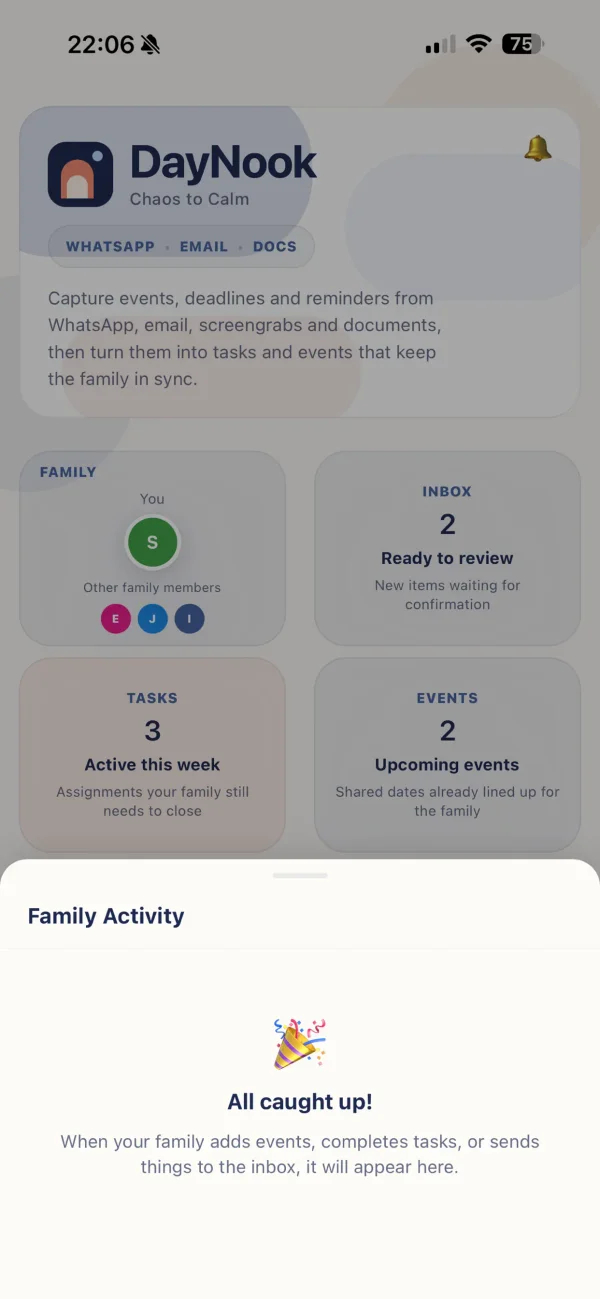
• Family activity feed
Subscription
DayNook Premium is a 6-month auto-renewing subscription with a 1 month free trial. Payment is charged to your Apple ID at the end of the trial unless cancelled at least 24 hours before it ends. Manage or cancel anytime in Settings > Apple ID > Subscriptions.
Privacy Policy: https://daynook.app/privacy
Terms of Service: https://daynook.app/terms
新機能
バージョン 1.1.4 · 2026/9/29
What's new in 1.1.4
MULTI-DAY EVENTS
School trips and book fair weeks can now run across several days. Set an
end date and the event shows on every day it covers, in DayNook and in
your linked calendar.
TIME TBC
When school gives you the date but not the time, mark it Time TBC. The
day is reserved without inventing an hour, and it syncs across as an
all-day entry until you know more.
REPEAT OPTIONS EVERYWHERE
One-off, weekly, fortnightly and monthly are now offered wherever an
event is created or edited — reviewing something from your inbox, or
editing an event you already saved — not just when adding by hand.
DELETE ONE OR ALL
Deleting a repeating event now asks whether you mean just that occurrence
or the whole series.
CLEARER EVENT CARDS
Each part of an event card now has its own shading, and Repeat sits with
When, where it belongs.
EASIER TO READ THE ORIGINAL
View source now fills the screen instead of sitting in a small box, and
you can tap to open the original at full size.
FIXES
• Tasks from a message describing several events now stay with the right
event, instead of appearing under all of them.
• Deleting one occurrence of a repeating event removes the one you tapped.
• Editing a repeating event no longer changes the wrong date in your
linked calendar.
• Events with an end time now show their real length in subscribed
calendars, rather than always appearing as one hour.
• Adding an event assigned to more than one person now keeps everyone.
• The subscription screen only offers a free trial when one is genuinely
available to your Apple ID.
アプリのプライバシー
このアプリのデータの取り扱いについて、MARK CHRISTOPHER WINSTANLEYがApp Storeで申告している内容です。
-
ユーザーに関連付けられたデータ
収集され、ユーザーの識別情報に関連付けられる場合があります。
- 連絡先情報
- ユーザーコンテンツ
- ID
プライバシーの取り扱いは、ご利用の機能やお客様の年齢などに応じて異なる場合があります。
情報
- 販売元
- MARK CHRISTOPHER WINSTANLEY
- カテゴリ
- 仕事効率化
- バージョン
- 1.1.4
- 更新日
- 2026/9/29
- リリース
- 2026/9/1
- サイズ
- 27.0 MB
- 必要条件
- iOS 15.1以降
- 対象年齢
- 4+
- 価格
- 無料
- アプリ内課金
- あり
- 言語
- 英語
- 著作権
- © 2026 Mark Winstanley