- 対象年齢4+
- カテゴリユーティリティ
- 開発元Wonkyoung Seo
- 言語英語
- サイズ4.2 MB
App Storeの公式ページにリンクしています
Download.orgはDeckMate - Control Deckのファイルを一切ホストしていません。ボタンを押すと、Wonkyoung Seoが公開しているApp Storeのアプリページが開きます。ページの最終確認:2026/11/18。
スクリーンショット
概要
開発元はこのテキストをお使いの言語で提供していません。
Turn your iPhone into a custom control deck for your Mac.
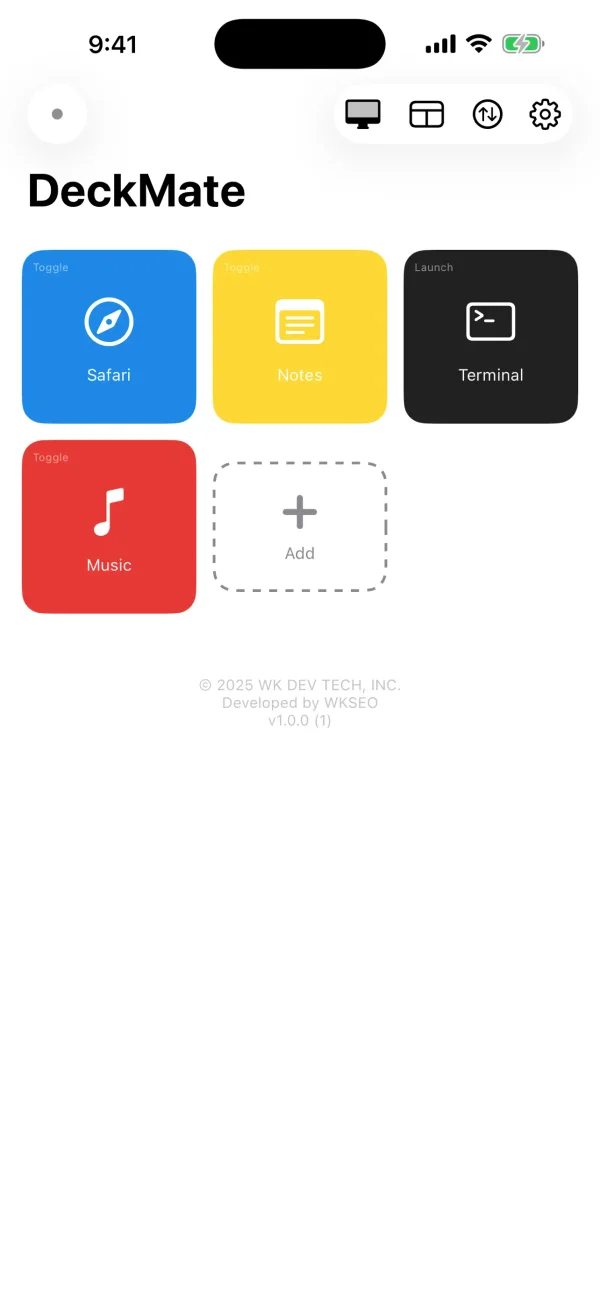
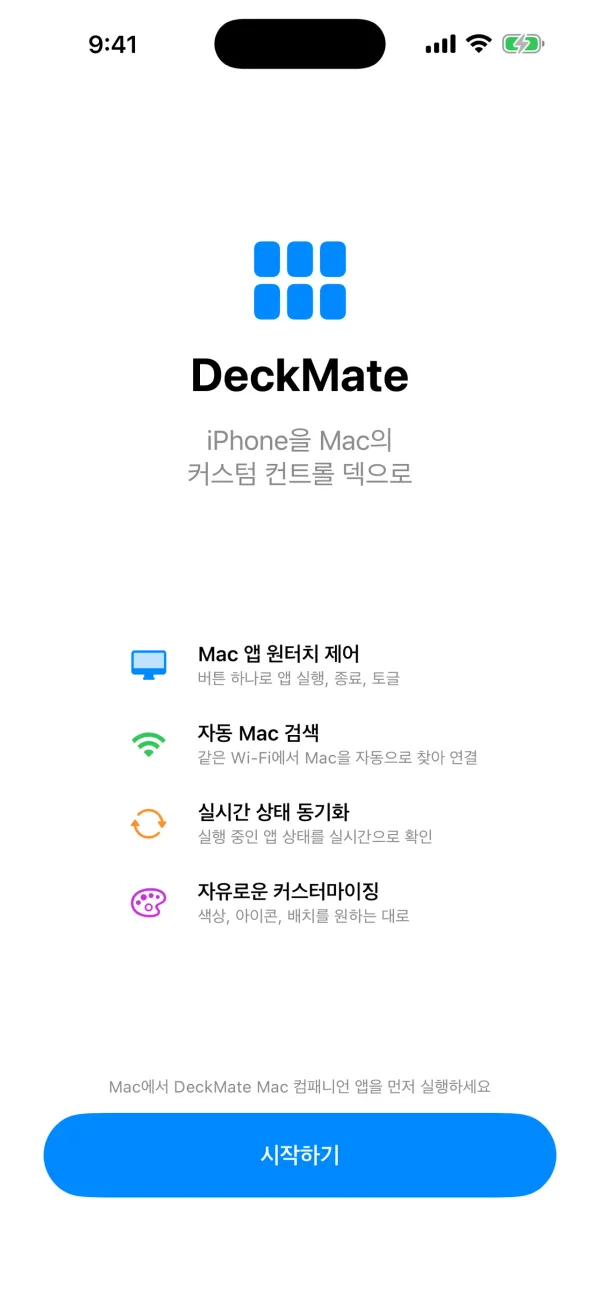
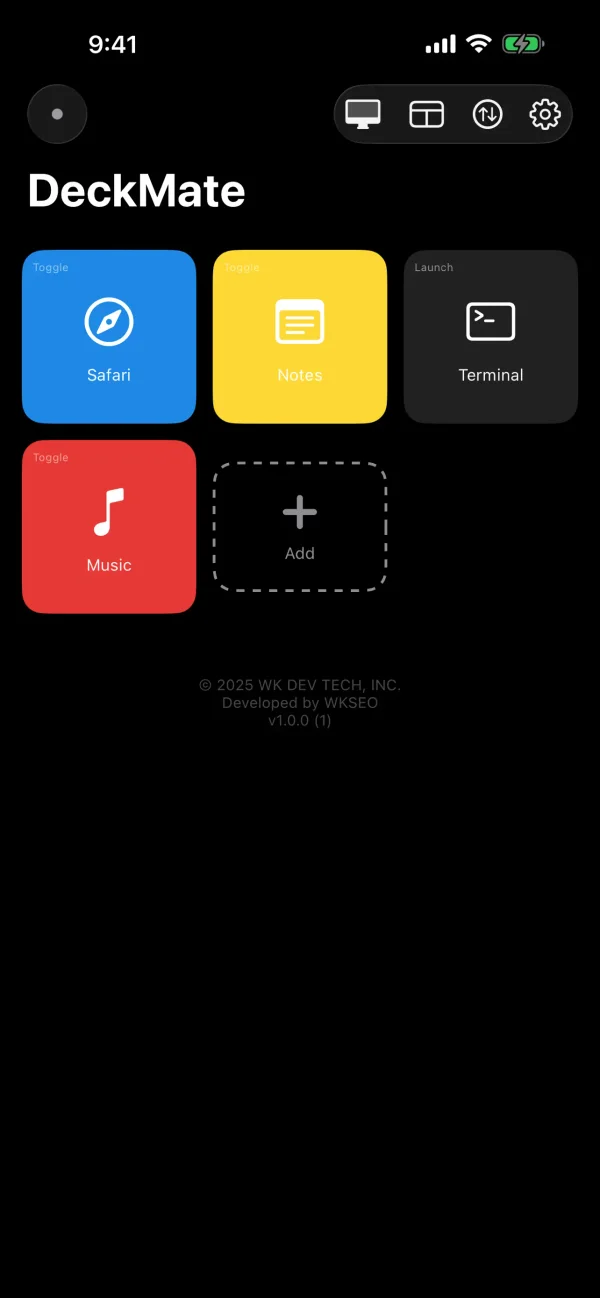
DeckMate lets you create a customizable button grid on your iPhone to launch, quit, or toggle Mac apps with a single tap.
Features:
• Custom Button Grid — Pick apps from your Mac and build your own control deck
• One-Tap Control — Launch or Toggle actions for instant app control
• Real-Time Status — See which apps are running with green indicators
• Show Desktop & Mission Control — Trigger remotely from your iPhone
• Auto Discovery — Finds your Mac automatically on the same Wi-Fi
• Drag & Drop — Rearrange buttons however you like
• Color Customization — 7 rainbow presets + custom colors
• Screen Keep-Awake — Prevent screen dimming while in use
How to use:
1. Install and run DeckMate Mac (free companion app) on your Mac
2. Open DeckMate on your iPhone — it finds your Mac automatically
3. Enter the token and connect
4. Add buttons and control your Mac apps with one tap!
Requirements:
• Mac companion app required (free download at https://wkdevtech.com/DeskMate)
• iPhone and Mac must be on the same Wi-Fi network
新機能
バージョン 1.0.7 · 2026/6/11
Fixed auto-reconnect when switching Wi-Fi networks, resolved a layout issue after rotating the device, and added a notice when the companion Mac app needs updating.
アプリのプライバシー
このアプリのデータの取り扱いについて、Wonkyoung SeoがApp Storeで申告している内容です。
-
ユーザーに関連付けられないデータ
収集される場合がありますが、ユーザーの識別情報には関連付けられません。
- 位置情報
- ID
- 使用状況データ
- 診断
プライバシーの取り扱いは、ご利用の機能やお客様の年齢などに応じて異なる場合があります。
情報
- 販売元
- Wonkyoung Seo
- カテゴリ
- ユーティリティ
- バージョン
- 1.0.7
- 更新日
- 2026/6/11
- リリース
- 2026/6/3
- サイズ
- 4.2 MB
- 必要条件
- iOS 26.5以降
- 対象年齢
- 4+
- 価格
- 無料
- 言語
- 英語
- 著作権
- © 2026 WK DEV TECH, INC.