
- 対象年齢4+
- カテゴリ仕事効率化
- 開発元Ananda Theerthan Jagannathan
- 言語英語
- サイズ55.0 MB
App Storeの公式ページにリンクしています
Download.orgはdfCalのファイルを一切ホストしていません。ボタンを押すと、Ananda Theerthan Jagannathanが公開しているApp Storeのアプリページが開きます。ページの最終確認:2026/11/17。
スクリーンショット

概要
開発元はこのテキストをお使いの言語で提供していません。
dfCal is the intelligent calendar app designed to help you take control of your schedule, boost productivity, and make the most of every day.
SMART CALENDAR VIEWS
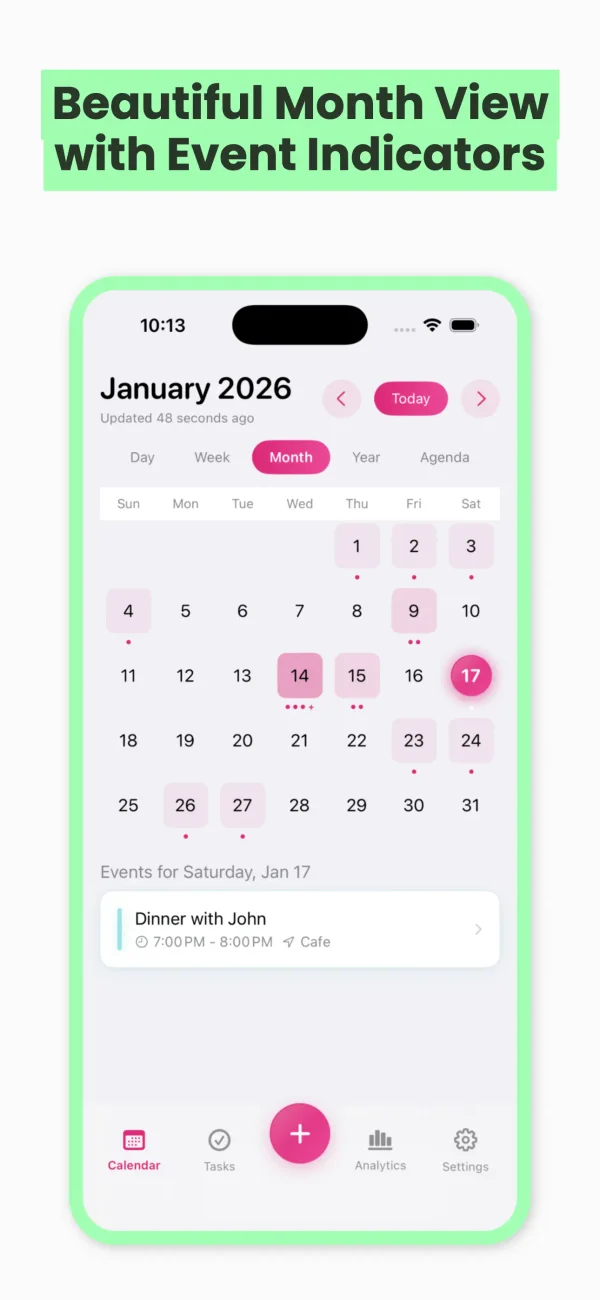
- Beautiful month, week, and day views with event indicators
- Seamless sync with Google Calendar and Microsoft Outlook
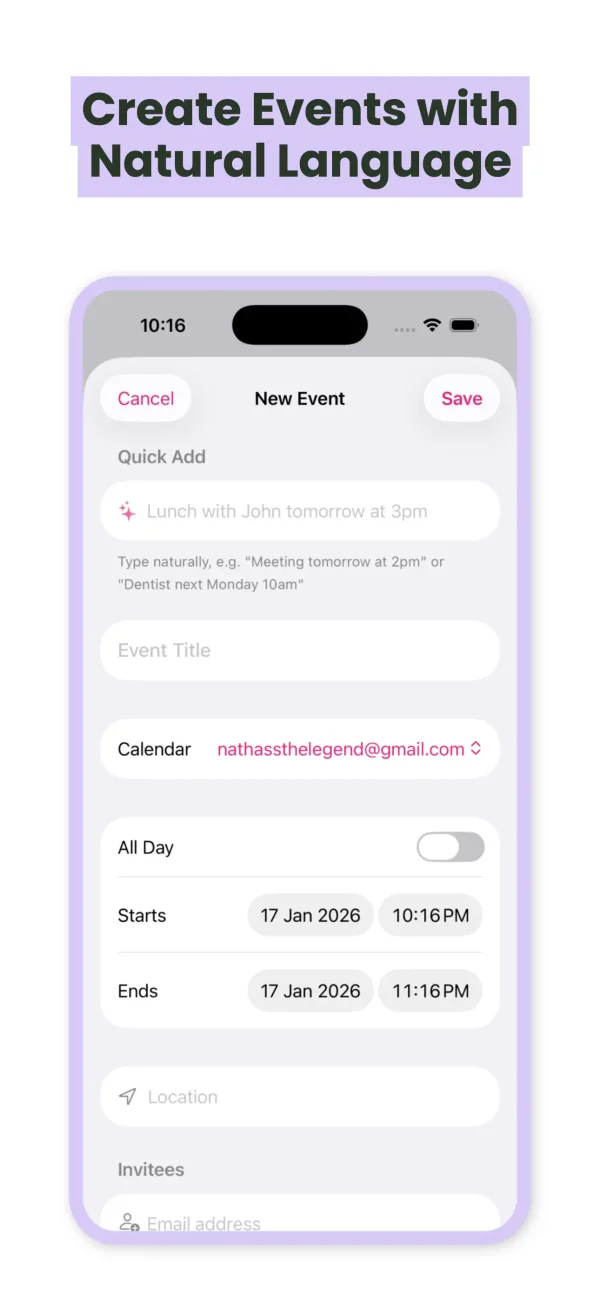
- Quick natural language event creation — just type "Lunch with John tomorrow at 2pm"
- Color-coded calendars to organize work, personal, and more
FIND YOUR FREE TIME
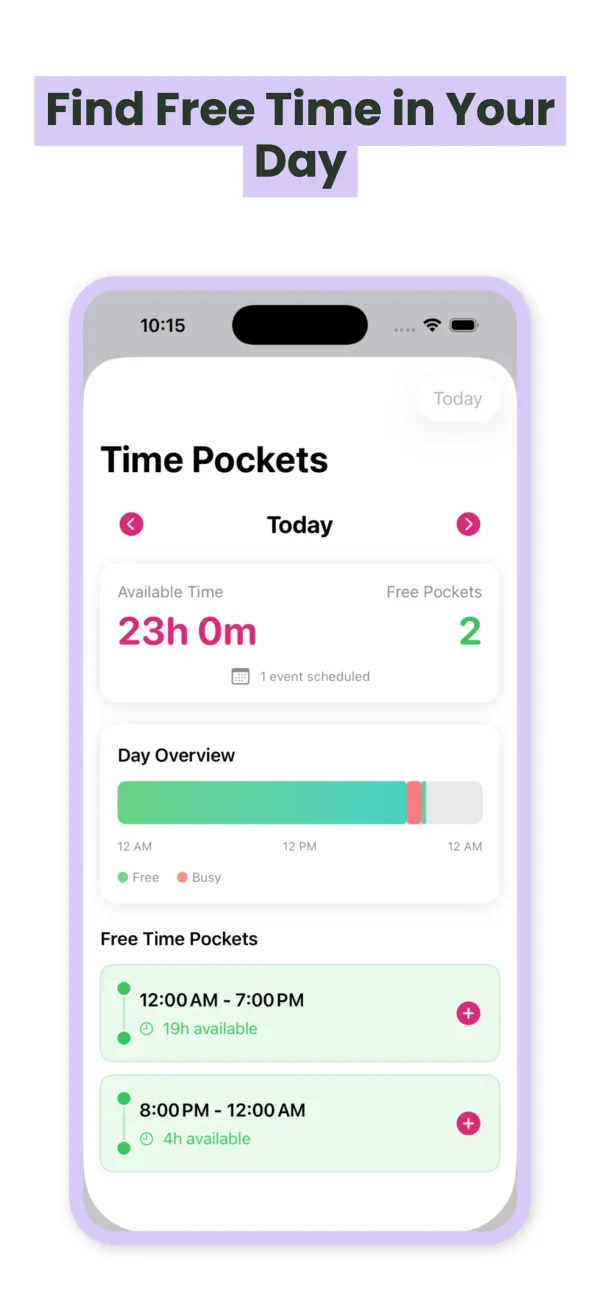
- Time Pockets automatically discovers available slots in your day
- See exactly when you have 30 minutes, 1 hour, or more available
- Never double-book again with visual day overview
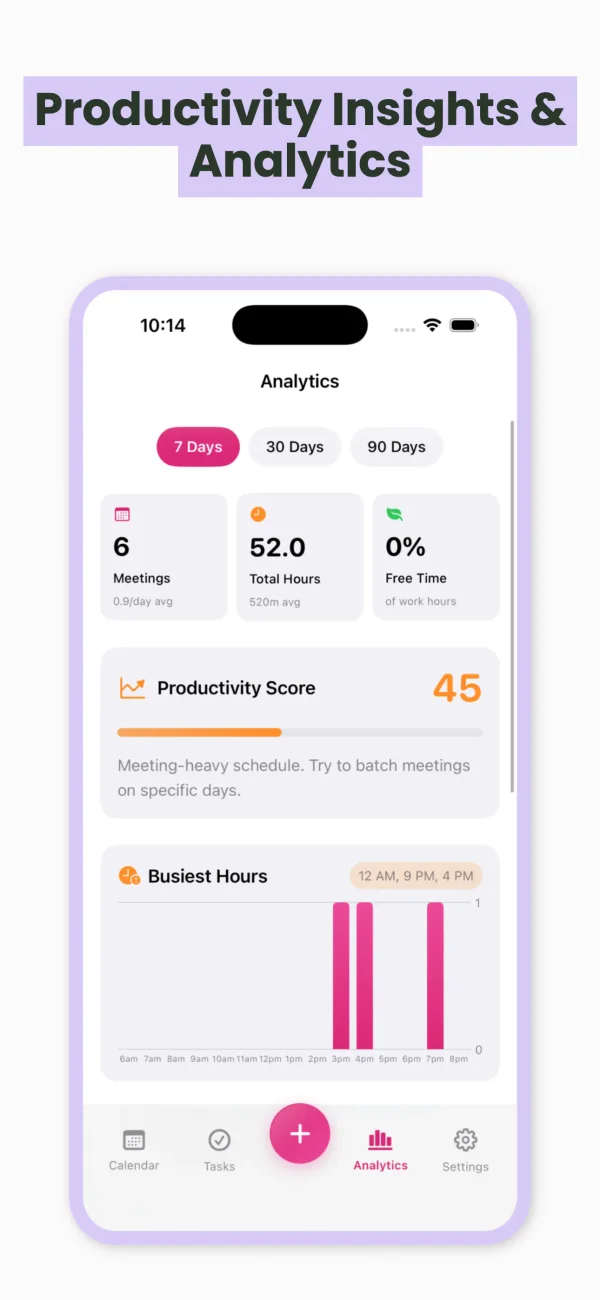
PRODUCTIVITY ANALYTICS
- Track how you spend your time with detailed insights
- See your productivity score and get personalized tips
- Busiest hours chart to optimize your schedule
- Weekly, monthly, and quarterly time audits
SMART TASK MANAGEMENT
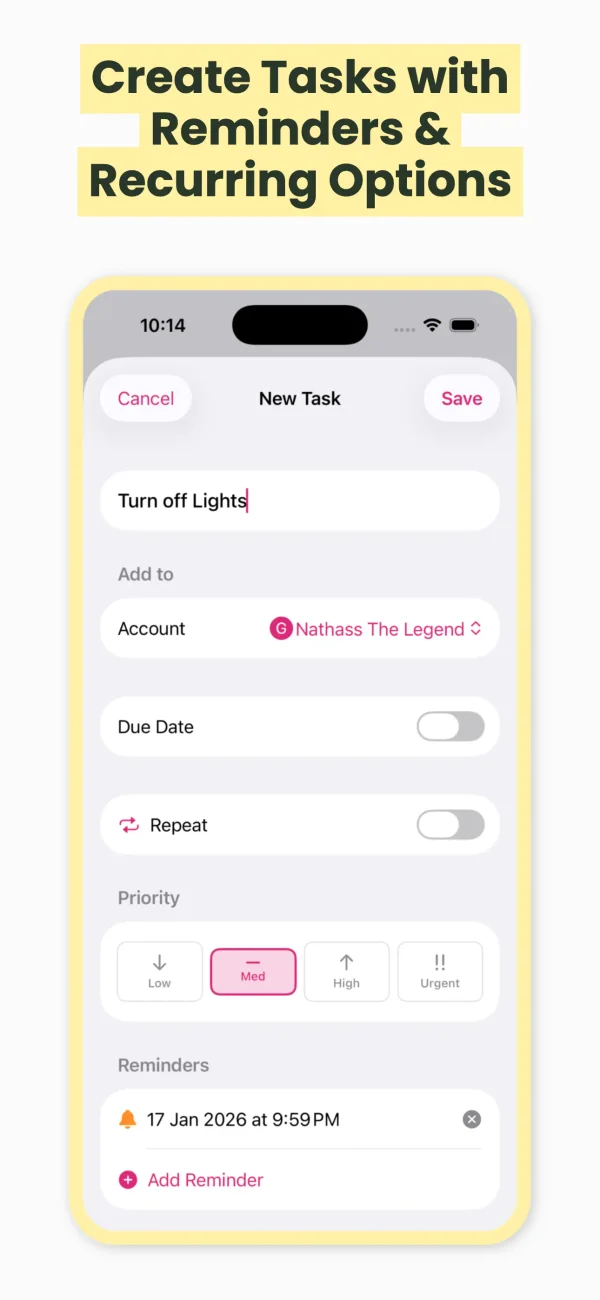
- Create tasks with due dates, priorities, and reminders
- Recurring tasks that automatically advance when completed
- Priority levels from Low to Urgent with visual indicators
- Sync tasks with Google Tasks
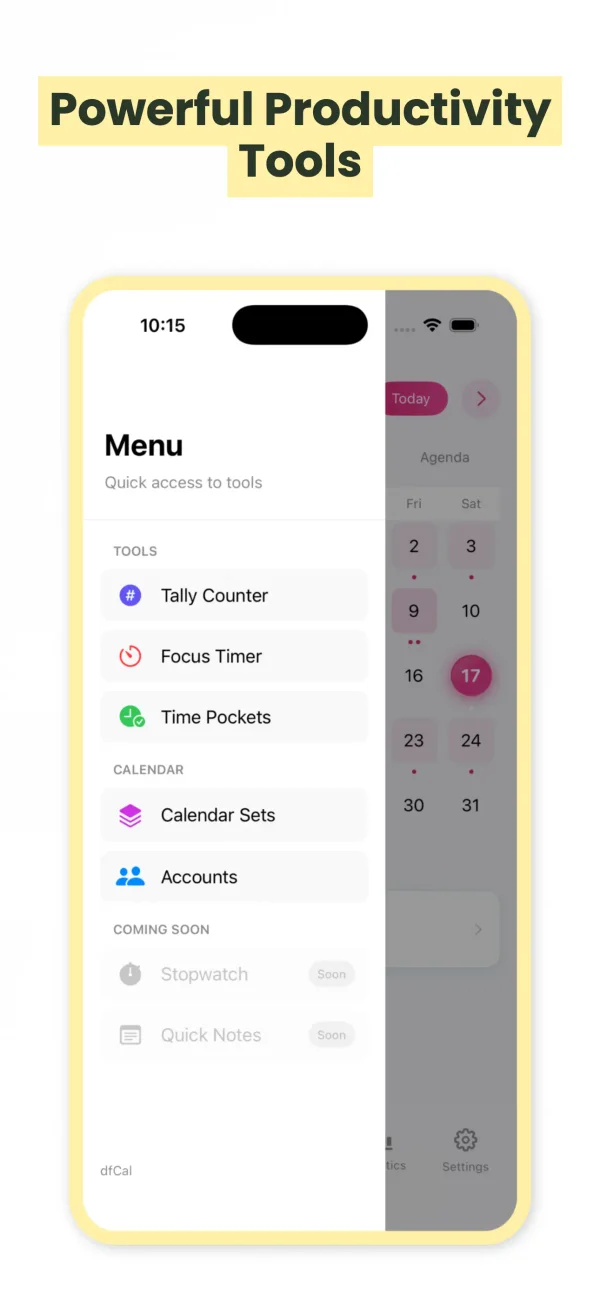
POWERFUL TOOLS
- Focus Timer for deep work sessions
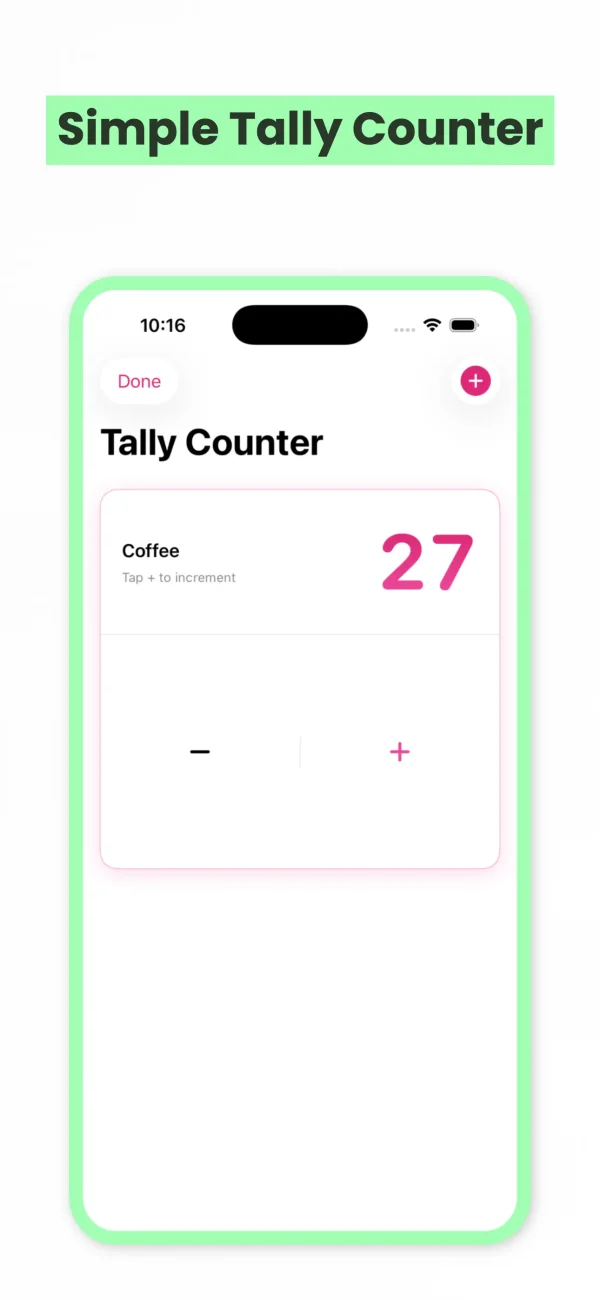
- Tally Counter for tracking habits and counts
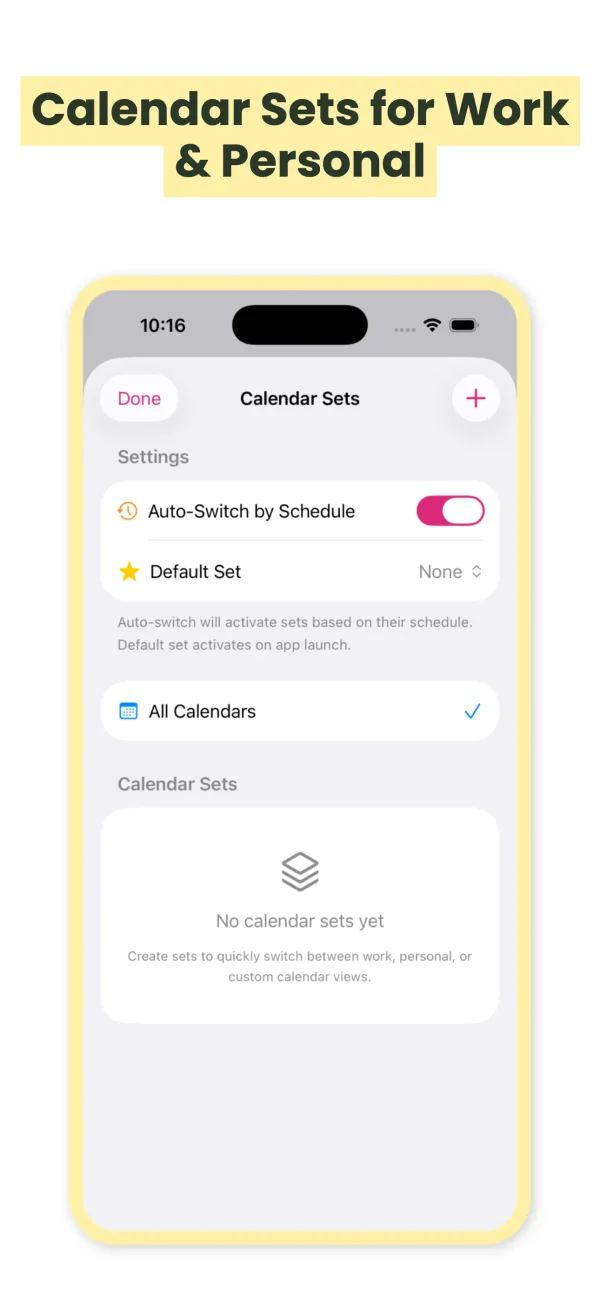
- Calendar Sets to quickly switch between work and personal views
- Schedule Templates to block focus time automatically
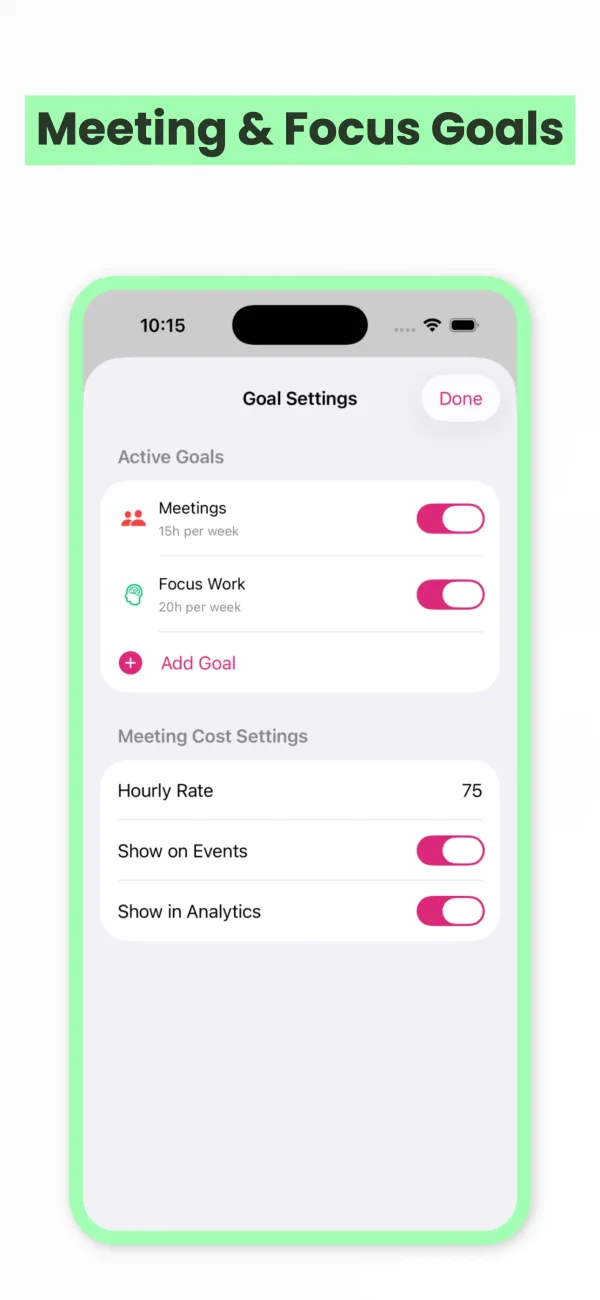
GOAL TRACKING
- Set weekly goals for meetings and focus work
- Track your progress toward time targets
- Meeting cost calculator to understand the true cost of meetings
BUILT FOR PRIVACY
- Your data stays on your device
- Secure OAuth authentication with Google and Microsoft
- No tracking, no ads, just productivity
Whether you're a busy professional, student, or anyone looking to optimize their time, dfCal gives you the tools to understand and improve how you spend each day.
Download dfCal today and transform the way you manage your time.
新機能
バージョン 2 · 2026/11/12
dfCal has been rebuilt from the ground up. Everything you had is still here, and your accounts and data carry over.
NEW LOOK
- A cleaner design with rounder cards, a new typeface and our own set of icons
- View choices and filters now sit in one row at the top of each page
MADE FOR iPAD
- Your calendar stays on screen while an event, a task or a settings page opens beside it
NEW
- Search across your events and tasks
- Undo after you delete an event, task, payment or time entry
- More ways to repeat: chosen weekdays, "the second Tuesday of the month", and an end date or a number of times
- Delete one event of a series, or the whole series
- Export your Timesheet and Ledger as a spreadsheet file
- Pick the calendar, length and reminder that new events start with
- Share your free times as plain text from Booking Links
BETTER
- Overlapping events sit side by side instead of on top of each other
- All-day events show in Week view
- Months far in the past or future load when you go to them
- If you are offline when you save, the app says so, keeps what you typed and offers Retry
- Day view swipes are now Edit and Delete
CHANGED
- A Meet or Teams link is no longer added to new events automatically
アプリのプライバシー
このアプリのデータの取り扱いについて、Ananda Theerthan JagannathanがApp Storeで申告している内容です。
-
ユーザーに関連付けられないデータ
収集される場合がありますが、ユーザーの識別情報には関連付けられません。
- 使用状況データ
- 診断
プライバシーの取り扱いは、ご利用の機能やお客様の年齢などに応じて異なる場合があります。
情報
- 販売元
- Ananda Theerthan Jagannathan
- カテゴリ
- 仕事効率化
- バージョン
- 2
- 更新日
- 2026/11/12
- リリース
- 2026/1/11
- サイズ
- 55.0 MB
- 必要条件
- iOS 17.0以降
- 対象年齢
- 4+
- 価格
- 無料
- 言語
- 英語
- 著作権
- © 2026 Ananda Theerthan
こちらもおすすめ
-
 Hourish: Routine Timer仕事効率化
-
 Clip Flow: スニペット管理貼り付けキーボード・検索・OCR
-
 Calmetric仕事効率化
-
 Levora: Resolution Tracker仕事効率化
-
 DeviceScribe: Local AI Scribe仕事効率化
-
 ThoughtsLeft: Brain Dump仕事効率化
-
 Use Your Days仕事効率化
-
 Ethos: Daily Habits To Do仕事効率化
-
 Focus: ADHD やることリスト・アプリ制限スマホ依存を断ち、やり切る集中タイマー
-
 WhereBox – Home Inventory仕事効率化