
- 対象年齢4+
- カテゴリ教育
- 開発元The Language Conservancy, Inc.
- 言語英語
- サイズ189.9 MB
App Storeの公式ページにリンクしています
Download.orgはDilzhe'e Apache Dictionaryのファイルを一切ホストしていません。ボタンを押すと、The Language Conservancy, Inc.が公開しているApp Storeのアプリページが開きます。ページの最終確認:2026/11/14。
スクリーンショット
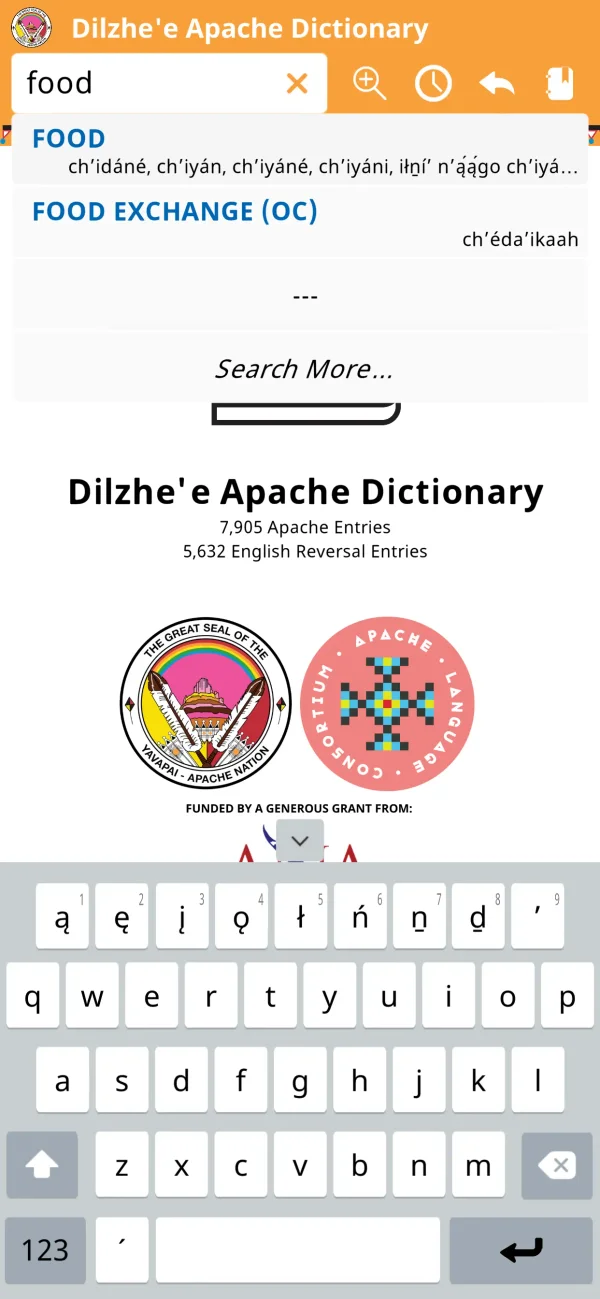
概要
開発元はこのテキストをお使いの言語で提供していません。
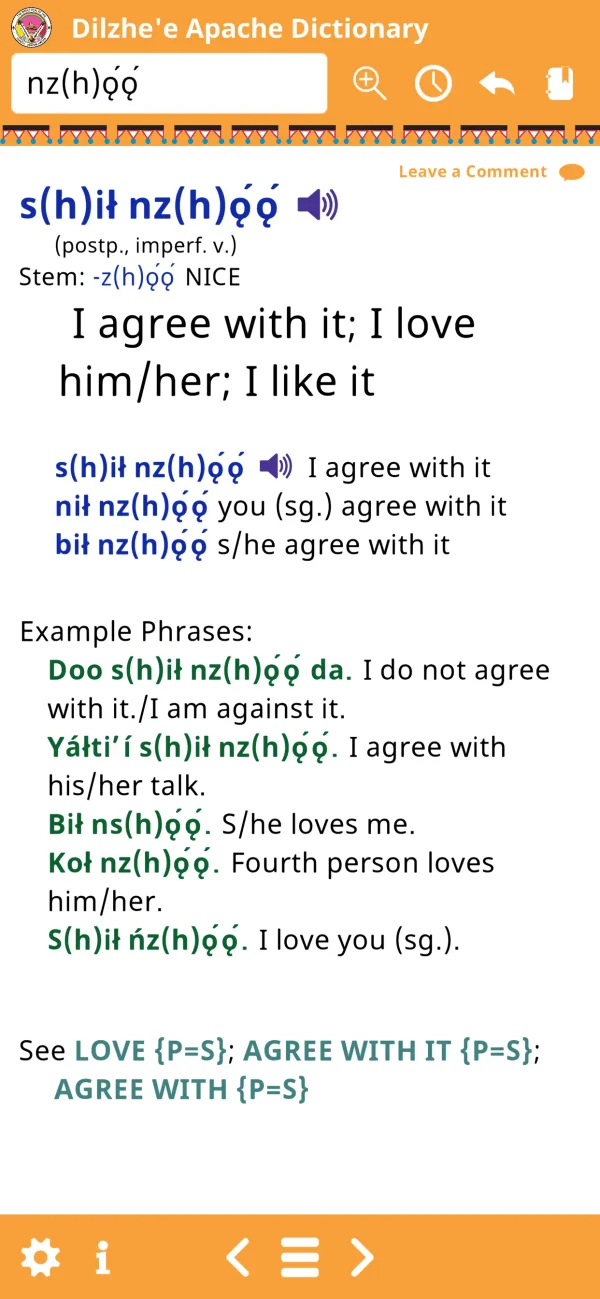
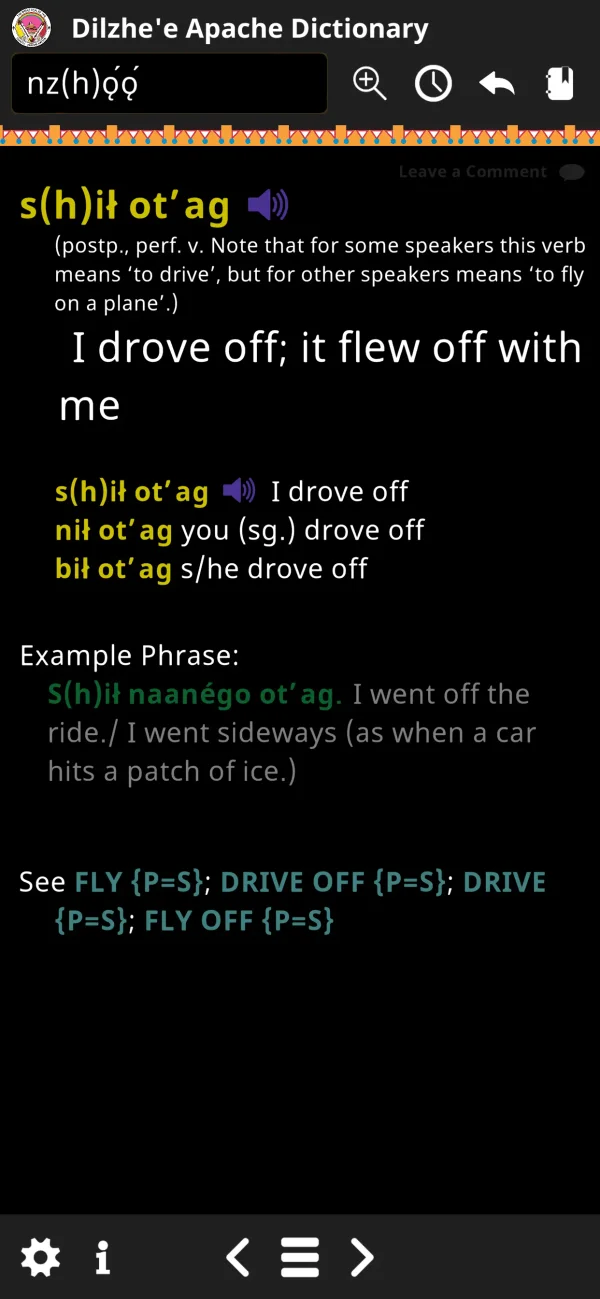
The Dilzhe'e Apache Mobile Dictionary is the best way to look up Dilzhe'e Apache words and hear pronunciation while on the go. It’s the ultimate electronic Dilzhe'e Apache learning and reference tool.
• 7,905 Dilzhe'e Apache entries
• 5,632 English Reversal Entries
• Fluent voices
• Consistent spelling
• Superior cross-referencing capabilities
• Fast and responsive
• Works offline, without active data connection
• Built-In advanced search engine finds conjugated verbs, word forms, and corrects spelling mistakes
• Regularly updated
• Accurate and reliable
• Fun to use and explore
• An excellent self-study tool
Searching the Dictionary
• There are two ways to find entries. You may tap the search bar above or tap any word in the entry window to see the results for that word
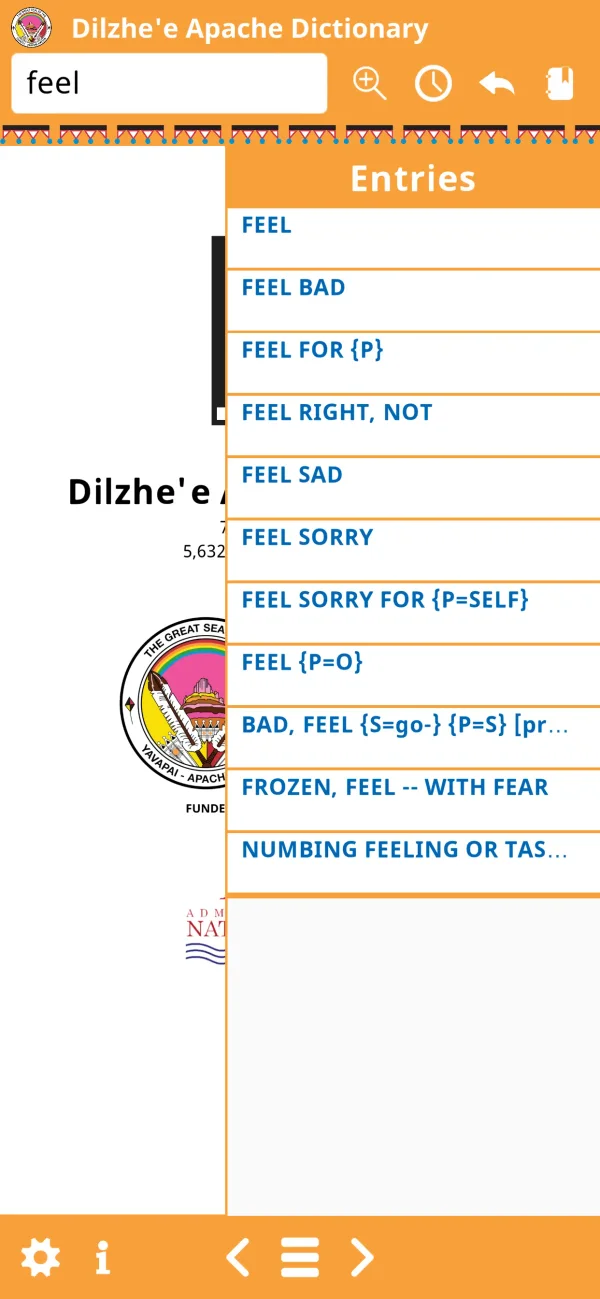
• Tapping "Return" or "Full Search" will provide a full list of possible entries for the word you have entered
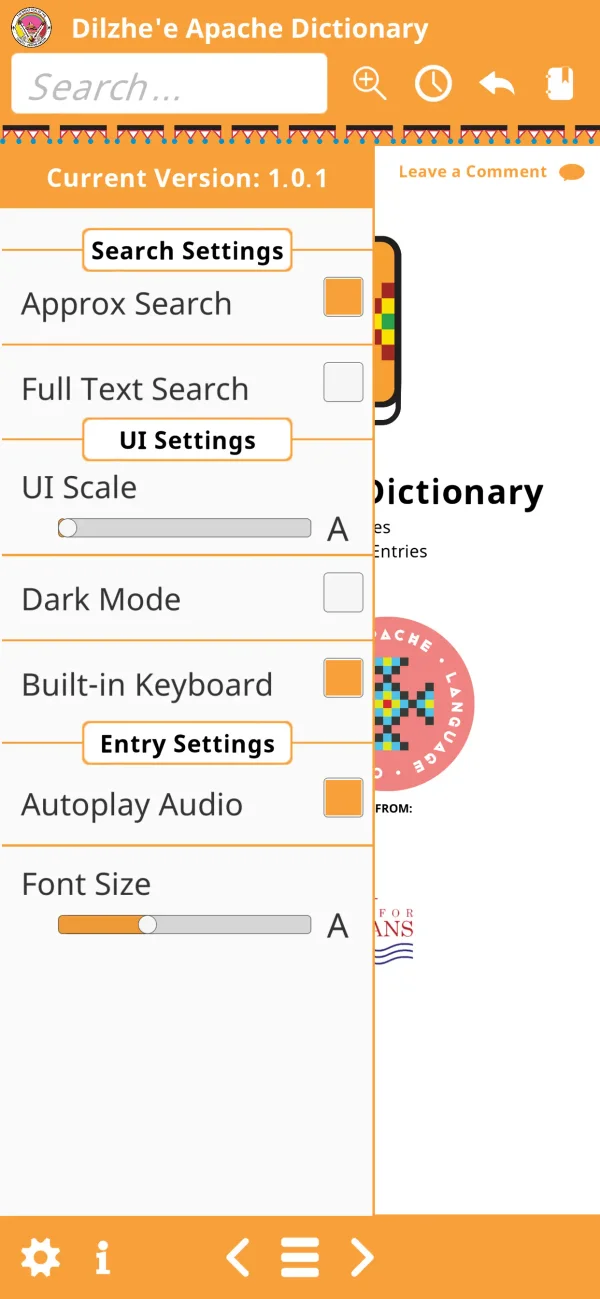
• There are several search options available within the Settings menu
• If the Approximate search option is "on", the app will try to find relevant entries even if you spelled the word incorrectly.
• If the Full Text search option is "on", results that have your search elsewhere in the entry (example sentences or notes) will also show in the results.
Buttons
• The Dilzhe'e Apache Mobile Dictionary uses a simple tap and go interface
• In the information section, select a tab from the sliding bar above to learn more about "How To Use" the dictionary, "Entry Details"
• The Settings menu allows you to refine how the search works, change the font size, and turn “AutoPlay Audio” on or off. See the “Searching the Dictionary” section for more details on the search settings
• Tapping the Zoom button increases the entry font size until it resets back to the smallest size again
• The History Panel shows you your recent entry history. Any entry you view is logged here for a short period of time so that you may go back and review
• The Back button quickly takes you back to the previous entry in your History with a single tap
• There are two sides to the Dilzhe'e Apache Mobile Dictionary. If you are currently viewing a Dilzhe'e Apache word, you are on the Apache side. The left and right buttons will take you to the next or previous Dilzhe'e Apache word in alphabetical order. Tapping the Hamburger button will provide you with a list of the nearest alphabetical words to the entry you are currently looking at
• The Favorites panel allows you to save your favorite words like a bookmark. From this panel, you can create new lists, add words to specific lists for later review, and better organize using the Dilzhe'e Apache Mobile Dictionary as YOUR Dilzhe'e Apache language learning tool
• The comment button at the bottom of every entry allows you to send feedback to us so that we can make improvements to future versions of the dictionary
新機能
バージョン 3.4.1 (148) · 2025/12/12
General improvements and updates!
アプリのプライバシー
このアプリのデータの取り扱いについて、The Language Conservancy, Inc.がApp Storeで申告している内容です。
-
ユーザーに関連付けられたデータ
収集され、ユーザーの識別情報に関連付けられる場合があります。
- 連絡先情報
-
ユーザーに関連付けられないデータ
収集される場合がありますが、ユーザーの識別情報には関連付けられません。
- 使用状況データ
プライバシーの取り扱いは、ご利用の機能やお客様の年齢などに応じて異なる場合があります。
情報
- 販売元
- The Language Conservancy, Inc
- カテゴリ
- 教育
- バージョン
- 3.4.1 (148)
- 更新日
- 2025/12/12
- リリース
- 2023/6/29
- サイズ
- 189.9 MB
- 必要条件
- iOS 13.0以降
- 対象年齢
- 4+
- 価格
- 無料
- 言語
- 英語
- 著作権
- © Yavapai Apache Nation / Apache Language Consortium 2023