
- 対象年齢9+
- カテゴリ仕事効率化
- 開発元Akeed Bhat
- 言語英語
- サイズ35.2 MB
App Storeの公式ページにリンクしています
Download.orgはDoc Hereのファイルを一切ホストしていません。ボタンを押すと、Akeed Bhatが公開しているApp Storeのアプリページが開きます。ページの最終確認:2026/11/15。
スクリーンショット
概要
開発元はこのテキストをお使いの言語で提供していません。
Keep your important documents together, protected and ready when you need them.
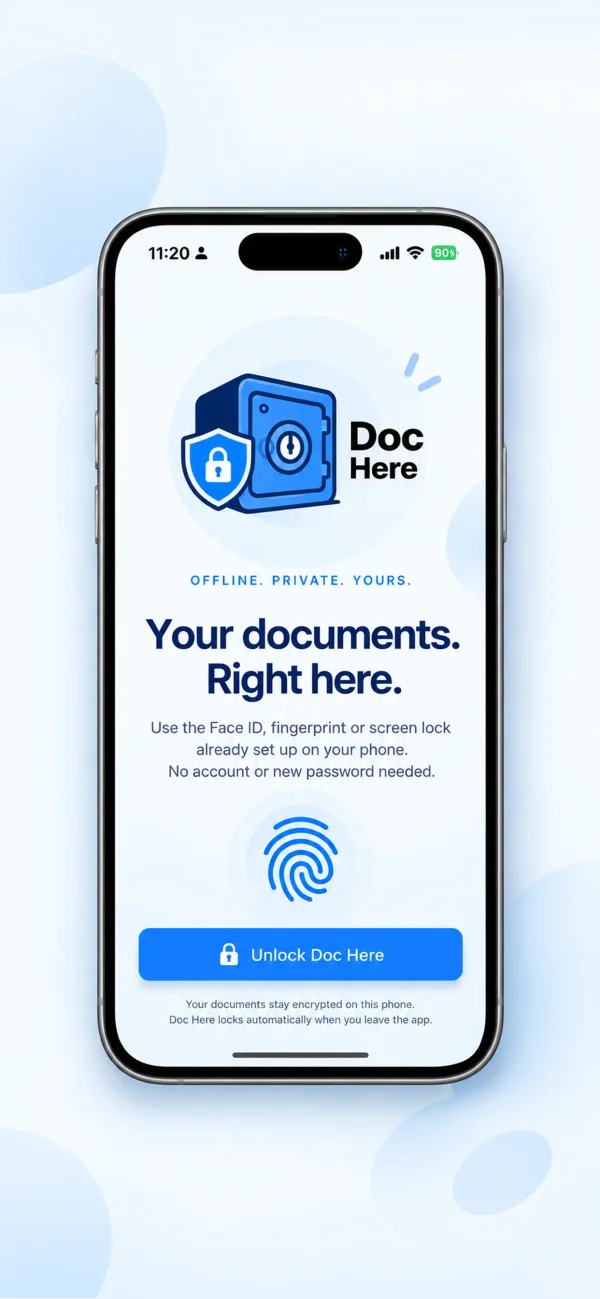
Doc Here is an offline document vault for PDFs, photos, certificates, identity documents, videos and other files. Store your files encrypted on your iPhone and unlock your vault with Face ID, Touch ID or your device passcode. No Doc Here account or extra password is needed.
YOUR EVERYDAY VAULT, FREE
• Store documents, images, videos and other files, up to 100 MB per file.
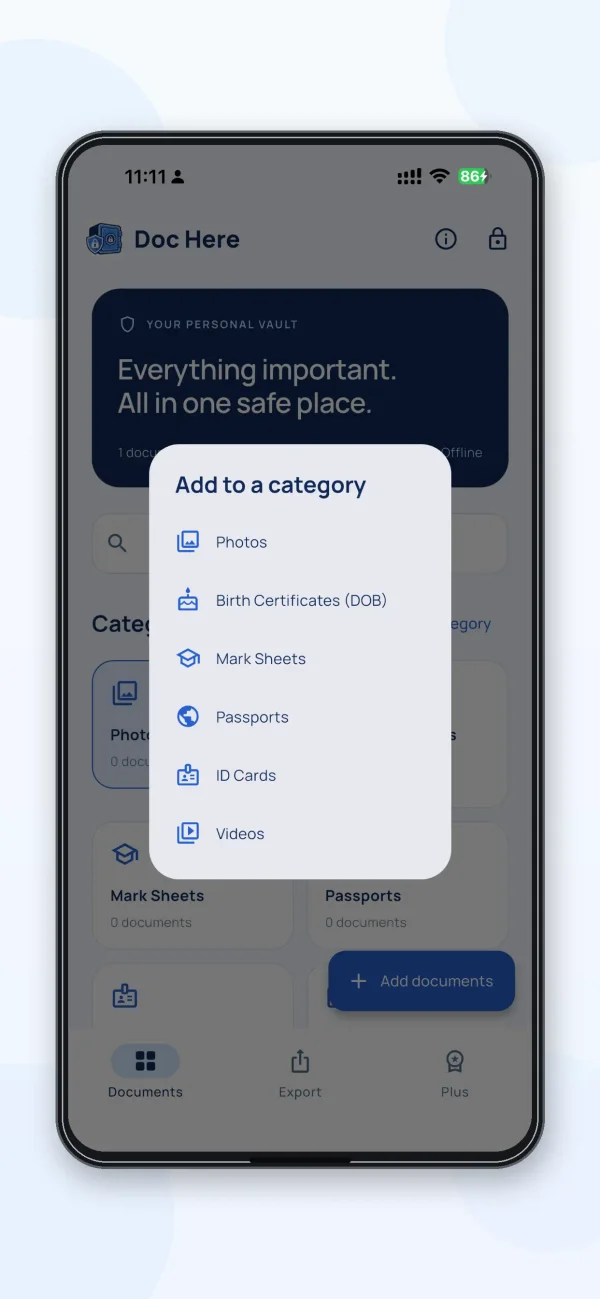
• Organize everything in a clear grid with built-in and custom categories.
• Keep photos, birth certificates, mark sheets, passports and ID cards easy to find.
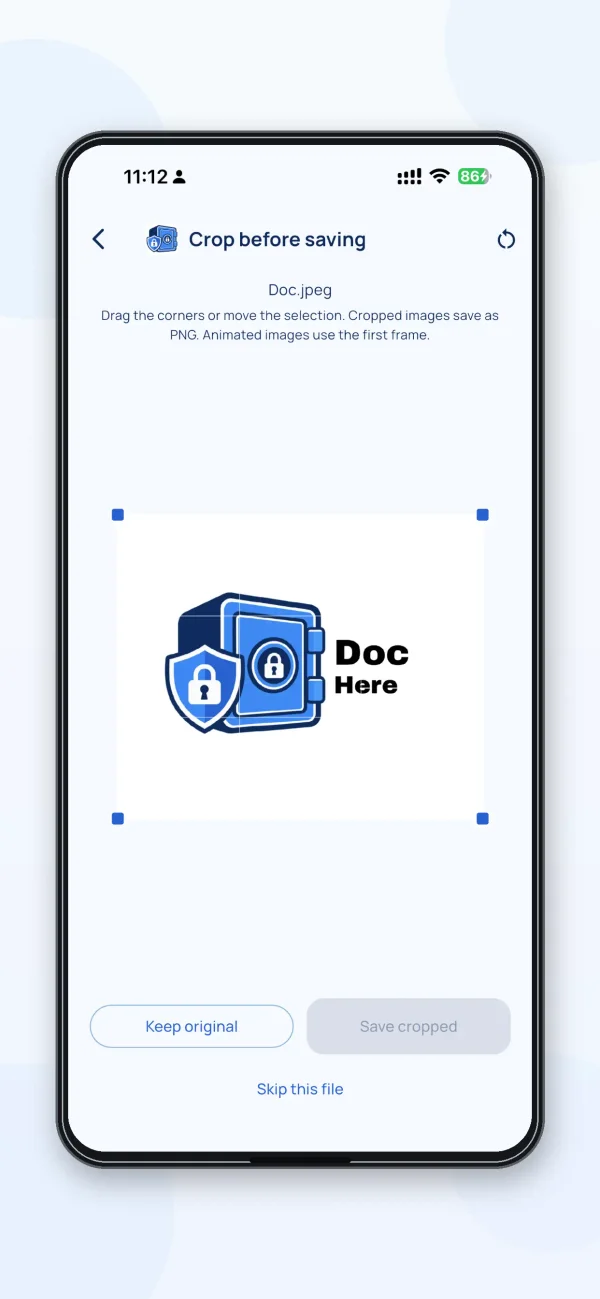
• Crop images and individual PDF pages before saving them to your vault.
• View supported images and PDFs, search your files and manage your categories.
• Export and share original files whenever you need them.
SAVE FILES YOUR WAY
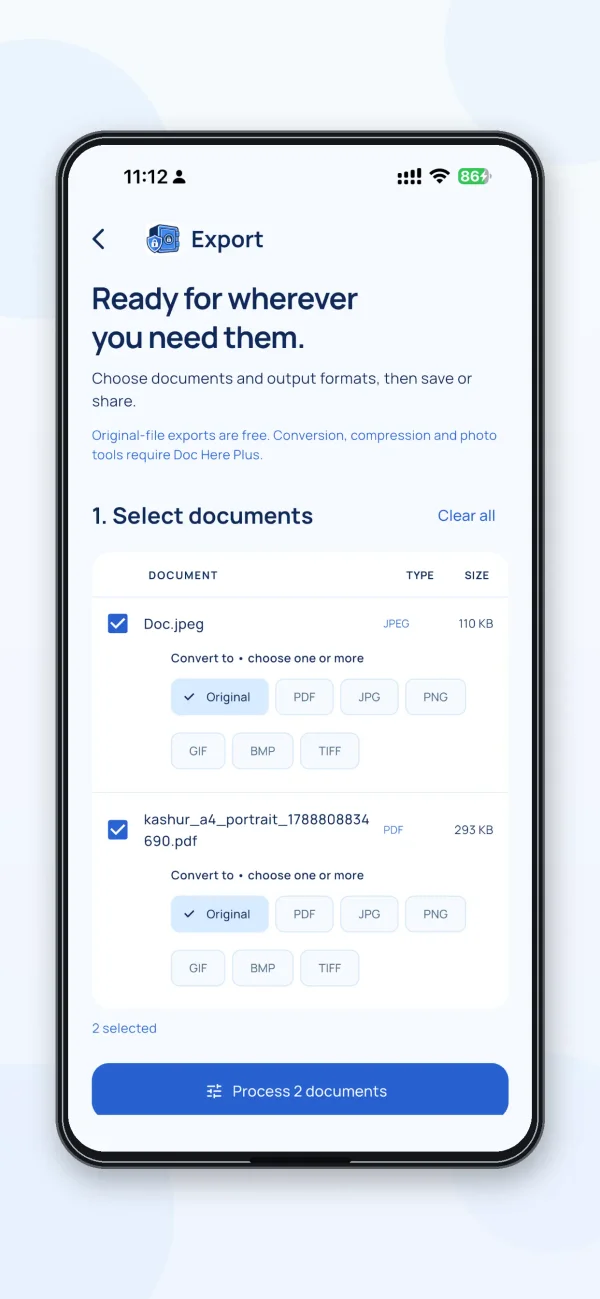
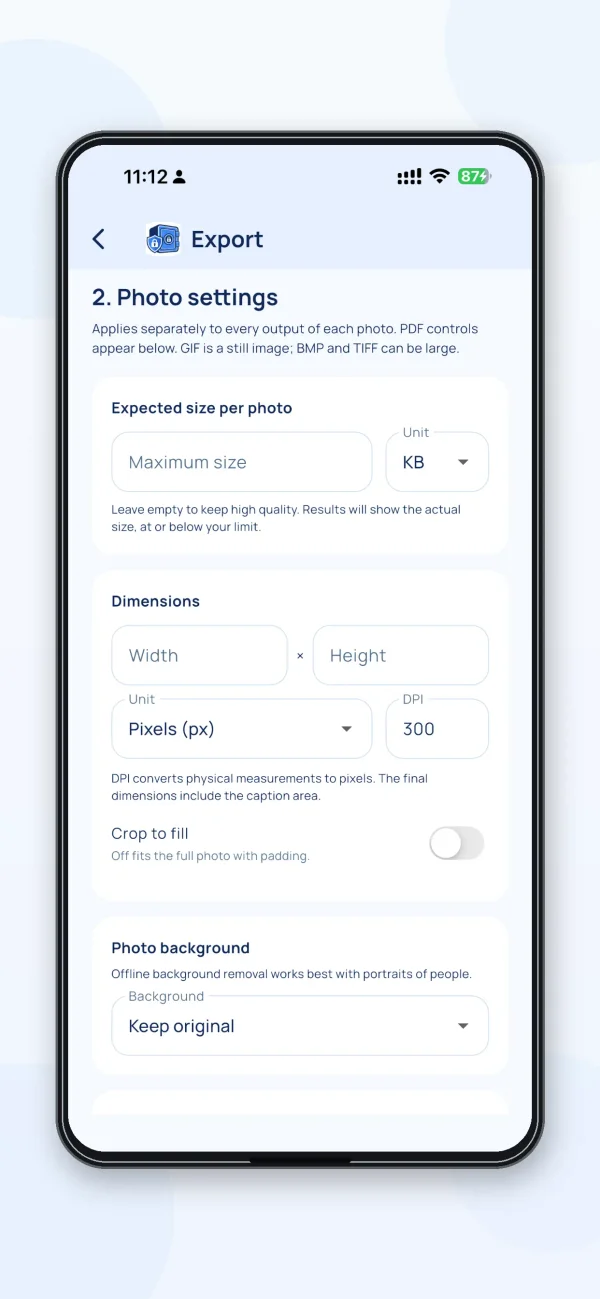
Select documents from the export list and prepare them together. Save every prepared file separately with one destination selection, save a specific file, or save the whole batch as a ZIP. You can also share files with other apps.
DO MORE WITH DOC HERE PLUS
• Choose multiple output formats for each PDF or image: PDF, JPG, PNG, GIF, BMP and TIFF.
• Convert PDF pages into separate, numbered images.
• Turn images into PDFs or convert between supported image formats.
• Reduce photo and PDF file sizes with maximum-size settings in KB or MB.
• Set output dimensions in pixels, inches, centimeters or millimeters.
• Remove portrait backgrounds or replace them with a color or image.
• Add a name, caption, date or time below a photo.
• Review prepared file sizes and dimensions before saving or sharing.
Your original vault files stay unchanged when you prepare export copies. Office documents, videos and other unsupported conversion types can be stored and exported in their original format.
CHOOSE YOUR ACCESS
The basic vault and original-file exports are free. Doc Here Plus unlocks advanced export, conversion and photo tools through an automatically renewing monthly subscription or a one-month pass that does not renew.
Manage or cancel your monthly subscription through your App Store account settings. Restore active paid access after reinstalling or on another iPhone using the same Apple Account. An internet connection is needed for purchases, restoration and refreshing store status.
YOUR FILES STAY UNDER YOUR CONTROL
Vault storage and document processing happen on your device. Saving or sharing creates readable copies outside the encrypted vault.
Doc Here does not provide cloud backup. Restoring purchases restores paid access, not your documents. Keep your source files: uninstalling the app or losing your device can lose the local vault.
Terms of Use (EULA): https://www.apple.com/legal/internet-services/itunes/dev/stdeula/
新機能
バージョン 2.0.3 · 2026/9/14
UI UX improved
アプリのプライバシー
このアプリのデータの取り扱いについて、Akeed BhatがApp Storeで申告している内容です。
-
データの収集なし
開発元はこのアプリからデータを収集しません。
プライバシーの取り扱いは、ご利用の機能やお客様の年齢などに応じて異なる場合があります。
情報
- 販売元
- Akeed Bhat
- カテゴリ
- 仕事効率化
- バージョン
- 2.0.3
- 更新日
- 2026/9/14
- リリース
- 2026/9/10
- サイズ
- 35.2 MB
- 必要条件
- iOS 15.0以降
- 対象年齢
- 9+
- 価格
- 無料
- アプリ内課金
- あり
- 言語
- 英語
- 著作権
- © Bhat Akeed
こちらもおすすめ
-
 SmartCity Ahmedabad CCRS仕事効率化
-
 Yikvot仕事効率化
-
 Arabic OCR: Text Scanner & PDF仕事効率化
-
 InPage仕事効率化
-
 PDFTOJPG: Convert PDF to Image仕事効率化
-
 デバイスモニターと診断CPU、システム、バッテリー、温度情報
-
 Swachhata-MoHUA仕事効率化
-
 OCRスキャナー - QuickScanスキャン、PDF、署名、自動化、エクスポート、ドキュメント
-
 All Document Reader - Read PDF仕事効率化
-
 画像圧縮・動画圧縮・写真圧縮で空き容量を増やすリサイズ圧縮リサイズ縮小で動画圧縮、容量不足ストレージの整理と画像圧縮