Docker Management
Get Notified and Manage Docker
iPhone, iPad, iPod touch向けに設計
無料 · アプリ内課金
- 対象年齢4+
- カテゴリ開発ツール
- 開発元Nevis Shkenza
- 言語英語
- サイズ54.3 MB
App Storeの公式ページにリンクしています
Download.orgはDocker Managementのファイルを一切ホストしていません。ボタンを押すと、Nevis Shkenzaが公開しているApp Storeのアプリページが開きます。ページの最終確認:2026/11/17。
スクリーンショット
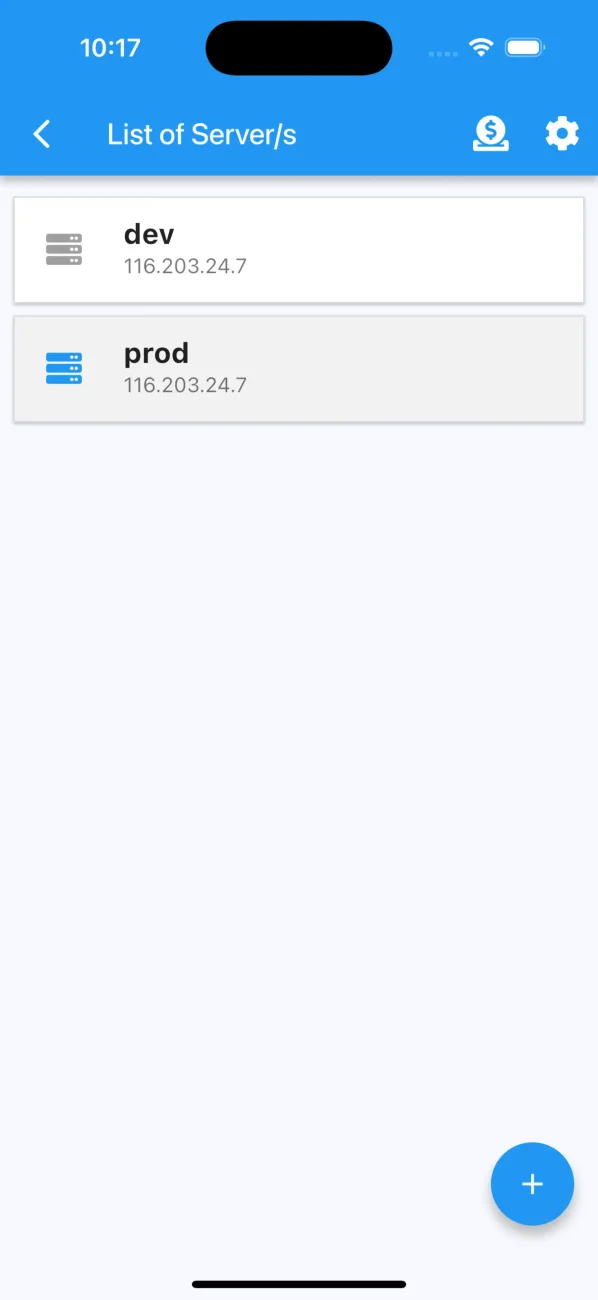
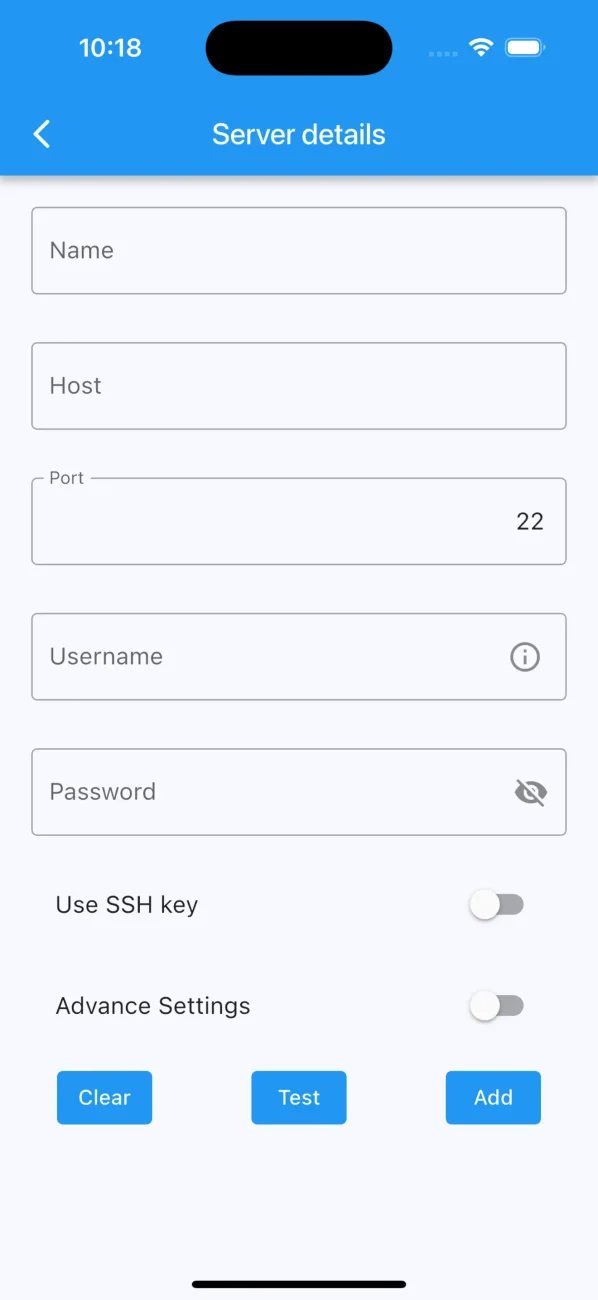
概要
開発元はこのテキストをお使いの言語で提供していません。
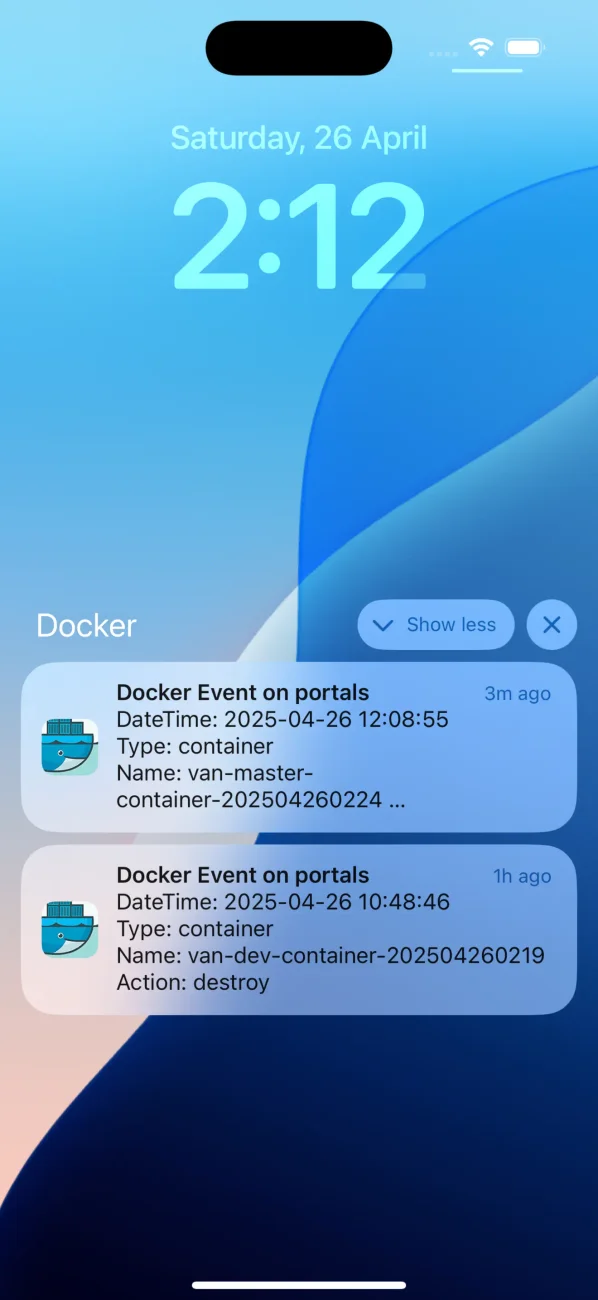
Receive notifications of docker events such as "start,create,delete,tag etc" of "container/image/volume/network" directly to your mobile.
Connect via ssh to your Linux/MacOS machine to monitor/manage your docker.
This application allows you to:
- add multiple servers
- connect through password or ssh key
- receive notifications on docker events
- ability to customize notification triggers
- select events to be notified
- choose what to exclude/include
- pick a silence window (to not receive notifications)
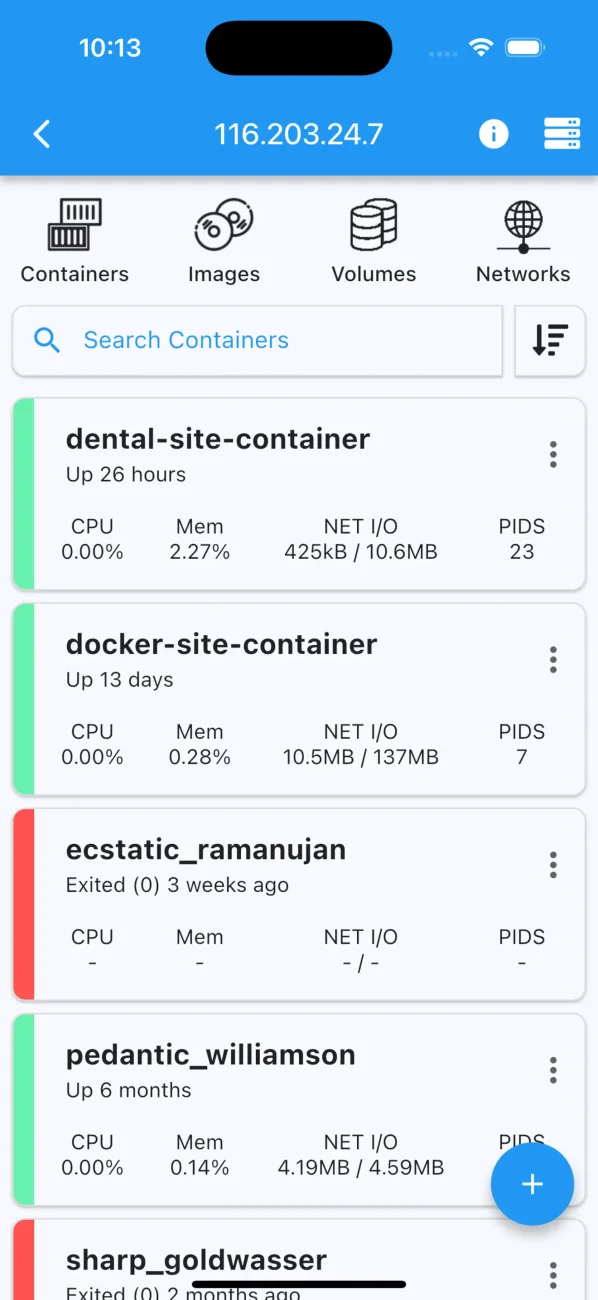
- list containers
- create containers
- start containers (multiple at once)
- stop containers (multiple at once)
- restart containers (multiple at once)
- remove containers (multiple at once)
- inspect containers
- view resource usage of containers
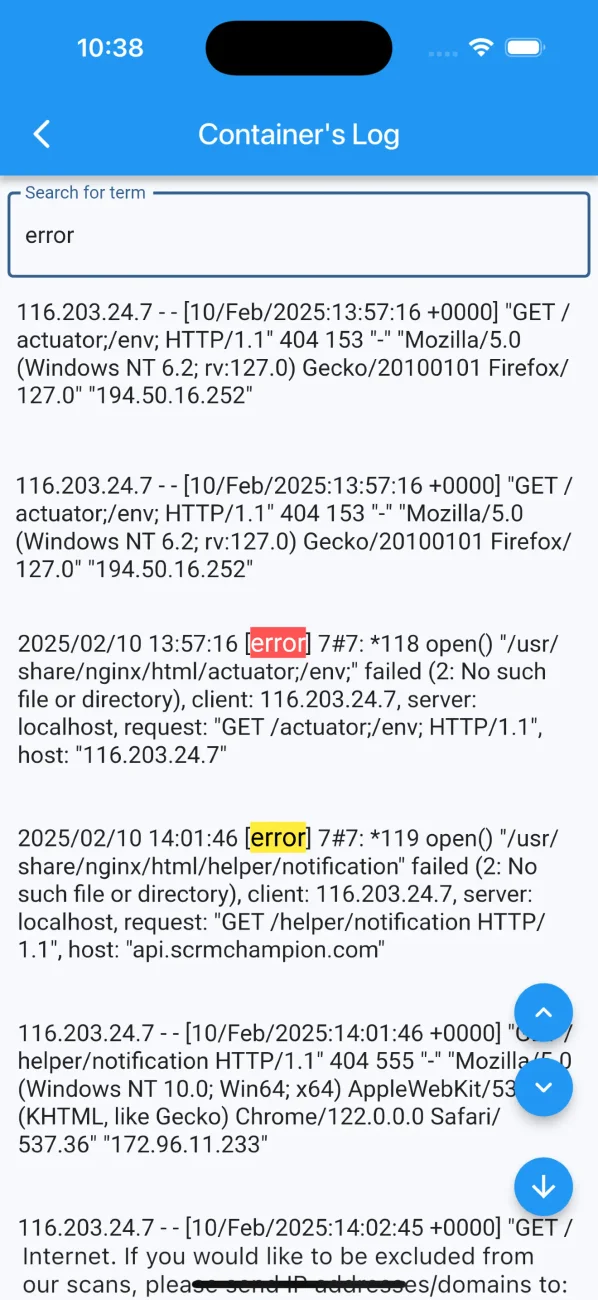
- view logs of containers (real time)
- search on logs of containers
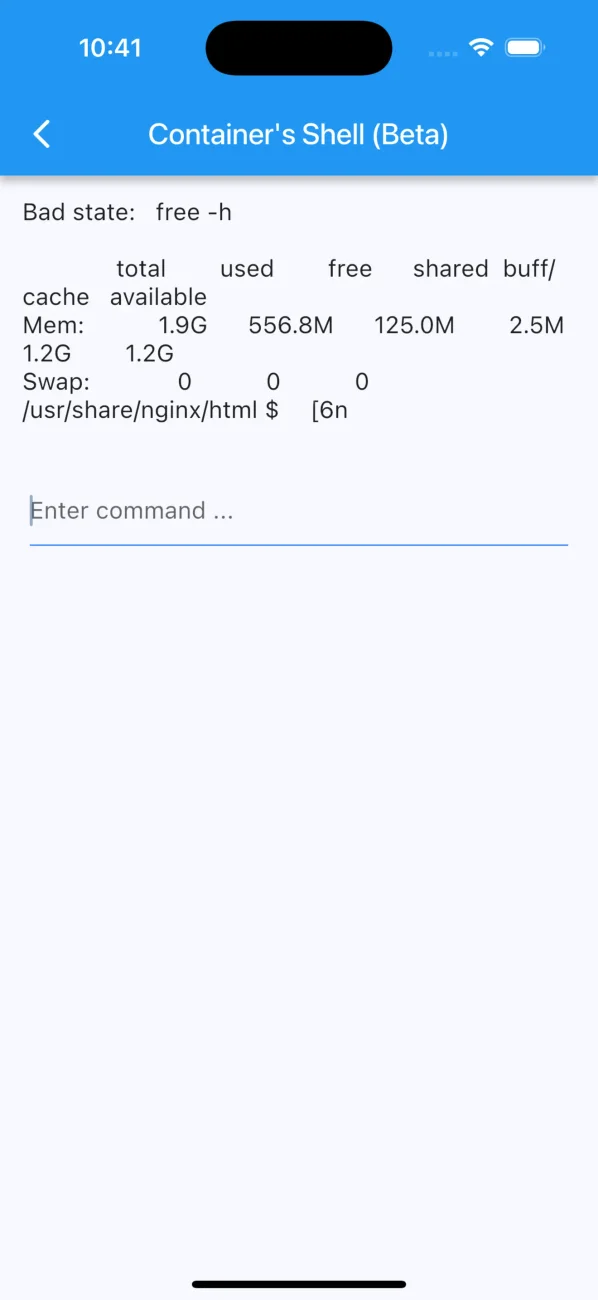
- enter shell of containers
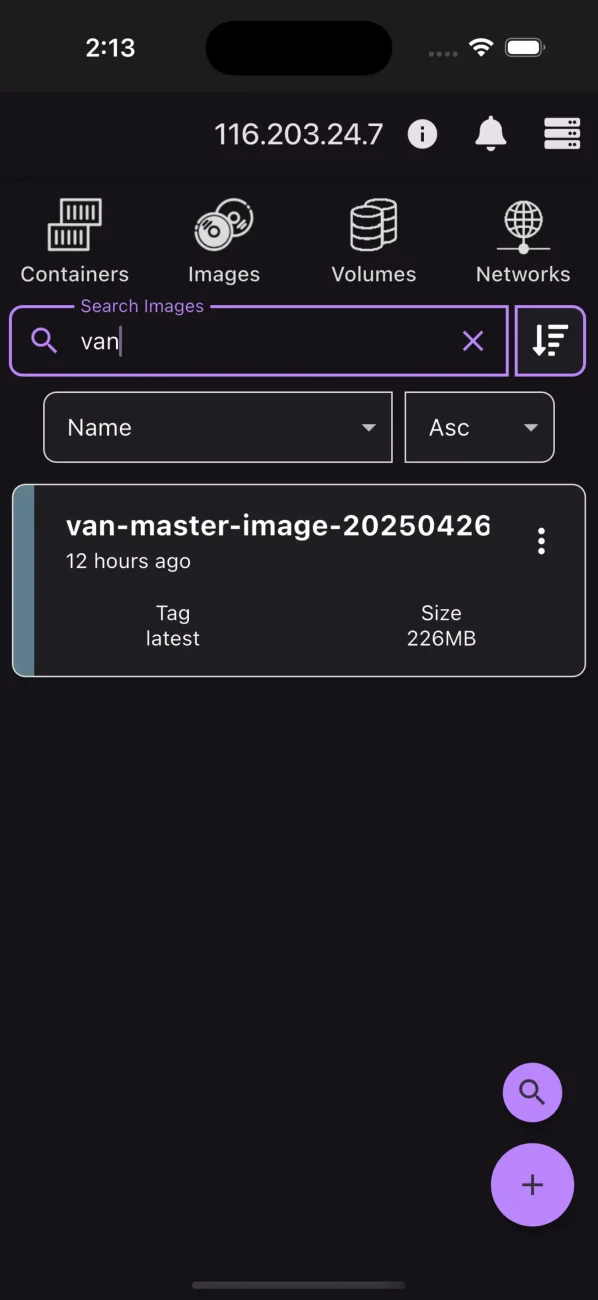
- list images
- vulnerability image scanning
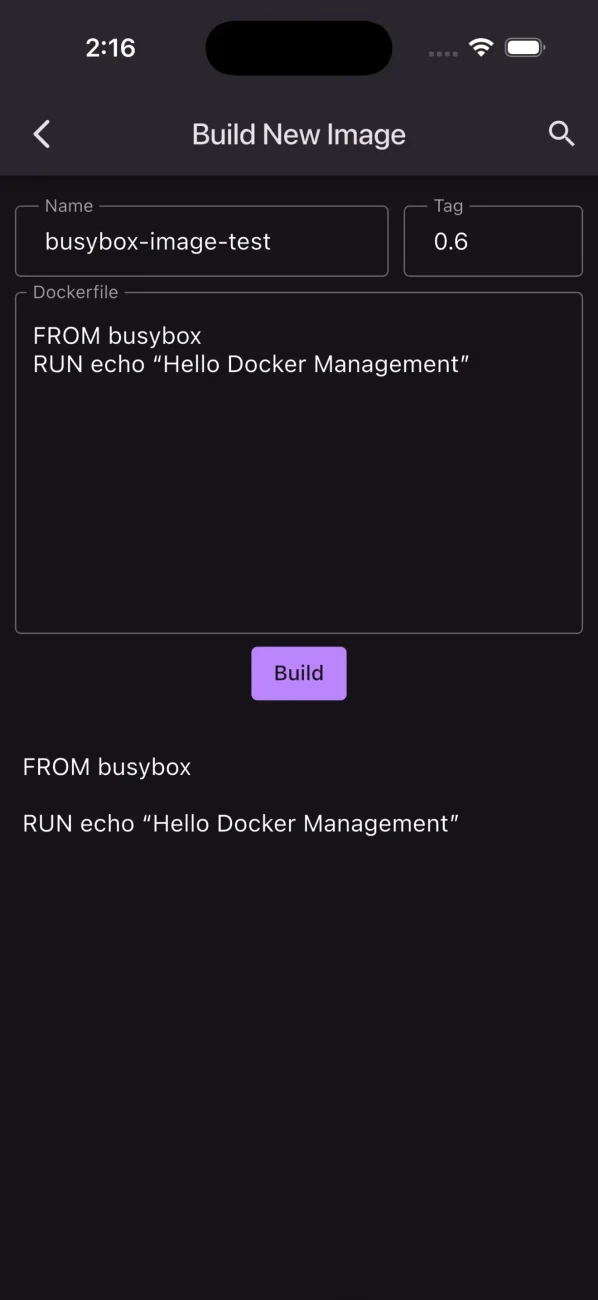
- build images
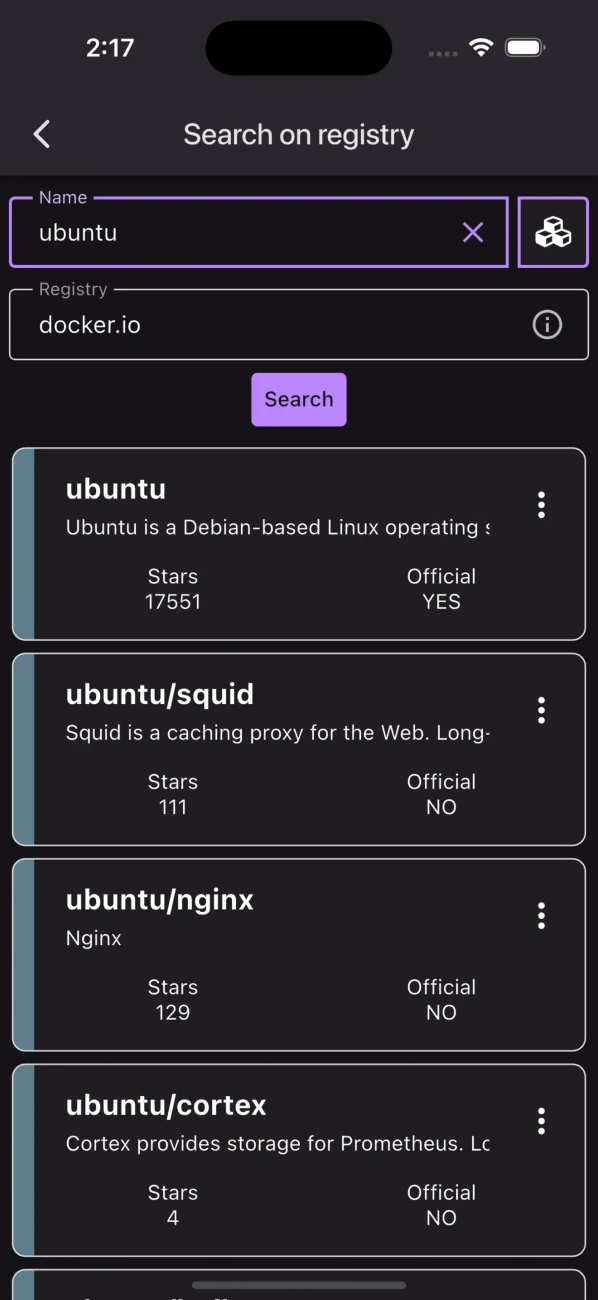
- search images on registries
- pull images (also from private registries)
- remove images (multiple at once)
- inspect images
- list volumes
- remove volumes (multiple at once)
- inspect volumes
- list networks
- remove networks (multiple at once)
- inspect networks
- docker compose
- list projects
- start project
- stop project
- restart project
- remove project
Features
- Server info is stored on phone only (the data is wiped out once the app is removed)
- Receive notifications on docker events
- Run "docker system prune" to clean up unnecessary resources
NOTE
No docker daemon or docker api is required to be enabled for this app, simply connect via ssh. It is strongly recommended NOT to open unnecessary ports on your server (such as enabling docker daemon) as it can expose your server to more security threads.
Q/A
Q: Why I can not connect with non-root users?
A: The docker commands are executed by the app without "sudo" so you will need to add your non-root user to the docker group with the following command:
sudo usermod -aG docker $USER
sudo reboot
Q: How to connect to Docker Desktop on MacOS?
A: On MacOS, enable 'Remote Login' and if using non-root user, add user to the docker group.
Q: How to connect to Synology server?
A: If using non-root user, then add user to docker group on your server:
sudo synogroup --add docker
sudo synogroup --memberadd docker $USER
sudo chown root:docker /var/run/docker.sock
Q: How to connect to QNAP server?
A: If non-root user, then add user to docker group on your server:
sudo addgroup $USER administrators
Terms of Use (EULA) - https://www.apple.com/legal/internet-services/itunes/dev/stdeula/
Found a bug?
Send an email to: nevis.applications@gmail.com
新機能
バージョン 6.0.2 · 2026/9/17
new design
アプリのプライバシー
このアプリのデータの取り扱いについて、Nevis ShkenzaがApp Storeで申告している内容です。
-
データの収集なし
開発元はこのアプリからデータを収集しません。
プライバシーの取り扱いは、ご利用の機能やお客様の年齢などに応じて異なる場合があります。
情報
- 販売元
- Nevis Shkenza
- カテゴリ
- 開発ツール
- バージョン
- 6.0.2
- 更新日
- 2026/9/17
- リリース
- 2021/8/28
- サイズ
- 54.3 MB
- 必要条件
- iOS 15.6以降
- 対象年齢
- 4+
- 価格
- 無料
- アプリ内課金
- あり
- 言語
- 英語
- 著作権
- © nevishs
こちらもおすすめ
-
 Docker Manager GUI - WhaleDeckUnraidとLinuxサーバーモニタ
-
 Docker Server Admin開発ツール
-
 Yomo: Docker & Portainer開発ツール
-
 NeoServer SSH Client TerminalMosh SFTP Docker Server PuTTY
-
 Secure Terminal開発ツール
-
 SNMP Network Monitor開発ツール
-
 Portainer & Docker: Pourtainer開発ツール
-
 La Terminal:Mosh & SSH クライアントSFTP、ファイル + AI リモートエージェント
-
 CodeMaster - Mobile Coding IDEコードエディタ & SSH/SFTP
-
 MyServers-Server Manager開発ツール