DocScan - PDF Scanner & OCR
Document Scanner, Edit & Sign
iPhone, iPod touch向けに設計
アプリ内課金
- 対象年齢4+
- カテゴリ仕事効率化
- 開発元Simple Health
- 言語英語ほか19言語
- サイズ98.5 MB
DocScan - PDF Scanner & OCRは現在App Storeで入手できない可能性があります
前回の確認時、ストアのページにアクセスできませんでした。リンク先は引き続きApp Storeの公式ページです。
スクリーンショット

概要
開発元はこのテキストをお使いの言語で提供していません。
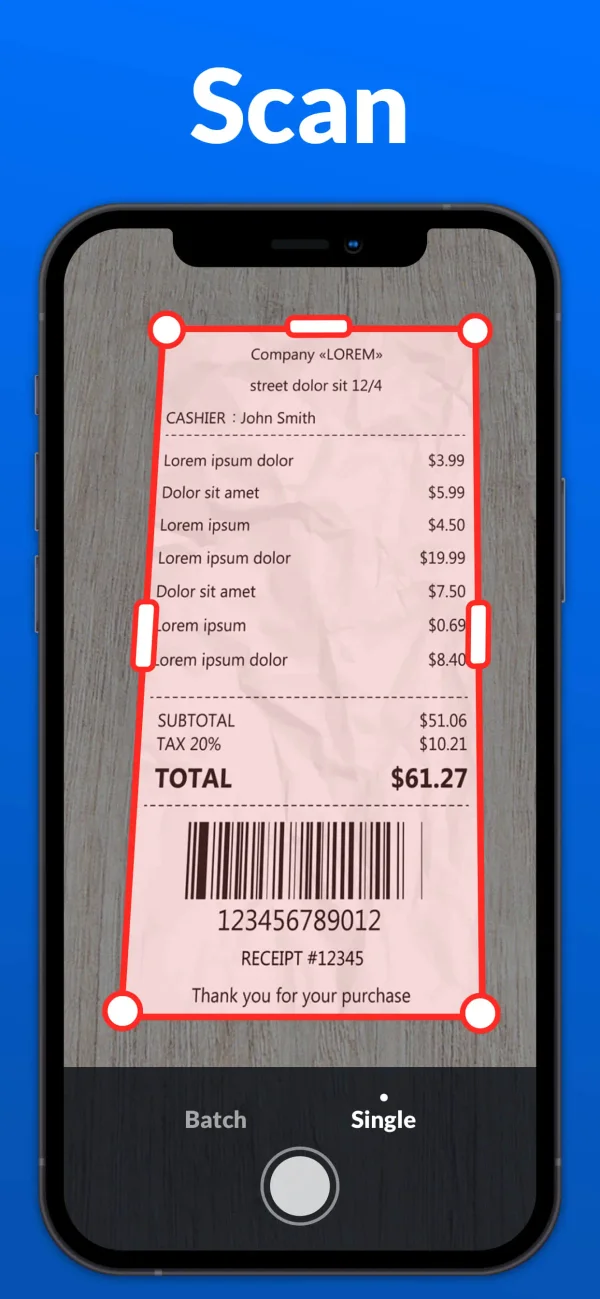
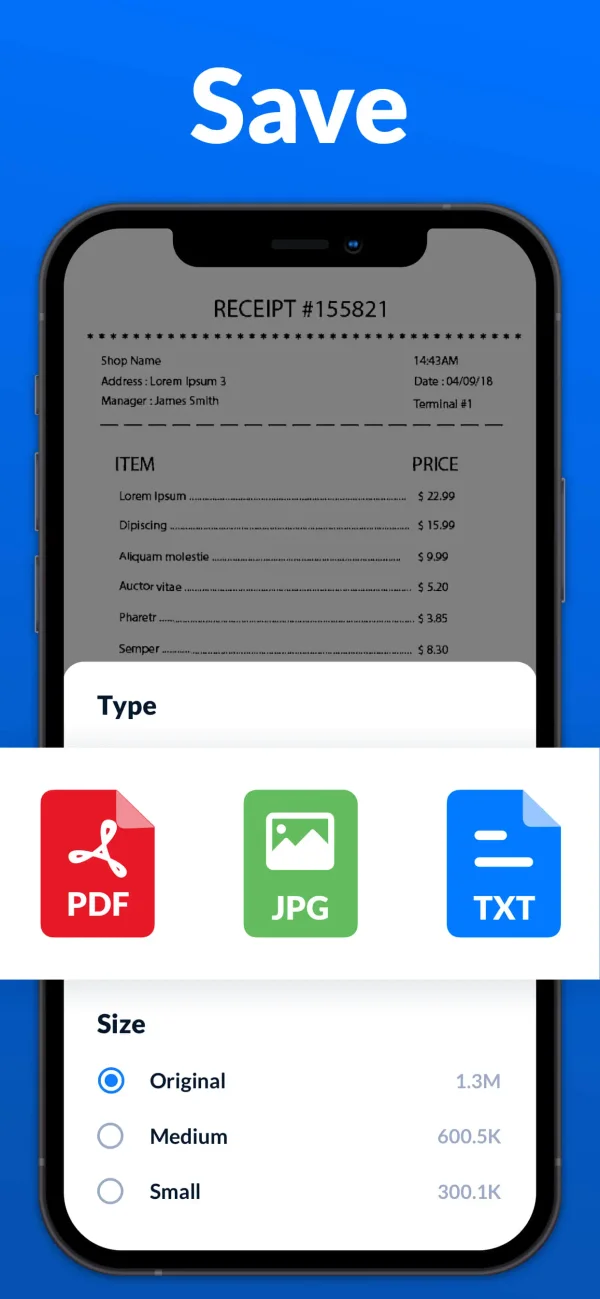
DocScan, a smart scanner app that turns your device into a portable PDF scanner, can easily convert paper documents and images to PDF/JPG in just one single tap.
Download DocScan and enjoy ALL FEATURES!
Amazing Features:
1.Convert All Kinds of Documents to PDFs
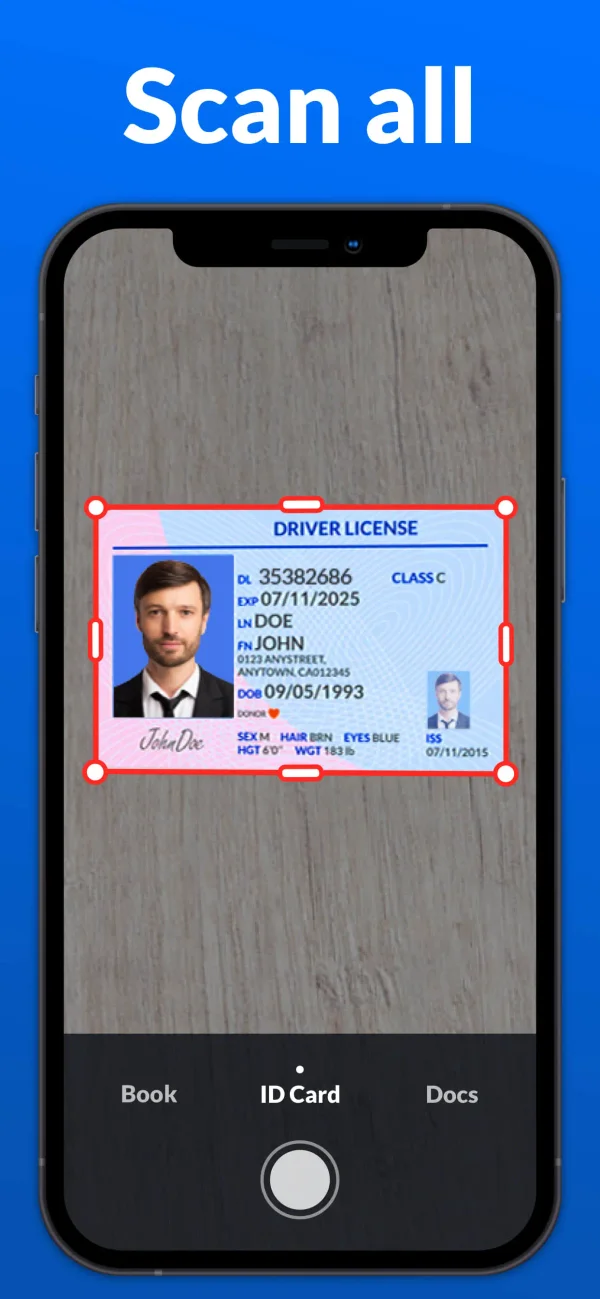
Easily scan & convert all kinds of documents to PDF format in a simple tap - receipts, invoices, notes, documents, photos, business cards, certificates, whiteboards, etc.
2.Easily Share Scanned Files
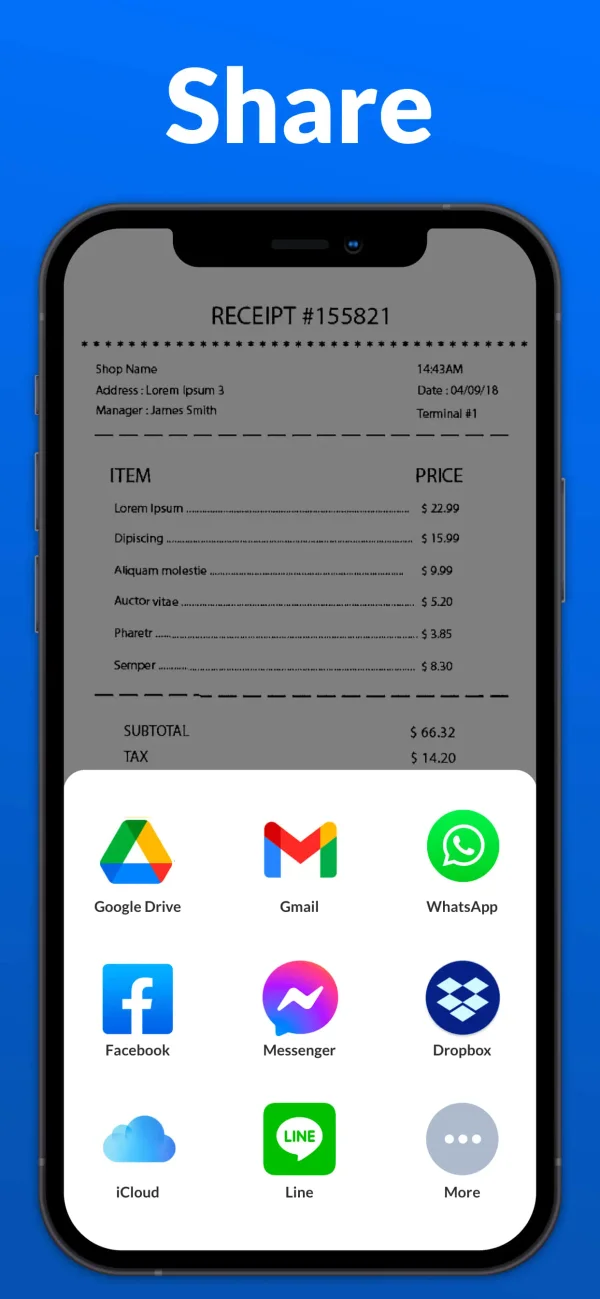
Conveniently share scanned files in PDF or JPEG formats with friends via Email, or post them on social media. Save and view the scanned files anytime, anywhere.
3.Professional Quality Scan Results
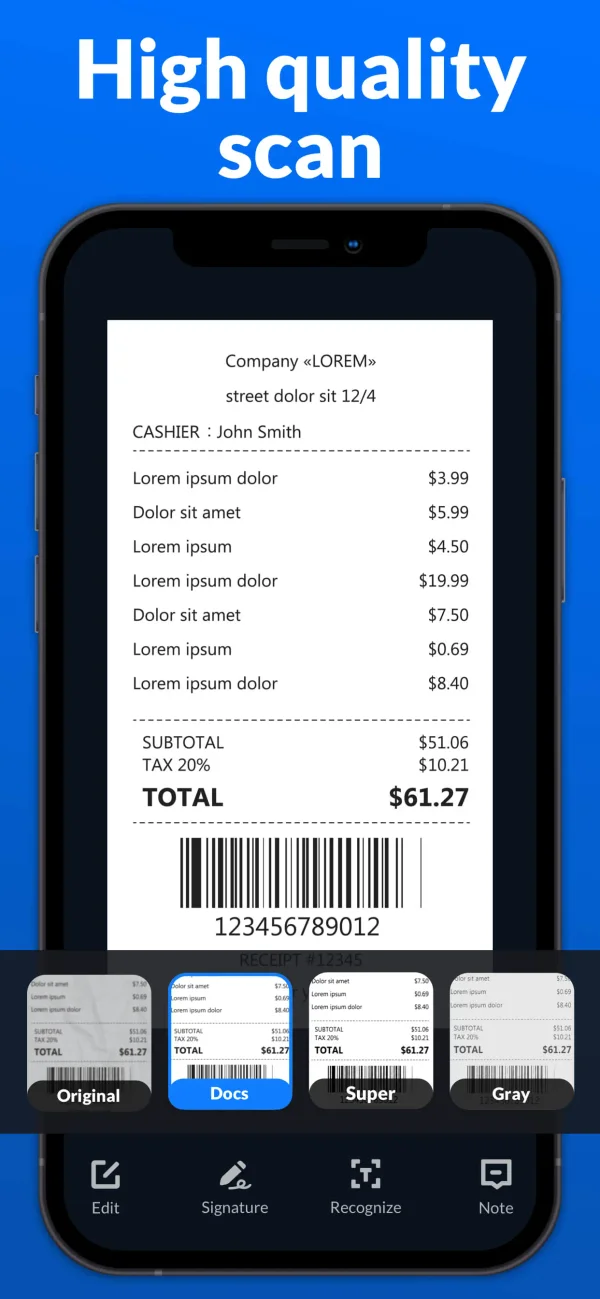
Its precise border detecting, smart cropping, and auto enhancing features ensure the PDF outputs clear, sharp, and high-resolution. Multiple filter options are also provided to further optimize the scan results - photo, document, clear, color, black & white.
4.Extract Texts from Images Accurately
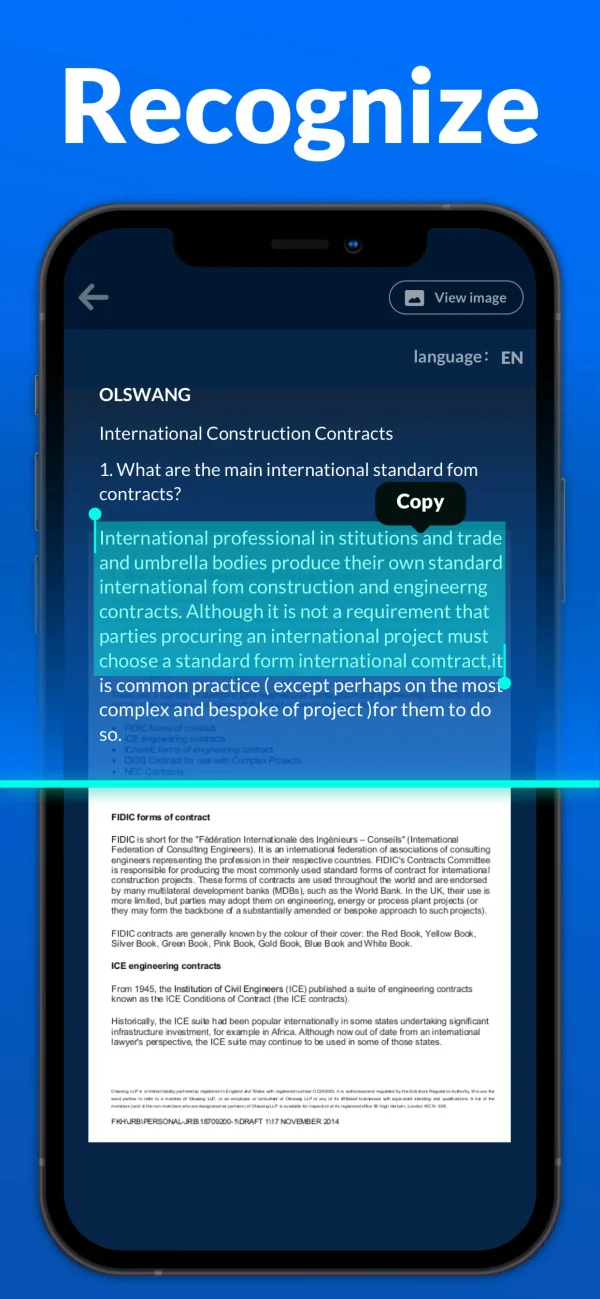
The integrated OCR (optical character recognition) technology can precisely recognize and extract texts from papers and images. After extraction, you can edit, copy, search, and share the texts.
5.Add E-Signatures
DocScan allows you to add electronic signatures to the scan results. Easily sign your PDFs before sending and printing them!
6.Add Security Watermarks
You can add security watermarks to protect your files. Mark scanned files with customized watermarks at any time!
7.Search Files Quickly
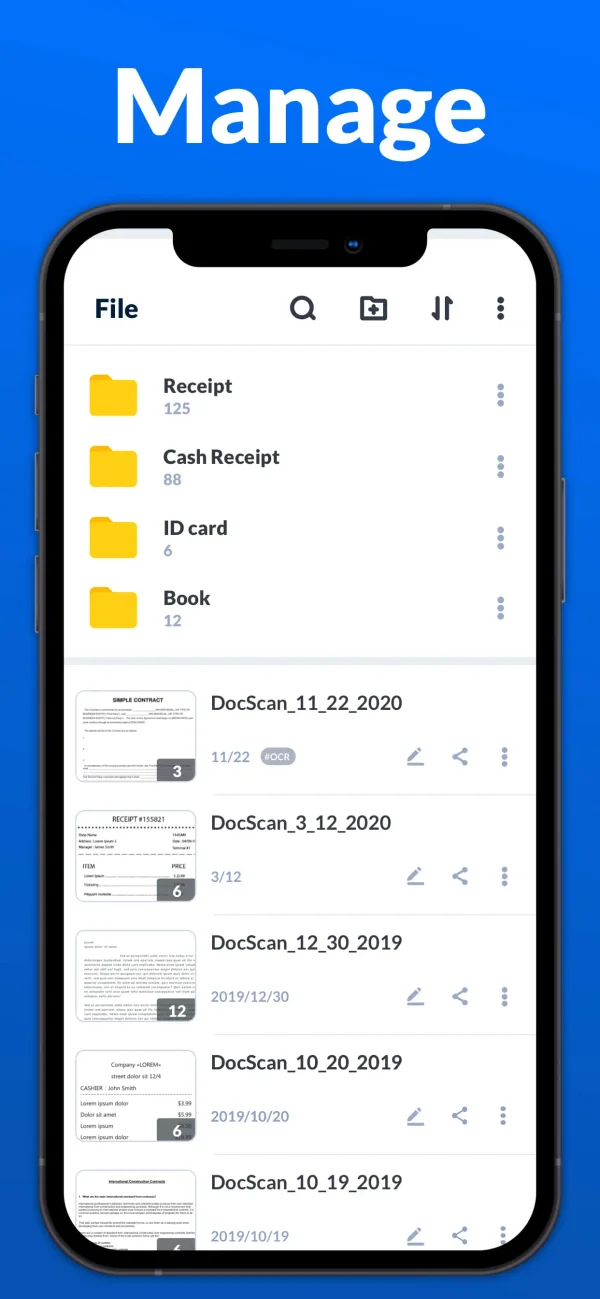
Thanks to its quick search feature, you can quickly find your target files among multiple category folders by entering keywords; its OCR search feature can help you find texts inside notes and images in the shortest time.
8.Easy and Useful File Management Tools
Supports creating subfolders to help you categorize messy documents. Its amazing searching, sorting, and adding notes features can help you quickly find the document you want.
9.Convenient Documents Editing
Add or delete one page or the entire document; adjust the layout of documents; set page sizes of your PDF (Letter, Legal, A4, and more), all are supported!
Coming Soon:
►Add Annotations
The advanced editing feature allows you to add annotations to the scan results. Conveniently review and mark the scanned documents!
►Protect Important Documents
You can set passwords to protect your confidential documents. Also, encrypting the files to be shared can effectively prevent others from peeking at it.
►Backup and Sync
Worried about losing important files when changing devices? DocScan helps you backup and sync scanned documents to iCloud, Google Drive, Dropbox, Evernote, OneDrive, etc. Just log in to your account on any device, you can manage these documents conveniently. Store, sync and collaborate across smartphones, tablets, and computers.
DocScan can be used almost in any case:
* Receipt, Invoice, Contract, Tax Roll, Business Card...
* PPT, Whiteboard, Note, Book, Curriculum Vitae...
* Passport, ID Card, Driver License, Certificate...
* QR Code, Memo, Letter, Map...
* Travel Brochure, Paint, Work Plan, Manuscript...
新機能
バージョン 1.0.5 · 2025/9/18
what's new
1、Fix minor bugs
2、Improve user experience
アプリのプライバシー
このアプリのデータの取り扱いについて、Simple HealthがApp Storeで申告している内容です。
-
ユーザーのトラッキングに使用されるデータ
他社のアプリやウェブサイトを横断してユーザーをトラッキングする目的で使用される場合があります。
- ID
- 使用状況データ
-
ユーザーに関連付けられたデータ
収集され、ユーザーの識別情報に関連付けられる場合があります。
- ID
- 使用状況データ
-
ユーザーに関連付けられないデータ
収集される場合がありますが、ユーザーの識別情報には関連付けられません。
- ユーザーコンテンツ
- 使用状況データ
- 診断
プライバシーの取り扱いは、ご利用の機能やお客様の年齢などに応じて異なる場合があります。
情報
- 販売元
- Simple Health Limited
- カテゴリ
- 仕事効率化
- バージョン
- 1.0.5
- 更新日
- 2025/9/18
- リリース
- 2021/12/8
- サイズ
- 98.5 MB
- 必要条件
- iOS 13以降
- 対象年齢
- 4+
- アプリ内課金
- あり
- 言語
- 英語, アラビア語, フランス語, ドイツ語, ヘブライ, ヒンディー語, インドネシア語, イタリア語, 日本語, 韓国語, マレー語, ポーランド語 ほか8言語
- 著作権
- ©️ 2022 Simple Health
こちらもおすすめ
-
 書類スキャン l 写真をPDFに変換 by TSPドキュメントスキャナ l すきゃな
-
 テキストスキャン - 写真から文字 - 手書きを変換OCR テキストスキャナー- 文字 認識 - ふぉとすきゃん
-
 AnyScannerスキャン、OCR、PDF、QR
-
 vFlat Scan - PDF ScannerAIとOCRで本・書類・写真をデジタル化
-
 myPVI仕事効率化
-
 PDF スキャン: フォトスキャン, キャムスキャナースキャナーアプリ - 写真をPDFに変換, テキストスキャン
-
 PDF 変 換 - 写真をpdf に変換 、 ドキュメント書類スキャン 、PDF 書 き 込 み 、 文字認識
-
 AI会議記録・要約・ノート・議事録・文字起こし Rekap自動書き起こし・議事録作成・録音保存・共有管理・検索・連携
-
 VNPT iOffice仕事効率化
-
 VinFast仕事効率化