- 対象年齢4+
- カテゴリ仕事効率化
- 開発元Nataliya Tkachova
- 言語英語ほか4言語
- サイズ16.0 MB
App Storeの公式ページにリンクしています
Download.orgはDocument Scanner: DocMindのファイルを一切ホストしていません。ボタンを押すと、Nataliya Tkachovaが公開しているApp Storeのアプリページが開きます。ページの最終確認:2026/11/18。
スクリーンショット


概要
開発元はこのテキストをお使いの言語で提供していません。
Paperwork, ready to send. DocMind turns your iPhone into a document scanner and a practical PDF workspace. Capture pages, add a signature, and protect the finished copy before you share.
SCAN PAPER INTO PDFs
Scan agreements, receipts, notes, and multi-page documents with your camera. Review pages, crop or rotate them, adjust their appearance, reorder the scan, and save a PDF. Import photos and supported files into your Library.
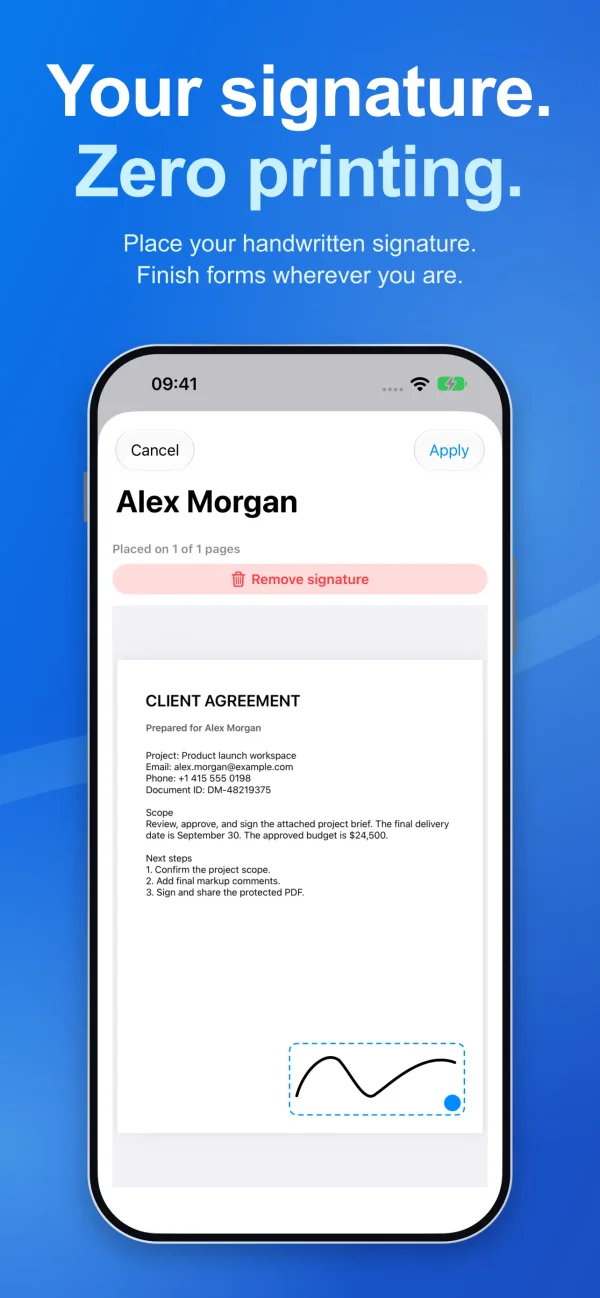
SIGN WITHOUT PRINTING
Create a reusable handwritten signature and place it on PDF pages. Adjust its size and position, preview the result, and save a signed copy.
PROTECT BEFORE YOU SHARE
Create a password-protected PDF copy from supported source files. Choose the password yourself and keep the original available.
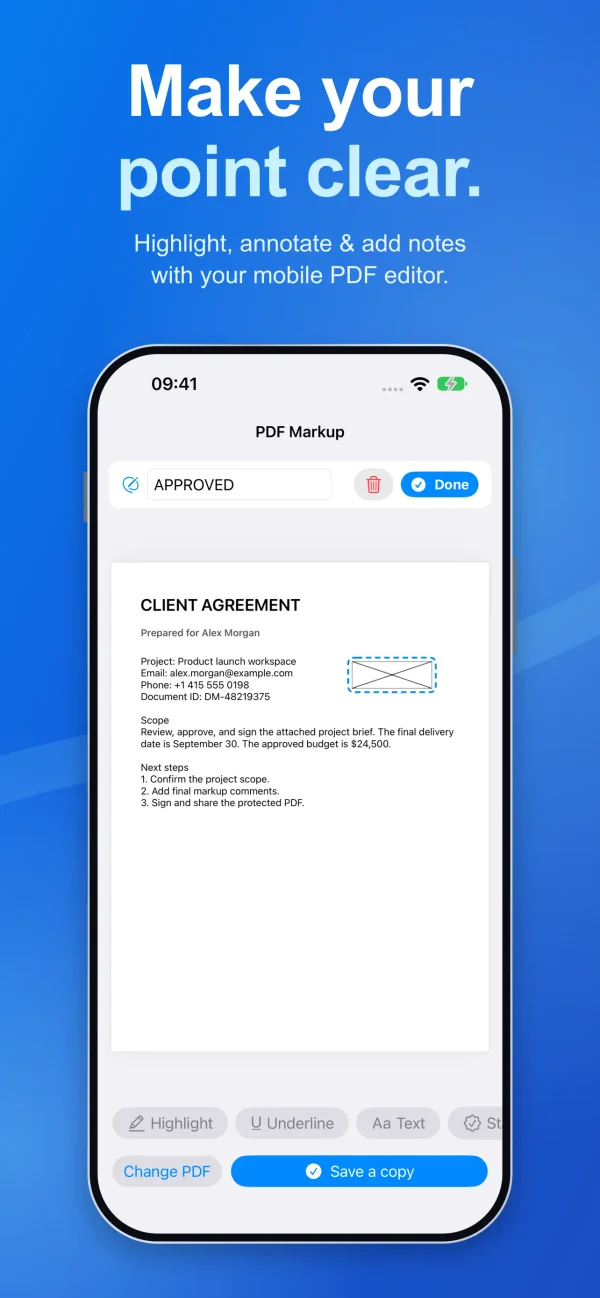
EDIT AND ANNOTATE
Highlight or underline text, add notes, stamps, checkboxes, and form fields. Save your markup as a new copy. Merge, split, compress, or flatten PDFs with the supported tools.
EXTRACT TEXT AND TRANSCRIBE AUDIO
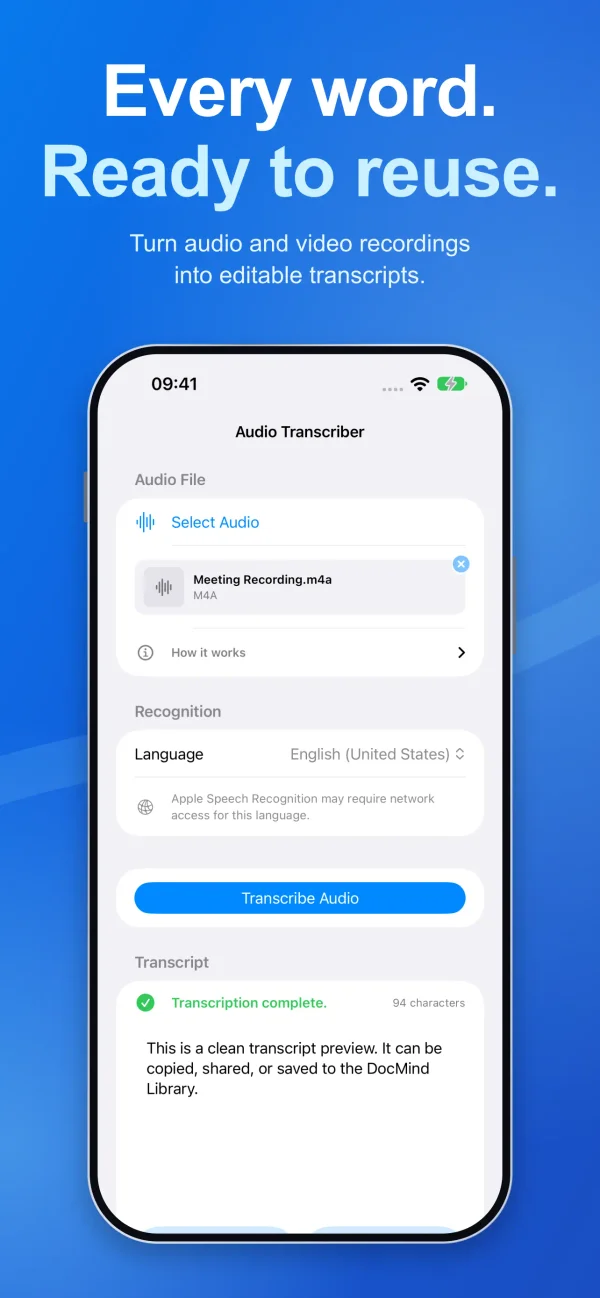
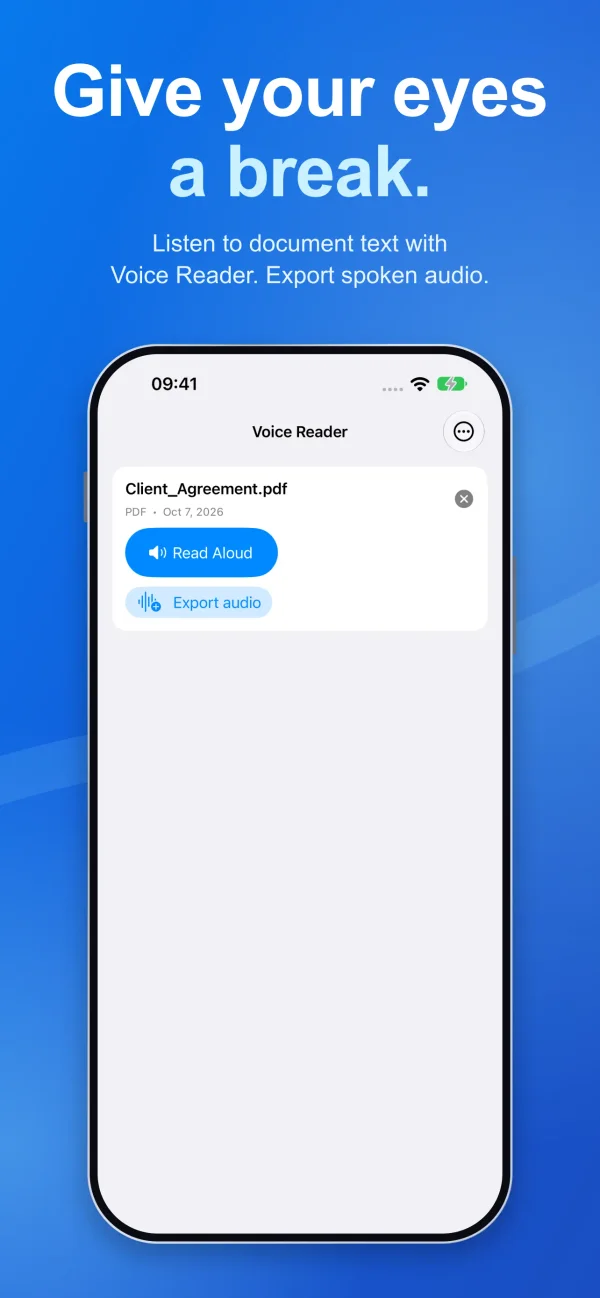
OCR extracts text from supported images and scans. Audio Transcriber turns supported audio and video recordings into editable text. Voice Reader reads supported document text aloud and can export spoken audio.
CONVERT SUPPORTED FORMATS
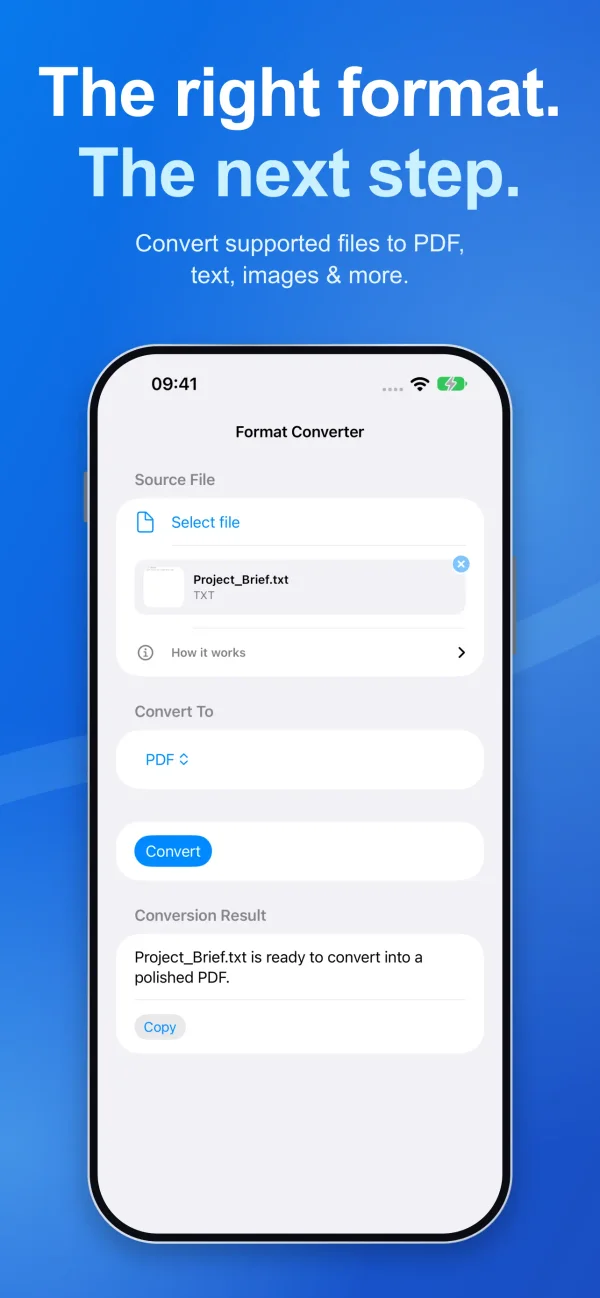
Convert compatible documents, images, and text into PDF, TXT, RTF, Markdown, HTML, JSON, CSV, PNG, or JPEG. Available conversions depend on the source file.
REMOVE SENSITIVE DETAILS
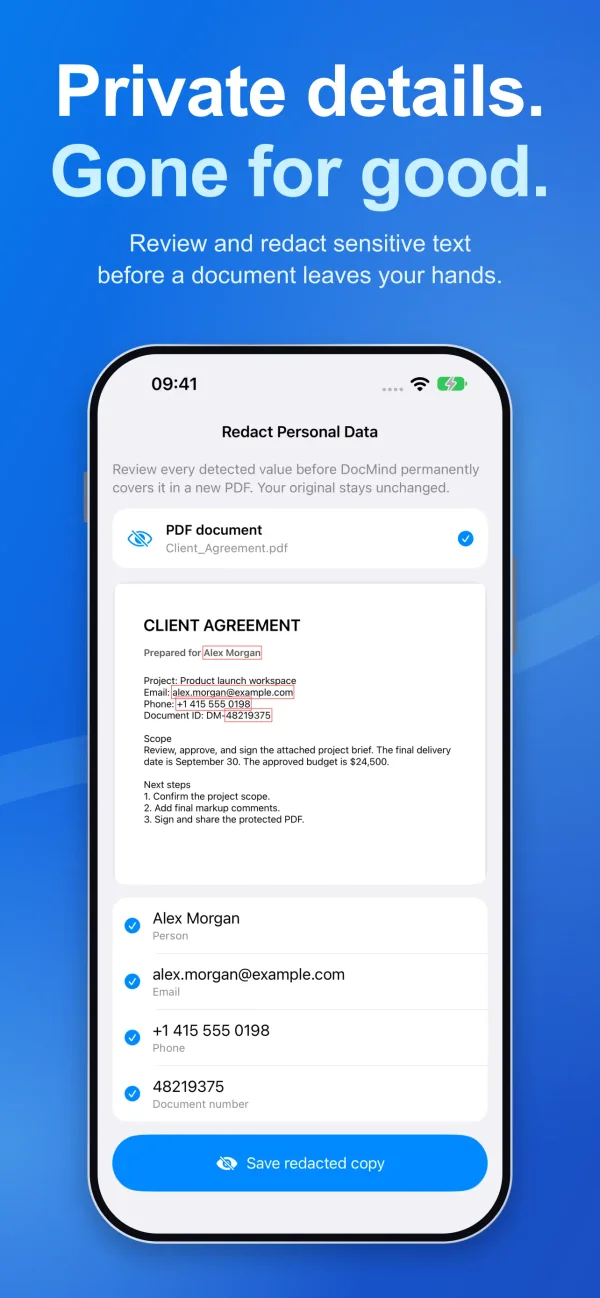
Review detected personal information in searchable PDFs, then save a permanently redacted copy. Compare document versions to find text changes.
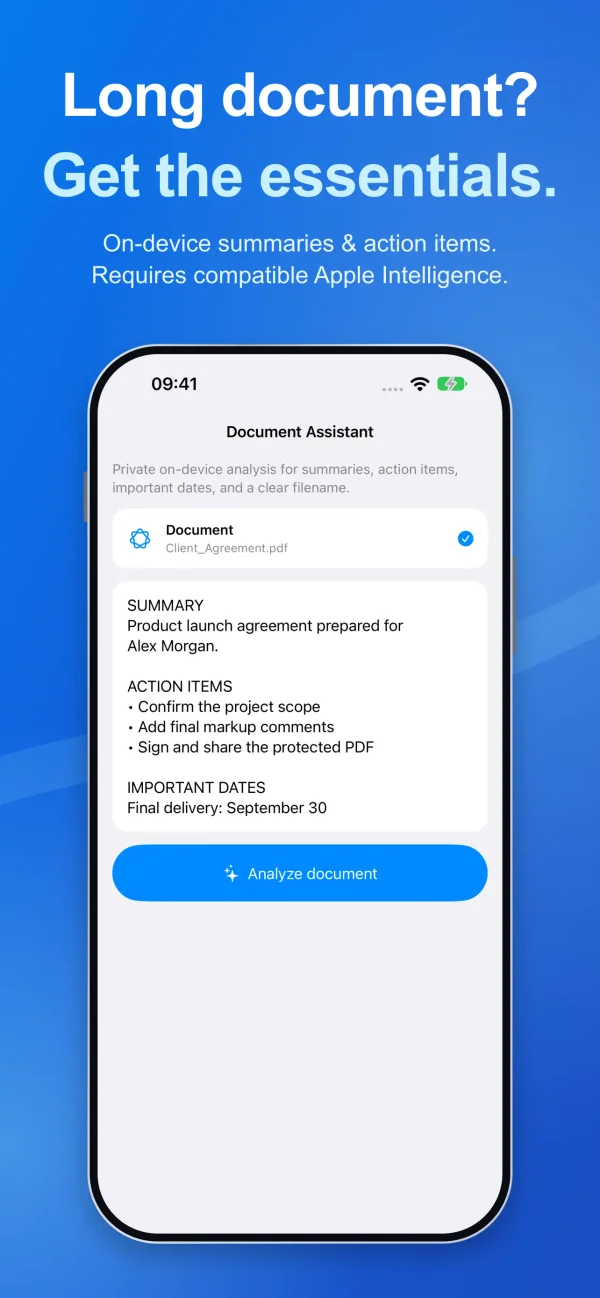
ORGANIZE AND UNDERSTAND
Find, preview, and share files from your Library. On compatible devices with iOS 26 or later and Apple Intelligence enabled, Document Assistant offers on-device summaries, action items, and key dates. Table and receipt extraction can export structured data to CSV on supported systems. Availability varies by device, language, operating system, and document type.
PREMIUM
Some advanced tools require a DocMind Premium subscription. Available plans, prices, and any eligible trial are shown before purchase. Subscriptions renew automatically unless cancelled at least 24 hours before the current period ends. Manage or cancel your subscription in your Apple Account settings.
Privacy Policy: https://www.optimaai.pl/projects/legal/docmind-privacy.html
Terms of Use: https://www.optimaai.pl/projects/legal/docmind-terms.html
新機能
バージョン 1.1 · 2026/10/10
Your document workflow, from paper to a protected file.
• Scan and organize multiple pages.
• Add a reusable signature to PDFs.
• Create password-protected copies before sharing.
• Mark up pages, convert supported files, and redact sensitive text.
Explore document, voice, and audio tools in one workspace. Availability depends on your device, language, and file type.
アプリのプライバシー
このアプリのデータの取り扱いについて、Nataliya TkachovaがApp Storeで申告している内容です。
-
ユーザーに関連付けられないデータ
収集される場合がありますが、ユーザーの識別情報には関連付けられません。
- ID
- 使用状況データ
- 診断
プライバシーの取り扱いは、ご利用の機能やお客様の年齢などに応じて異なる場合があります。
情報
- 販売元
- Nataliya Tkachova
- カテゴリ
- 仕事効率化
- バージョン
- 1.1
- 更新日
- 2026/10/10
- リリース
- 2026/9/2
- サイズ
- 16.0 MB
- 必要条件
- iOS 17.0以降
- 対象年齢
- 4+
- 価格
- 無料
- アプリ内課金
- あり
- 言語
- 英語, フランス語, ドイツ語, ロシア語, スペイン語
- 著作権
- © Nataliya Tkachova
こちらもおすすめ
-
 Docmind: 書類の有効期限管理パスポートや身分証の期限をお知らせ
-
 Docunivo - Document Editor仕事効率化
-
 Markmatic - AI to Word & PDF仕事効率化
-
 PDF Lock – Password Protect仕事効率化
-
 ChamaGo仕事効率化
-
 PDF Editor:PDF編集・テキスト変更・書き込みフォーム入力・署名・注釈・ハイライト
-
 AI Legal Letter Generator仕事効率化
-
 Photo to PDF - Scan & Convert仕事効率化
-
 PDFEditor - PDFテキスト編集既存の文字を直接書き換え
-
 DDchat AI洗練された AI クライアント、自分の API で