
- 対象年齢4+
- カテゴリビジネス
- 開発元DoneSafe
- 言語英語
- サイズ26.1 MB
App Storeの公式ページにリンクしています
Download.orgはDonesafe Offlineのファイルを一切ホストしていません。ボタンを押すと、DoneSafeが公開しているApp Storeのアプリページが開きます。ページの最終確認:2026/11/12。
スクリーンショット

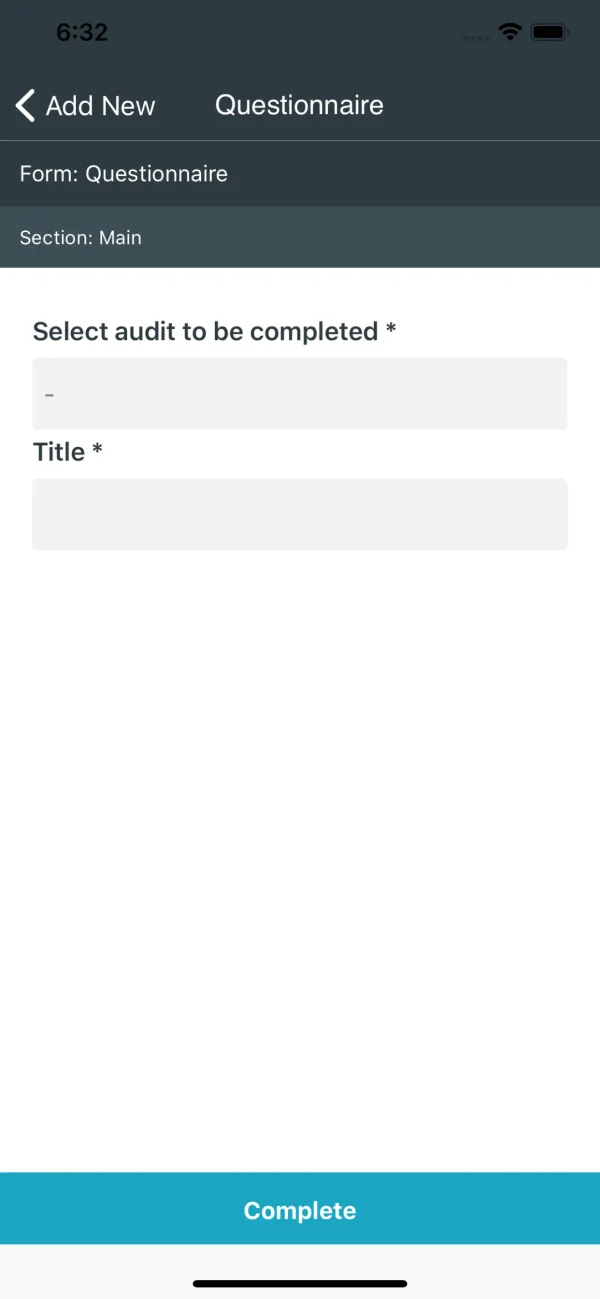
概要
開発元はこのテキストをお使いの言語で提供していません。
Whether you’re reporting an incident or hazard, filling a checklist or conducting an inspection, Donesafe’s Offline Reporting App has you covered- no matter where you are.
Unlock the power of Donesafe, anywhere - even in the middle of nowhere. Donesafe’s offline reporting app is designed for use without an internet connection. It allows you to create records on your device and sync them to your account when you next have internet access.
FIRST TIME USE
In order to download the app, log in to your account and download your account’s forms, an internet connection will be required. In order to use the app, you will need to log into the app at least once with an internet connection before going offline.
In order to upload your records to Donesafe, and download form/user/location/organisation updates, an internet connection will also be required.
FAQs
* Is this a fully featured Donesafe app?
No. The Donesafe: Offline Reporting app is fantastic for offline use, but if you’re looking to benefit from Donesafe’s full feature set, there’s no substitute for our standard, mobile-ready browser application. Donesafe, from day one, was designed as mobile first and if you can do it on your desktop, you can do it on your mobile from any browser. Simply log in to your site using any browser and you’re good to go- no additional setup required. In short; if you have an internet connection, use a browser on your phone or computer. If you don’t, use the app.
* Do I need a Donesafe account to use the offline app?
Yes. You will need an account before being able to submit records using the offline app. If you would like to learn more about how Donesafe can streamline your business, please visit donesafe.com
* How do I enable a module for use in the offline app?
The best place to start is to talk with your account representative. Enabling a module for use in the offline app is easy; you simply need to enable the feature from the module settings; but additional considerations may be required to prepare a module for offline functionality. There may be limitations to take into account that you’ve not yet considered that may require thought before opening it up for offline use.
* Can I manage records in the offline app?
The offline app is designed for reporting records. Once a record has been synced with your account it is no longer visible on your device in-app. However, if longer-term records are required, you may opt to hold and continue updating a record created on your device until you are ready to submit.
* Are all fields/functionality supported?
Though almost all critical field types are supported (including users, locations, organisations), not all features are; particularly those which rely upon an internet connection to work. When designing a module, you may see warnings when you add a field not supported by the offline app, but it may still be worth discussing your needs with your account representative in order to better tailor it to your needs.
* Does the offline app support single sign-on?
Yes, the app does support SSO and MFA for the first time logins. Once an authentication has been made the app will remain authenticated for offline use.
新機能
バージョン 1.7.15 · 2026/10/2
Various bug fixes including:
- Moved the error popup when authentication is blocked
- Token expiration now works properly
- Syncing issues
アプリのプライバシー
このアプリのデータの取り扱いについて、DoneSafeがApp Storeで申告している内容です。
-
データの収集なし
開発元はこのアプリからデータを収集しません。
プライバシーの取り扱いは、ご利用の機能やお客様の年齢などに応じて異なる場合があります。
情報
- 販売元
- DoneSafe Pty Ltd
- カテゴリ
- ビジネス
- バージョン
- 1.7.15
- 更新日
- 2026/10/2
- リリース
- 2017/11/14
- サイズ
- 26.1 MB
- 必要条件
- iOS 16.0以降
- 対象年齢
- 4+
- 価格
- 無料
- 言語
- 英語
- 著作権
- © Donesafe Pty Ltd