- 対象年齢4+
- カテゴリグラフィック/デザイン
- 開発元Nubisco, LDA
- 言語英語ほか2言語
- サイズ11.9 MB
App Storeの公式ページにリンクしています
Download.orgはDoodLoopのファイルを一切ホストしていません。ボタンを押すと、Nubisco, LDAが公開しているApp Storeのアプリページが開きます。ページの最終確認:2026/11/23。
スクリーンショット
概要
開発元はこのテキストをお使いの言語で提供していません。
Draw it. Flip it. Loop it.
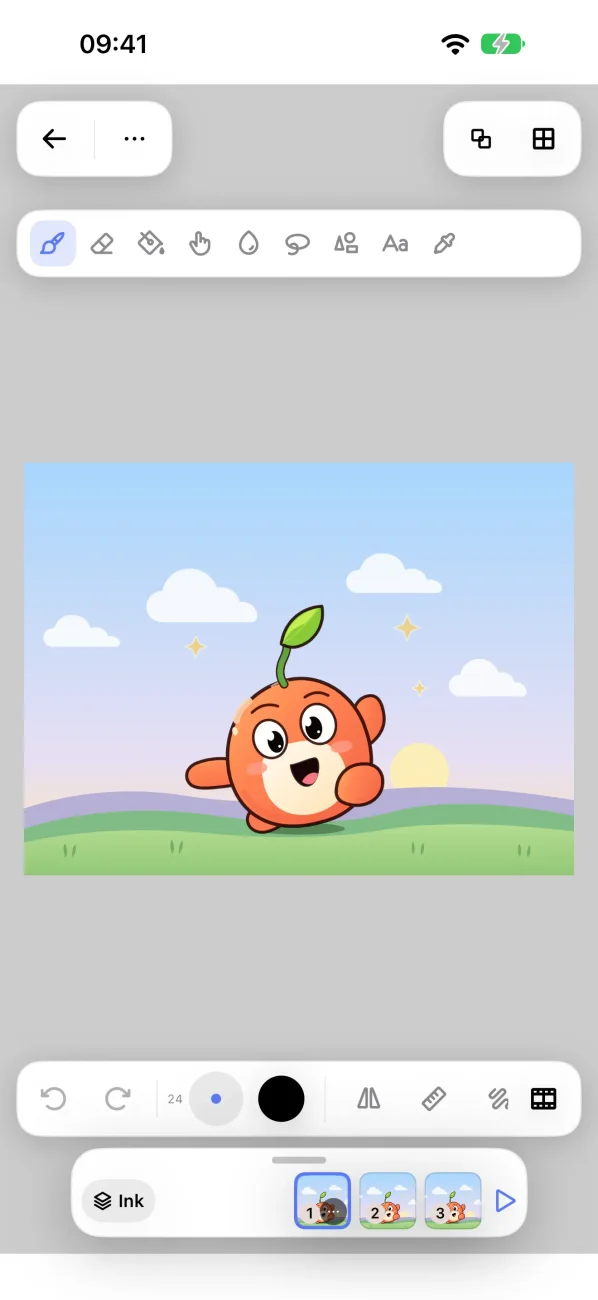
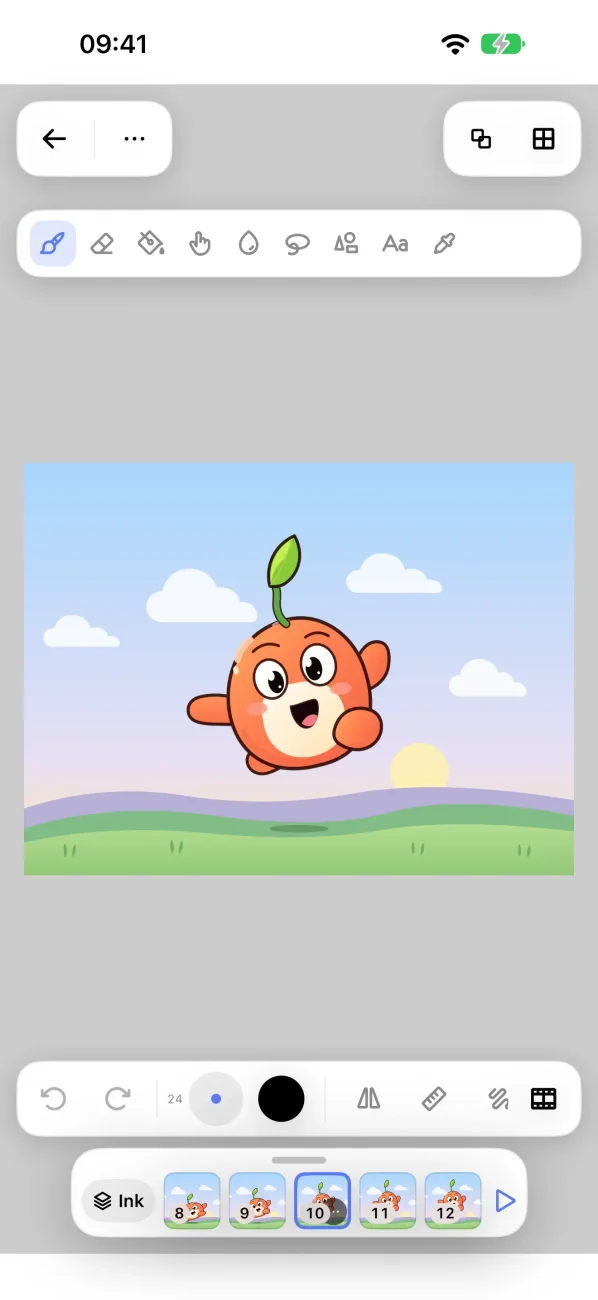
DoodLoop is a frame-by-frame animation studio for iPad and iPhone, built for Apple Pencil and just as happy with a finger. Sketch a drawing, change it a little on the next frame, and watch your cartoon come to life on a loop. No ads, no watermarks, no subscription. Your cartoons, your files, yours.
DRAW
• Apple Pencil pressure and tilt, tuned for line work, on paper that behaves like paper. Drawing with a finger gets a stroke stabiliser, so a shaky line comes out smooth.
• A full kit: brushes, eraser, fill, smudge and blur, shapes (line, rectangle, ellipse, triangle, star and more), text, and symmetry.
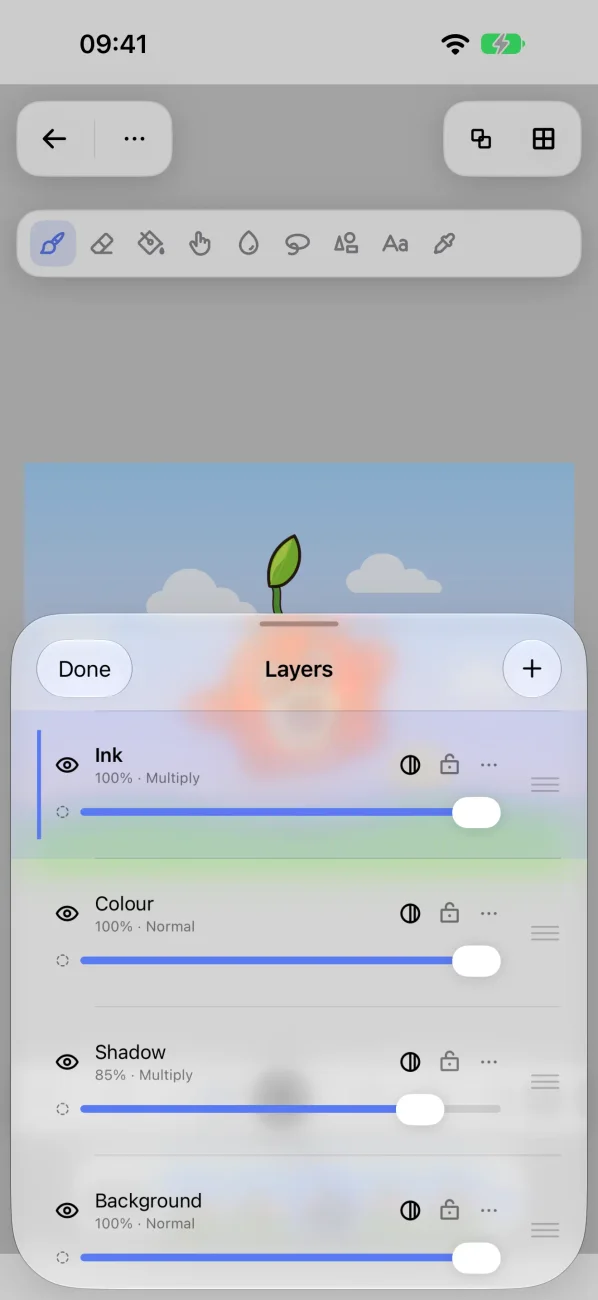
• Layers with blend modes: sketch below, ink above, shade on top.
ANIMATE
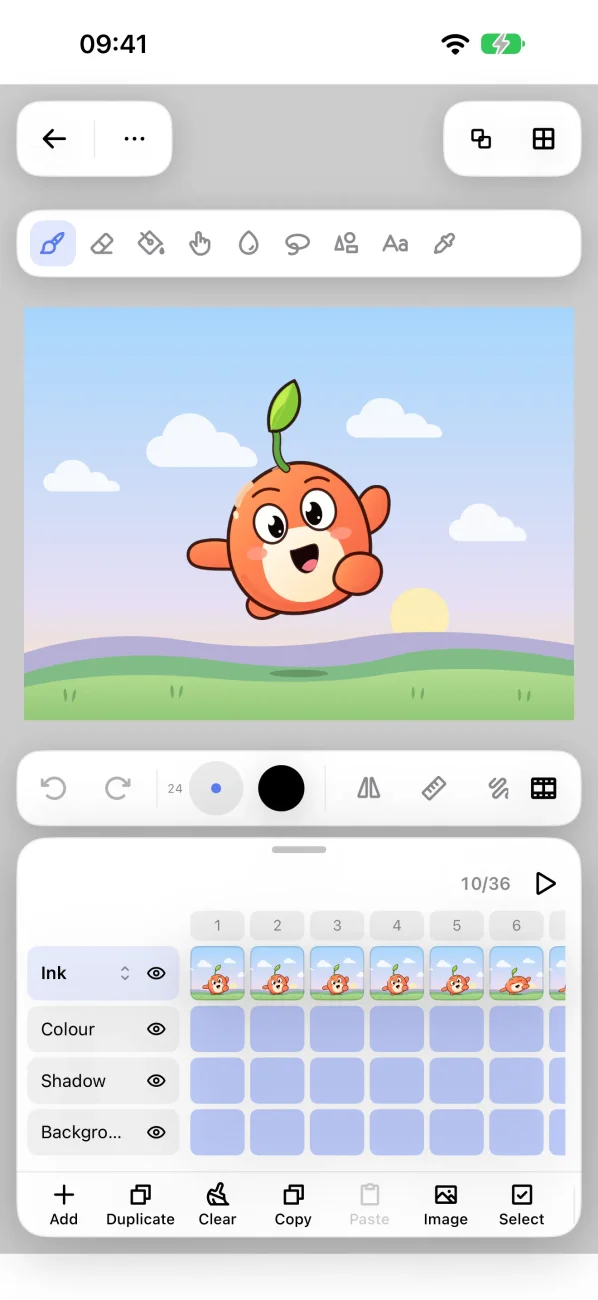
• A timeline made for flipping, with duplicate, reorder, and holds.
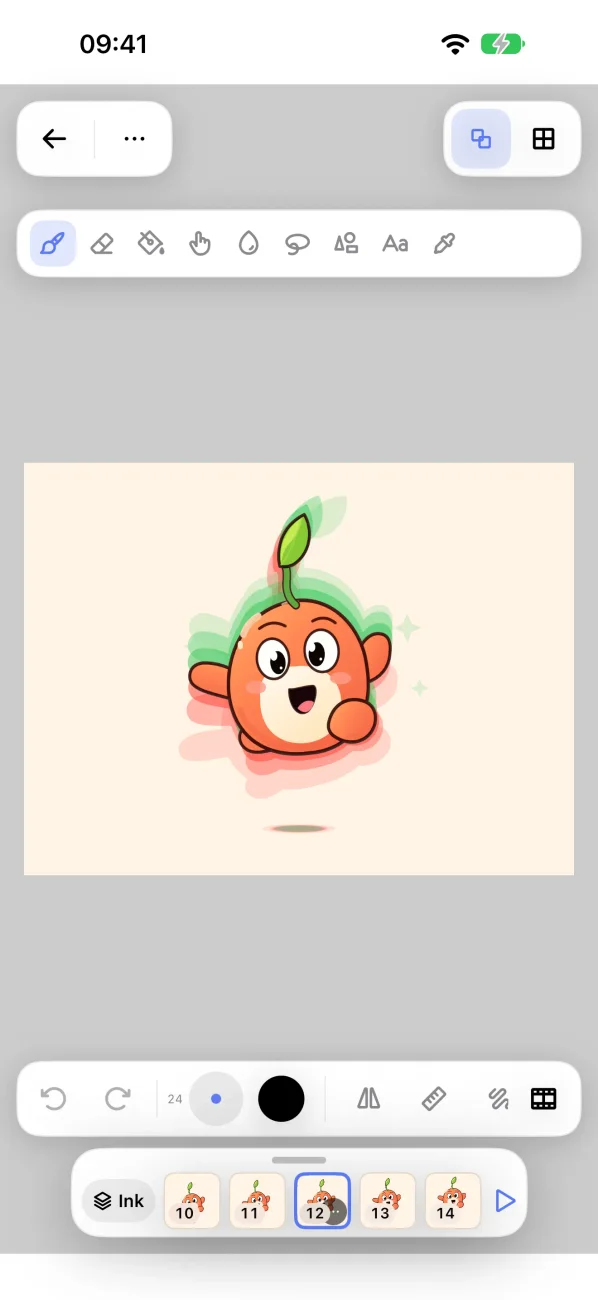
• Onion skinning ghosts the frame before and after, like tracing paper on a lightbox.
• Set the frame rate, lift the pencil, and your animation plays while you keep tweaking.
SOUND & SHARE
• Record your voice or sound effects right in the app and line them up with your frames.
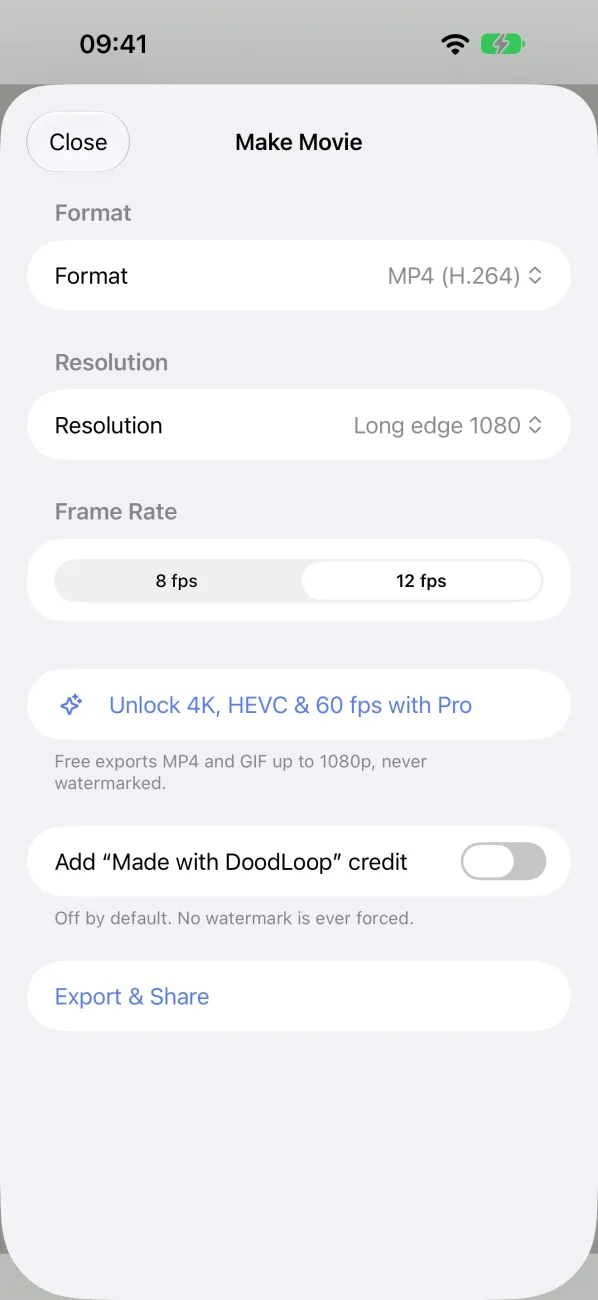
• Export clean, full-resolution MP4 video, animated GIF, or a PNG image sequence. Never watermarked.
OWN YOUR WORK
• Every project is a real .doodloop file in the Files app: browse it, copy it, back it up anywhere.
• One-tap backup and restore for your whole library.
• Import your existing FlipaClip projects and keep animating.
FREE TO START
• Download DoodLoop free and start animating today.
• One optional, one-time Pro unlock opens up higher frame rates, larger canvases, and pro export formats. No monthly fee, no rented features, ever.
DoodLoop is made by Nubisco, Lda. Questions, bug reports, or ideas? A human who actually works on the app will answer.
新機能
バージョン 1.4.5 · 2026/11/17
DoodLoop draws on a Mac.
THE MOUSE AND TRACKPAD DRAW
On a Mac with Apple silicon, clicking and dragging on the canvas did nothing, because the canvas only answered a finger or Apple Pencil. Now a click and drag draws with every tool, and fill and the eyedropper take a click.
アプリのプライバシー
このアプリのデータの取り扱いについて、Nubisco, LDAがApp Storeで申告している内容です。
-
データの収集なし
開発元はこのアプリからデータを収集しません。
プライバシーの取り扱いは、ご利用の機能やお客様の年齢などに応じて異なる場合があります。
情報
- 販売元
- Nubisco, LDA
- カテゴリ
- グラフィック/デザイン
- バージョン
- 1.4.5
- 更新日
- 2026/11/17
- リリース
- 2026/8/27
- サイズ
- 11.9 MB
- 必要条件
- iOS 18.0以降
- 対象年齢
- 4+
- 価格
- 無料
- アプリ内課金
- あり
- 言語
- 英語, ポルトガル語, スペイン語
- 著作権
- © Nubisco, LDA
こちらもおすすめ
-
 FlipSprout: Flipbook Animationグラフィック/デザイン
-
 Art Animatorグラフィック/デザイン
-
 Animatya - Animation Creatorグラフィック/デザイン
-
 PuppetPadグラフィック/デザイン
-
 Vecta Motionグラフィック/デザイン
-
 Mosaiq - Animate Your Worldグラフィック/デザイン
-
 AnimCreateグラフィック/デザイン
-
 Flipbook: 2D Animation Creatorコマ撮りアニメを作ろう
-
 Flipアニメーション: 2Dお絵描きお絵描きアニメアプリ
-
 AniToon: 描いてアニメ化ストップモーション、アニメグラフィック