- 対象年齢12+
- カテゴリスポーツ
- 開発元SAMARTH SHAH
- 言語英語
- サイズ20.0 MB
App Storeの公式ページにリンクしています
Download.orgはDraglineのファイルを一切ホストしていません。ボタンを押すと、SAMARTH SHAHが公開しているApp Storeのアプリページが開きます。ページの最終確認:2026/11/17。
スクリーンショット

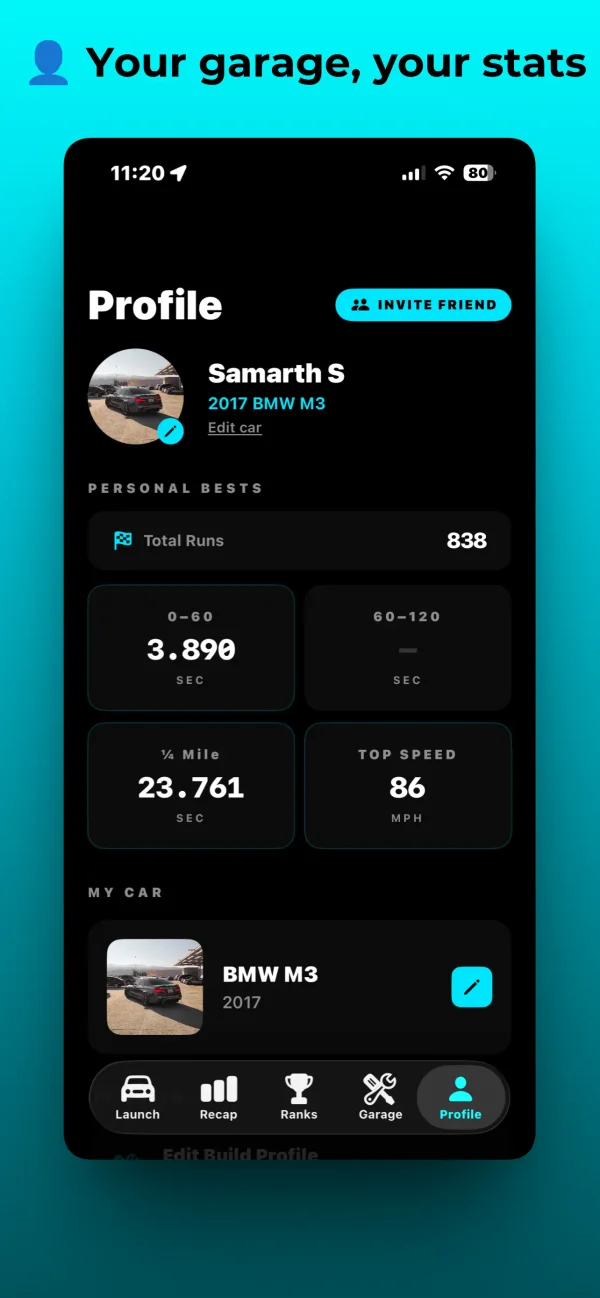
概要
開発元はこのテキストをお使いの言語で提供していません。
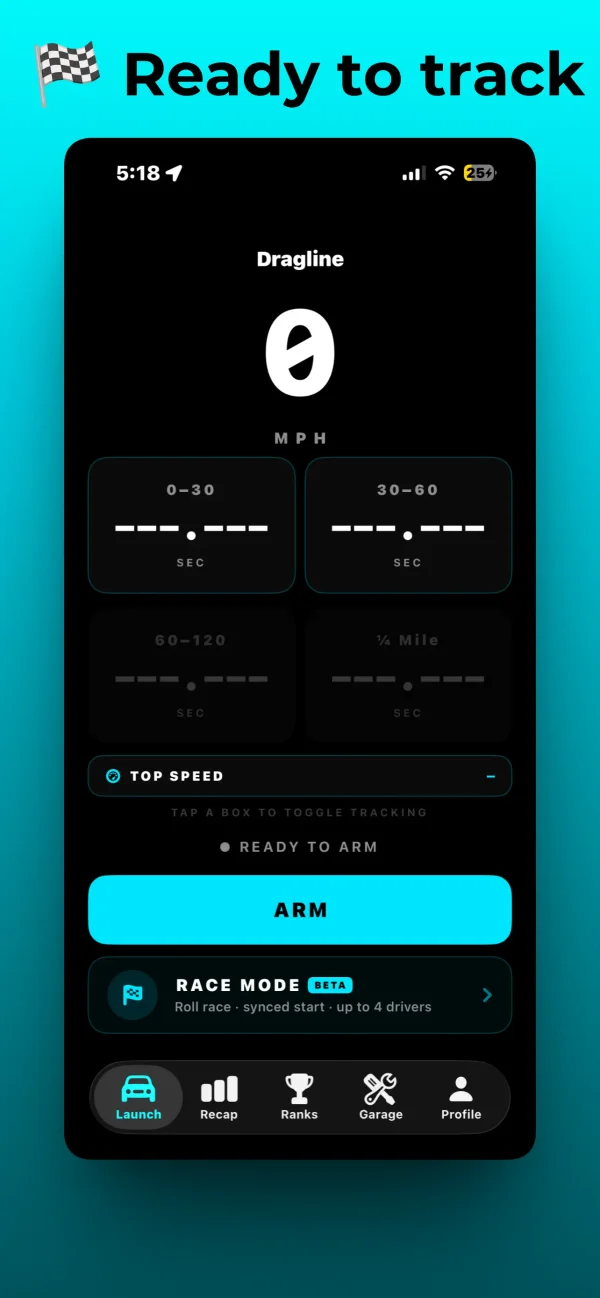
Dragline is a precision drag racing timer for iPhone and Apple CarPlay – built for drivers who want real performance data without the bulk of dedicated hardware.
Arm the app, launch your car, and Dragline automatically detects your run and times every segment with GPS-blended accuracy. No buttons to press mid-run, no setup required.
TIMING
Measure 0-30, 30-60, 60-120, and quarter-mile times with high precision. Automatic launch detection starts the timer the moment your car moves – delivering consistent, repeatable results run after run. GPS speed blending and accelerometer fusion give you results comparable to dedicated timing devices. Enable Top Speed tracking to capture your peak speed on every run.
TOP SPEED
Track your highest speed hit during any session. Top Speed is recorded alongside your segment times, displayed on your profile, and has its own All Time and This Week leaderboard so you can compete on every metric that matters.
RACE MODE
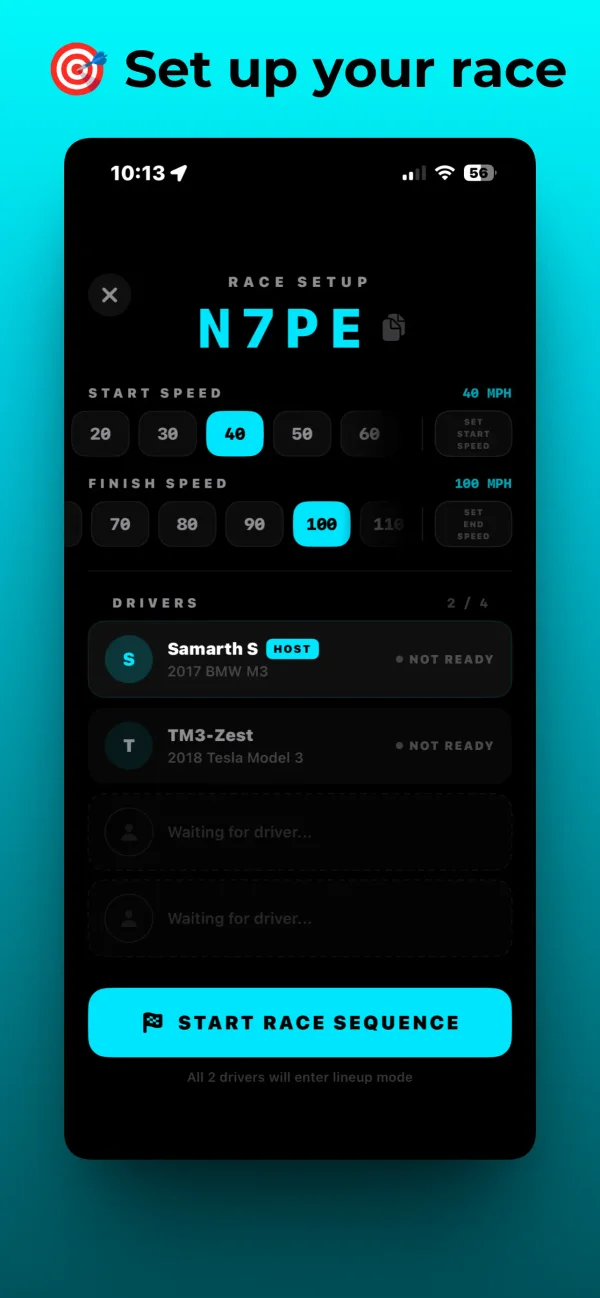
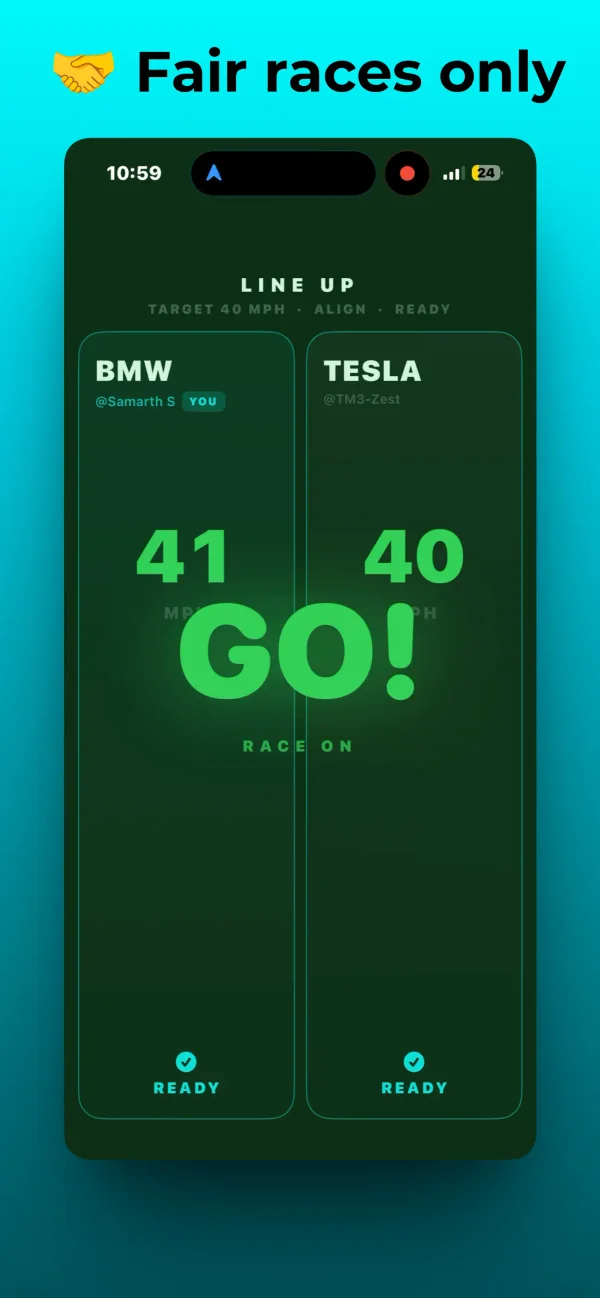
Challenge your crew to a real-time roll race – no cones, no spotter, no guesswork. Create a room, share a 4-digit code, and get up to 4 drivers synced and ready. Set your start and finish speeds, hold your speed in the window, and the countdown fires automatically when everyone's locked in. Synchronized start across all devices. Results are instant.
LEADERBOARD
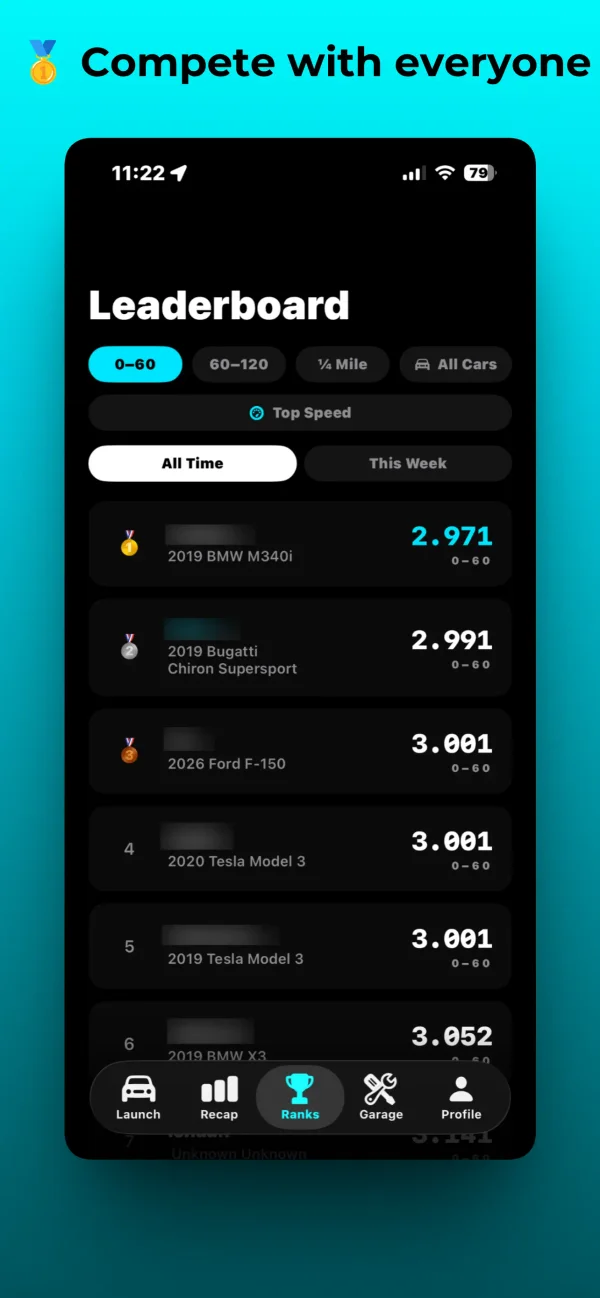
Compete globally on both All Time and This Week leaderboards. Post your best times for each segment individually – your 0-30, 30-60, 60-120, quarter-mile, and top speed are ranked separately so every metric counts. Weekly leaderboards reset every Sunday, giving every driver a fresh shot at the top. Filter by car to see how your specific build stacks up against similar vehicles worldwide.
PERSONAL BESTS
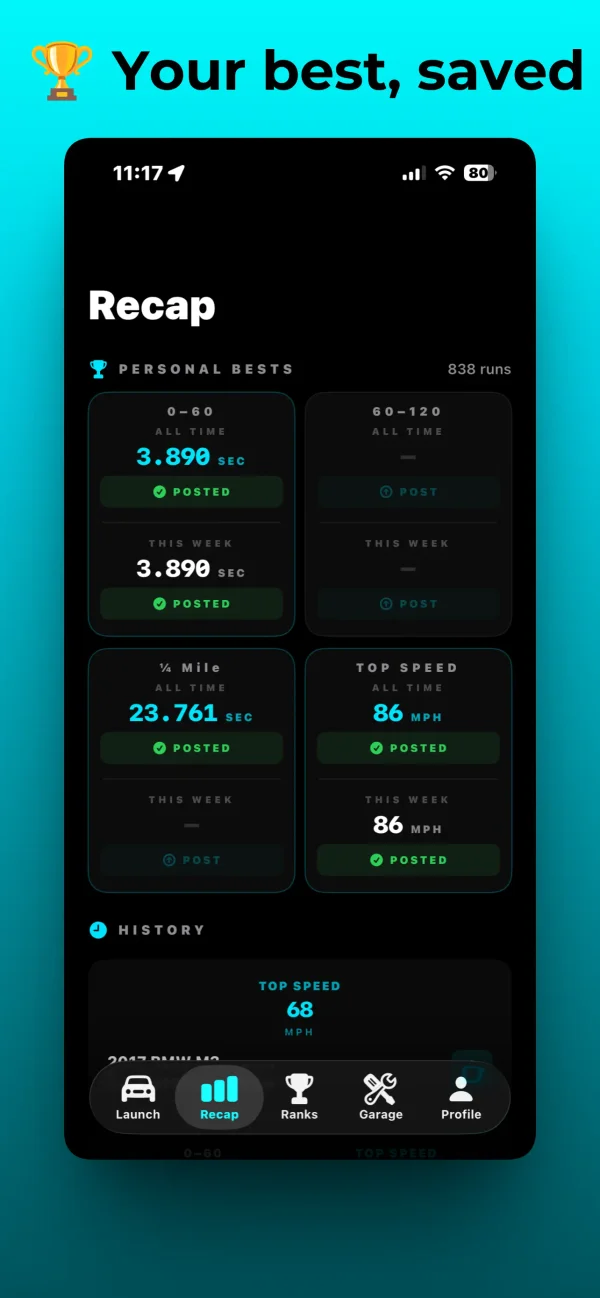
Your Recap tab tracks your all time and this week bests for every segment. See exactly where you stand, what's already been posted to the leaderboard, and which times are ready to submit. All Time and This Week bests are displayed side by side, so you always have the full picture at a glance.
GARAGE
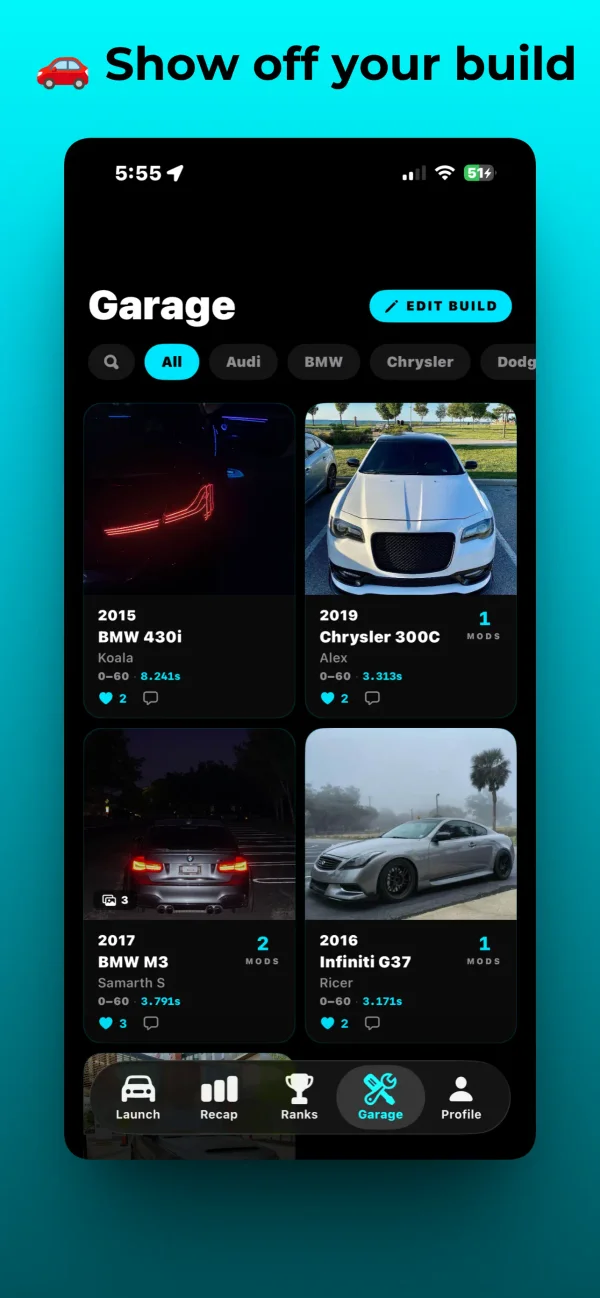
Browse builds from drivers around the world. See their car specs, modifications, photos, and best 0-60 times. Post your own build with photos and a full mod list, like and comment on other builds, and show the community what you're working with. The Garage is where performance meets culture.
SHARE YOUR RUNS
Every run you record can be shared as a professionally styled stats card – showing your segment times, car info, and run date in a clean, minimal layout. Choose exactly which runs to share and send them anywhere – Instagram stories, iMessage, Twitter, or any platform you use to show off your build. Whether it's a personal best or just a clean pull, your results look the way they deserve to.
RUN HISTORY
Every session is automatically saved with your car details and a timestamp, building a complete log of your performance over time. Scroll back through every run, track your improvement, and always know your best.
APPLE CARPLAY
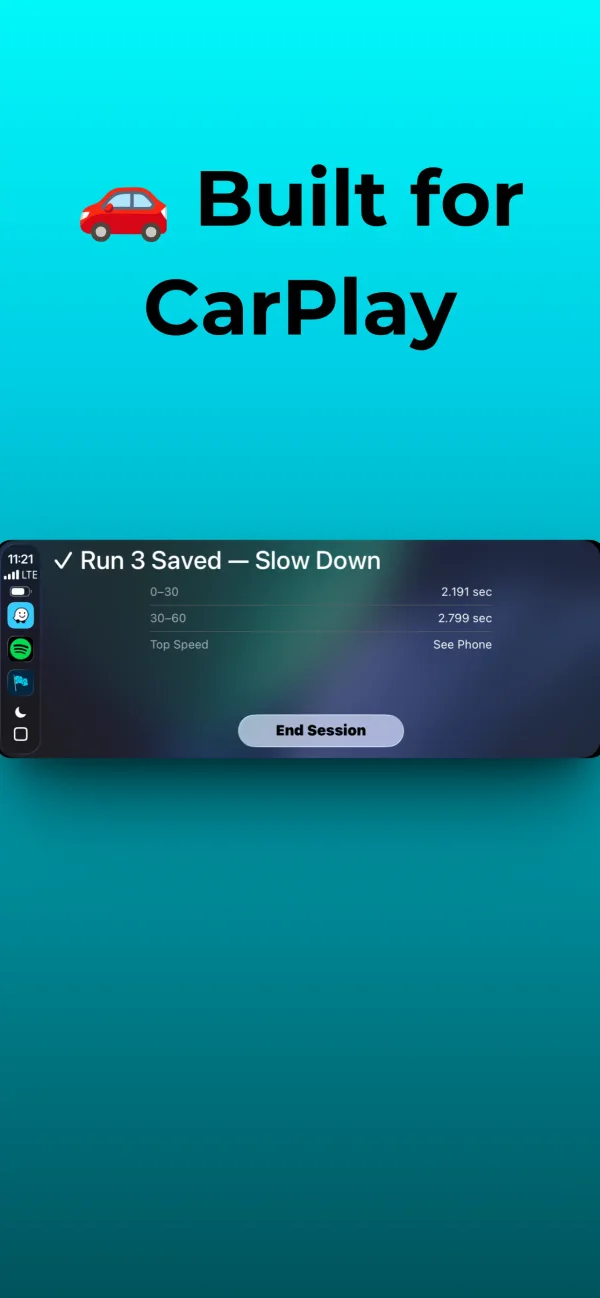
Full CarPlay support means your times are displayed right on your dash – no need to glance at your phone mid-session. Stay focused on the road while Dragline handles the data.
DRIVER PROFILE
Set up your driver name and car info once and it follows you everywhere in the app. Your username and vehicle appear on every leaderboard entry so other drivers know exactly who they're racing against. Challenge friends directly from your profile by sharing your best times and inviting them to beat you.
BUILT FOR PERFORMANCE
Dragline is designed for drivers who take their builds seriously. Whether you're chasing a personal best, competing on the weekly leaderboard, showing off your build in the Garage, documenting a clean run to share with your crew, or lining up against your friends in Race Mode – Dragline gives you the tools to do it right.
Dragline is designed for closed courses, racetracks, and private roads only. Always follow local laws and never use timing features on public roads.
新機能
バージョン 1.5 · 2026/6/9
- 0-60 is now the primary metric across the app — Recap, Leaderboard, and Garage all show your best combined 0-60 time
- Personal bests are now calculated from a single run, never combining splits from different runs
- Top Speed now has its own dedicated tile on the timer screen
- Leaderboard now shows 0-60, 60-120, Quarter Mile, and Top Speed rankings
- Performance improvements and bug fixes
アプリのプライバシー
このアプリのデータの取り扱いについて、SAMARTH SHAHがApp Storeで申告している内容です。
-
ユーザーに関連付けられたデータ
収集され、ユーザーの識別情報に関連付けられる場合があります。
- 連絡先情報
- ユーザーコンテンツ
- ID
-
ユーザーに関連付けられないデータ
収集される場合がありますが、ユーザーの識別情報には関連付けられません。
- 位置情報
プライバシーの取り扱いは、ご利用の機能やお客様の年齢などに応じて異なる場合があります。
情報
- 販売元
- SAMARTH SHAH
- カテゴリ
- スポーツ
- バージョン
- 1.5
- 更新日
- 2026/6/9
- リリース
- 2026/3/18
- サイズ
- 20.0 MB
- 必要条件
- iOS 18.2以降
- 対象年齢
- 12+
- 価格
- 無料
- 言語
- 英語
- 著作権
- © 2026 Samarth Shah