- 対象年齢4+
- カテゴリ仕事効率化
- 開発元Petr Polasek
- 言語英語ほか7言語
- サイズ61.1 MB
App Storeの公式ページにリンクしています
Download.orgはDuo Authenticatorのファイルを一切ホストしていません。ボタンを押すと、Petr Polasekが公開しているApp Storeのアプリページが開きます。ページの最終確認:2026/11/16。
スクリーンショット

概要
開発元はこのテキストをお使いの言語で提供していません。
As cyber threats continue to become more sophisticated, it's essential to use strong and reliable security measures to protect your online accounts. That's where MFA Authenticator comes in – a mobile app designed to provide an extra layer of security to your online accounts, making it harder for hackers to gain access to your sensitive information.
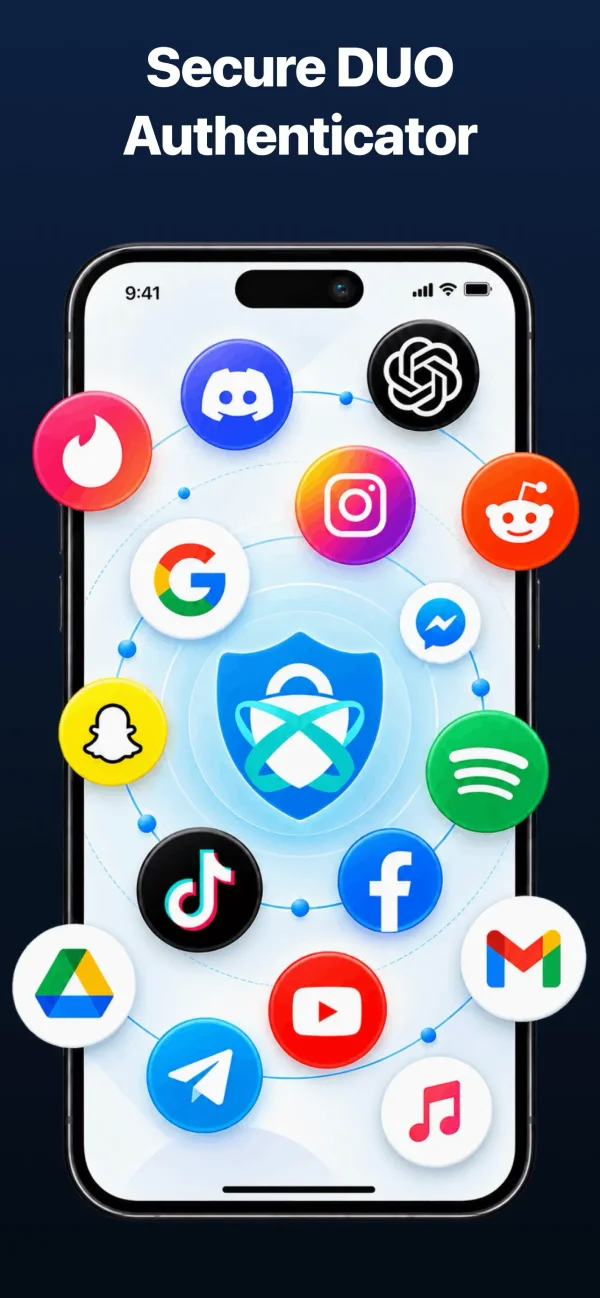
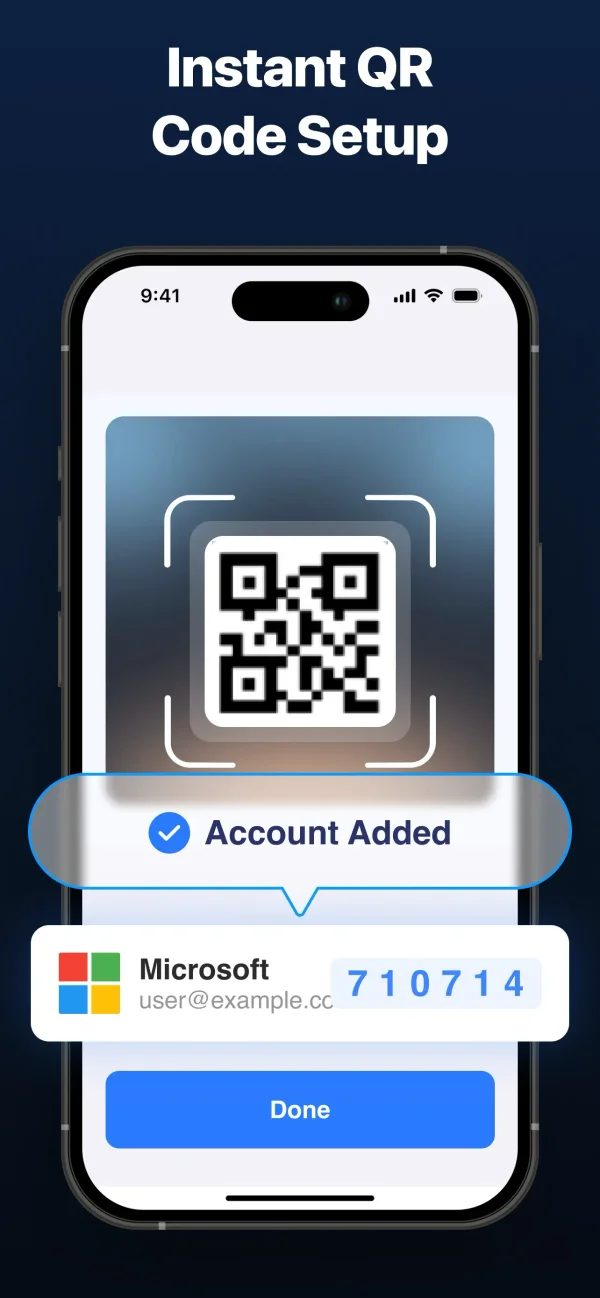
One of the most significant advantages of using MFA Authenticator is its ease of use. With this app, you can set up two-factor authentication (2FA) quickly, making it easy to secure your accounts. You can use MFA Authenticator with a wide range of services, including Google, Facebook, Dropbox, and many more. The app generates unique, time-sensitive codes that you can use to verify your identity when logging in to your accounts, ensuring that only you can access your information.
Another great feature of MFA Authenticator is its ability to work offline. Unlike some other 2FA solutions that rely on an internet connection, MFA Authenticator can generate codes even when your phone isn't connected to the internet. This feature is particularly useful when traveling or in areas with a weak or non-existent internet connection.
MFA Authenticator is also designed to be highly secure, with a range of measures in place to keep your information safe. For example, the app uses end-to-end encryption to ensure that your codes are only visible to you. Additionally, the app has a built-in security code that you need to enter when setting up the app, ensuring that only you can access your account.
• Quick and easy to set up
• Compatible with a wide range of services
• Generates unique, time-sensitive codes for added security
• Works offline, making it ideal for travel
• Uses end-to-end encryption to keep your information safe
• Requires a security code for added protection.
Overall, MFA Authenticator is an excellent app that can help you stay safe and secure online. With its ease of use, offline functionality, and strong security features, you can rest assured that your information is well-protected. So why not give it a try and take your online security to the next level?
Terms of service: https://www.code4flutter.in/terms-mfauthenticator
新機能
バージョン 1.0.19 · 2026/10/21
Bug fixes, stability fixes, and app optimizations
アプリのプライバシー
このアプリのデータの取り扱いについて、Petr PolasekがApp Storeで申告している内容です。
-
ユーザーのトラッキングに使用されるデータ
他社のアプリやウェブサイトを横断してユーザーをトラッキングする目的で使用される場合があります。
- 購入
- ID
- 使用状況データ
-
ユーザーに関連付けられたデータ
収集され、ユーザーの識別情報に関連付けられる場合があります。
- 購入
- 使用状況データ
-
ユーザーに関連付けられないデータ
収集される場合がありますが、ユーザーの識別情報には関連付けられません。
- ID
- 診断
プライバシーの取り扱いは、ご利用の機能やお客様の年齢などに応じて異なる場合があります。
情報
- 販売元
- Petr Polasek
- カテゴリ
- 仕事効率化
- バージョン
- 1.0.19
- 更新日
- 2026/10/21
- リリース
- 2023/3/8
- サイズ
- 61.1 MB
- 必要条件
- iOS 16.6以降
- 対象年齢
- 4+
- 価格
- 無料
- アプリ内課金
- あり
- 言語
- 英語, チェコ語, フランス語, ドイツ語, 日本語, ノルウェー語 (ブークモール), ポルトガル語, スペイン語
- 著作権
- © Code4flutter 2026