Ear Transcript: Voice to Text
Recorder, Meeting Notes, Memos
iPhone, iPod touch向けに設計
無料 · アプリ内課金
- 対象年齢4+
- カテゴリ仕事効率化
- 開発元Minutes AI LLC
- 言語英語ほか2言語
- サイズ19.6 MB
App Storeの公式ページにリンクしています
Download.orgはEar Transcript: Voice to Textのファイルを一切ホストしていません。ボタンを押すと、Minutes AI LLCが公開しているApp Storeのアプリページが開きます。ページの最終確認:2026/11/17。
スクリーンショット
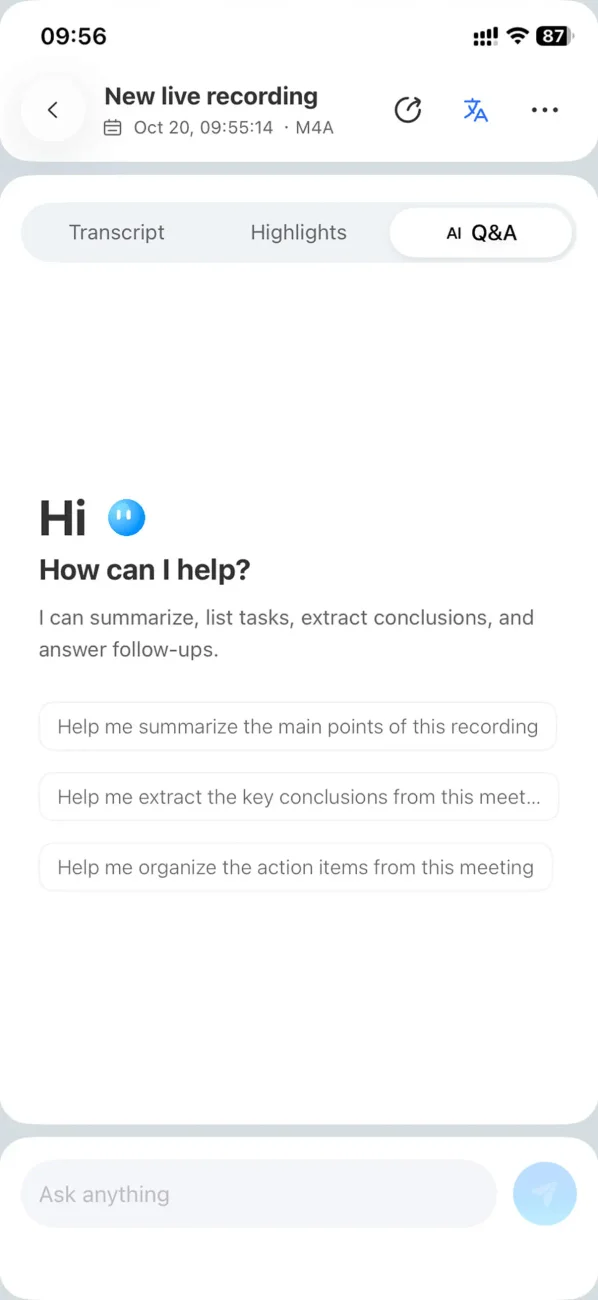
概要
開発元はこのテキストをお使いの言語で提供していません。
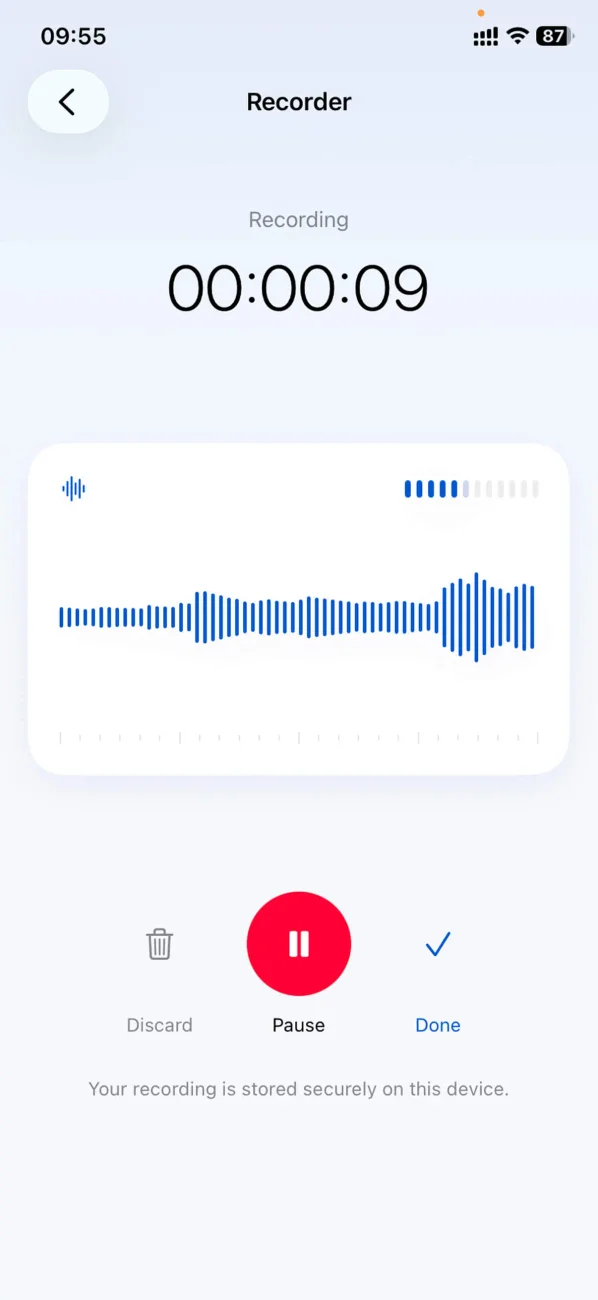
Hit record. The words write themselves.
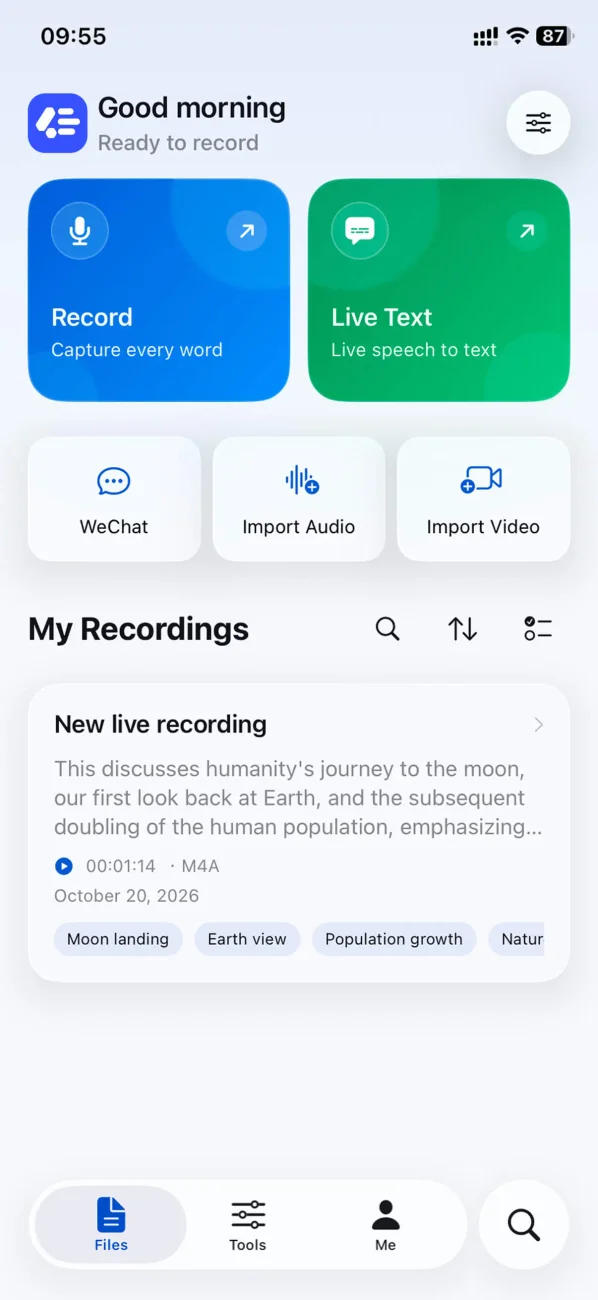
Meetings, lectures, interviews, calls with a source — press record, and when you're done you have a transcript you can read, search, and edit. No more dragging the scrubber back and forth hunting for that one line.
【Features】
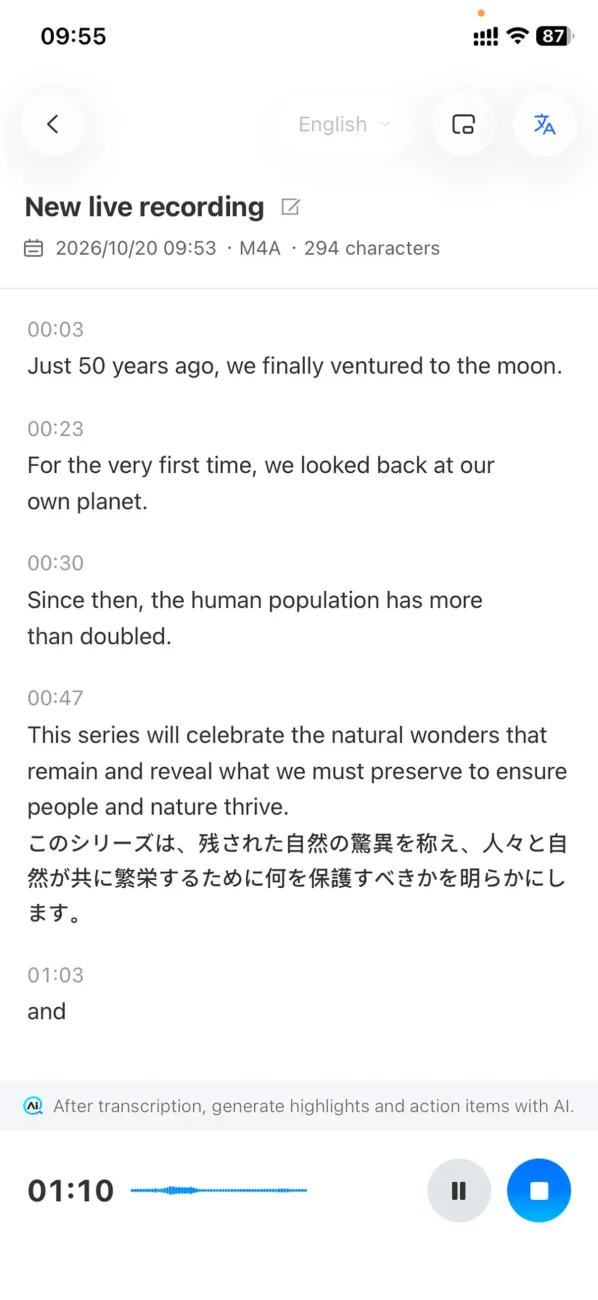
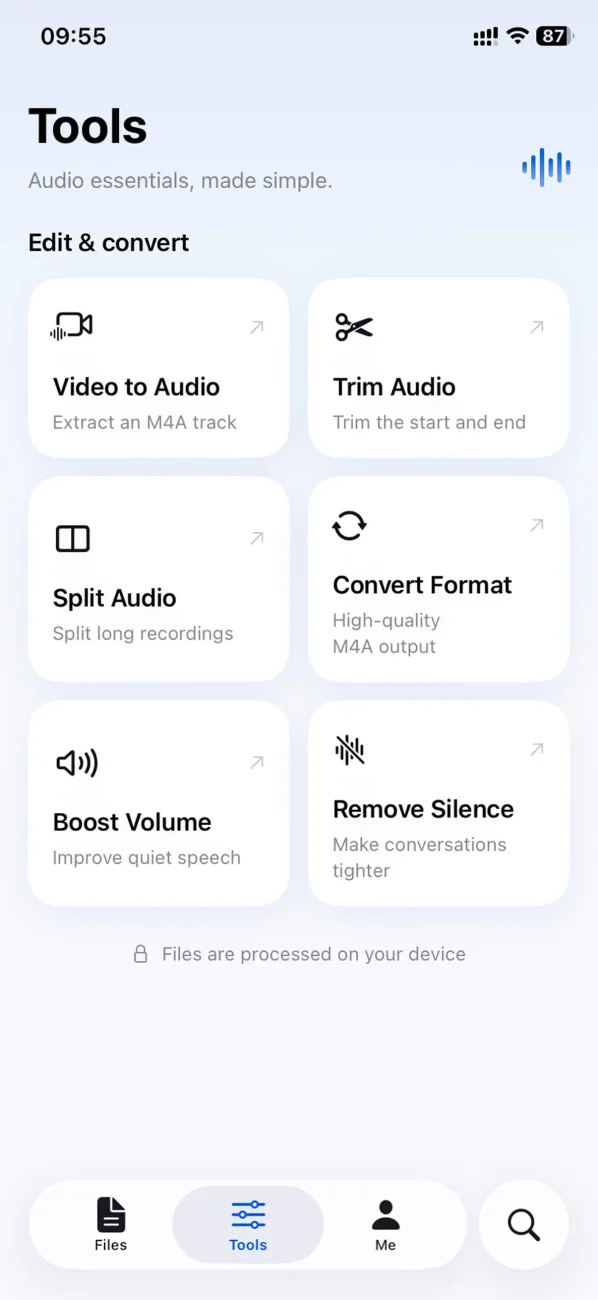
· Recording to text: Transcribes as you record, with the full transcript ready the moment you stop. You can also import audio files already on your phone.
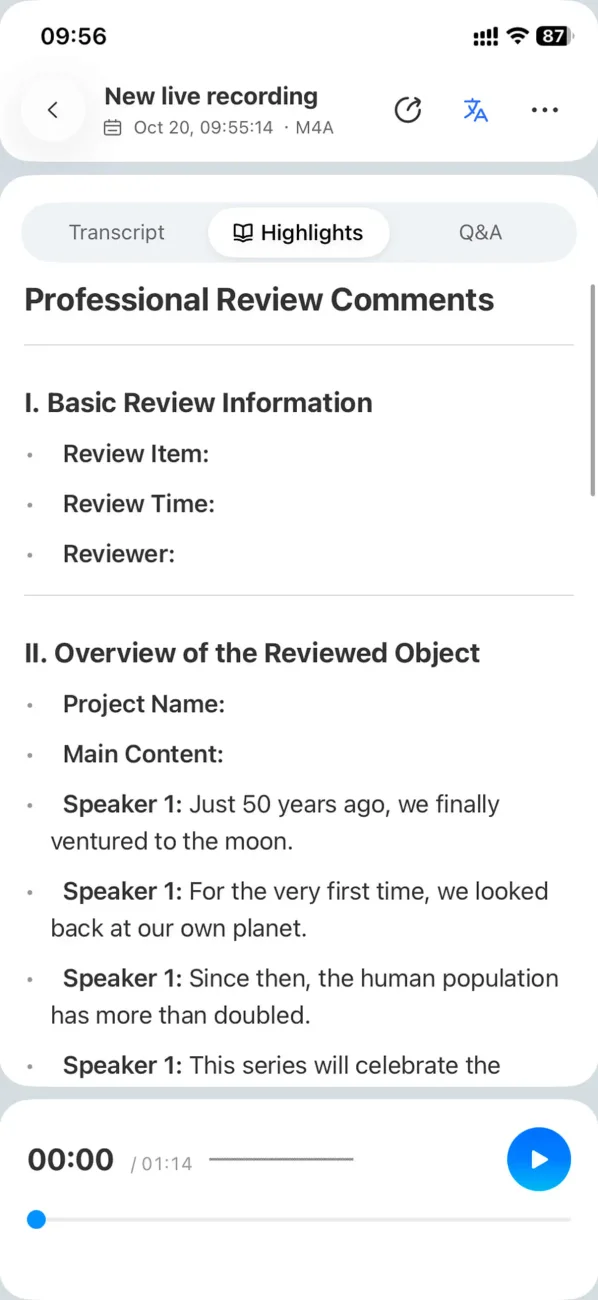
· AI meeting notes: Turns a long recording into proper notes — what was discussed, what was decided, who owns what. Prefer something shorter? One tap gives you a summary or a bullet list instead.
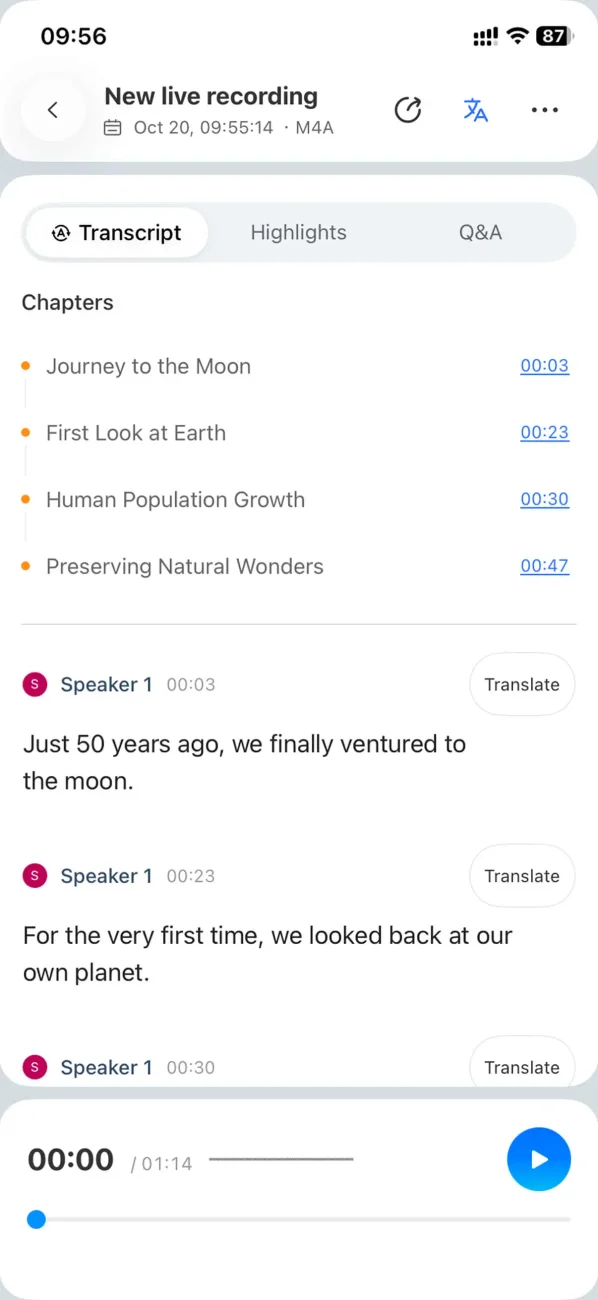
· Speaker separation: Multi-person meetings are split by speaker automatically, so you can see who said what. Rename speakers to their real names anytime.
· Tap-to-play timestamps: Tap any line to jump to that moment in the audio. Check the exact wording instead of guessing.
· Full-text search: Every transcript is searchable. One keyword brings back that meeting from three months ago.
· Export and share: Export as plain text, Word, or SRT subtitles — or just copy and paste straight into whatever notes app you use.
· Multi-language: Transcribes Chinese, English, Japanese and more. Handles mixed Chinese-English speech without tripping up.
【Made for】
· Meetings you can't take notes in, but still have to write up afterwards
· Lectures that move too fast to follow, and need a second pass later
· Interviews and user research that need a word-for-word transcript
· Recorded interviews that have to become a written piece
· Ideas you'd rather say out loud now and tidy up later
——
Subscription details
Pro unlocks unlimited recording and transcription, AI meeting notes, speaker separation, and all export formats.
· Payment: Charged to your Apple Account once the purchase is confirmed.
· Auto-renewal: Subscriptions renew automatically. Unless auto-renewal is turned off at least 24 hours before the end of the current period, your Apple Account is charged for the next period within 24 hours of the renewal date, and the subscription is extended by one period.
· Manage or cancel: Go to Settings on your iPhone, tap your Apple Account at the top, then Subscriptions. Cancellation must be completed at least 24 hours before the current period ends; the current period is non-refundable.
One-time purchase:
· Pro Lifetime: Pay once. No auto-renewal, no further charges.
Terms of Use: https://sites.google.com/view/ai-meeting/support/user
Privacy Policy: https://sites.google.com/view/ai-meeting/support/privacy
Subscription Terms: https://sites.google.com/view/ai-meeting/support/subscribe
新機能
バージョン 1.0.7 · 2026/10/20
Fixed an issue where recording could freeze during live transcription. This update also includes stability improvements.
アプリのプライバシー
このアプリのデータの取り扱いについて、Minutes AI LLCがApp Storeで申告している内容です。
-
データの収集なし
開発元はこのアプリからデータを収集しません。
プライバシーの取り扱いは、ご利用の機能やお客様の年齢などに応じて異なる場合があります。
情報
- 販売元
- TECH SYSTEM BG EOOD
- カテゴリ
- 仕事効率化
- バージョン
- 1.0.7
- 更新日
- 2026/10/20
- リリース
- 2026/9/27
- サイズ
- 19.6 MB
- 必要条件
- iOS 15.0以降
- 対象年齢
- 4+
- 価格
- 無料
- アプリ内課金
- あり
- 言語
- 英語, 簡体字中国語, 繁体字中国語
- 著作権
- © Ear Transcript