- 対象年齢4+
- カテゴリユーティリティ
- 開発元EcuTek Technologies Ltd
- 言語英語
- サイズ83.5 MB
App Storeの公式ページにリンクしています
Download.orgはECU Connectのファイルを一切ホストしていません。ボタンを押すと、EcuTek Technologies Ltdが公開しているApp Storeのアプリページが開きます。ページの最終確認:2026/11/24。
スクリーンショット

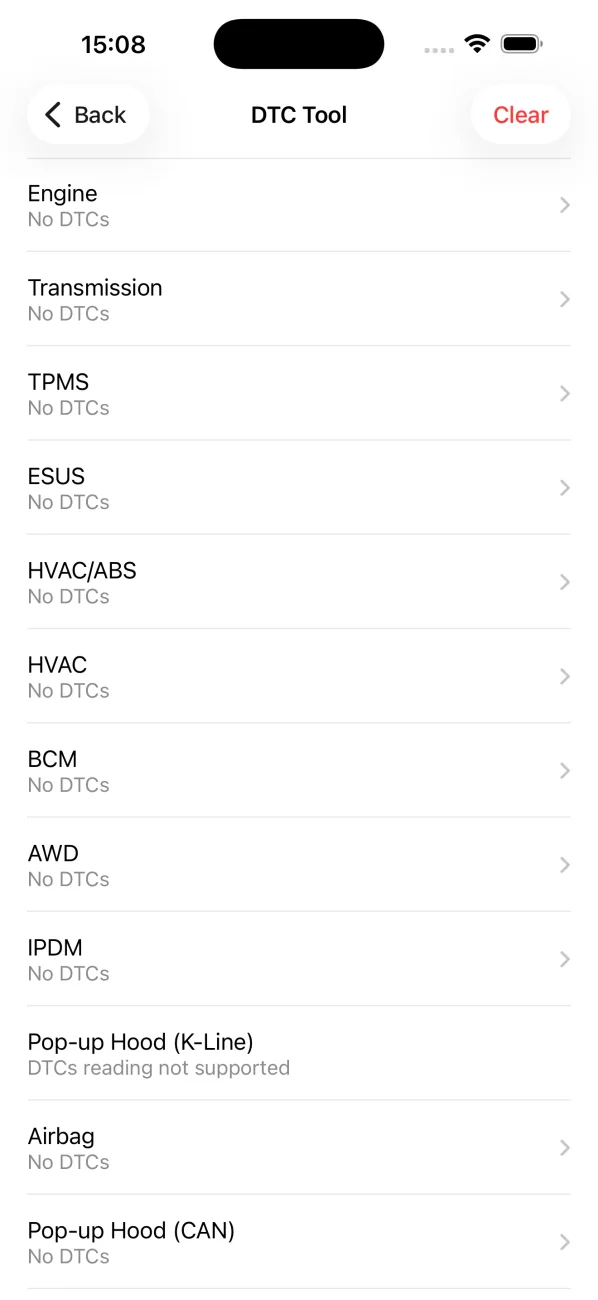
概要
開発元はこのテキストをお使いの言語で提供していません。
IMPORTANT
This app requires an EcuTek Bluetooth Vehicle Interface to connect to your car's ECU. These are available from EcuTek Tuners. Find your nearest one at www.ecutek.com/dealers. If you don't have an interface, run the demo mode within the app to see ECU Connect in action.
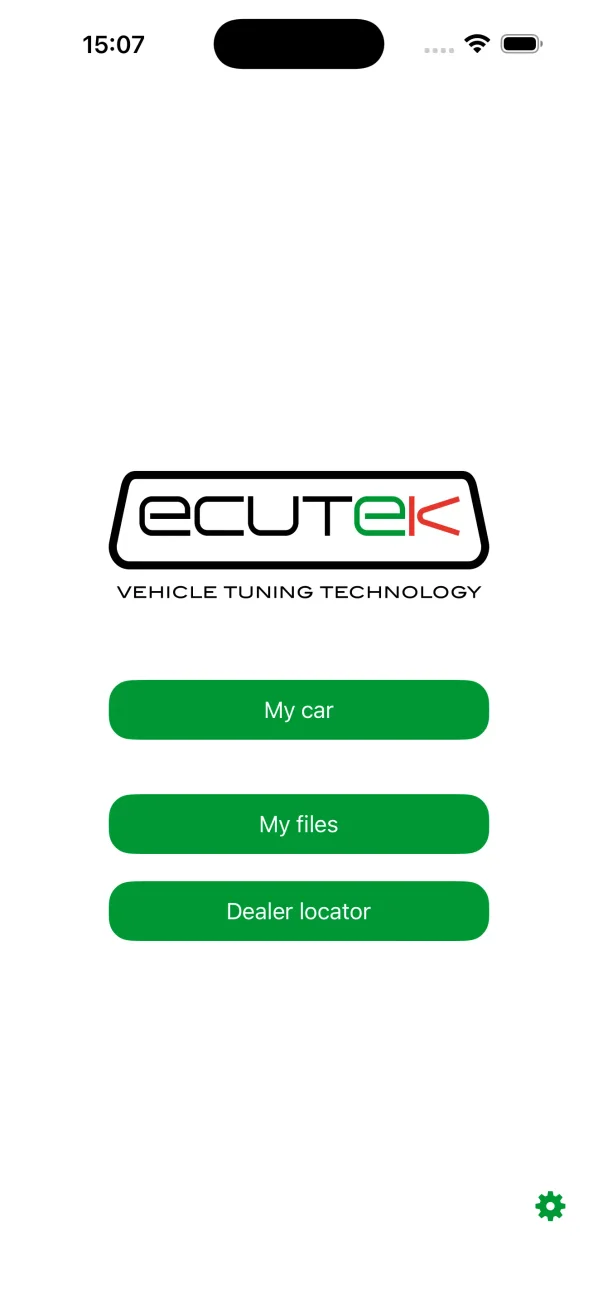
ECU Connect is the free companion app to the new pocket-size Bluetooth Vehicle Interface produced by specialist tuning firm EcuTek Technologies.
Once you have purchased your EcuTek Vehicle Interface, plug it into your car's OBD vehicle diagnostic socket, pair it with your phone in the app and you will open up a whole new world of enjoyment with your car.
With ECU Connect, you can receive and program in a tuned file from one of our EcuTek Master Tuners just with your phone. No laptop, no wires, no fuss. Just create an account in the app, select the tuner you want to work with, and you are ready to receive the tuned file. Discuss with your tuner what you want to achieve from the tune and once the file has been created, you will receive a notification that the file is ready. Go to Program ECU, select the file and follow the on-screen instructions. It's as easy as that. All that's left is for you to enjoy the car!
For more details on programming your car’s ECU with ECU Connect go to www.ecutek.com/phone-flash
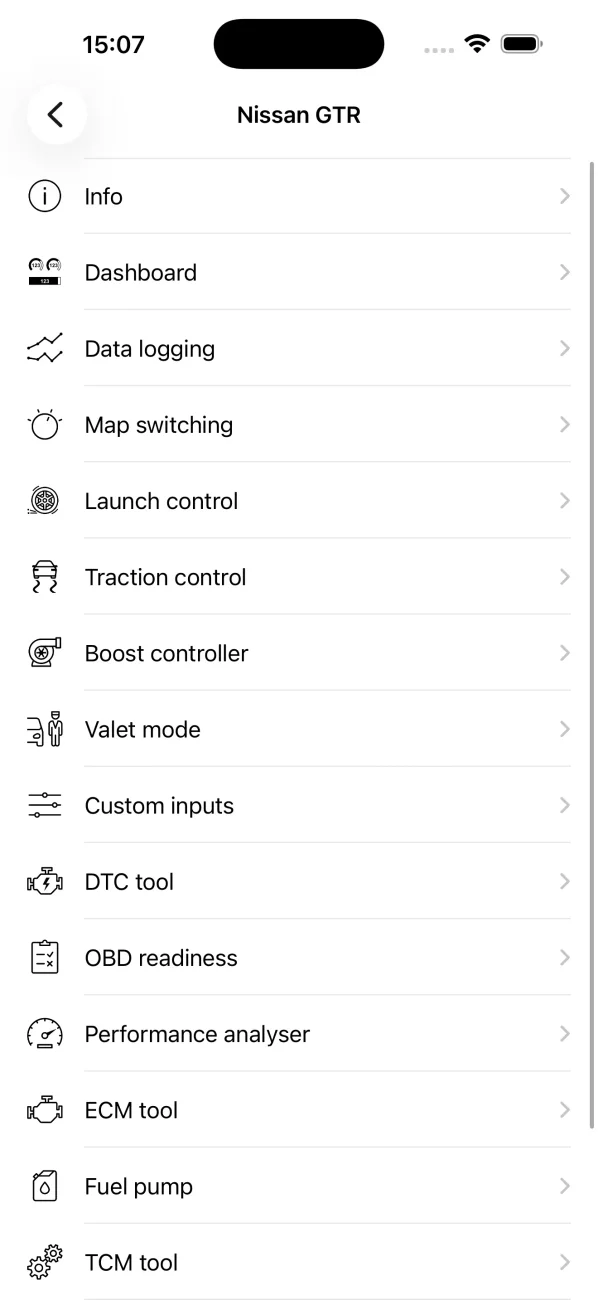
Your EcuTek Tuner can also set up some unique RaceROM features which allows you to control and adjust some aspects of the tune with your phone: Launch RPM; Traction Control settings; boost and torque levels; switch between different set ups such as track mode, economy mode, fast road and flexfuel on the fly. These are just some of the example set ups. Speak to your EcuTek Master Tuner and discuss with them what you'd like. There are lots of options to choose from.
For a list of supported models together with their ECU Connect Features go to www.ecutek.com/ecu-connect
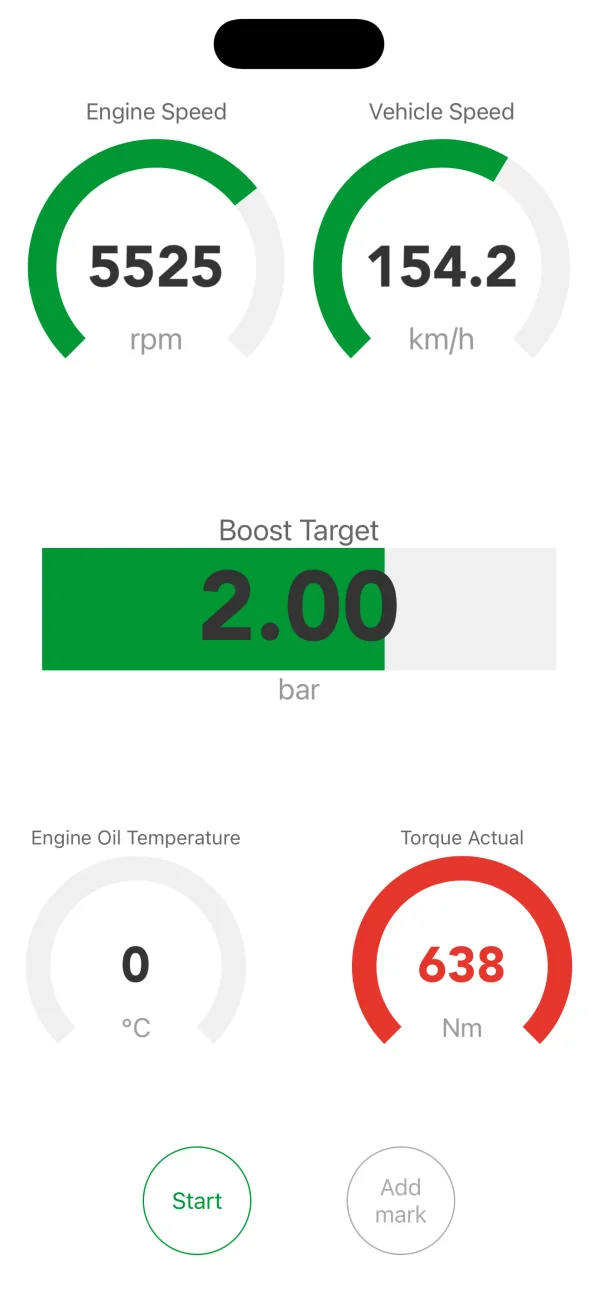
Whether your car is tuned on EcuTek or not, with ECU Connect you can instantly see how your engine is performing as you drive it (even if the car is not officially supported, ECU Connect provides basic support for most cars using generic OBD2 CAN communication protocol available on nearly all vehicles manufactured from 2008 onwards). You can view and log any parameter the ECU records and even create unlimited personalised dashboards if you want to monitor specific groups of parameters. Save and send these logs direct from the app to your tuner. You can also record GPS coordinates in the log files, so you can see what was happening at any given point on your logging run (very useful on track days).
新機能
バージョン 9.3.2 · 2026/11/24
- Mercedes MED17 M177: added support
アプリのプライバシー
このアプリのデータの取り扱いについて、EcuTek Technologies LtdがApp Storeで申告している内容です。
-
ユーザーに関連付けられたデータ
収集され、ユーザーの識別情報に関連付けられる場合があります。
- 連絡先情報
- ユーザーコンテンツ
- 使用状況データ
- その他のデータ
-
ユーザーに関連付けられないデータ
収集される場合がありますが、ユーザーの識別情報には関連付けられません。
- 診断
プライバシーの取り扱いは、ご利用の機能やお客様の年齢などに応じて異なる場合があります。
情報
- 販売元
- EcuTek Technologies Limited
- カテゴリ
- ユーティリティ
- バージョン
- 9.3.2
- 更新日
- 2026/11/24
- リリース
- 2016/11/23
- サイズ
- 83.5 MB
- 必要条件
- iOS 15.0以降
- 対象年齢
- 4+
- 価格
- 無料
- 言語
- 英語
- 著作権
- © 2017-2026 EcuTek Technologies Limited
こちらもおすすめ
-
 GPS Race Timerユーティリティ
-
 Carista OBD2Code, Service, Diagnose cars
-
 OBD2 Scanner | OBD Auto Doctorユーティリティ
-
 OBDeleven VAGユーティリティ
-
 Steer: OBD2 Car Scannerユーティリティ
-
 MotorData OBD車診断。ELM OBD2スキャナ車の診断. 故障コード. 警告灯. のオンボード診断 OBD
-
 Car Scanner OBD2 - EOBD FacileTorque pro with ELM 327 OBD 2
-
 Mini OBDIIユーティリティ
-
 MaXpeedingRodsユーティリティ
-
 MECH AI Mechanic: Car Repairユーティリティ