ExamScan: Answer Sheet Grader
Scan bubble sheets to Excel
iPhone, iPad向けに設計
無料 · アプリ内課金
- 対象年齢4+
- カテゴリ教育
- 開発元Tien Nguyen
- 言語英語ほか4言語
- サイズ35.8 MB
App Storeの公式ページにリンクしています
Download.orgはExamScan: Answer Sheet Graderのファイルを一切ホストしていません。ボタンを押すと、Tien Nguyenが公開しているApp Storeのアプリページが開きます。ページの最終確認:2026/11/25。
スクリーンショット

概要
開発元はこのテキストをお使いの言語で提供していません。
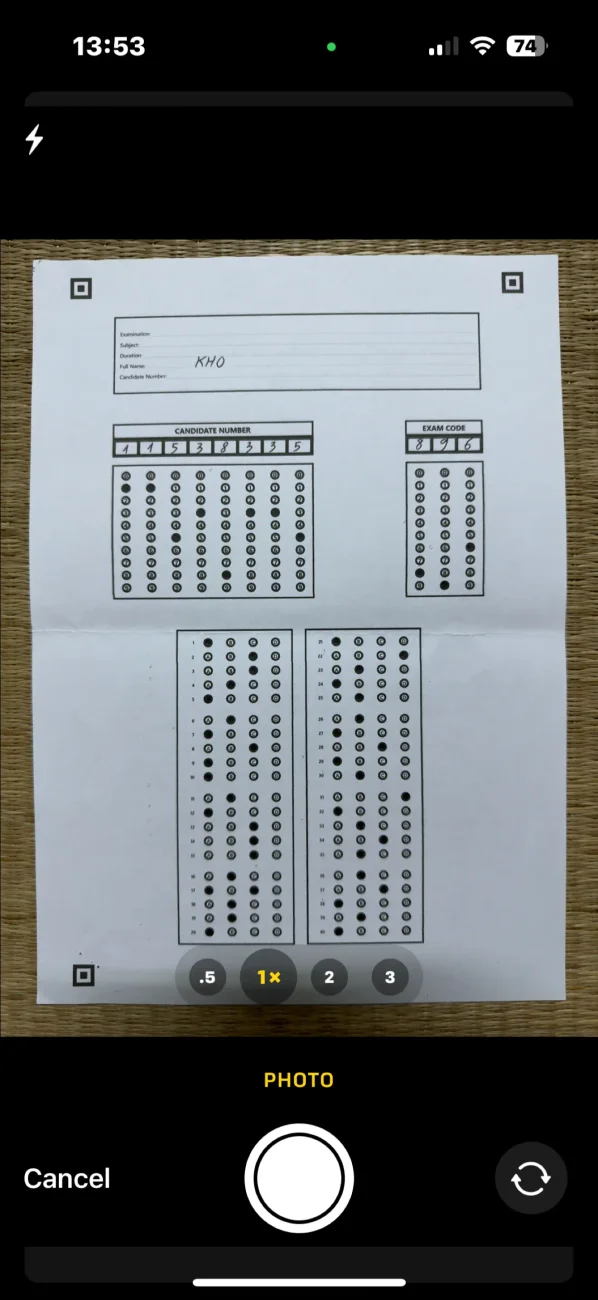
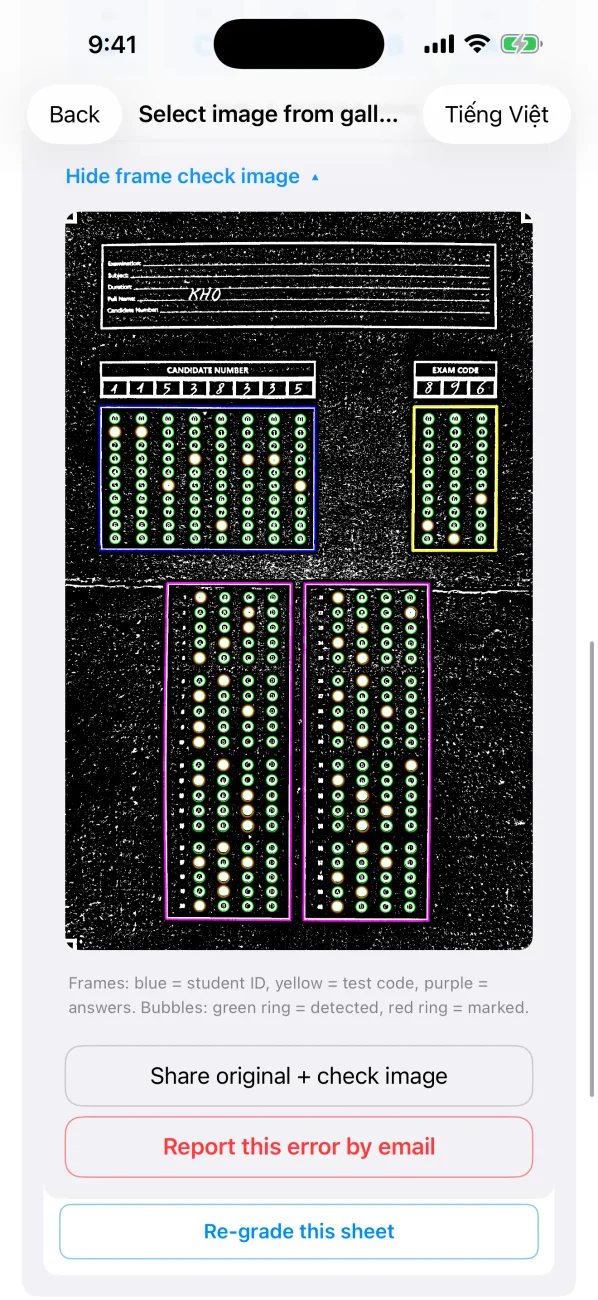
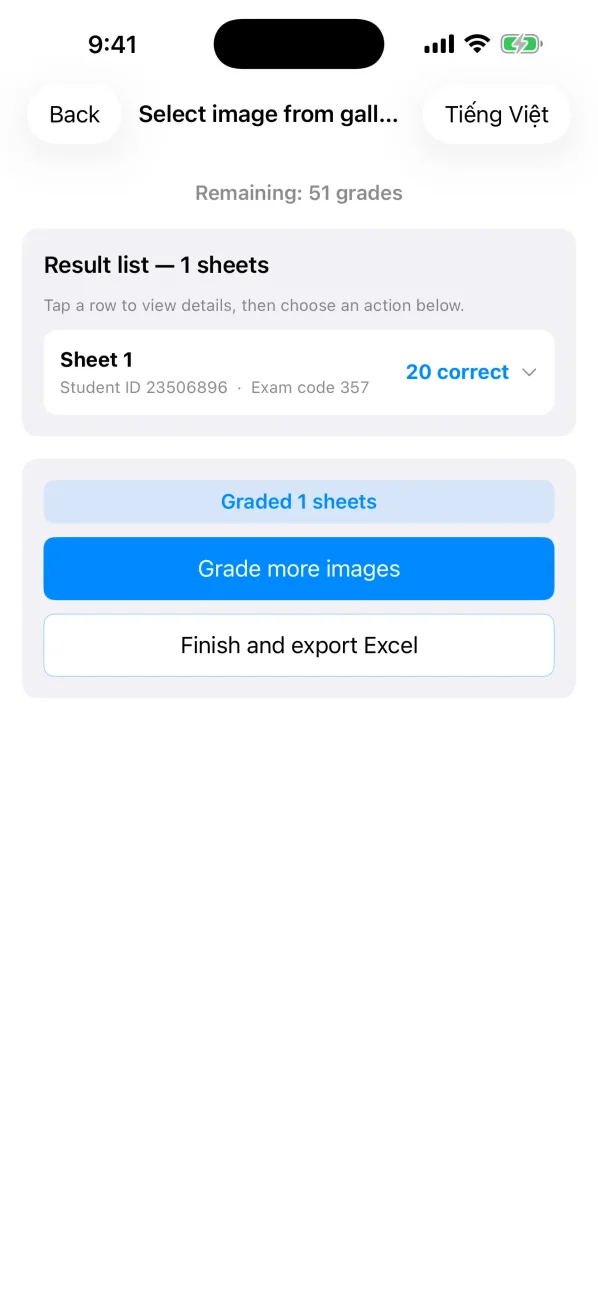
ExamScan grades paper multiple-choice tests with your phone: take a photo of the bubble sheet and the app reads the student ID, the test code and every filled bubble, then shows the score right away. When the whole class is done, export the results to Excel or a PDF report in a few taps.
No scanner machine needed. This OMR answer sheet scanner runs entirely on your phone, so grading works even offline.
THREE WAYS TO GRADE
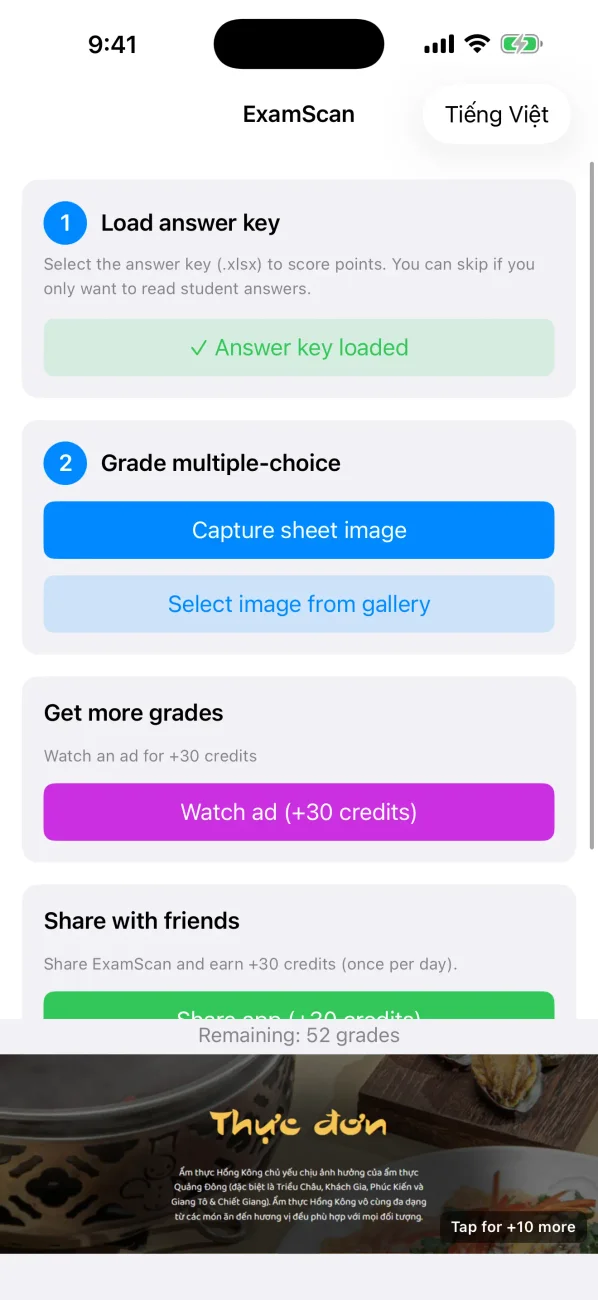
• Snap one answer sheet at a time with the camera.
• Auto-scan: hold the phone over the sheet; the app takes the photo as soon as the sheet is sharp, grades it, and waits for the next one.
• Pick many photos from your gallery and grade them in one batch.
READS EVERY SHEET CAREFULLY
• Reads the student ID and a 3- or 4-digit test code; each test code is graded against its own answer key.
• Up to 60 questions per sheet, up to 6 options (A–F) per question.
• Flags blank questions and questions with more than one bubble filled, so you can check them.
• Manual correction: tap a question to change the answer, or fix the student ID or test code — the score updates instantly.
ANSWER KEY: IMPORT OR CREATE IN THE APP
• Import an answer key from an Excel file (.xlsx).
• Or use "Create answer key": type the answers for each test code (3 or 4 digits) and save them as an Excel file to reuse next time.
SAVED GRADING SESSIONS
• Name each grading session; the app saves after every sheet.
• Pause, close the app, come back tomorrow and keep grading — export again any time.
EXPORT RESULTS
• Excel gradebook: score, number correct, percent correct and every student's answer to each question.
• PDF report: one page per student with the marked answer sheet image, a question-by-question table and the class percent correct.
• Share by email, chat apps or Drive, or save to Files.
• For score distribution and most-missed questions, open the result file in ExamInsight, our companion test analysis app.
ANSWER SHEETS
• Use sheets made with ExamSheet, our companion answer sheet maker, or the free 20-, 40- and 60-question templates in the app. ExamScan does not read other bubble sheet layouts.
• Print on A4 paper; fill each bubble solidly with a 2B pencil or a pen, one bubble per question.
• Try "Try with sample sheets" before grading a real test.
PRIVATE
• No account, no sign-in.
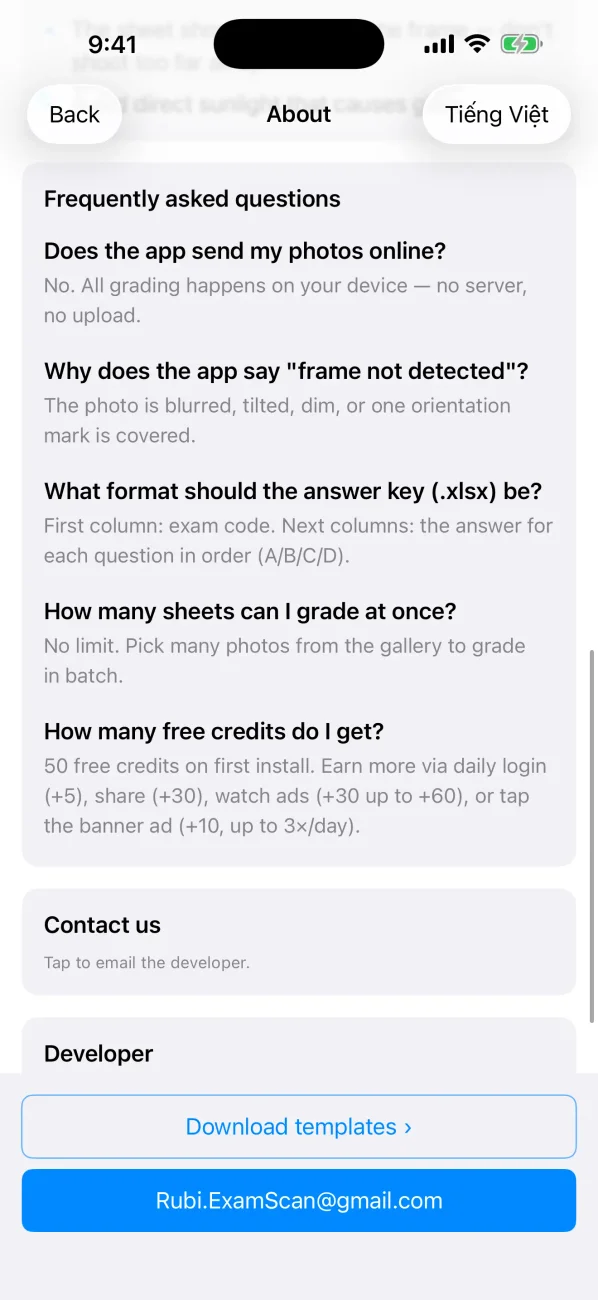
• Answer sheet photos and results never leave your phone. Firebase is used only for anonymous usage statistics and crash reports; ads work as described in our Privacy Policy.
WHO IT'S FOR
Teachers, professors, tutors and review centers who grade multiple-choice quizzes, unit tests, midterms and final exams.
Interface in 5 languages: English, Vietnamese, Indonesian, Portuguese, Spanish.
ExamScan is free, supported by ads. New installs come with free grading credits; earn more by opening the app daily, sharing the app or watching an ad.
Feedback and bug reports: Rubi.ExamScan@gmail.com
Terms of Use: https://www.apple.com/legal/internet-services/itunes/dev/stdeula/
新機能
バージョン 1.0.45 · 2026/11/24
Improved user experience and minor bug fixes.
アプリのプライバシー
このアプリのデータの取り扱いについて、Tien NguyenがApp Storeで申告している内容です。
-
ユーザーに関連付けられないデータ
収集される場合がありますが、ユーザーの識別情報には関連付けられません。
- 購入
- 位置情報
- ID
- 使用状況データ
- 診断
プライバシーの取り扱いは、ご利用の機能やお客様の年齢などに応じて異なる場合があります。
情報
- 販売元
- Tien Nguyen
- カテゴリ
- 教育
- バージョン
- 1.0.45
- 更新日
- 2026/11/24
- リリース
- 2026/6/21
- サイズ
- 35.8 MB
- 必要条件
- iOS 17.0以降
- 対象年齢
- 4+
- 価格
- 無料
- アプリ内課金
- あり
- 言語
- 英語, インドネシア語, ポルトガル語, スペイン語, ベトナム語
- 著作権
- © 2026 Nguyen Viet Tien