- 対象年齢4+
- カテゴリミュージック
- 開発元Norwin Palme
- 言語英語
- サイズ3.8 MB
App Storeの公式ページにリンクしています
Download.orgはFeedbackGuardのファイルを一切ホストしていません。ボタンを押すと、Norwin Palmeが公開しているApp Storeのアプリページが開きます。ページの最終確認:2026/11/23。
スクリーンショット

概要
開発元はこのテキストをお使いの言語で提供していません。
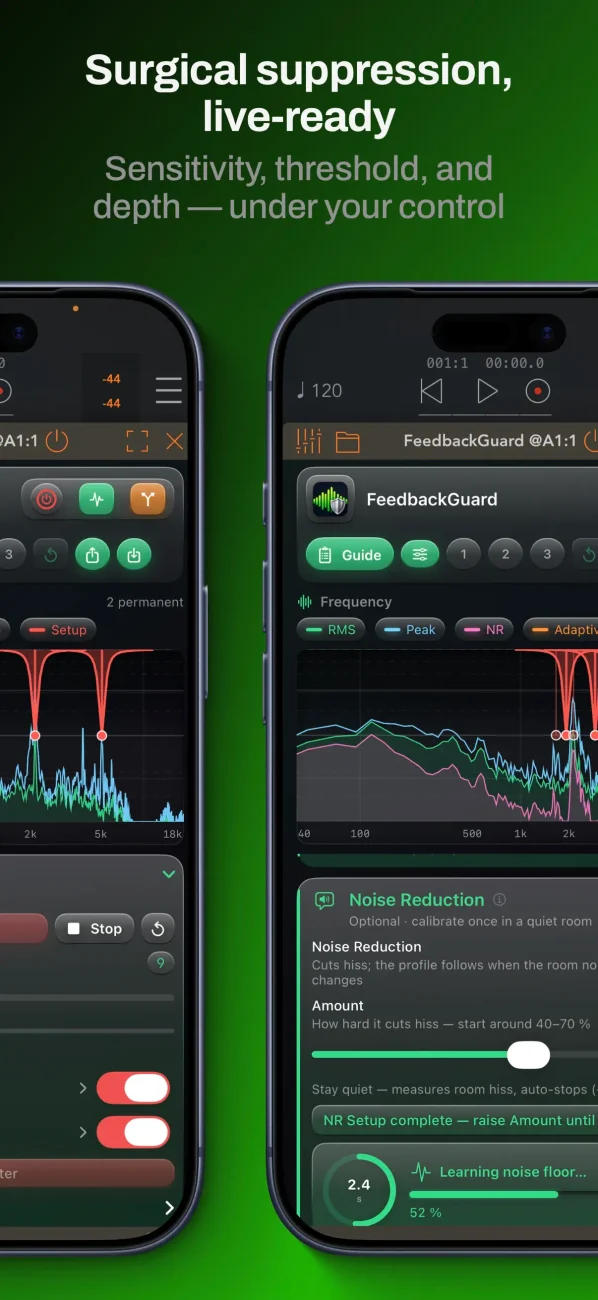
FeedbackGuard is an Audio Unit v3 effect that stops acoustic feedback before it ruins your performance. Whether you are singing live, speaking on stage, or recording vocals on iPad, FeedbackGuard listens for runaway howling and automatically places precise notch filters — so you can focus on the show, not the squeal.
HOW IT WORKS
FeedbackGuard uses PNPR (Peak-to-Neighbourhood Power Ratio) analysis combined with a growth check to tell real feedback apart from normal voice, speech, or room tone. When a howling peak starts to build, the plugin tracks it and deploys an adaptive notch bank that reacts in milliseconds.
Before the show, Room Setup locks permanent red notches on your room modes. During the show, choose Standard Adaptive (narrow notches) or AI mode — AI keeps the voice and pulls down howls, room, noise, and bleed. If playback bleeds into the mic, Sidechain subtracts that reference from detection — analysis only, never mixed into the output.
KEY FEATURES
• AI mode — keeps the voice; ducks howls, room, noise, and bleed (0 ms or ~11 ms)
• Room Setup — permanent red pins for your room (do this first)
• Real-time howling detection (PNPR + run-up check)
• Adaptive notch bank — up to 24 simultaneous notches (Standard mode)
• Sidechain / reference masking (Bus 2 or Main L/R) with connection status
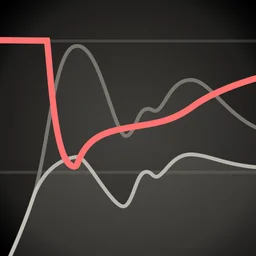
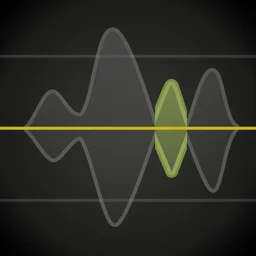
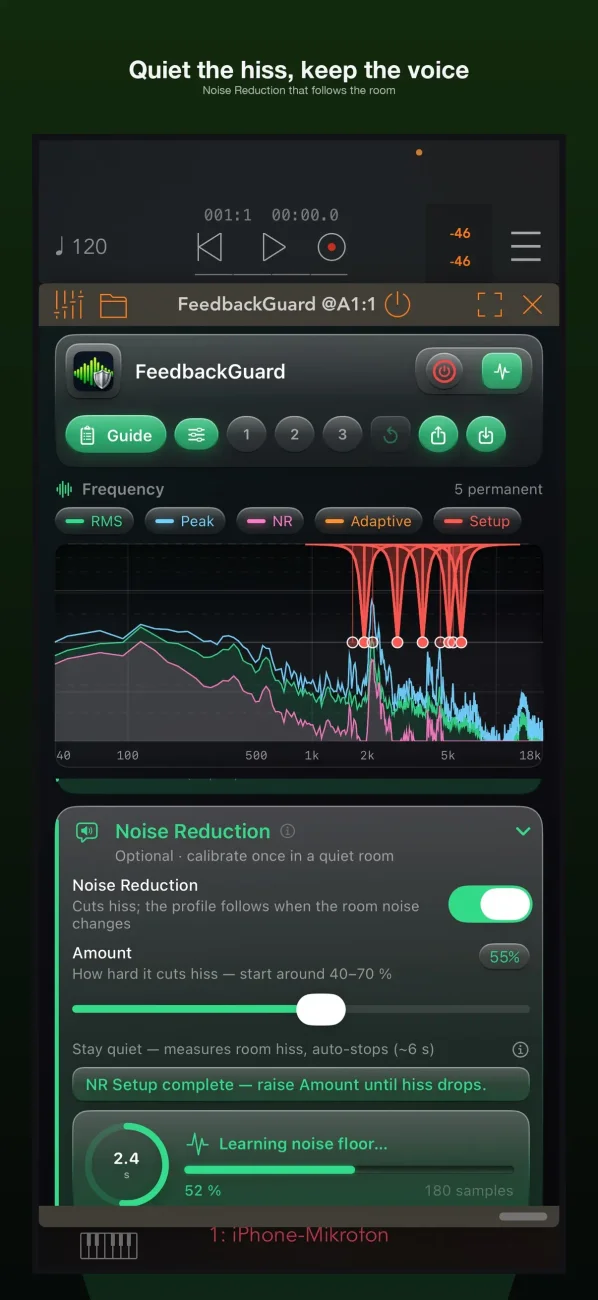
• Live spectrum display with Setup and Adaptive markers
• “Balanced” preset for safe, transparent defaults
• User preset slots — tap to recall, hold to save / overwrite / rename / delete
• Fine-tuned controls: Sensitivity, Notch Threshold, Suppression, Q, Attack, Release
• Optional harmonic tracking for stubborn feedback tones
• Optional spectral noise reduction for quiet passages
• Full bypass
GET STARTED IN SECONDS
1. Open your AUv3 host (GarageBand, AUM, Cubasis, and more)
2. Insert FeedbackGuard as an audio effect on your vocal or monitor channel
3. Run Room Setup — raise gain until whistles appear, hold each briefly
4. Pick Standard + Adaptive, or switch to AI for voice-first suppression
5. Optional: enable Sidechain and route playback to Bus 2 (see Quick Start)
IDEAL FOR
• Live vocals and speech
• Rehearsals, worship, small PA setups
• Mobile recording rigs on iPhone and iPad
• Any situation where monitor feedback is a risk
COMPATIBILITY
• Audio Unit v3 (aufx) effect
• iPhone and iPad
• Works in any AUv3-compatible host
• Mono or stereo, sample rates from 8 kHz to 192 kHz
FeedbackGuard — Adaptive Feedback Suppressor by Norwin Palme.
新機能
バージョン 1.5 · 2026/11/21
AI mode keeps the voice clear while ducking howls, room, noise, and bleed.
• AI mode with 0 ms or ~11 ms latency and Strength control
• Sidechain / reference masking (Bus 2 or Main L/R) with connection status
• Hold a preset to save, overwrite, rename, or delete
• Lighter DSP load and faster detection path
アプリのプライバシー
このアプリのデータの取り扱いについて、Norwin PalmeがApp Storeで申告している内容です。
-
データの収集なし
開発元はこのアプリからデータを収集しません。
プライバシーの取り扱いは、ご利用の機能やお客様の年齢などに応じて異なる場合があります。
情報
- 販売元
- Norwin Palme
- カテゴリ
- ミュージック
- バージョン
- 1.5
- 更新日
- 2026/11/21
- リリース
- 2026/5/22
- サイズ
- 3.8 MB
- 必要条件
- iOS 17.0以降
- 対象年齢
- 4+
- 価格
- ¥600
- 言語
- 英語
- 著作権
- © 2026 Norwin Palme