
- 対象年齢4+
- カテゴリユーティリティ
- 開発元Contec Software B.V.
- 言語英語ほか15言語
- サイズ2.1 MB
App Storeの公式ページにリンクしています
Download.orgはFileCapのファイルを一切ホストしていません。ボタンを押すと、Contec Software B.V.が公開しているApp Storeのアプリページが開きます。ページの最終確認:2026/11/12。
スクリーンショット


概要
開発元はこのテキストをお使いの言語で提供していません。
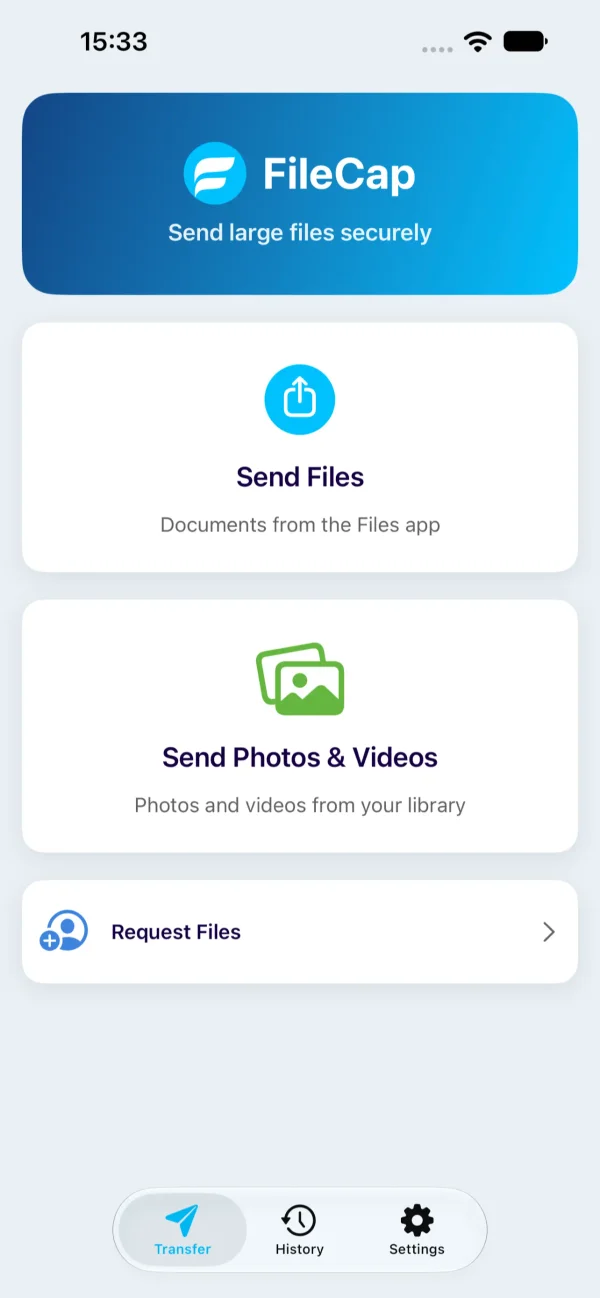
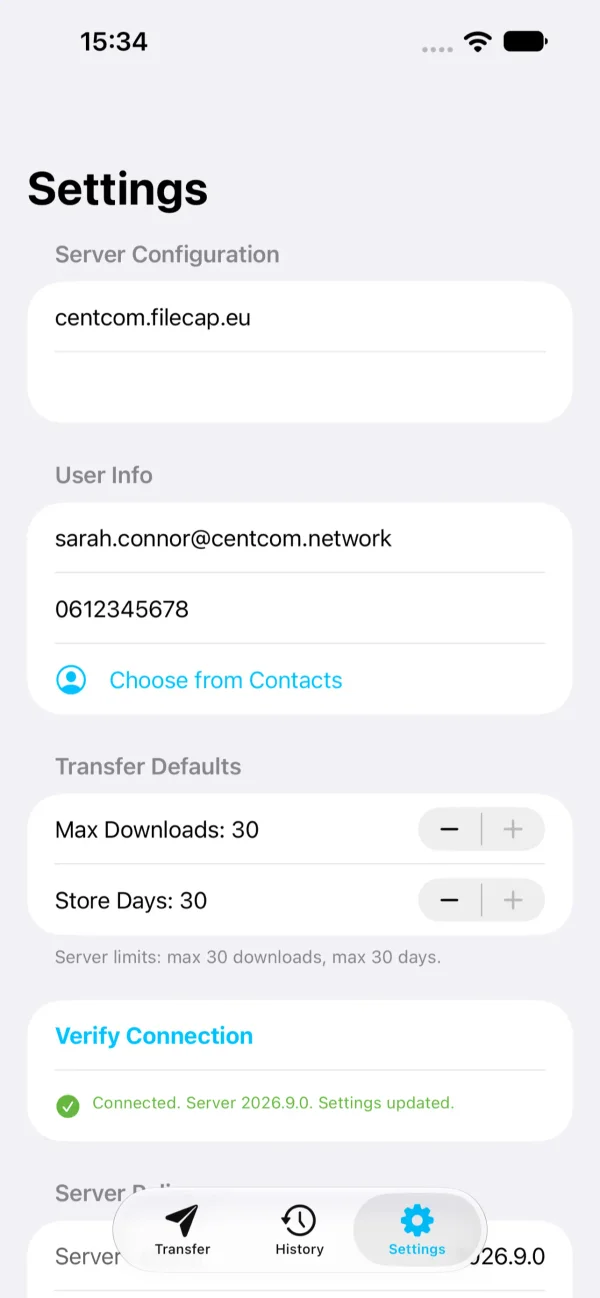
FileCap lets you send large or confidential files from your iPhone the safe way: through your organization's own FileCap server instead of as an email attachment. Recipients receive a download link and prove who they are with an email code, an SMS code or a password before they can open anything.
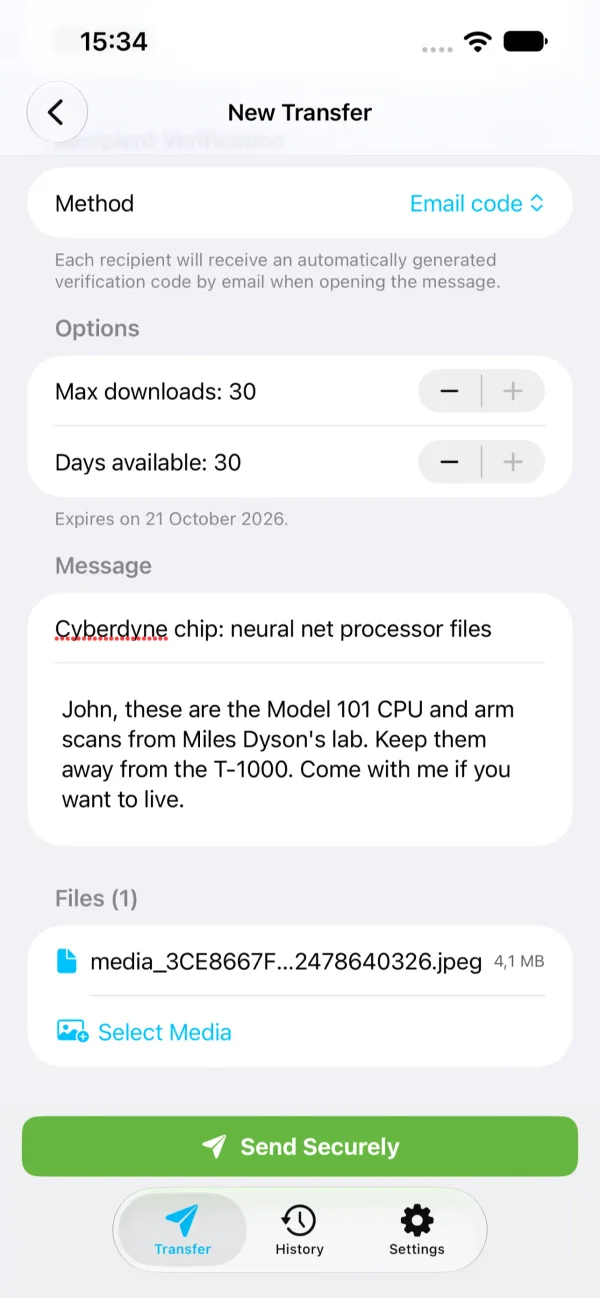
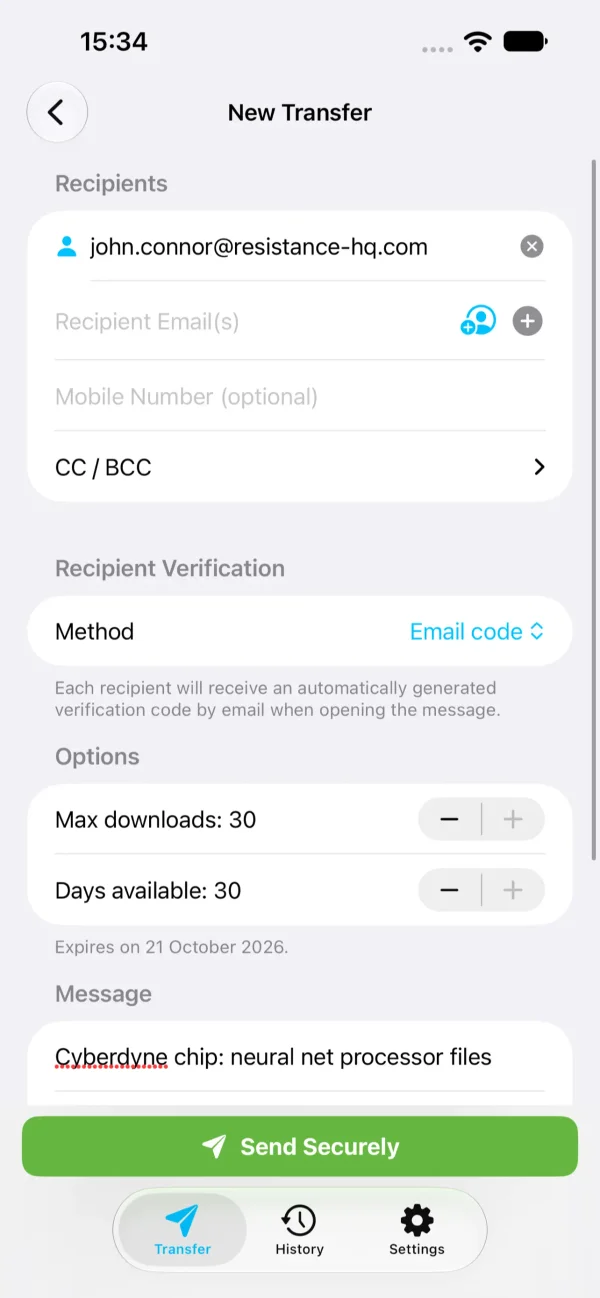
Send anything, from anywhere. Pick documents from the Files app or photos and videos from your library, or share straight from any other app with the FileCap share sheet. Add one or more recipients from your contacts, write a message, and send. Large uploads show live progress, can be cancelled, and continue in the background if you switch apps.
You decide how recipients verify. Choose per transfer whether recipients need an email code, an SMS code or a password, exactly the options your organization's server allows. Set how many times files may be downloaded and how long they stay available, always within your company policy.
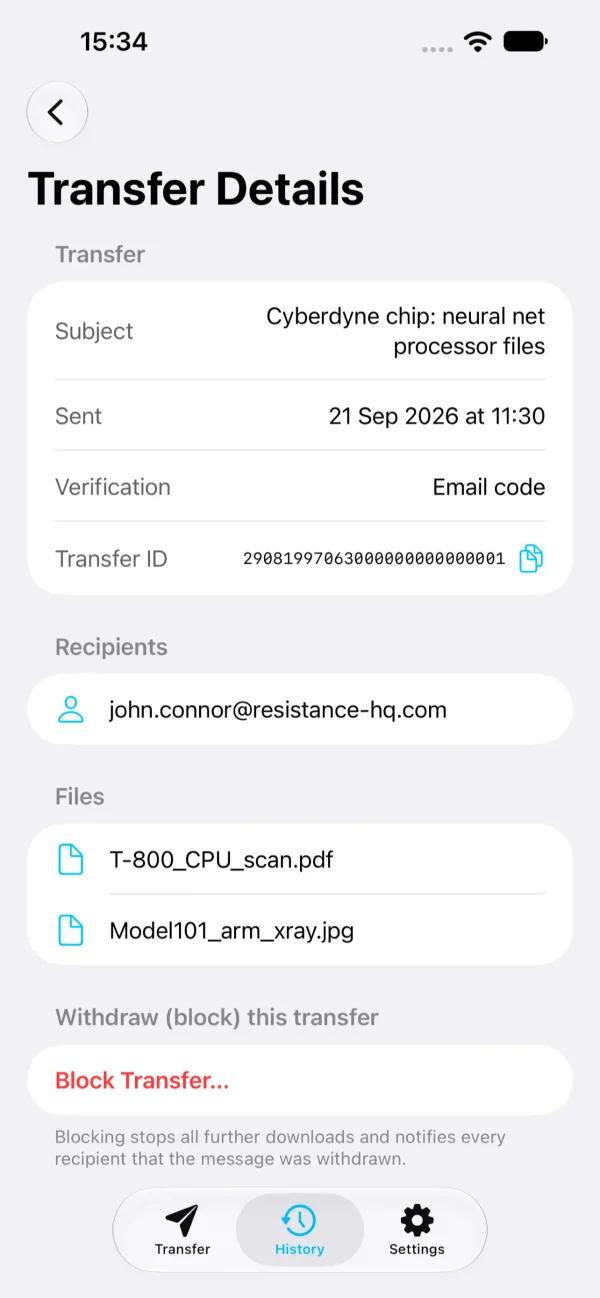
Stay in control after sending. Every transfer you send is kept in your history with its recipients, files and transfer ID. Sent something to the wrong person? Withdraw the transfer with one tap and all recipients are notified that it has been blocked.
Request files, too. Need documents from a customer or supplier? Send them a FileCap invite so they can upload to you securely, without needing an account.
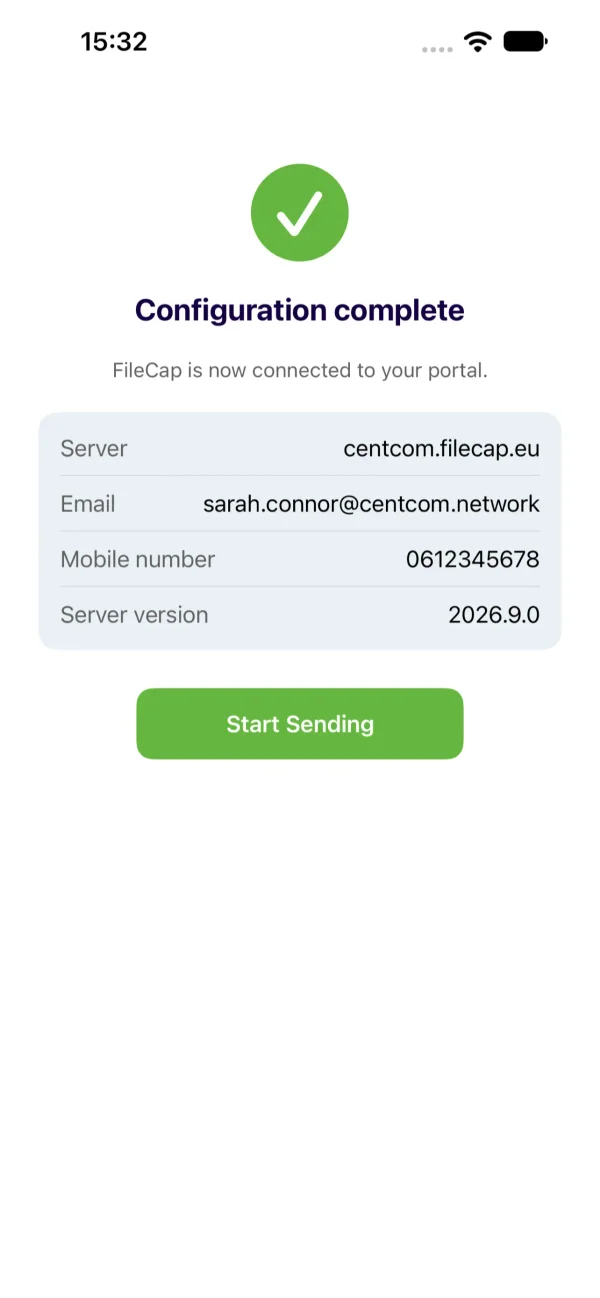
Built for business. Configure the app with a single link from your administrator, with no server addresses or keys to type. On company-managed devices, administrators can push the server, sender identity and transfer defaults through their MDM (Microsoft Intune, Jamf Pro, Google endpoint management, Workspace ONE, Ivanti and others); settings delivered this way are locked on the device. Text a transfer password with one tap, pick recipients from your contacts, and send diagnostic logs to FileCap support with one tap. Available in 16 languages with full VoiceOver support.
FileCap requires access to a FileCap server provided by your organization. Manuals for users and administrators, including the MDM configuration guide, are at docs.filecap.eu. Visit filecap.com to learn more.
新機能
バージョン 2.3.1 · 2026/9/29
• Device registration: on servers that require it, the app registers itself with a code sent by email. Paste the code in the app or tap the link in the email
• Share photos, videos and files from Photos, Files and other apps: FileCap now opens with your files in a new transfer
• Send Photos & Videos opens your photo library right away
• New transfers start with the verification method your organization has set as default
• Picking a contact without a mobile number no longer keeps the number of the previous contact
• Cancelling an upload while it is being prepared no longer leaves the app waiting
• Uploads that are refused because the device is not registered now explain what to do
アプリのプライバシー
このアプリのデータの取り扱いについて、Contec Software B.V.がApp Storeで申告している内容です。
-
データの収集なし
開発元はこのアプリからデータを収集しません。
プライバシーの取り扱いは、ご利用の機能やお客様の年齢などに応じて異なる場合があります。
情報
- 販売元
- Contec Software B.V.
- カテゴリ
- ユーティリティ
- バージョン
- 2.3.1
- 更新日
- 2026/9/29
- リリース
- 2015/5/11
- サイズ
- 2.1 MB
- 必要条件
- iOS 17.0以降
- 対象年齢
- 4+
- 価格
- 無料
- 言語
- 英語, チェコ語, デンマーク語, オランダ語, フィンランド語, フランス語, ドイツ語, イタリア語, ノルウェー語 (ブークモール), ポーランド語, ポルトガル語, ルーマニア語 ほか4言語
- 著作権
- © 2026 Contec Software B.V.
こちらもおすすめ
-
 Unzip Tool&zip,rarファイル解凍,圧縮ファイル解凍,圧縮管理ツール,ビデオプレーヤー
-
 解凍圧縮-Zip RAR 7Zファイルの圧縮と解凍暗号化対応のファイル展開
-
 iFrame - フレーム付きスクリーンショットフレーム付きスクリーンショット
-
 Wi-Fi Jammer Detectorユーティリティ
-
 Spotter - GPS Trackerユーティリティ
-
 Xdrop - Fastest File Transferユーティリティ
-
 CleaX Media Cleanerユーティリティ
-
 CleanAirOptimaユーティリティ
-
 All Docs: PDF & File Appユーティリティ
-
 Joyhub Remoteユーティリティ