- 対象年齢4+
- カテゴリユーティリティ
- 開発元永 张
- 言語英語ほか1言語
- サイズ661.0 KB
App Storeの公式ページにリンクしています
Download.orgはFillframeのファイルを一切ホストしていません。ボタンを押すと、永 张が公開しているApp Storeのアプリページが開きます。ページの最終確認:2026/11/13。
スクリーンショット

概要
開発元はこのテキストをお使いの言語で提供していません。
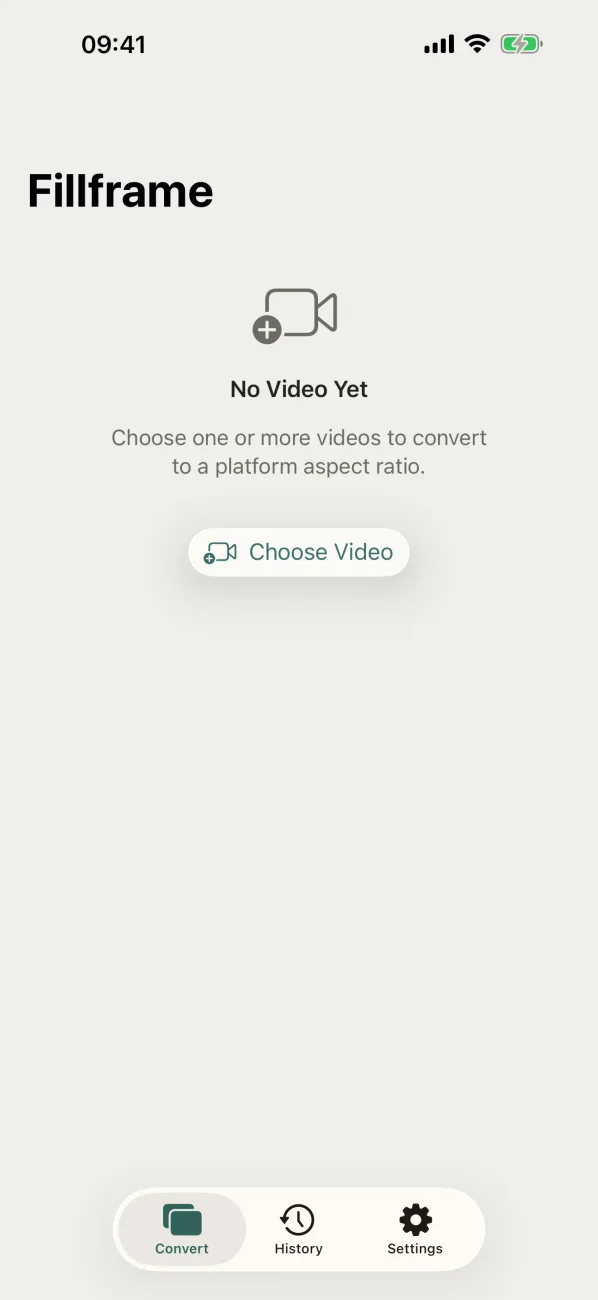
Fillframe converts any video to the exact aspect ratio your platform needs — vertical 9:16 for Reels, TikTok, and Stories, square 1:1 for feed posts, or widescreen 16:9 for YouTube — without cropping your shot or adding ugly black bars.
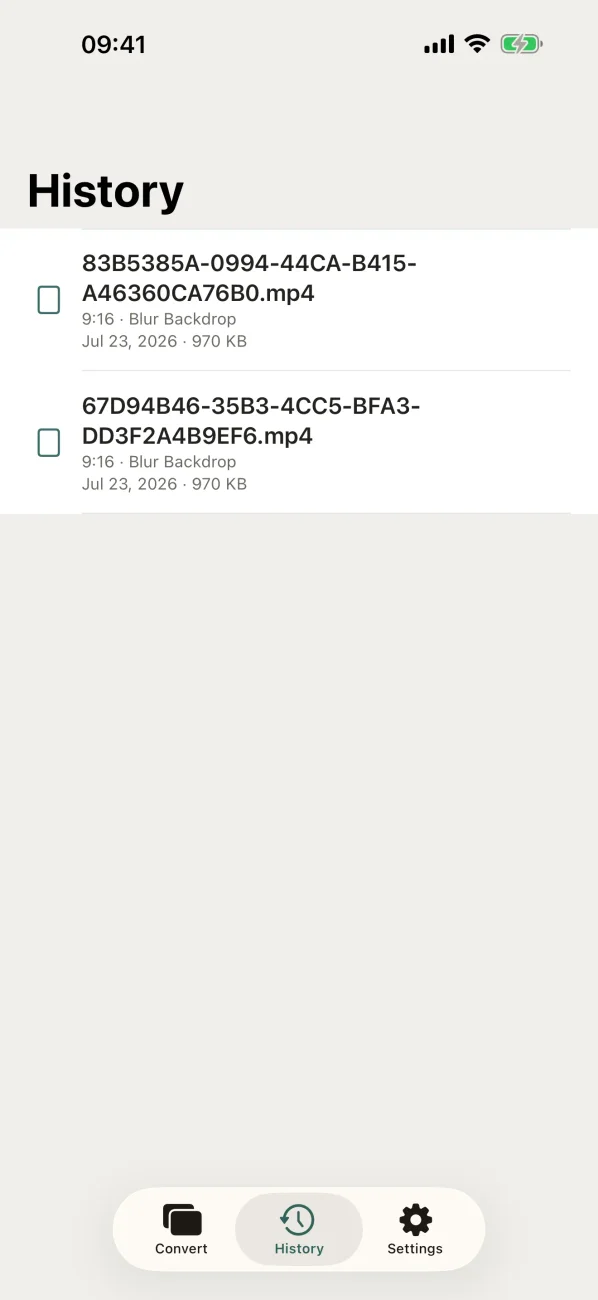
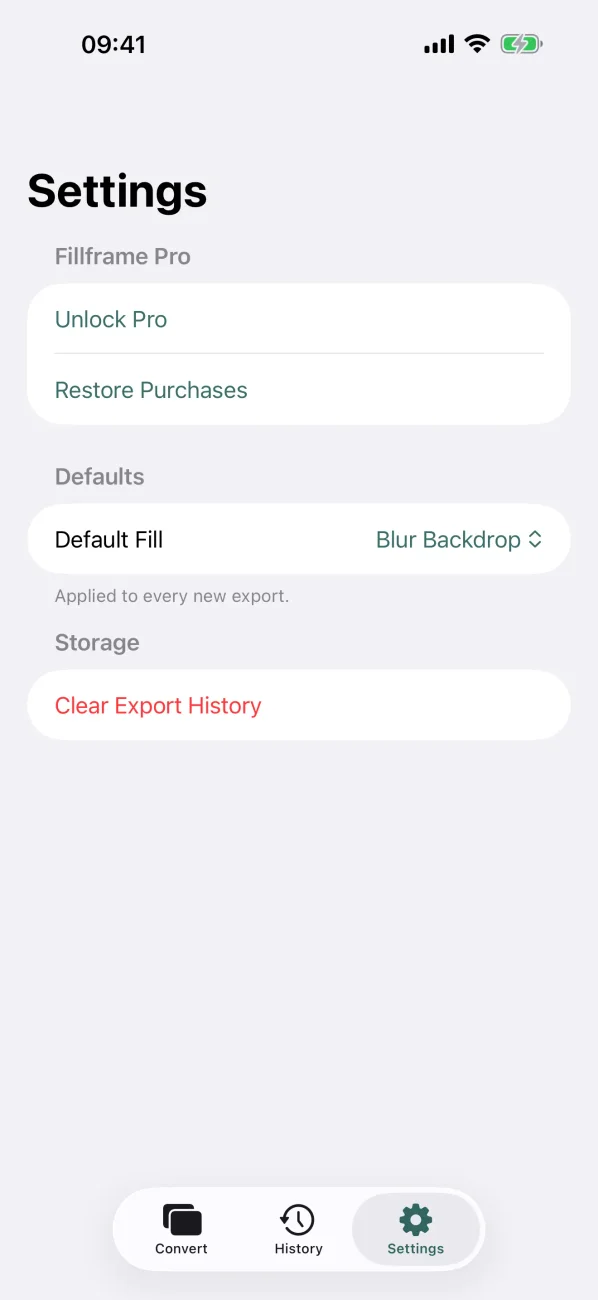
Most converters force a choice: crop and lose part of your frame, or letterbox and waste screen space. Fillframe extends the frame instead. Pick from four fill strategies — a softly blurred backdrop, a matched solid color, mirrored edge pixels, or a smooth gradient — and preview each one live before you export.
Drop in a video, tap a platform preset, swipe through fill previews, and export. Every preset locks in the correct pixel dimensions and a safe-zone guide so captions and on-platform UI never collide with your subject.
Convert one video or several at once — apply a single configuration across a whole batch and let it process in the background. Every export is saved to a private, on-device history so you can find, re-export, or share it again later.
Fillframe works entirely on your device. No account, no sign-in, no uploads — your videos never leave your phone.
アプリのプライバシー
このアプリのデータの取り扱いについて、永 张がApp Storeで申告している内容です。
-
データの収集なし
開発元はこのアプリからデータを収集しません。
プライバシーの取り扱いは、ご利用の機能やお客様の年齢などに応じて異なる場合があります。
情報
- 販売元
- 永 张
- カテゴリ
- ユーティリティ
- バージョン
- 1.0
- 更新日
- 2026/8/4
- リリース
- 2026/8/4
- サイズ
- 661.0 KB
- 必要条件
- iOS 26.0以降
- 対象年齢
- 4+
- 価格
- 無料
- アプリ内課金
- あり
- 言語
- 英語, 簡体字中国語
- 著作権
- Copyright © 2026 Peter Zhang. All rights reserved.