- 対象年齢4+
- カテゴリ仕事効率化
- 開発元Prophoenix Corporation
- 言語英語
- サイズ88.8 MB
Fire Mobileは現在App Storeで入手できない可能性があります
前回の確認時、ストアのページにアクセスできませんでした。リンク先は引き続きApp Storeの公式ページです。
スクリーンショット

概要
開発元はこのテキストをお使いの言語で提供していません。
Mobile Inspections is designed to increase the productivity of your inspectors in the field, while maximizing agency revenue. This complete, untethered solution is an extension of the EZFire Records solution (required to run the Fire Mobile app) and available for iPad.
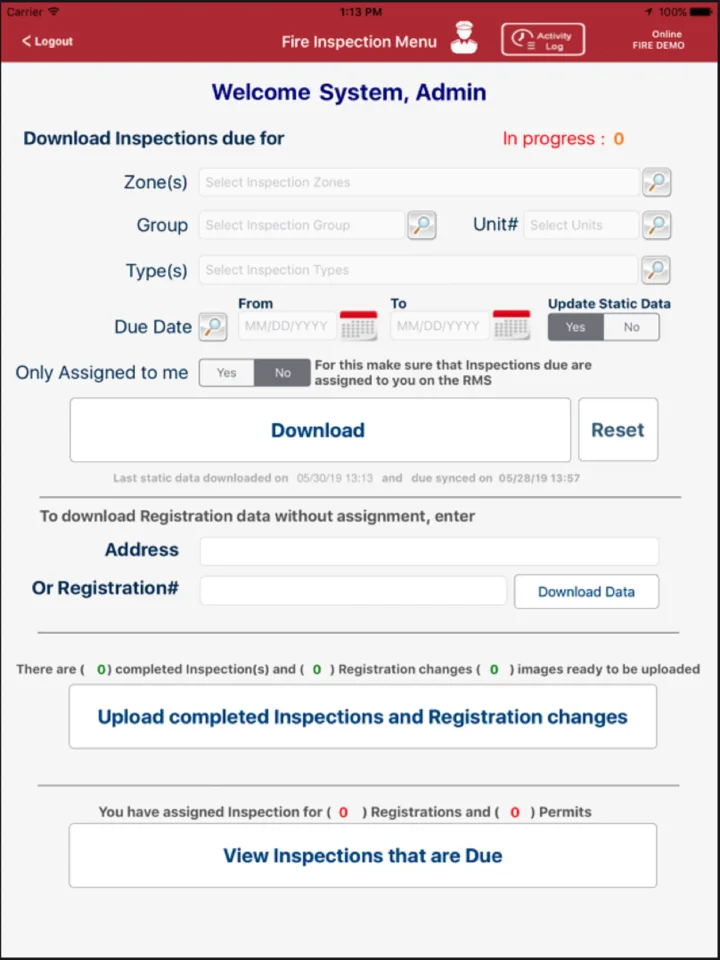
Inspection results, including violations, update the EZFire Records Inspection and Permits modules immediately (or synchronizes as soon as a Wi-Fi or cellular connection is re-established). When an unscheduled inspection is required the inspector can download the property record in the field without having to return to the station.
The results include increased productivity, more timely and accurate inspection reporting, and better service to your customer. Signed inspection reports are immediately available to business owners and other customers.
With EZFire Records Mobile Inspections, your inspectors can:
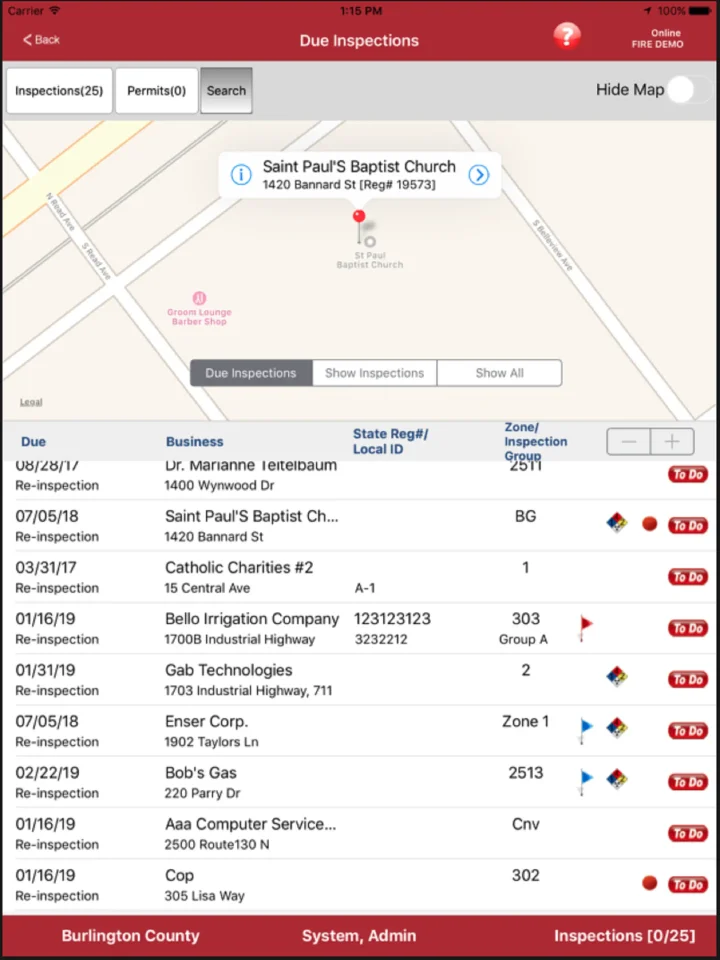
-Use the tablet touchscreen to select an assigned building or hydrant inspection directly from the map, or from a list of inspections due
-View the complete premise registration record and make any necessary updates. Select the appropriate inspection type (including re-inspection) from a dropdown list.
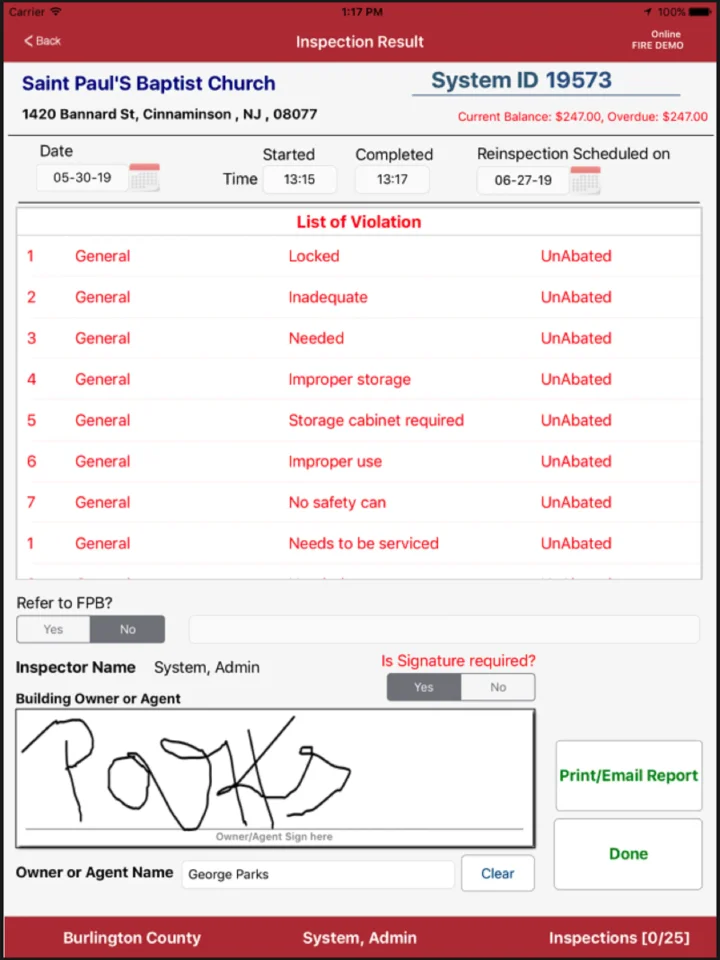
-Streamline re-inspection activity. All current violations for a location are automatically displayed and can be marked as abated or updated for re-inspection.
-Easily record multiple violations of the same type without duplicate reentry of the violation code.
-Touch a single on-screen button to record a "No Violations Found" inspection.
-Record penalty amounts at the time of the inspection based on codes and standards you currently use.
-Add remarks to the record at any time using the tablet's onscreen keypad (or Bluetooth keyboard), with the option to include or omit the remarks on the violation notice.
-Capture the signature of the owner/representative directly on the tablet. (The inspector's signature is already stored.)
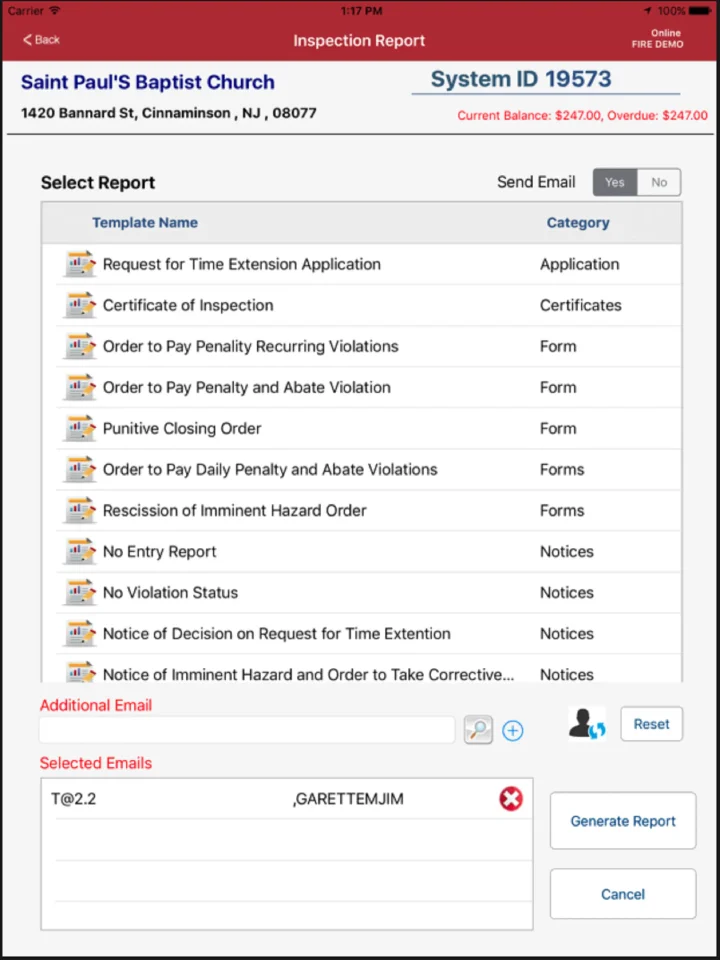
-Email the signed report, or print it on-site to a Bluetooth printer.
EZFire Records Mobile Inspections for Tablets is:
-Easy to Learn and Use: Intuitive navigation and built-in inspections workflow present the user with the next appropriate screen, making EZFire Records Mobile Inspections easy to learn and use.
-Secure: Secure login and data encryption protects property and owner information from unauthorized access if the tablet is lost or stolen.
-More Efficient: With the map interface, your inspectors will make a logical and fast progression from one inspection to the next.
The Mobile Inspections for Tablets solution will work only with Enterprise RMS edition which has license for Inspection through remote services.
During inspection, fire fighters can pin the location of the building/hydrant to store the location data. This uses the GPS in the device.
Disclaimer: "Continued use of GPS can dramatically decrease battery life."
Please Note:
• If your tablet is upgraded to Fire Mobile 4.1 and you are not running the latest Fire RMS 2016 R2, your Fire Mobile App will not work.
• Be sure to upload all completed inspections from the device before upgrading the app.
新機能
バージョン 6.2.6 · 2025/2/3
minor bug fix.
アプリのプライバシー
このアプリのデータの取り扱いについて、Prophoenix CorporationがApp Storeで申告している内容です。
-
データの収集なし
開発元はこのアプリからデータを収集しません。
プライバシーの取り扱いは、ご利用の機能やお客様の年齢などに応じて異なる場合があります。
情報
- 販売元
- CHENOSA SYSTEMS CORPORATION
- カテゴリ
- 仕事効率化
- バージョン
- 6.2.6
- 更新日
- 2025/2/3
- リリース
- 2014/4/24
- サイズ
- 88.8 MB
- 必要条件
- iOS 9.1以降
- 対象年齢
- 4+
- 言語
- 英語
- 著作権
- © 2023 ProPhoenix Corporation