- 対象年齢4+
- カテゴリライフスタイル
- 開発元方 沈
- 言語英語
- サイズ2.7 MB
App Storeの公式ページにリンクしています
Download.orgはFlashlight Reminderのファイルを一切ホストしていません。ボタンを押すと、方 沈が公開しているApp Storeのアプリページが開きます。ページの最終確認:2026/11/12。
スクリーンショット

概要
開発元はこのテキストをお使いの言語で提供していません。
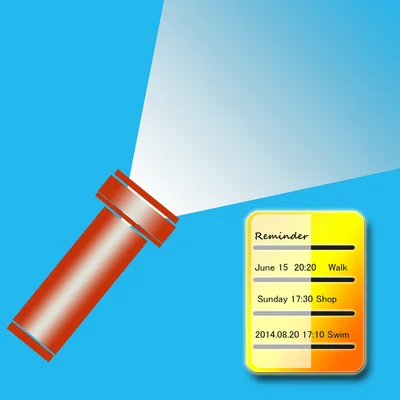
Turn on the flashlight at the indicted time. At night, use this app to help ourself see the remote view. At night, tell remote friends what we want to do and what they need to do. Only for iPhone.
The app has the same usage as the following app:
talking reminder: talk the text at the indicted time
sound reminder:play music file or talk text at the indicted time
camera capture event: record video or take photo at the indicted time
sound record event:record the sound at the indicted time
Introduction
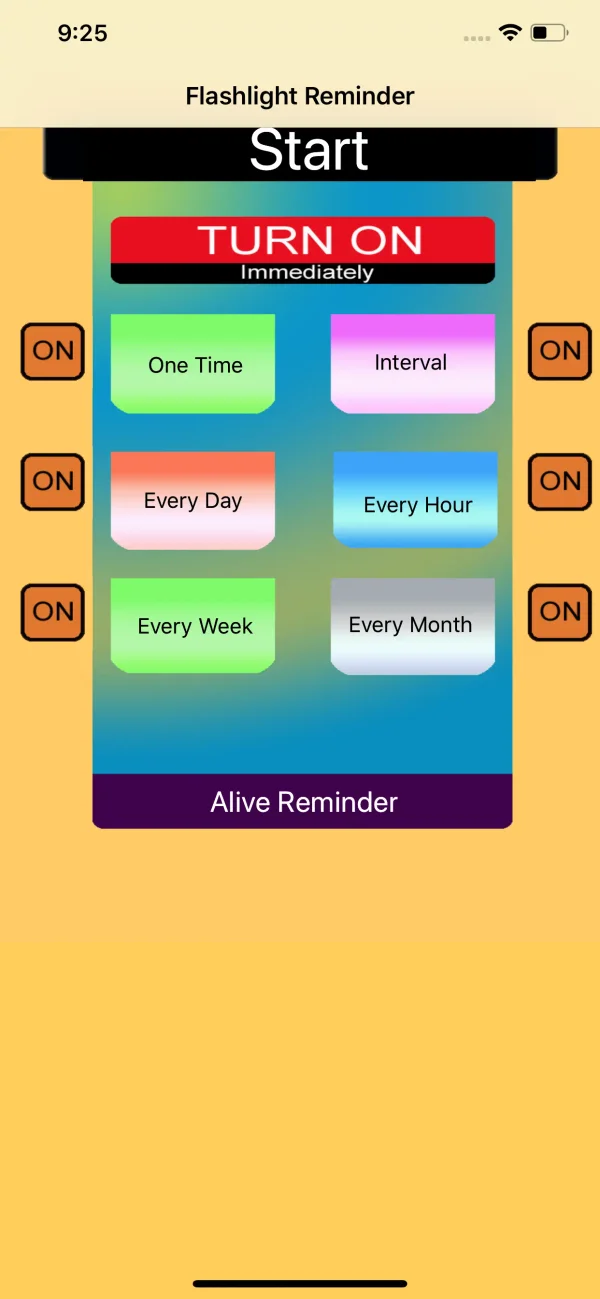
Flashlight Reminder could turn on the Flashlight at the indicted time and turn off the flashlight after the indicted duration.The time is indicted by six kinds of different event schedulers.They are called One Time Reminder, Interval Reminder, One Hour Reminder,One Day Reminder,One Week Reminder and One Month Reminder.
Features
1.Turn on the flashlight by One time reminder. 2 turn on the flashlight by interval reminder. 3 Turn on the flashlight by every hour reminder. 4 Turn on the flashlight by every day reminder 5. Turn on the flashlight by every week reminder. 6 Turn on the flashlight by every month reminder. 7 Turn off the flashlight after the indicted duration.
Usage
When we use the app for the first time, the database is empty. So we need add the reminder recorder.
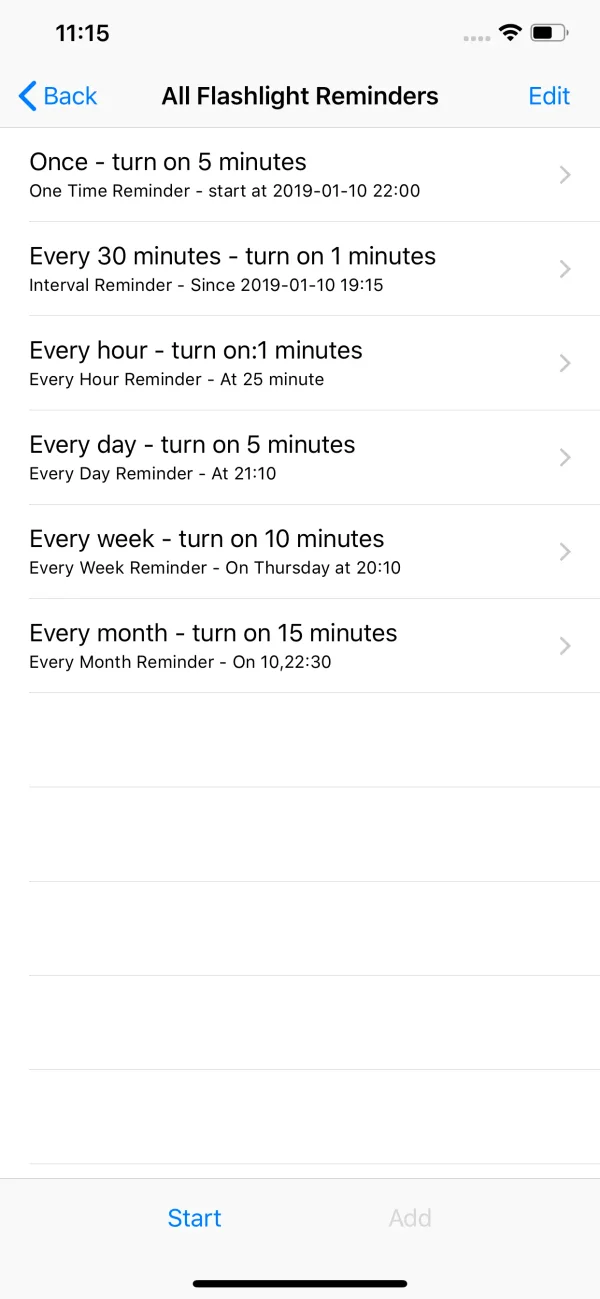
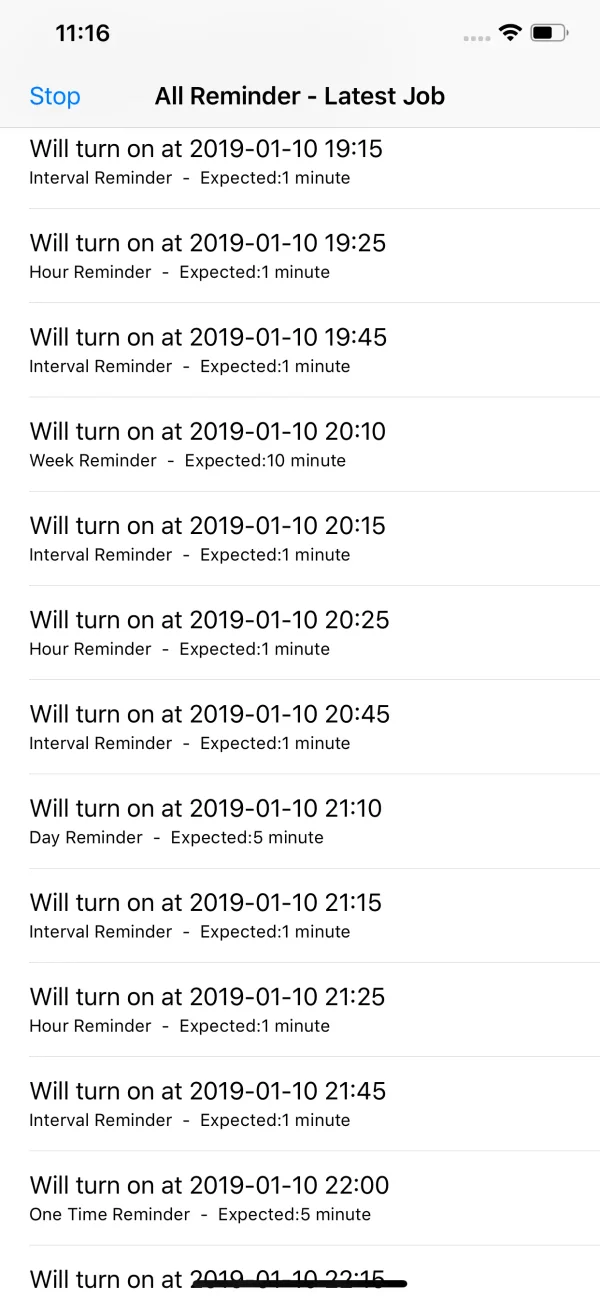
Tap any event button, we could begin to add new reminder record. Then , return back to the main view, tap the Alive Reminder button, we could check whether our input is correct. After that, back to the main view. tap the start button.
Example Add Every Hour Event
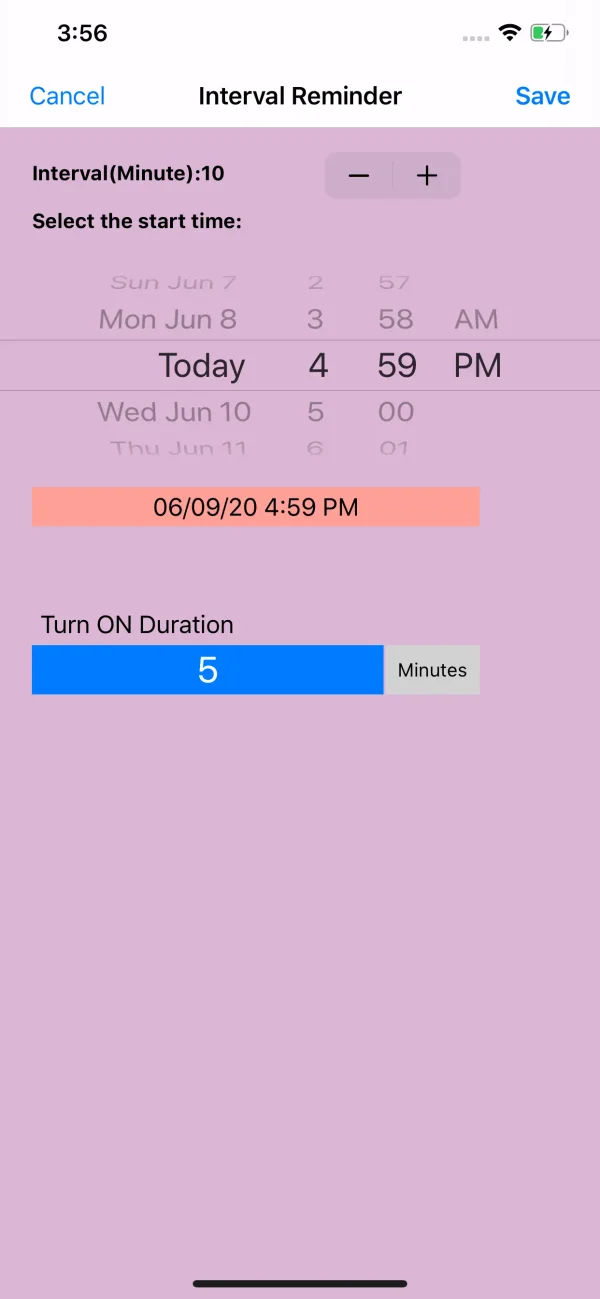
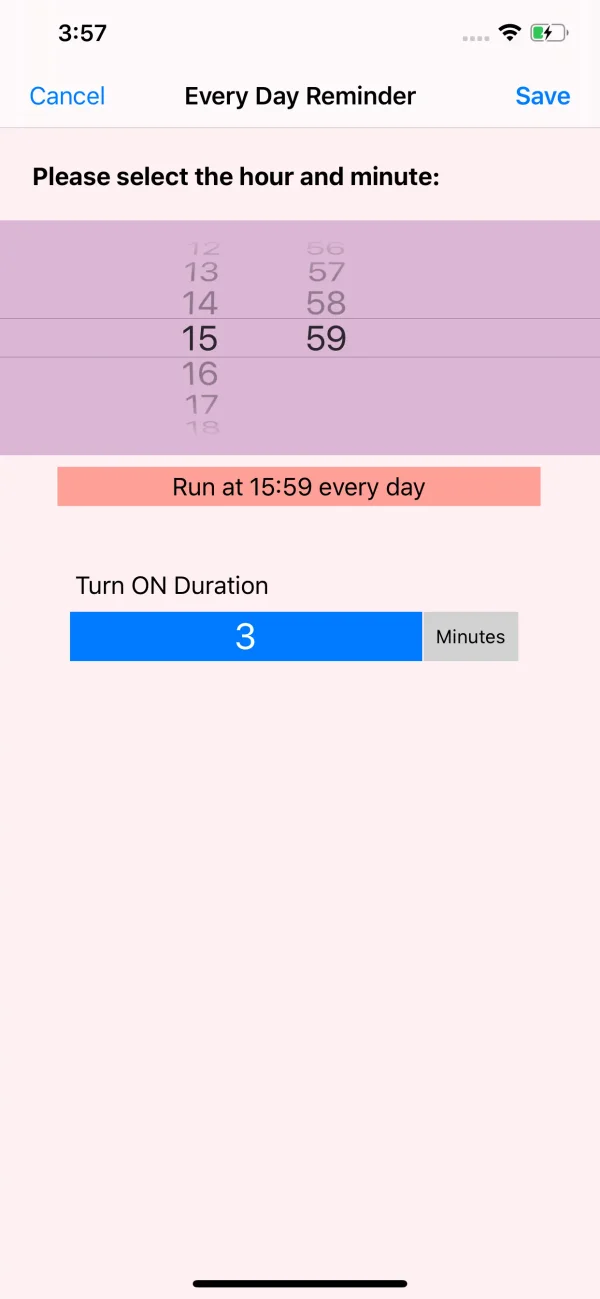
From the main view, tap the every hour reminder button, then the every hour event list view will be displayed. Then tap the add button at the bottom tool bar. So new record view will be displayed. Select the start time and the duration. Finally, tap the save button. The new every hour event record will be displayed in the list.
Example: Add Every Week Reminder
From the main view, tap the every week reminder button, then the every week reminder list view will be displayed. Then tap the add button at the bottom tool bar. So new record view will be displayed. Select the start time and the duration.Finally, tap the save button. The new every week record will be displayed in the list.
Notice: For the current edition, this app is only foreground app. When the job list is displayed, the app must be in the foreground status and cannot press the home key at this time.
新機能
バージョン 1.5.2 · 2024/5/24
Improve the performance of the interval reminder. For the interval reminder job, in the job list, all of the jobs in the 48 hours will be displayed in the list. in the earlier edition, only jobs in the 24 hours will be displayed.
アプリのプライバシー
このアプリのデータの取り扱いについて、方 沈がApp Storeで申告している内容です。
-
データの収集なし
開発元はこのアプリからデータを収集しません。
プライバシーの取り扱いは、ご利用の機能やお客様の年齢などに応じて異なる場合があります。
情報
- 販売元
- 方 沈
- カテゴリ
- ライフスタイル
- バージョン
- 1.5.2
- 更新日
- 2024/5/24
- リリース
- 2014/10/28
- サイズ
- 2.7 MB
- 必要条件
- iOS 12.0以降
- 対象年齢
- 4+
- 価格
- 無料
- 言語
- 英語
- 著作権
- © 2014-2024 Fang Shen