- 対象年齢4+
- カテゴリナビゲーション
- 開発元Aeroapps Technology
- 言語英語
- サイズ31.8 MB
FlightReady Flight Managerは現在App Storeで入手できない可能性があります
前回の確認時、ストアのページにアクセスできませんでした。リンク先は引き続きApp Storeの公式ページです。
スクリーンショット


概要
開発元はこのテキストをお使いの言語で提供していません。
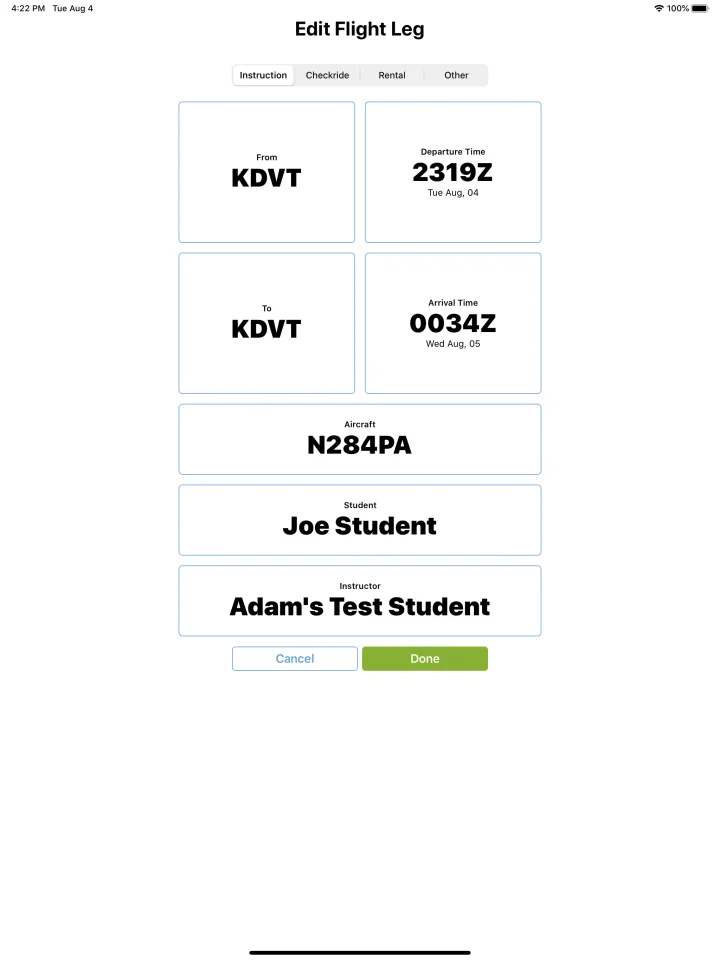
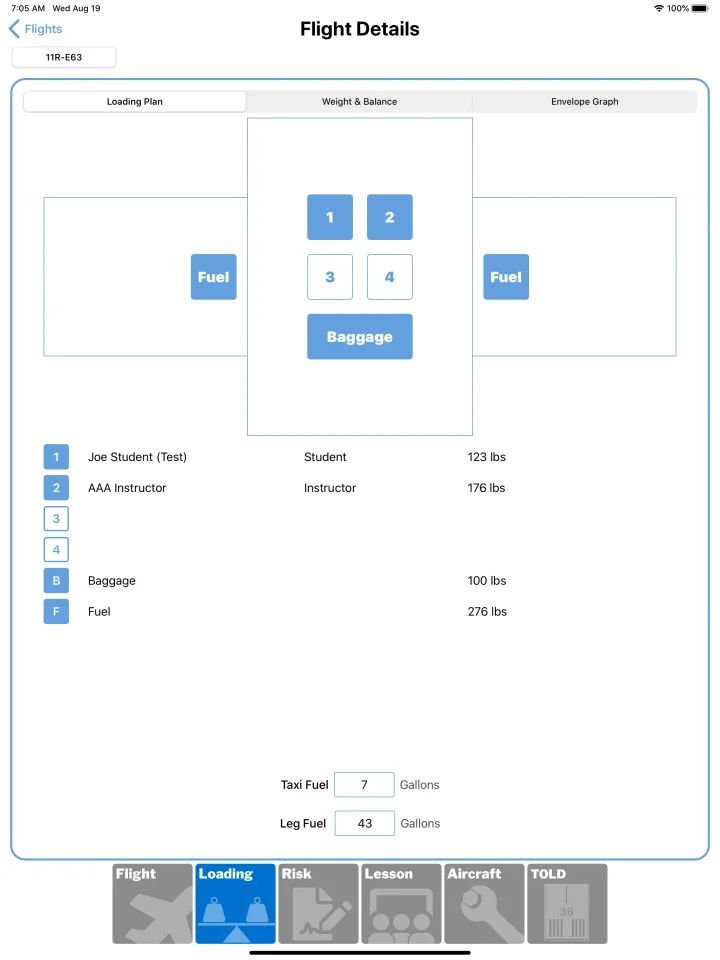
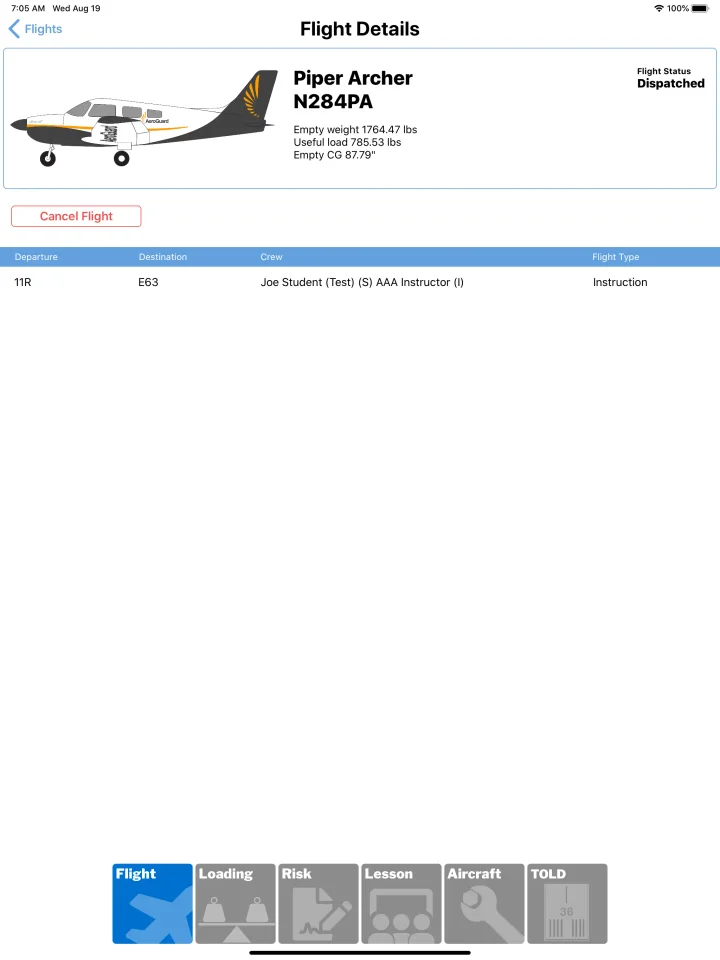
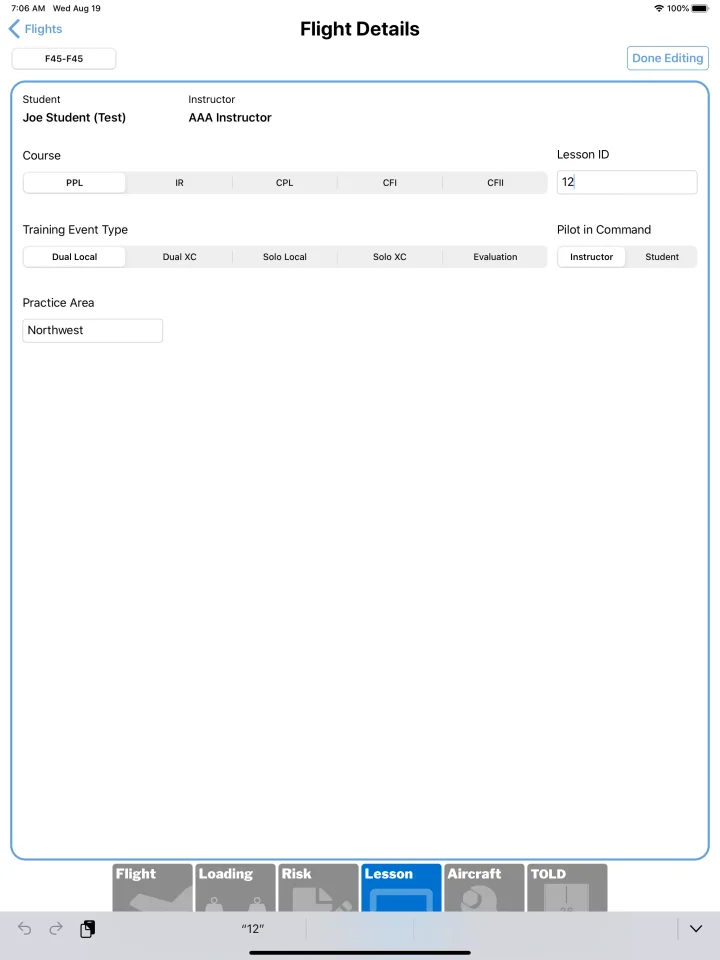
Flight Manager is the mobile companion to FlightReady TOM (Training & Operations Manager) for organizations that manage training, flight operations, scheduling, dispatch, and safety with TOM. Users can view and manage scheduled flights and resource assignments, access managed documents and training materials, and complete flight safety risk assessments.
Users must have a FlightReady account linked to their organization to use Flight Manager.
Key capabilities include:
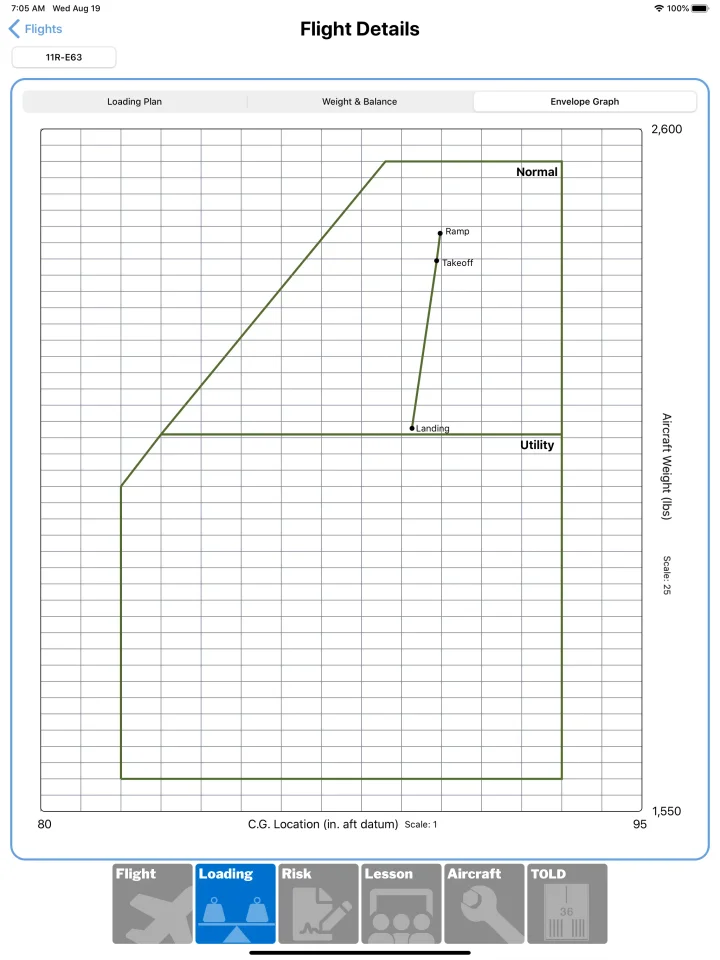
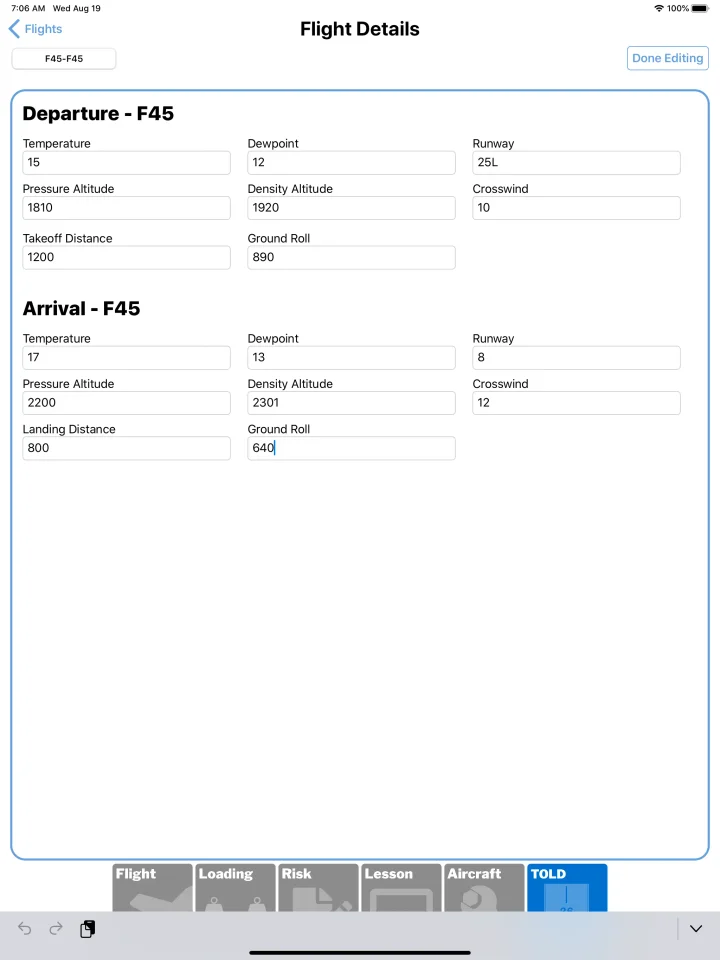
▸ Complete loading, performance, and risk assessment for scheduled and ad hoc flights
▸ View and manage organization-managed documents and training materials.
Flight Manager is not a standalone consumer app. It is purpose-built for organizations using FlightReady TOM, extending training management, dispatch, safety, and compliance workflows to mobile devices while maintaining a single source of truth for operational and training data.
If you experience any technical issues using this app, please review the common issues listed below before contacting support. If you need help, tap the Support button on the login view or main menu view.
Username or password incorrect
The information you entered does not match any account. Accounts are manager by your flight school. If you forgot your login information, please contact your flight school.
Login Issues: Forgot Password
If you forgot your password, enter your email address, then tap Reset Password. If an account is registered under that email, an email with a password reset link will be sent to that email address.
You must enter the correct email address associated with your account, and your account must have been confirmed. If you have never used your account, you must confirm it before attempting to change the password.To confirm a new account, follow the instructions in the welcome email. If you do not have access to that e-mail, please contact your flight school.
Login Issues: Forgot My Username
The username is the email address associated with your account. To recover your username, please contact your flight school.
Login Issues: Did not receive verification email
A verification email is sent when you confirm a new account or request to reset your password. The purpose of this email is to ensure that you have access to a valid email account. This email is automatically sent to the same email address associated with your account, and may take a few minutes to arrive. If it does not arrive within a few minutes please check your spam or junk mail filters.
Aircraft weight and balance not being accepted
If the app does not accept the information you enter, then the information you entered is incorrect. Confirm that you are using the same starting empty weight and balance that is displayed in the app, then check your calculations.
新機能
バージョン 1.68.0 · 2026/11/26
▸ Create risk mitigation plan for flights with high risk scores.
▸ Bug fixes and performance improvements.
アプリのプライバシー
このアプリのデータの取り扱いについて、Aeroapps TechnologyがApp Storeで申告している内容です。
-
ユーザーに関連付けられたデータ
収集され、ユーザーの識別情報に関連付けられる場合があります。
- ID
- 使用状況データ
- 機密情報
-
ユーザーに関連付けられないデータ
収集される場合がありますが、ユーザーの識別情報には関連付けられません。
- 診断
プライバシーの取り扱いは、ご利用の機能やお客様の年齢などに応じて異なる場合があります。
情報
- 販売元
- Aeroapps Technology, LLC
- カテゴリ
- ナビゲーション
- バージョン
- 1.68.0
- 更新日
- 2026/11/26
- リリース
- 2020/8/5
- サイズ
- 31.8 MB
- 必要条件
- iOS 18.1以降
- 対象年齢
- 4+
- 言語
- 英語
- 著作権
- © 2020-2026 Aeroapps Technology, LLC