Flow Clock: Focus & track time
Neat focus timer / tracker
iPhone, iPad, Mac向けに設計
無料 · アプリ内課金
- 対象年齢4+
- カテゴリ仕事効率化
- 開発元Wild Hut Technology Co., Ltd.
- 言語英語ほか2言語
- サイズ68.4 MB
App Storeの公式ページにリンクしています
Download.orgはFlow Clock: Focus & track timeのファイルを一切ホストしていません。ボタンを押すと、Wild Hut Technology Co., Ltd.が公開しているApp Storeのアプリページが開きます。ページの最終確認:2026/11/23。
スクリーンショット


概要
開発元はこのテキストをお使いの言語で提供していません。
Flow Clock is a minimal, flexible tool designed to make the Pomodoro technique and time management simple. Alongside your time records, you can keep notes, photos and a diary, so reviewing your day means more than looking at a set of numbers.
You can use Flow Clock when you...
... need to concentrate
... wonder where your time went every day
... want to reduce procrastination
... are studying for an exam
... work from home
... want to record your day and understand your own rhythm
## Key Features
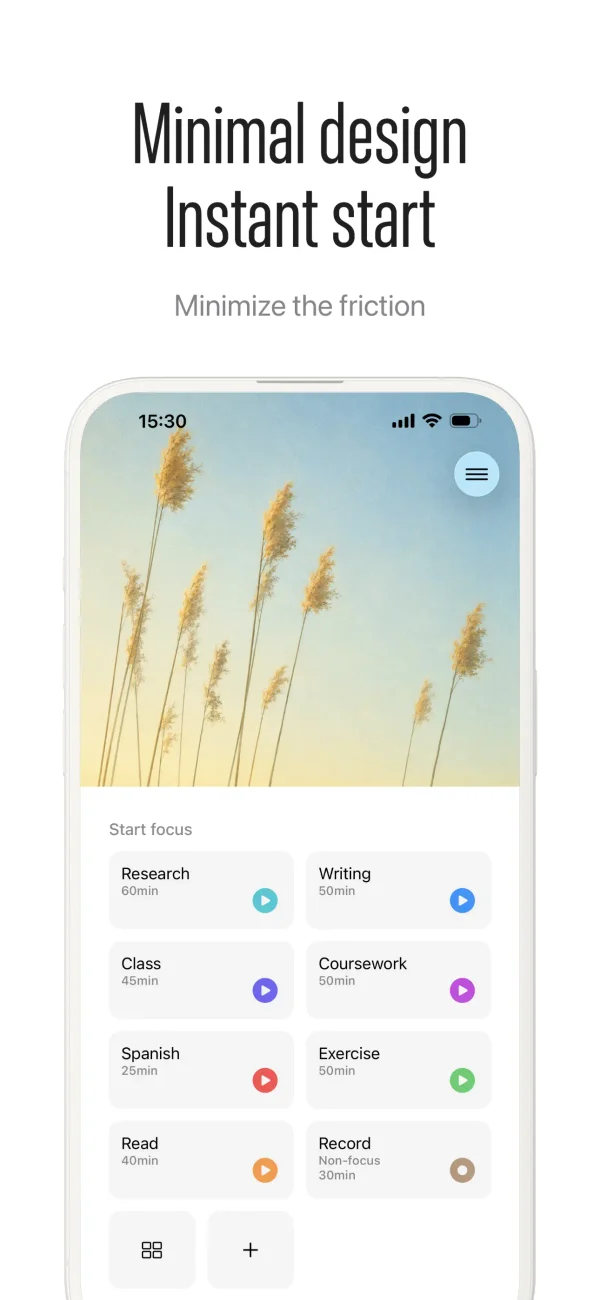
- Flexible Pomodoro timer: choose a focus theme and duration, or leave the timer open-ended; start, pause and resume at your own pace
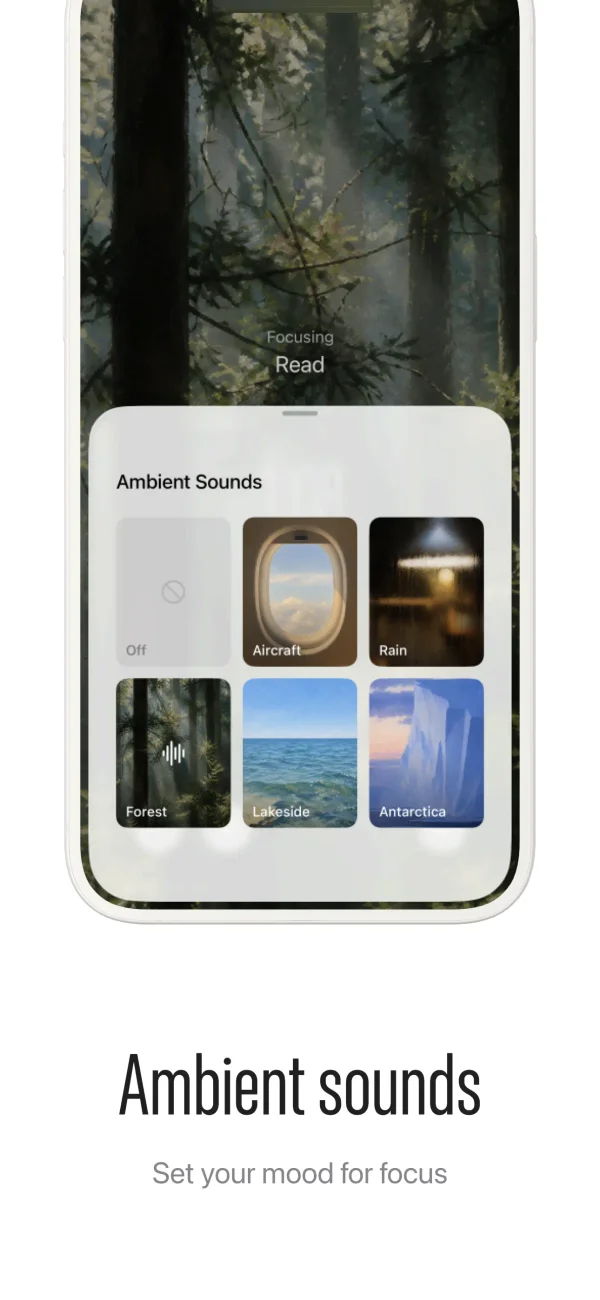
- Focus and relaxation: make room for breaks, with ambient sounds to suit the moment
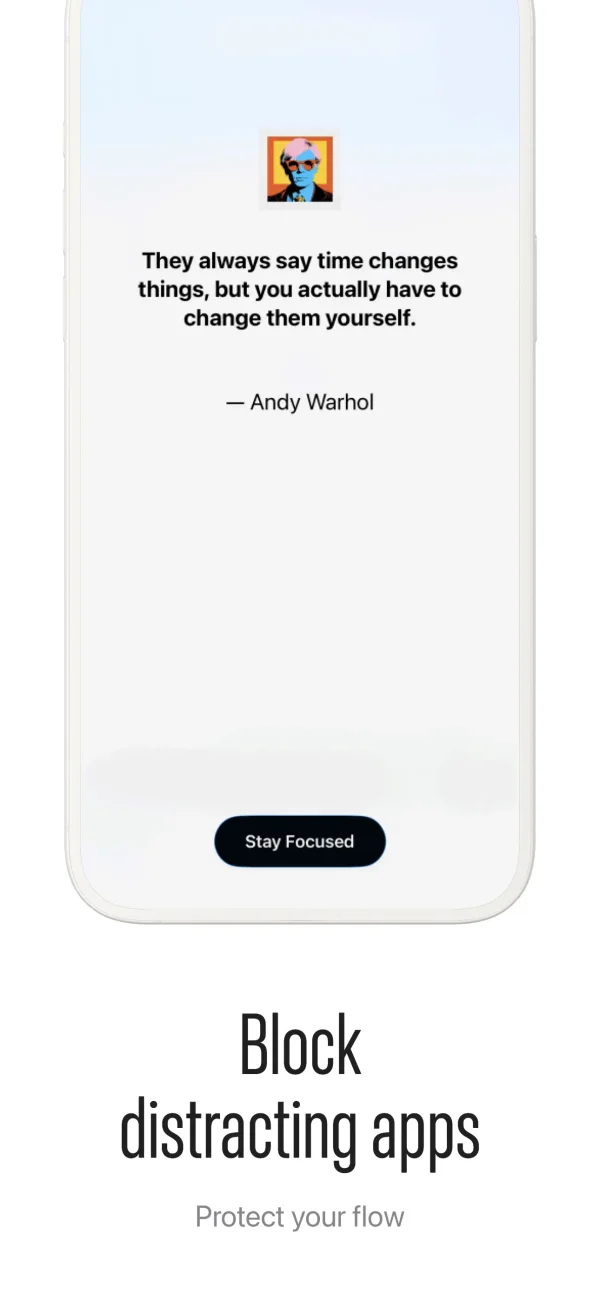
- Block distracting apps: keep only your chosen apps available during focus sessions
- Time records: add notes, time tags and photos, or add and adjust records later
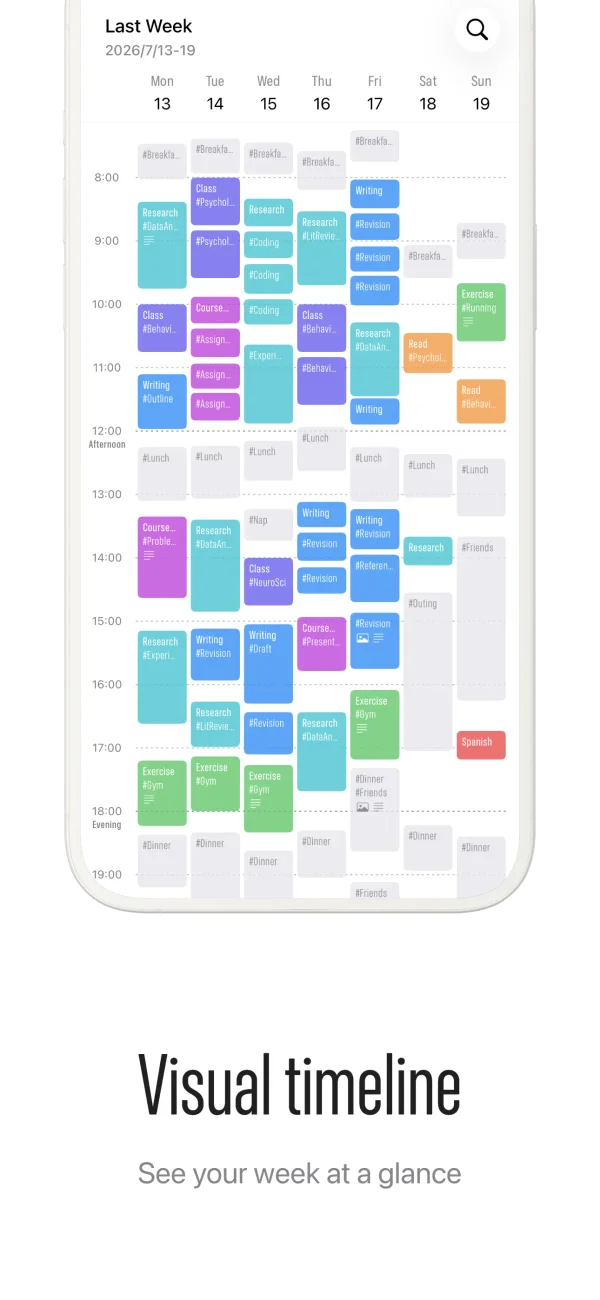
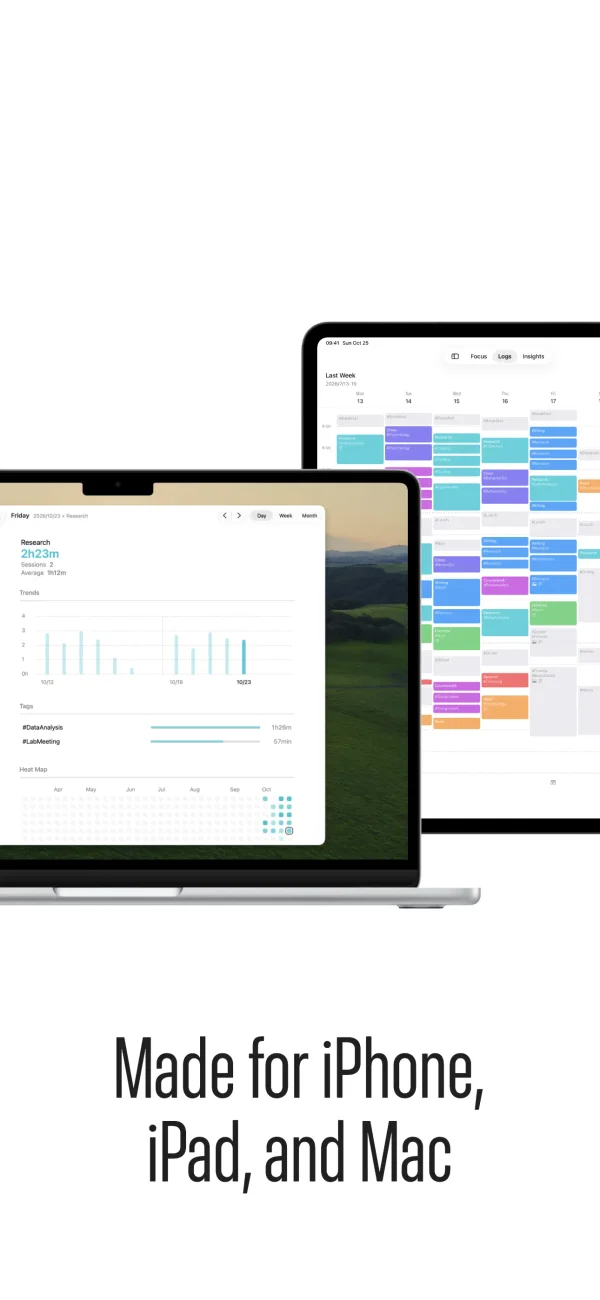
- Visual timeline: review focus sessions and other time records by day or week
- Diary: bring together writing, photos, places and weather to remember more of your day
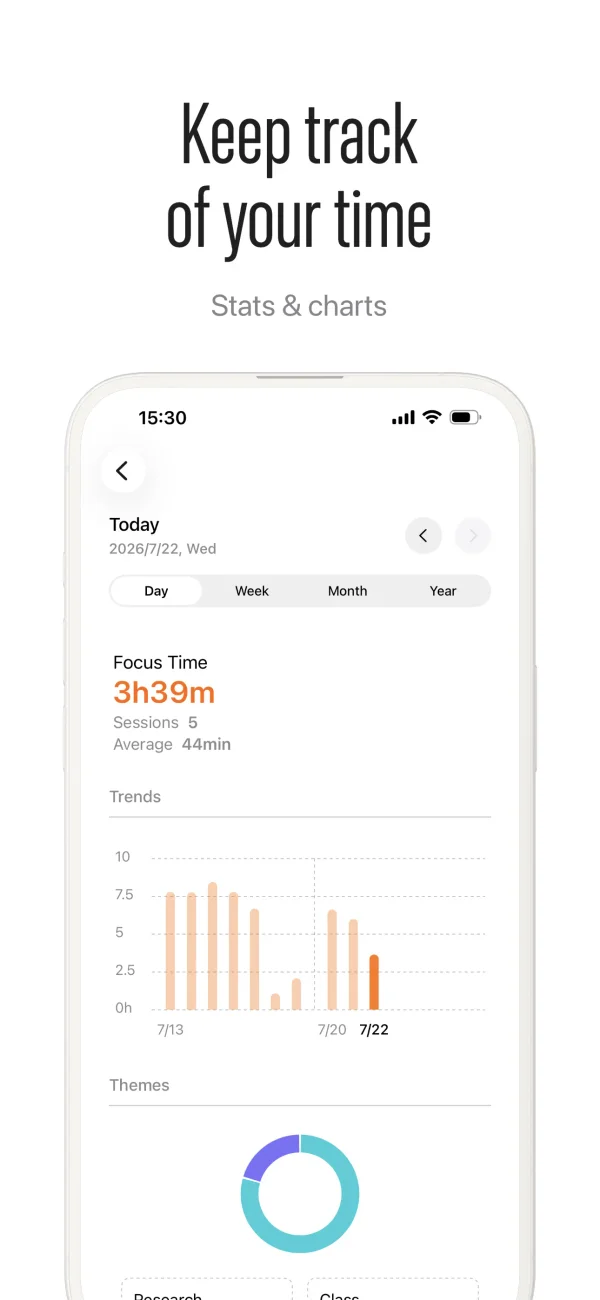
- Stats and charts: explore how you spend your time through focus themes, time tags and trends
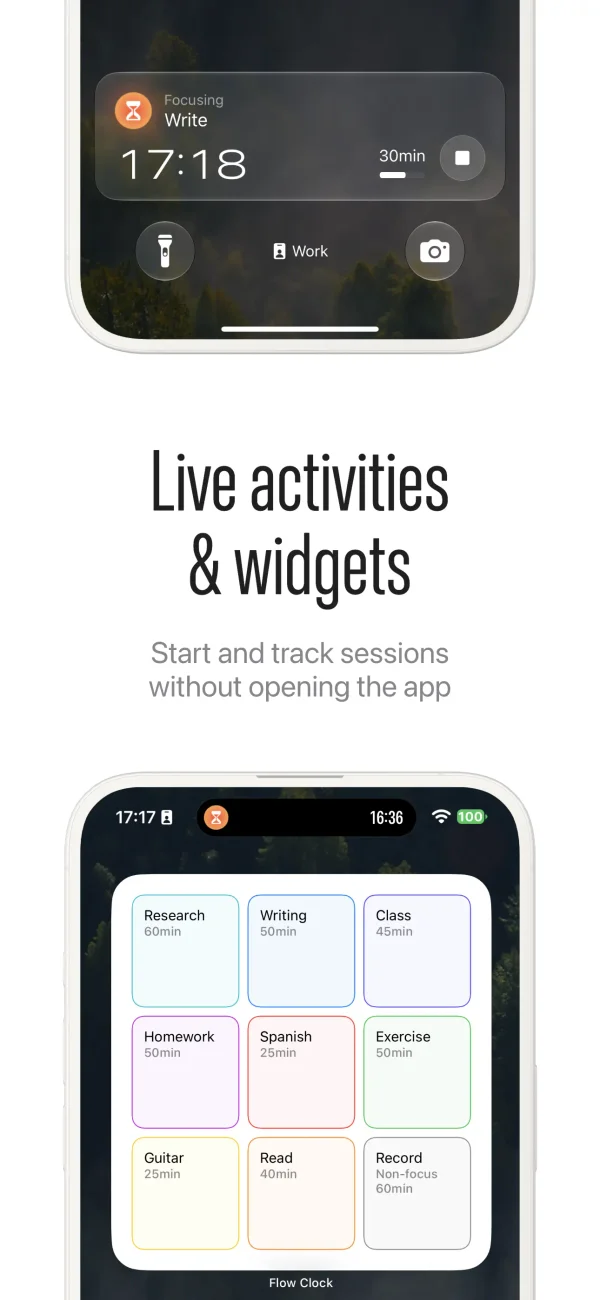
- Widgets and Live Activities: start a timer and keep its progress close at hand
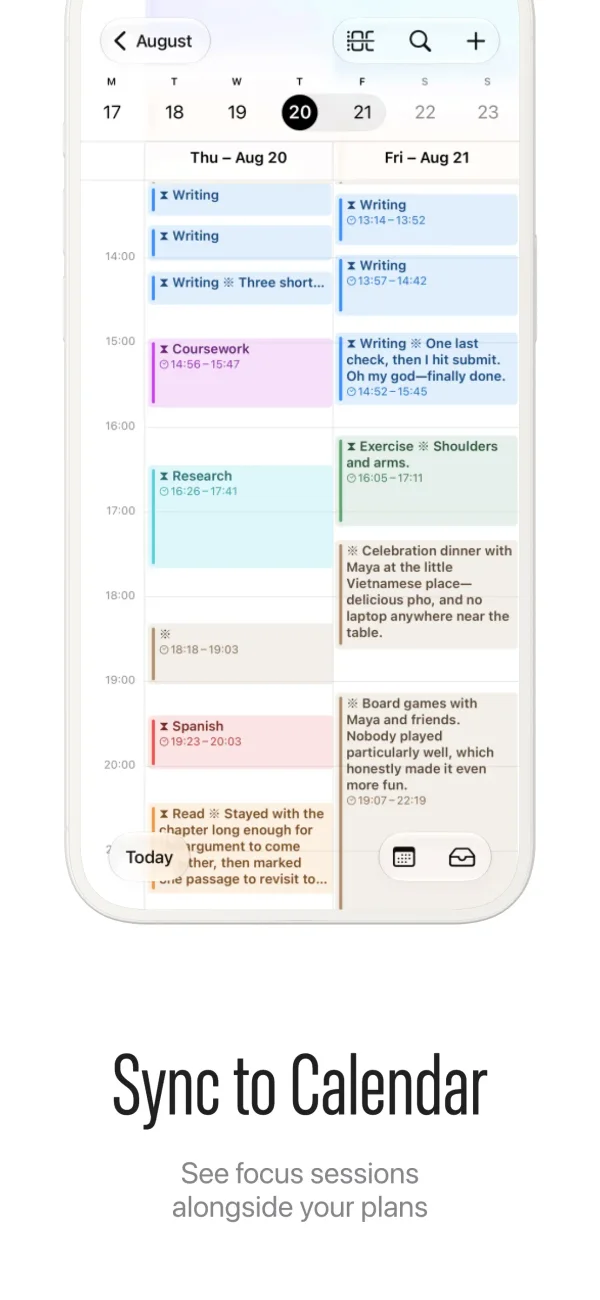
- Sync to Calendar: add your time records to a system calendar of your choice
- iCloud sync: continue your current timer and access records and diary entries across iPhone, iPad and Mac, using the same Apple Account with iCloud enabled
Some features require PRO. You can review the available benefits in the app.
## Adaptive Pomodoro
The core idea of the Pomodoro technique is to alternate focused work with short breaks, giving yourself time to recharge. But 25 minutes of work and 5 minutes of rest may not be the best fit for every person or every task.
Flow Clock encourages you to adapt the technique to your needs, freeing you from rigid routines and complex tools. Choose a duration or leave the end time open. Organize work, study, reading or exercise with focus themes, then use your timeline, diary and stats to reflect on what worked and what you might change.
The neat and minimal design aims not only for aesthetics but also for an easy and efficient experience.
## Flow Clock PRO
Flow Clock's core features are free to use. PRO unlocks unlimited focus themes, longer and open-ended timers, the full set of stats and ambient sounds, plus diary writing, time tags, app blocking, calendar sync and widgets.
Choose a monthly subscription, yearly subscription or one-time purchase. See the app for current prices and benefits. Monthly and yearly subscriptions renew automatically unless canceled before renewal; manage or cancel them in your Apple Account's subscription settings. One-time purchases do not renew.
## Terms & Support
Terms of Use: https://wildhut.tech/flow-clock/en/terms/
Privacy Policy: https://wildhut.tech/flow-clock/en/privacy/
If you have any questions or suggestions, please email us at tomatoclock25@gmail.com. We're here to help and always happy to provide support!
新機能
バージョン 2.1.0 · 2026/11/23
Flow Clock 2.1 gives you two ways to focus and a new view of your year.
- Choose a timer for each theme. Use Pomodoro for sessions with breaks, or choose Focus Timer when you just want to track a stretch of focused time.
- Switch to Year in your stats to review a full year of focus time and compare it with earlier years.
- Personalize the Flow Clock home screen with a photo and preview the crop before saving it.
- Use Record on the app’s home screen or in a widget to track time outside focus sessions. We’ve also improved how your timer syncs across devices.
Some features require PRO. To sync with iCloud, use the same Apple Account on each device and turn on iCloud.
Thank you for using Flow Clock. If you have questions or suggestions, write to us at tomatoclock25@gmail.com.
アプリのプライバシー
このアプリのデータの取り扱いについて、Wild Hut Technology Co., Ltd.がApp Storeで申告している内容です。
-
データの収集なし
開発元はこのアプリからデータを収集しません。
プライバシーの取り扱いは、ご利用の機能やお客様の年齢などに応じて異なる場合があります。
情報
- 販売元
- Wild Hut Technology Co., Ltd.
- カテゴリ
- 仕事効率化
- バージョン
- 2.1.0
- 更新日
- 2026/11/23
- リリース
- 2025/4/23
- サイズ
- 68.4 MB
- 必要条件
- iOS 26.0以降
- 対象年齢
- 4+
- 価格
- 無料
- アプリ内課金
- あり
- 言語
- 英語, 簡体字中国語, 繁体字中国語
- 著作権
- © 2026 Wild Hut Technology Co., Ltd.
こちらもおすすめ
-
 Tilo – シンプルな集中タイマー・時間ログ仕事/勉強用集中タイマー
-
 Notifyman仕事効率化
-
 LaxtTime - Remember Last TimeRecurring reminder
-
 3x3 minimalist time management仕事効率化
-
 iHour - Focus Time Tracker仕事効率化
-
 Calflow: Planner & Tracker仕事効率化
-
 Session Pomodoro Focus Timer仕事効率化
-
 dots: ai for everyday life仕事効率化
-
 フォーカスチキン-トマトタイマー 自律学習タイマー 極簡必須高効率の時間管理、集中習慣を養う、先延ばし症からの脱却
-
 Cat On Chair - ポモドーロタイマー猫と頑張る集中アプリ・勉強タイマー