- 対象年齢4+
- カテゴリユーティリティ
- 開発元CHUAN CHENG LEE
- 言語英語ほか1言語
- サイズ158.8 MB
App Storeの公式ページにリンクしています
Download.orgは暢打 FlowKeyのファイルを一切ホストしていません。ボタンを押すと、CHUAN CHENG LEEが公開しているApp Storeのアプリページが開きます。ページの最終確認:2026/11/23。
スクリーンショット


概要
開発元はこのテキストをお使いの言語で提供していません。
FlowKey is a Bopomofo keyboard for Taiwan Chinese. After you install it, add FlowKey in Settings so you can type in Messages, Notes, Safari, and other apps.
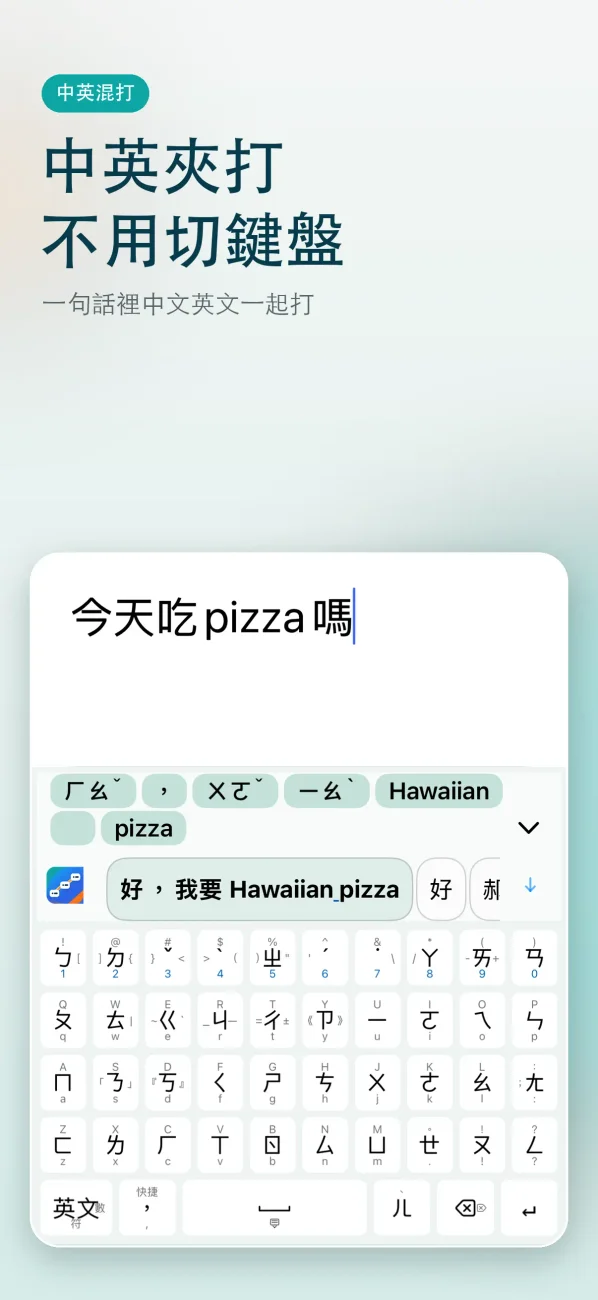
Tap Zhuyin, swipe English, and mix Chinese and English in the same sentence without switching modes. Candidates follow tones and your usage.
Key features:
- Mixed Chinese and English: swipe letters while typing Chinese, e.g. "今天吃pizza嗎" and composing "好,我要Hawaiian pizza".
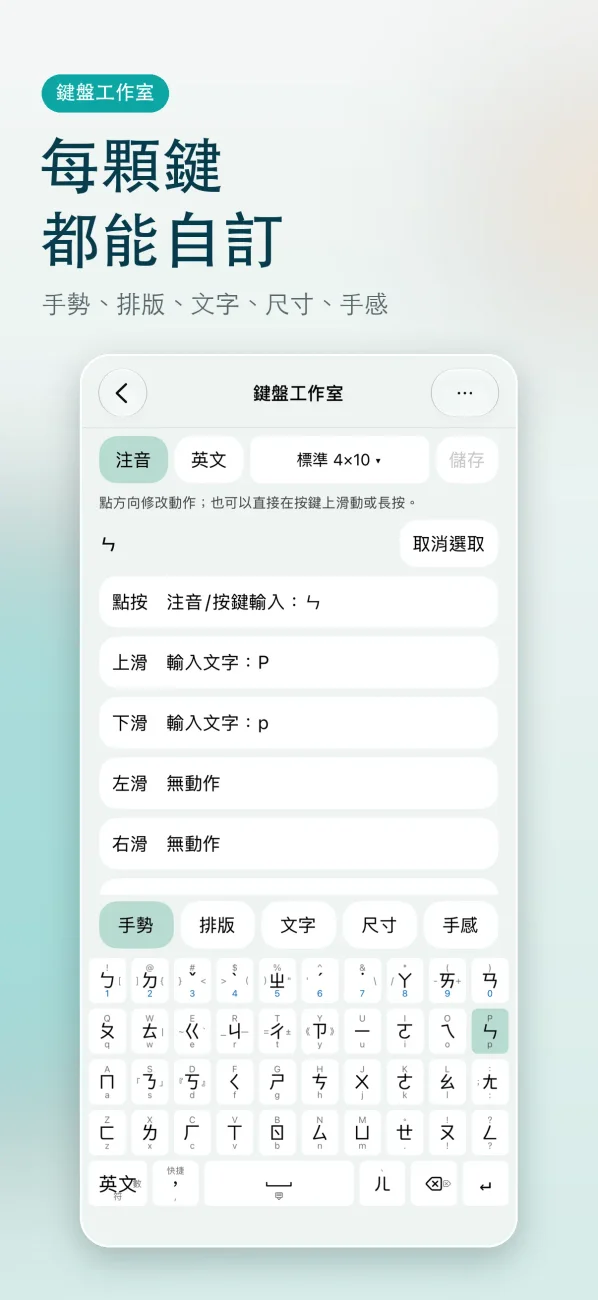
- Tap Zhuyin, swipe English: the same keys send Bopomofo on tap, and English or a custom action on swipe.
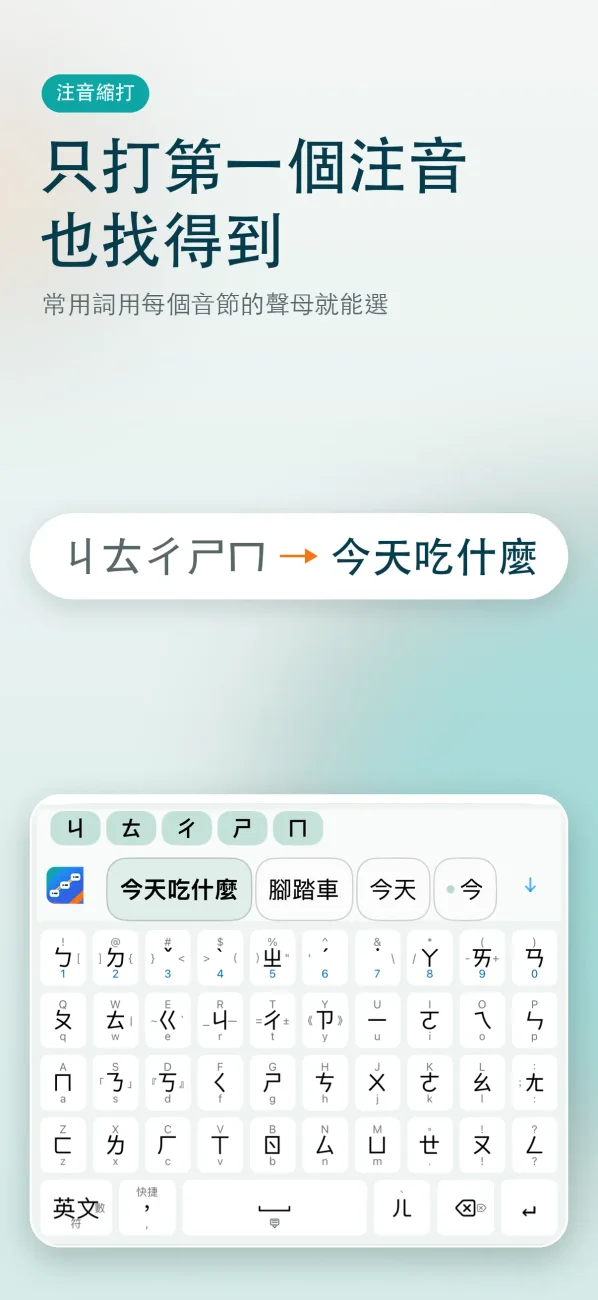
- Shorthand candidates: type the first Bopomofo of each syllable for frequent phrases, e.g. just five initials for 今天吃什麼.
- Long phrase candidates: build longer phrases from typed Bopomofo and keep words you already chose.
- Typo-tolerant input: recover from some out-of-order symbols or nearby key taps.
- Segment selection: tap a composing segment to choose that syllable directly.
- Single-character menu: swipe down on a candidate to lay out its homophones and switch tones.
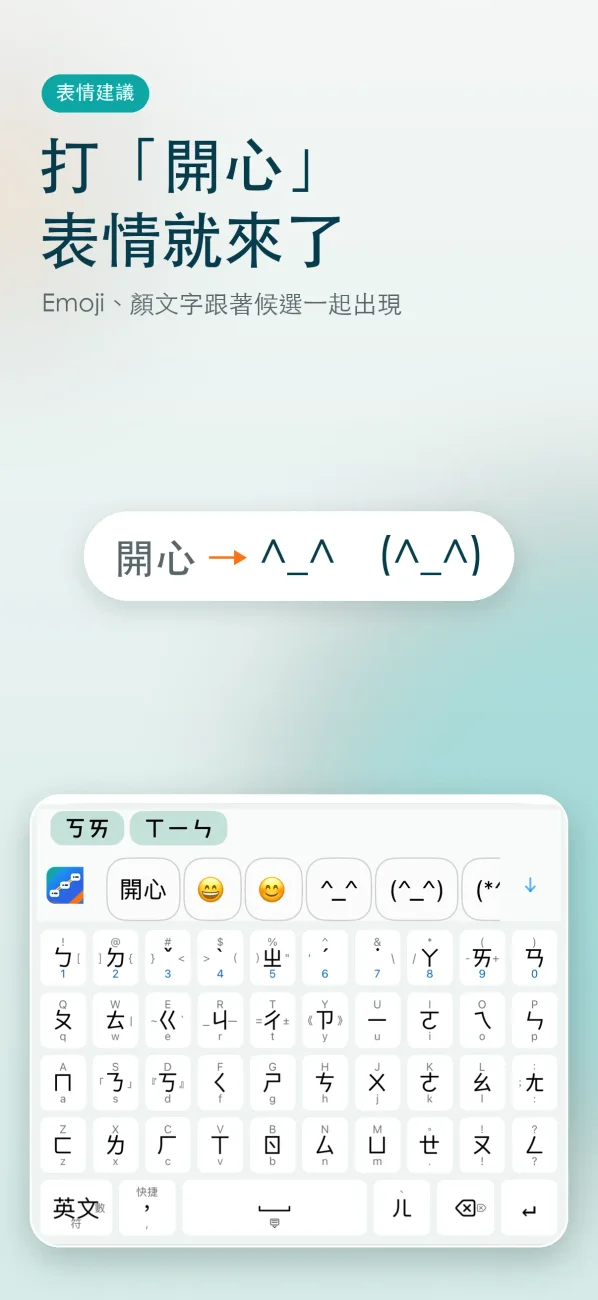
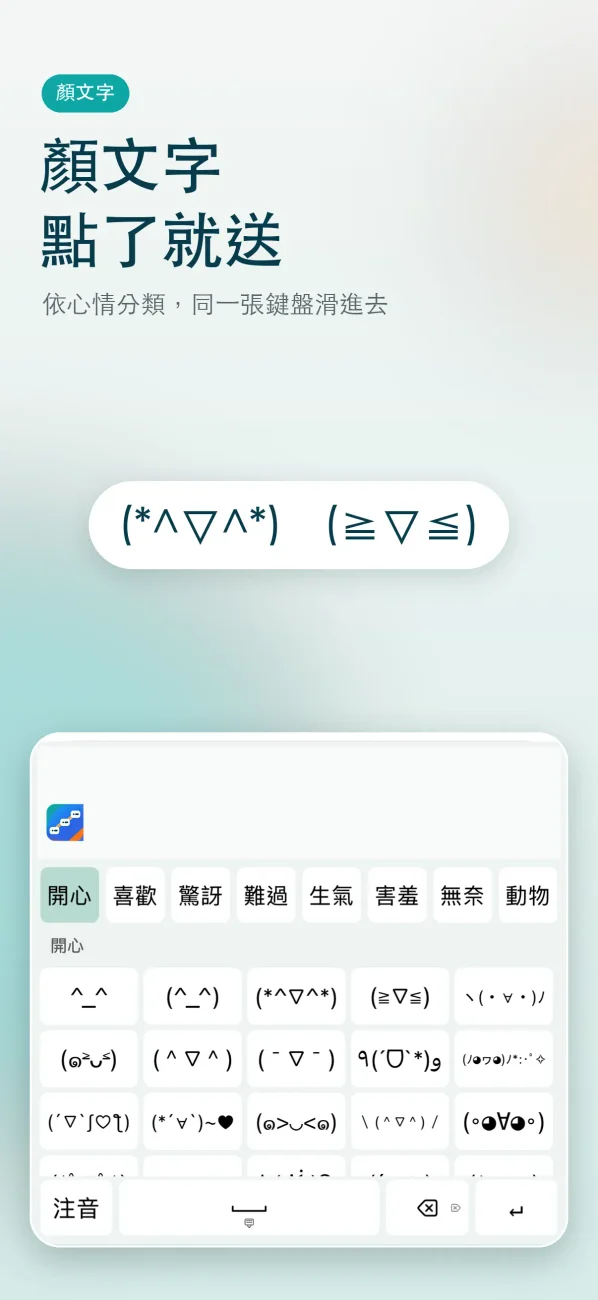
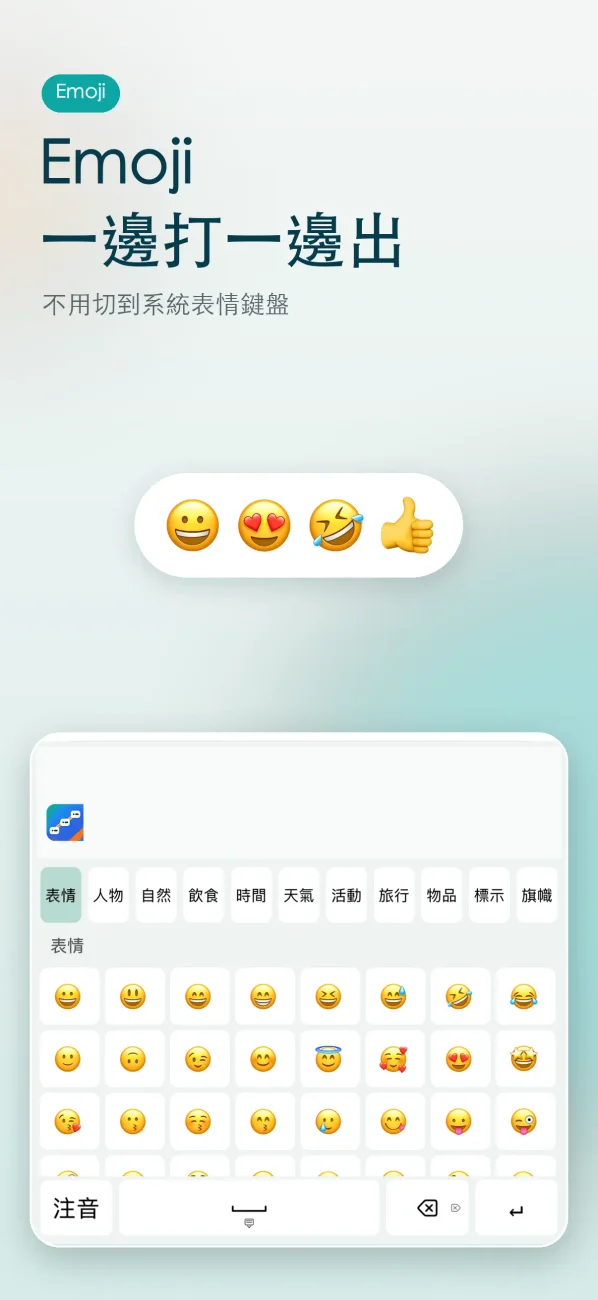
- Emoji suggestions: words like 開心 bring emoji and kaomoji into the candidates, plus full kaomoji and emoji keyboards.
- Meme keyboard: open saved memes from the mode menu, then search, filter, and send.
- Clipboard history: open it from the function menu to search, sort, pin, delete, and paste.
- Keyboard Studio: customize gestures, layout, labels, size, and feel for every key. Keyboard themes and an in-app tutorial are included.
On-device by design:
Personal frequency, keyboard settings, clipboard history, and saved memes stay on this device by default. There is no account system and no ads. The contacts dictionary is off by default. When you turn it on, only names, nicknames, and company names are indexed locally. Contact data is not uploaded.
Full Access:
iOS asks whether to Allow Full Access. With Full Access, the host app and keyboard can share settings, local learning, clipboard history, and the contacts dictionary. Without it, you can still type with the built-in dictionaries. Only enable Full Access for a keyboard you trust.
FlowKey Pro:
The app is free to download. A 30-day full trial starts on first launch. After that you can choose FlowKey Pro to keep typing, and to unlock settings backup and restore, meme auto-tagging quota, and community lexicon upload. Offers include an auto-renewable yearly FlowKey Pro subscription and a one-time lifetime unlock. Read the in-app Privacy Policy and Terms of Use before you buy.
新機能
バージョン 1.2 · 2026/11/14
• Redesigned selection: less finger travel, fewer taps
• Type English and numbers from the candidate bar
• Swipe down on candidates for a single-character menu
• Clearer boundaries when mixing Chinese and English
• Symbols, kaomoji and emoji share one candidate bar
• More kaomoji, plus emoji hints while typing Zhuyin
• Text replacement for custom words
• Long-press a Zhuyin key for Zhuyin text
• Handwriting Zhuyin lookup
• Shorter tutorial for returning users
• Faster long sentences; bug fixes
アプリのプライバシー
このアプリのデータの取り扱いについて、CHUAN CHENG LEEがApp Storeで申告している内容です。
-
ユーザーに関連付けられたデータ
収集され、ユーザーの識別情報に関連付けられる場合があります。
- 購入
- ユーザーコンテンツ
- ID
-
ユーザーに関連付けられないデータ
収集される場合がありますが、ユーザーの識別情報には関連付けられません。
- ID
- 使用状況データ
- 診断
プライバシーの取り扱いは、ご利用の機能やお客様の年齢などに応じて異なる場合があります。
情報
- 販売元
- CHUAN CHENG LEE
- カテゴリ
- ユーティリティ
- バージョン
- 1.2
- 更新日
- 2026/11/14
- リリース
- 2026/11/5
- サイズ
- 158.8 MB
- 必要条件
- iOS 15.5以降
- 対象年齢
- 4+
- 価格
- 無料
- アプリ内課金
- あり
- 言語
- 英語, 繁体字中国語
- 著作権
- © 2026 李川成