- 対象年齢4+
- カテゴリ教育
- 開発元Savain Blaneus
- 言語英語
- サイズ71.5 MB
App Storeの公式ページにリンクしています
Download.orgはFlowTune - Piano Tutorialsのファイルを一切ホストしていません。ボタンを押すと、Savain Blaneusが公開しているApp Storeのアプリページが開きます。ページの最終確認:2026/11/14。
スクリーンショット
概要
開発元はこのテキストをお使いの言語で提供していません。
Learn your songs with the YouTube tutorials you already use.
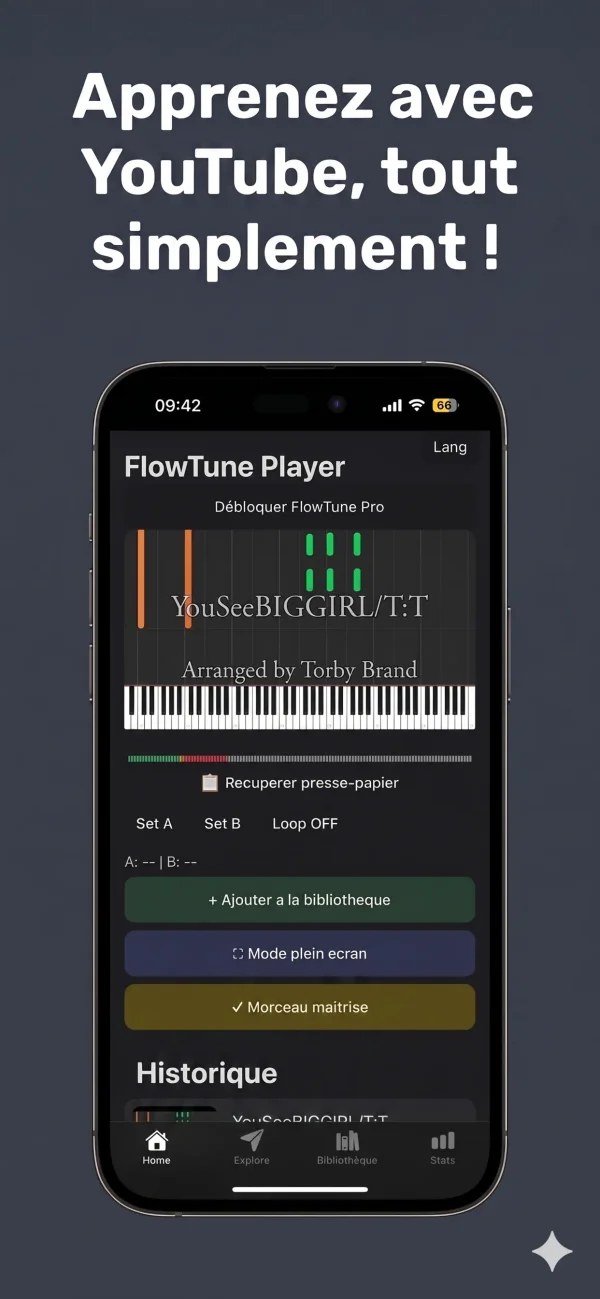
FlowTune turns the video tutorials you already use into a dedicated piano practice space. Work on difficult passages, repeat them on a loop, slow down or speed up the video, and keep track of your practice over time.
Work on difficult passages
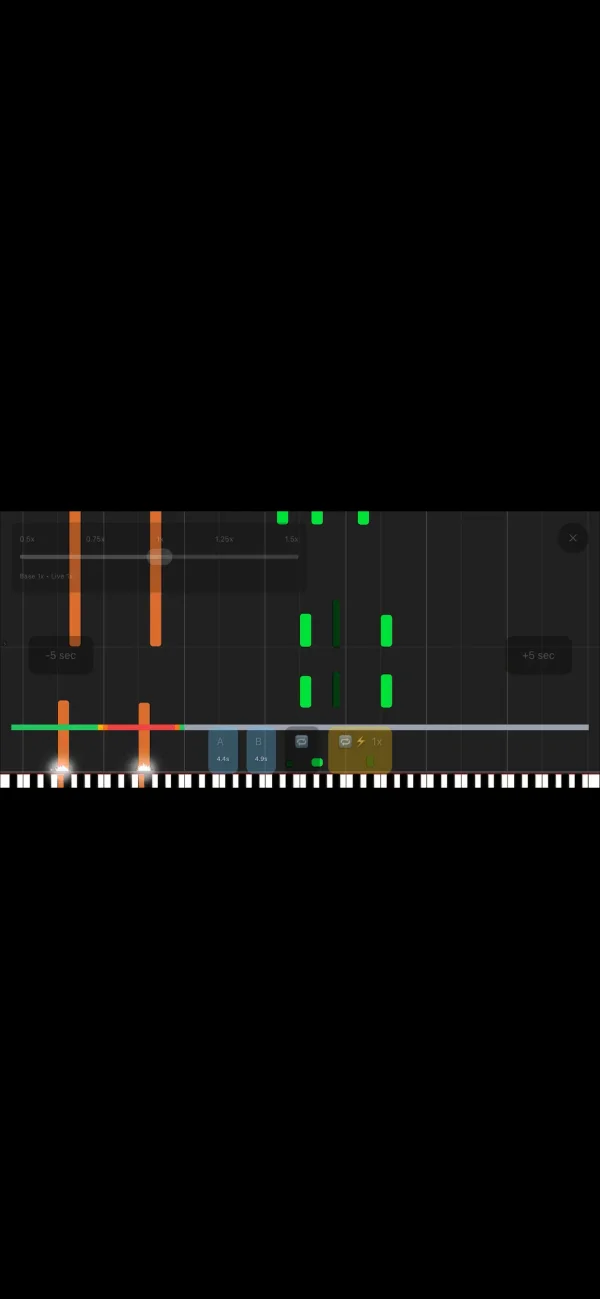
A-B Loop
Select exactly the passage you want to practice and loop it automatically. No more manually rewinding the video after every repetition.
Flash Loop
Loop a passage and let FlowTune gradually increase the playback speed after each repetition. Start slowly, then increase the tempo as you improve.
Speed Control
Slow down a tutorial to break down a difficult passage or speed it up when you're ready to go further.
Keep track of your practice
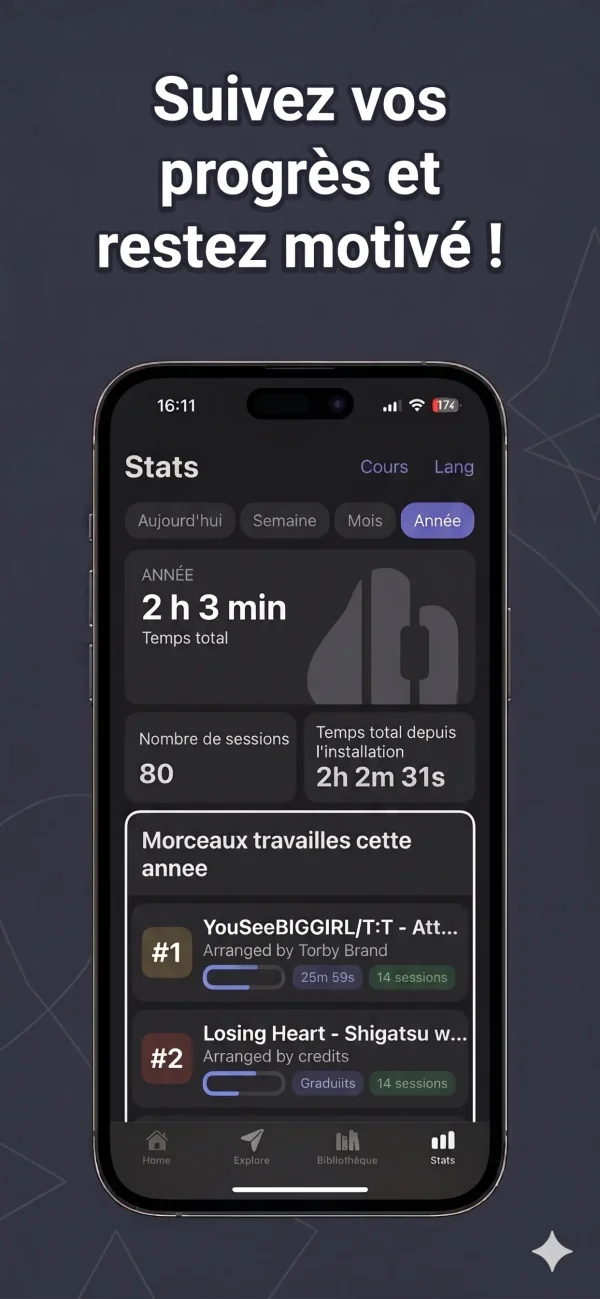
FlowTune automatically records your practice time, sessions, and work on each song.
Look back at your history over days, months, and years to see the work you've actually put in.
Save your passages
Save the passages you want to practice again later. When you come back to a song, quickly restore the loops you created before.
Practice by ear
Hide the video and keep the audio to practice a passage without watching the notes or movements in the tutorial.
Organize your repertoire
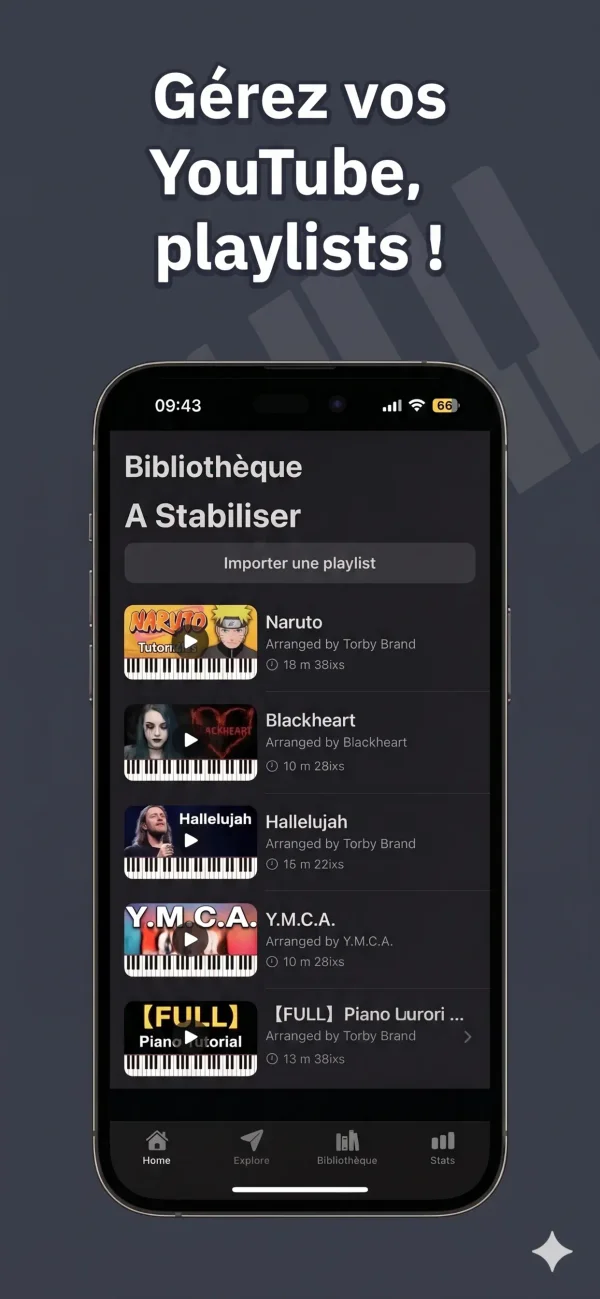
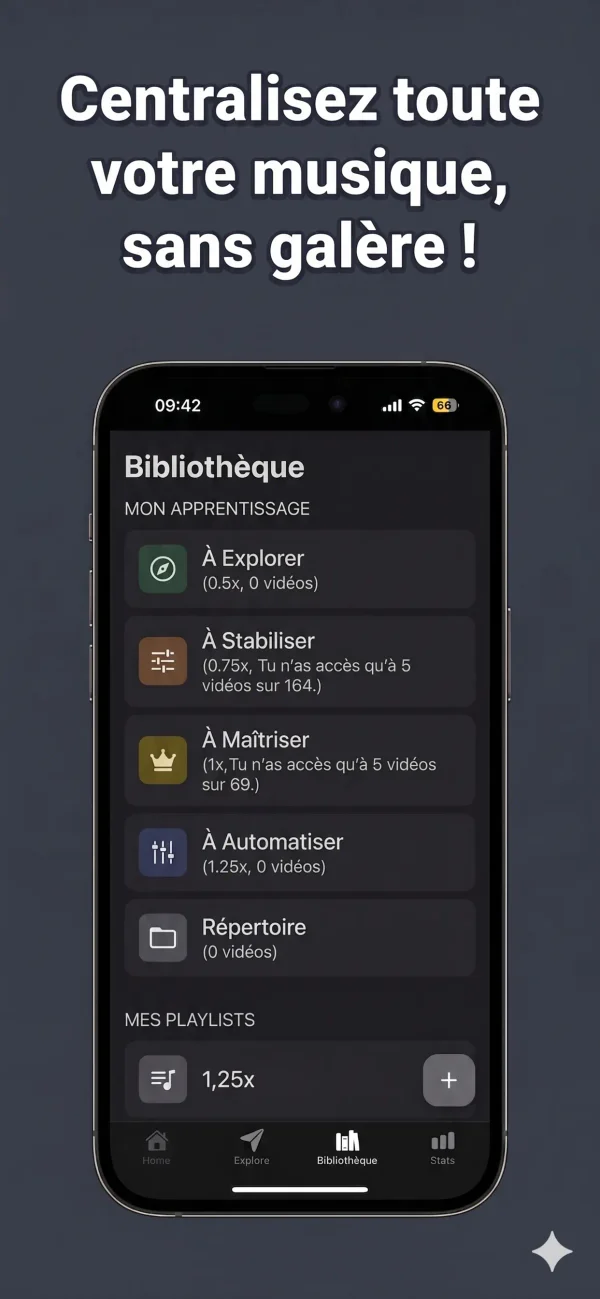
Import your YouTube tutorials, find your songs in your repertoire, and organize them according to your progress.
When you consider a song mastered, add it to your mastered repertoire.
View and edit MIDI files
Import a MIDI file to visualize the notes and play it directly in FlowTune.
Edit your piece with simple controls: add or delete notes, move them, change their pitch or duration, and adjust the tempo.
A simple, accessible MIDI editor designed to be easy to use on iPhone.
Create your own piano tutorials
Making piano tutorials for YouTube? Use FlowTune's MIDI editor to easily prepare and modify your MIDI files before creating your videos.
A progressive practice method
For those who like a clear progression, FlowTune offers a four-step method:
Exploration — 0.5×
Discover the movements and find the notes.
Stabilization — 0.75×
Work on coordination and rhythm.
Mastery — 1.0×
Play the song at its original tempo.
Automation — 1.25×
Strengthen your mastery by playing beyond the original tempo.
For pianists who learn with video tutorials
Whether you're a beginner or an intermediate pianist, FlowTune is designed to turn the tutorials you already use into a dedicated practice space.
Less phone handling. More repetition. A practice history that remembers your work.
No ads.
Privacy Policy: https://www.notion.so/Privacy-Policy-Terms-of-Use-FlowTune-1-32ff3426a6f080a89193c45c906906fb
Terms of Use: https://www.notion.so/Terms-of-Use-FlowTune-32af3426a6f08070a696d27d4e94baf5
新機能
バージョン 1.7 · 2026/10/29
Practice smarter. See your progress. Create your own tutorials.
• Set a daily practice goal and stay consistent with visual progress and reminders.
• Track your practice with new stats and activity heatmaps.
• Get personalized recommendations based on what you play.
• Connect your MIDI keyboard and see your notes in real time.
• Turn your playing into piano tutorial videos with the new video export.
• A redesigned library, improved playback, AB Loop, and many other improvements.
Your practice. Your progress. Your music.
アプリのプライバシー
このアプリのデータの取り扱いについて、Savain BlaneusがApp Storeで申告している内容です。
-
データの収集なし
開発元はこのアプリからデータを収集しません。
プライバシーの取り扱いは、ご利用の機能やお客様の年齢などに応じて異なる場合があります。
情報
- 販売元
- Savain Blaneus
- カテゴリ
- 教育
- バージョン
- 1.7
- 更新日
- 2026/10/29
- リリース
- 2026/4/1
- サイズ
- 71.5 MB
- 必要条件
- iOS 16.4以降
- 対象年齢
- 4+
- 価格
- 無料
- アプリ内課金
- あり
- 言語
- 英語
- 著作権
- © 2026 Savain Blaneus