
- 対象年齢4+
- カテゴリ教育
- 開発元Vista Techwerx LLC
- 言語英語
- サイズ229.3 MB
FlytWERXは現在App Storeで入手できない可能性があります
前回の確認時、ストアのページにアクセスできませんでした。リンク先は引き続きApp Storeの公式ページです。
スクリーンショット




概要
開発元はこのテキストをお使いの言語で提供していません。
You just burned an hour of Hobbs time. Can you say exactly what happened up there, or only how it felt?
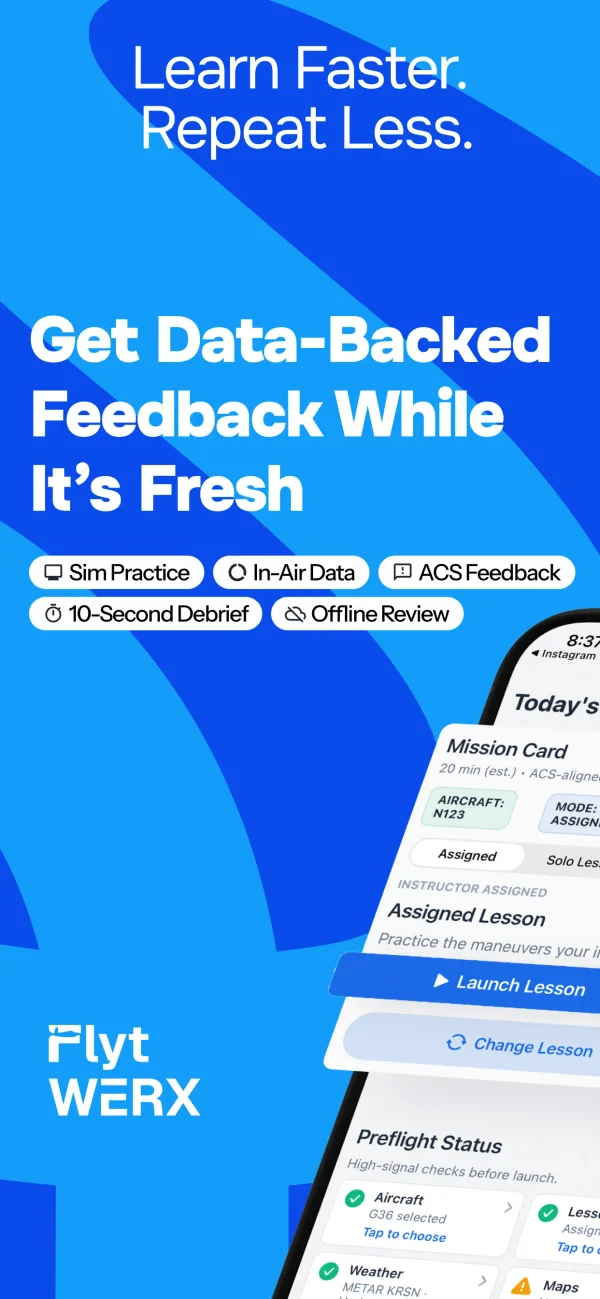
FlytWERX records the flight, breaks it into maneuvers, and shows you what to fix. No more debriefs built on memory.
START FREE. 15 MINUTES A DAY, EVERY DAY. Demo mode gives you 15 minutes of flight capture per day at no cost. No credit card. Fly a pattern, run a real debrief, and decide for yourself. Then unlock everything with a free trial, or own it outright for a one-time $199, less than a single hour of dual.
WHY THIS MATTERS Every hour you fly costs real money. Every maneuver you repeat because "it felt off" costs it again. And most of that money gets lost in the same place: nobody can remember the flight well enough to actually fix it.
You roll out of the steep turn. You think you held altitude. Your CFI thinks you climbed 150 feet. Neither of you knows.
FlytWERX knows.
CONNECT YOUR FLIGHT DATA Capture telemetry from Stratus, iPhone, iPad, Microsoft Flight Simulator, Prepar3D, or X-Plane. Altitude, heading, groundspeed, vertical speed, pitch, bank, course, and position, all recorded as it actually happened.
YOUR CFI CAN CONNECT LIVE Sitting right seat, or a thousand miles away. Your instructor links into the session from the cockpit, or remotely while you fly the sim. Real instruction on a home simulator, without anyone burning avgas to get there.
WORKS WITHOUT SIGNAL Built for the cockpit. Capture the entire flight with no internet and no cell service. Review it after shutdown.
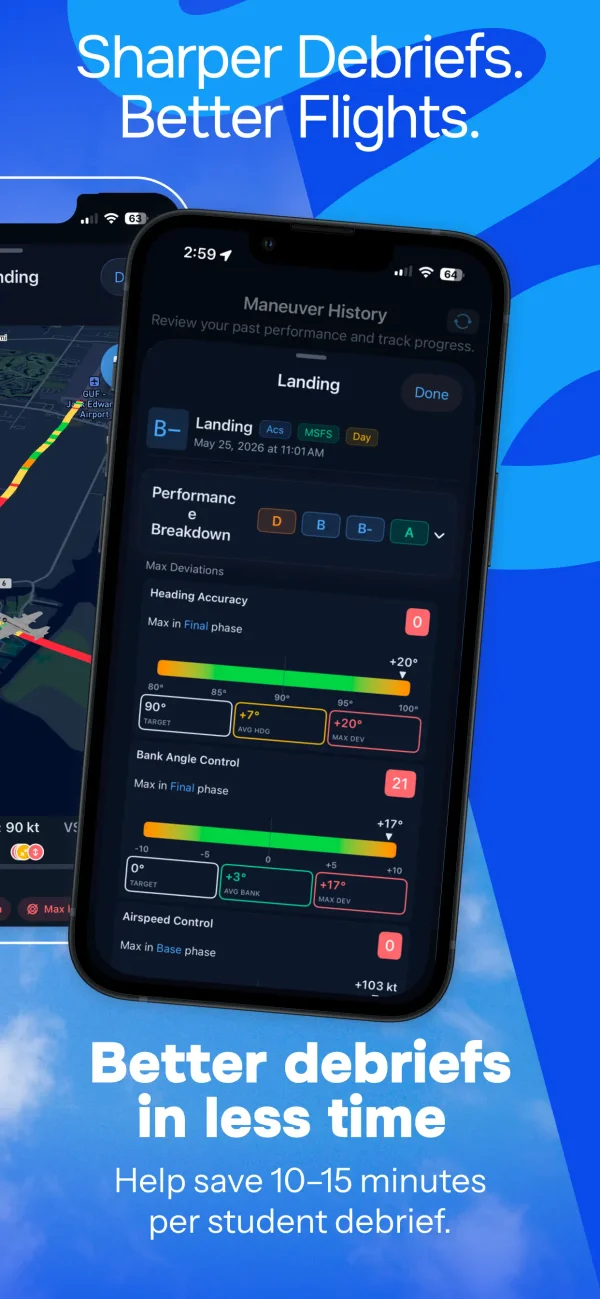
MANEUVER BY MANEUVER Takeoffs. Landings. Stalls. Steep turns. Slow flight. Ground reference maneuvers. Approaches. Each one broken out on its own, so you can see exactly where it came apart, and exactly where it didn't.
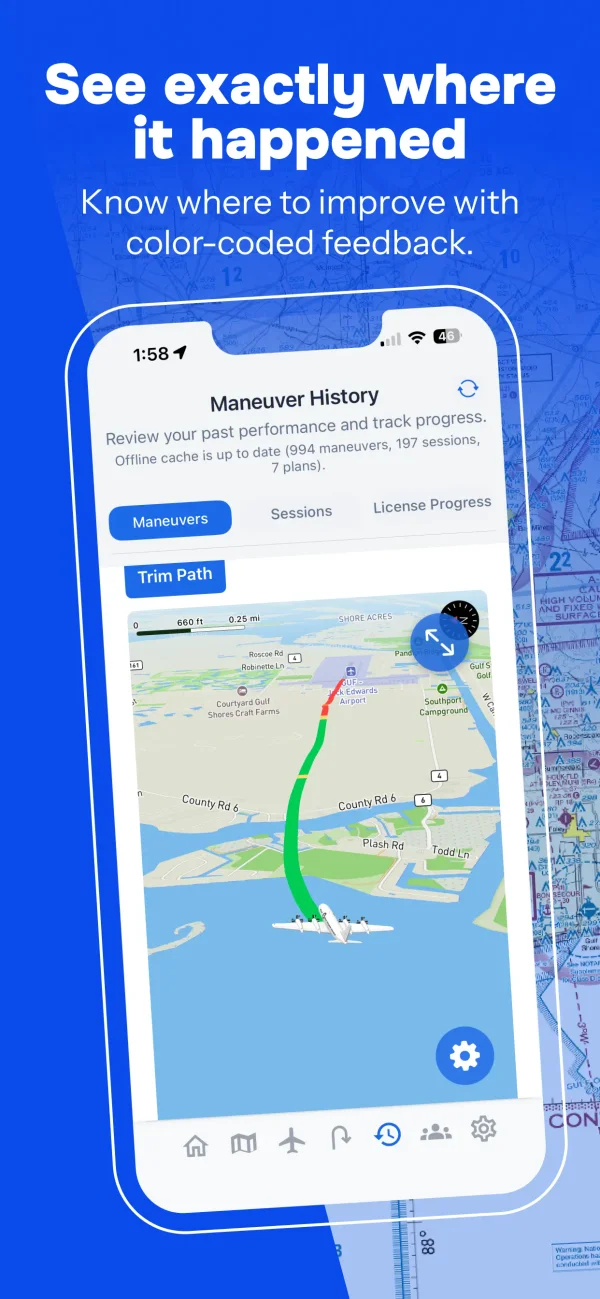
SEE WHERE YOU WERE OUTSIDE TOLERANCE Clear, maneuver-level feedback on your deviations. Not a vague "watch your altitude." The actual moment. The actual number.
FLY IT AGAIN IN 3D Watch your flight path from outside the airplane. The turn you thought was flat rarely is.
AI PERFORMANCE INSIGHTS A plain-language read on every flight: what you did well, what slipped, and what to focus on next time. Show up to the next lesson with a plan instead of a hope.
DEBRIEF IN MINUTES, NOT HALF THE HOUR Stop spending the first ten minutes of every debrief reconstructing the flight from memory. Open the data and go straight to the corrections.
PRACTICE IN THE SIM. TAKE IT TO THE AIRPLANE. Run the same maneuvers in Microsoft Flight Simulator, Prepar3D, or X-Plane, tracked the same way and reviewed the same way. Build the habit on the ground for a fraction of the cost, then take it up.
SHARE THE SAME PICTURE Send flight results to your CFI so you are both looking at the same data instead of trading impressions. Less debate about what happened. More time on what to do about it.
FOR CFIs Faster debriefs, better retention, and a clear record of where every student actually stands. Fly with students in the airplane, or coach them through sim sessions from anywhere.
FOR FLIGHT SCHOOLS Consistency across instructors and real visibility into student progress.
WHAT IT COSTS Free: 15 minutes of capture every day. Free trial: everything unlocked. Then subscribe, or pay $199 once and own it.
For the price of one lesson you didn't have to re-fly, you own the thing that keeps you from re-flying the next four.
Download FlytWERX. Stop guessing. Start improving.
EULA
https://www.apple.com/legal/internet-services/itunes/dev/stdeula/
新機能
バージョン 1.0.21 · 2026/10/14
Maps & Weather
• Richer radar on the map—Composite, Classic, and Lowest Tilt—with a clearer legend and storm motion cues
• Scrub radar, satellite (Enhanced and Color IR), icing, turbulence, and cloud forecasts through time, with looped playback instead of only jumping back to live
• Live lightning overlays, plus clearer Stratus/FIS-B lightning, icing, and turbulence when you’re connected airborne
• Winds aloft, TFRs, SIGMETs/AIRMETs/CWAs, PIREPs, METARs, and surface analysis layers for a fuller preflight picture
• Weather that sticks offline: recent radar, satellite, and hazard frames stay available when you reopen without a connection
• Cleaner phone map chrome, weather loading feedback, and better layer stacking so airports and flight category stay readable
Charts & Offline
• Faster VFR chart downloads with verified chart packs, clearer progress, and smarter resume if a download is interrupted
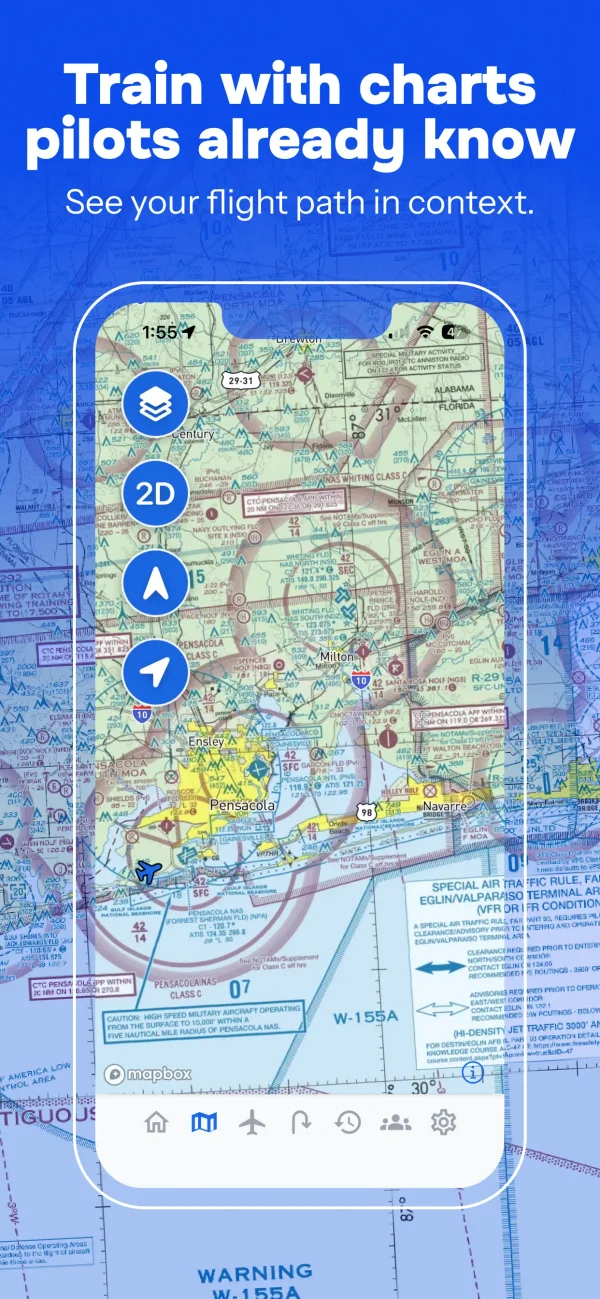
• Corridor-style offline map packs so you can pull the route you’ll actually fly—not just a huge box
• IFR chart updates that stay in sync with the same offline chart workflow
Flights & Maneuvers
• Synthetic vision with terrain and runway grading in live flight and History playback for a clearer sense of height and runway
• Flight planning sheet with winds, runway analysis, fuel, and editable aircraft climb/cruise profiles
• Draw and edit custom map areas—including draggable corners—to mark practice areas or local references
• Takeoff scoring that uses true runway centerline for lateral deviation, so centerline tracking grades more fairly
• Linked instructor/student maneuvers with clearer wait states and more reliable grade handoff between seats
• Smoother live attitude on instruments and synthetic vision
School & General
• In-app prompt when a newer App Store build is available, with release notes and a quick path to update
• Stratus GDL90 capture you can save, share, delete, and recover across relaunch for debrief and support
• Clearer sign-in layout and more stable chart download progress during setup and prep
• Programs reference dashboard with search, sort, and attention cards for quicker school ops scanning
アプリのプライバシー
このアプリのデータの取り扱いについて、Vista Techwerx LLCがApp Storeで申告している内容です。
-
ユーザーのトラッキングに使用されるデータ
他社のアプリやウェブサイトを横断してユーザーをトラッキングする目的で使用される場合があります。
- ID
-
ユーザーに関連付けられたデータ
収集され、ユーザーの識別情報に関連付けられる場合があります。
- 位置情報
- 連絡先情報
- ID
- 使用状況データ
- 診断
-
ユーザーに関連付けられないデータ
収集される場合がありますが、ユーザーの識別情報には関連付けられません。
- ID
- 使用状況データ
プライバシーの取り扱いは、ご利用の機能やお客様の年齢などに応じて異なる場合があります。
情報
- 販売元
- Vista Techwerx LLC
- カテゴリ
- 教育
- バージョン
- 1.0.21
- 更新日
- 2026/10/14
- リリース
- 2026/5/4
- サイズ
- 229.3 MB
- 必要条件
- iOS 17.0以降
- 対象年齢
- 4+
- アプリ内課金
- あり
- 言語
- 英語
- 著作権
- © 2026 Vista TechWerx