- 対象年齢4+
- カテゴリ仕事効率化
- 開発元Sharma & Singh GbR
- 言語英語
- サイズ14.2 MB
App Storeの公式ページにリンクしています
Download.orgはFOKUS : Screen Time Controlのファイルを一切ホストしていません。ボタンを押すと、Sharma & Singh GbRが公開しているApp Storeのアプリページが開きます。ページの最終確認:2026/11/26。
スクリーンショット

概要
開発元はこのテキストをお使いの言語で提供していません。
Fokus — Focus That Lives Beyond Your Phone
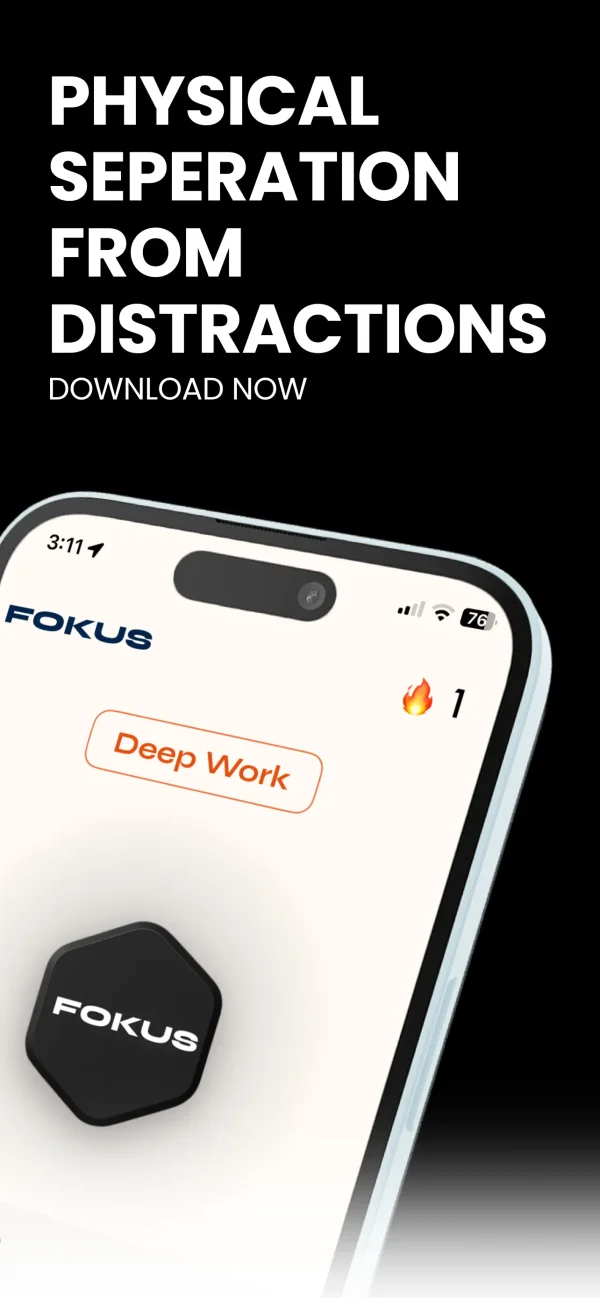
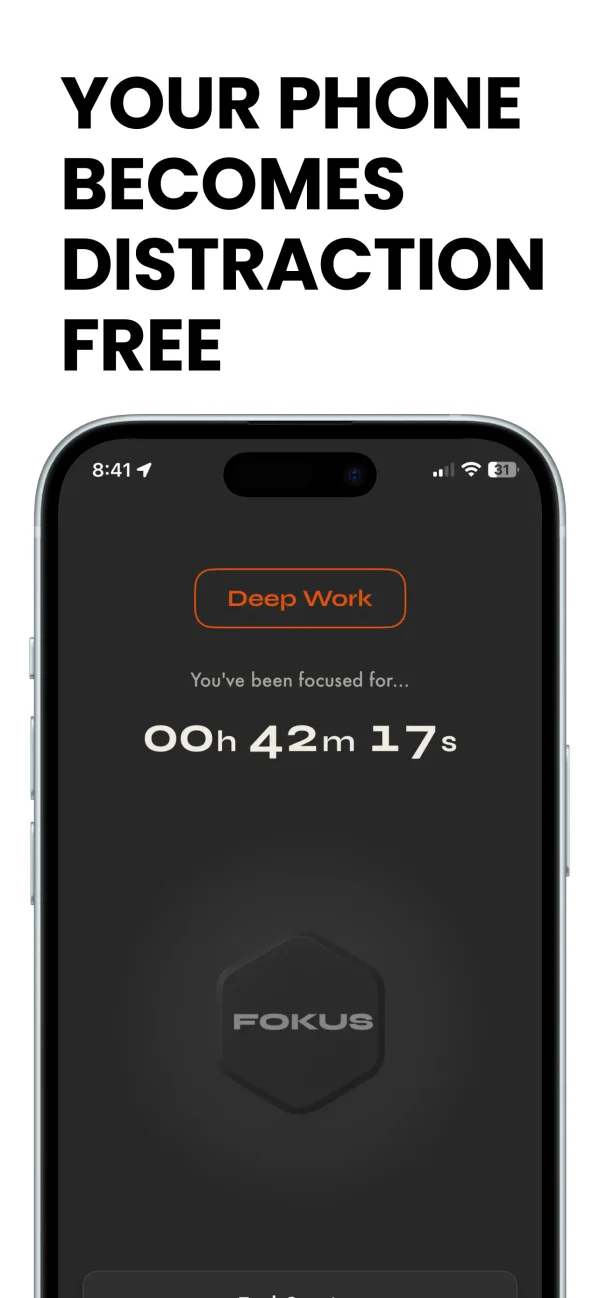
Fokus is a productivity and screen time blocker app designed to help you stay focused by adding something most apps can't: a physical key. This digital wellness tool uses Apple's Screen Time framework to block distracting apps and websites during focus sessions while keeping essential phone functions like calls and messages available. When it's time to end a session, distractions don't return with a tap—they return when you choose to get up and unlock them with your FOKUS device.
Why Fokus Works Differently
Most focus apps live entirely on your phone—which makes them easy to ignore. Fokus introduces a physical element that lives outside your screen. Place your FOKUS key in another room, like the kitchen, hallway, or office shelf. When you feel the urge to open social media or distracting apps, you're faced with a choice: stay focused, or get up and retrieve the key. That small pause makes a big difference in building better screen time habits and reducing digital distractions.
FEATURES
Screen Time Blocking & App Blocker
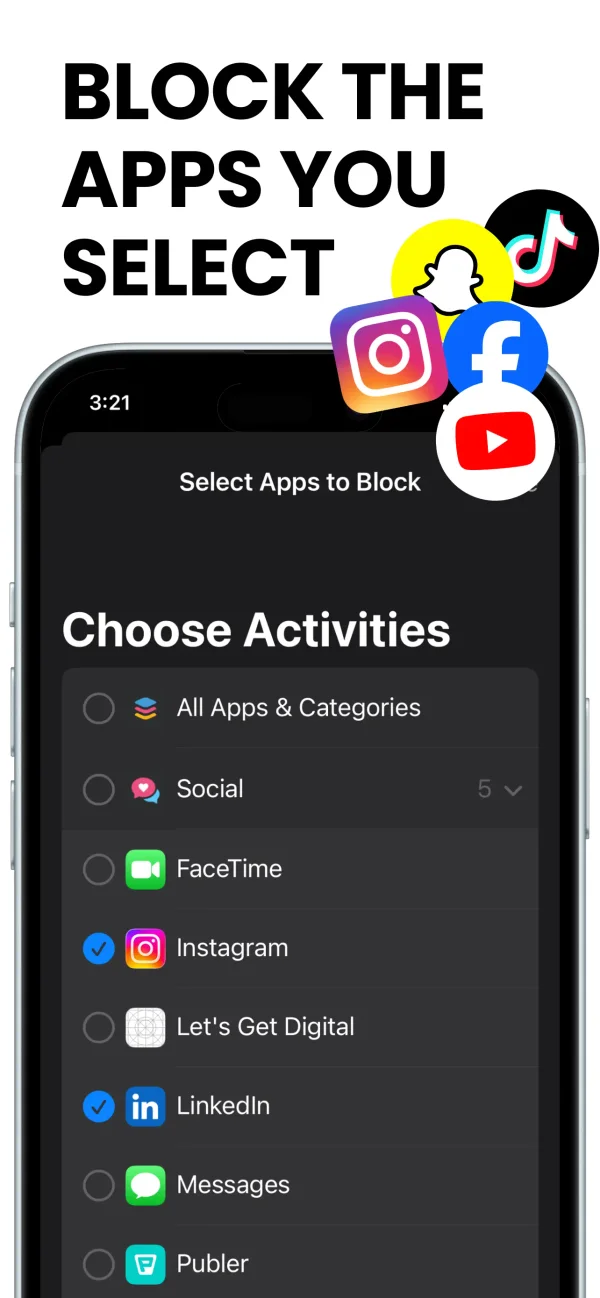
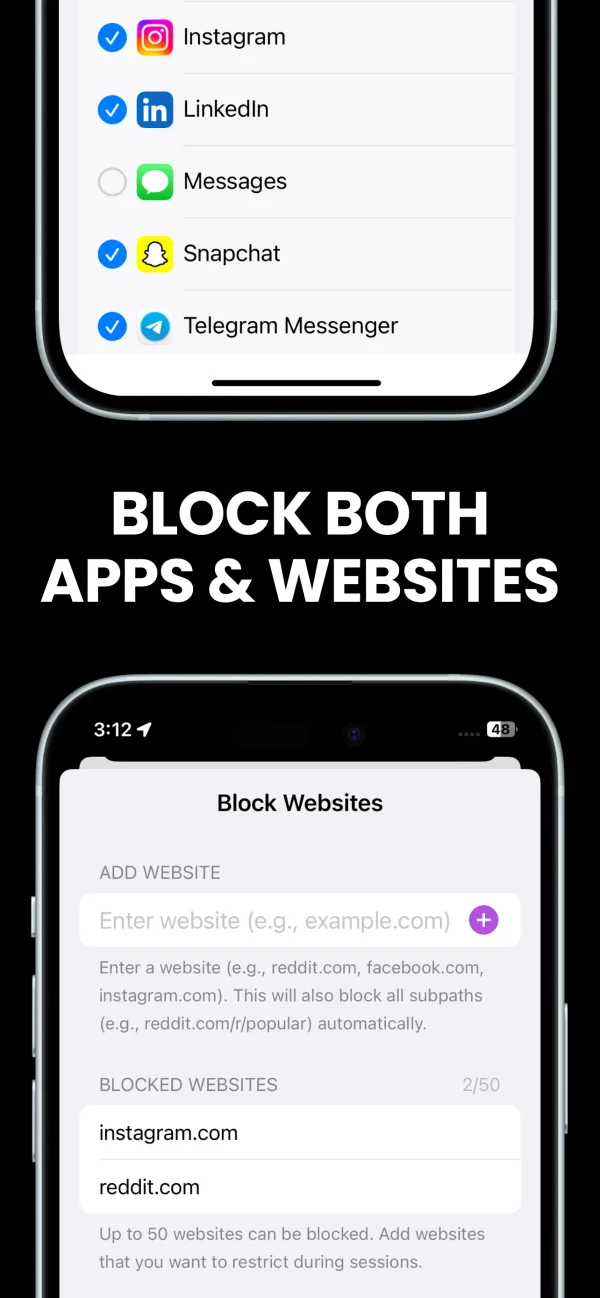
Block distracting apps and websites during focus sessions using Apple's official Screen Time framework. Fokus works at the system level to help reduce interruptions from social media, games, entertainment apps, and other high-distraction content. This app blocker gives you control over which apps and websites are restricted during your focus time.
Physical Key for Focus
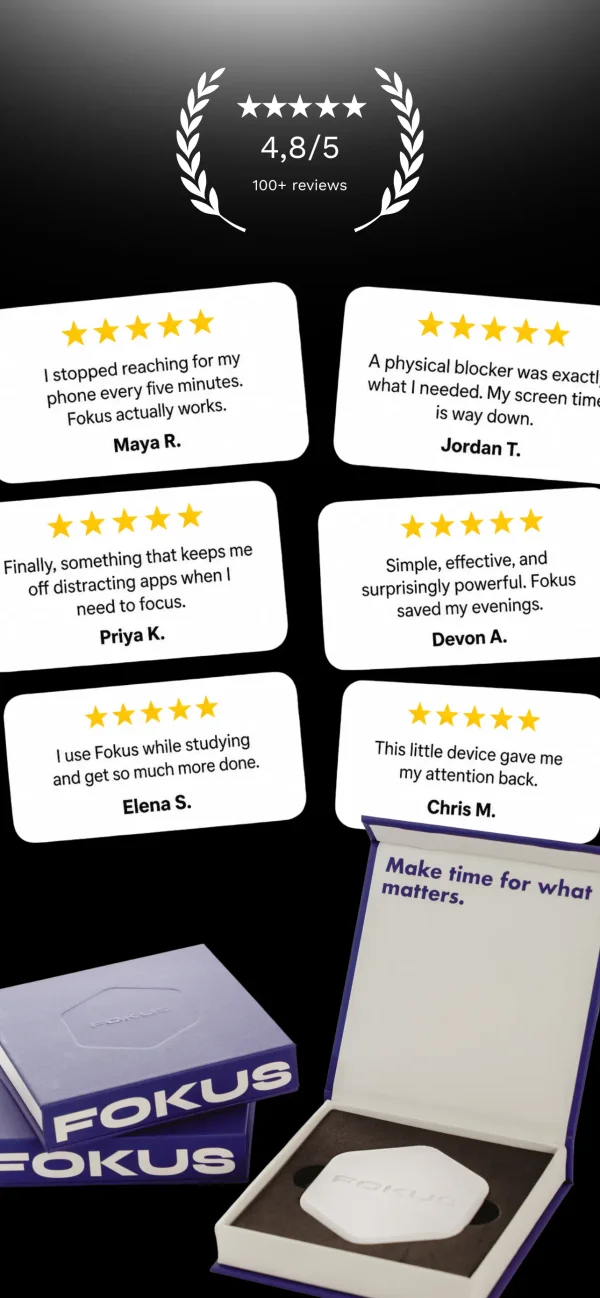
Fokus uses a physical FOKUS device to intentionally unlock blocked apps. Ending a focus session requires a real-world action—tapping your phone on the FOKUS device—helping prevent mindless scrolling and supporting social media detox habits. This physical barrier creates a deliberate separation between you and digital distractions, making it harder to impulsively return to blocked content.
Focus Sessions & Scheduling
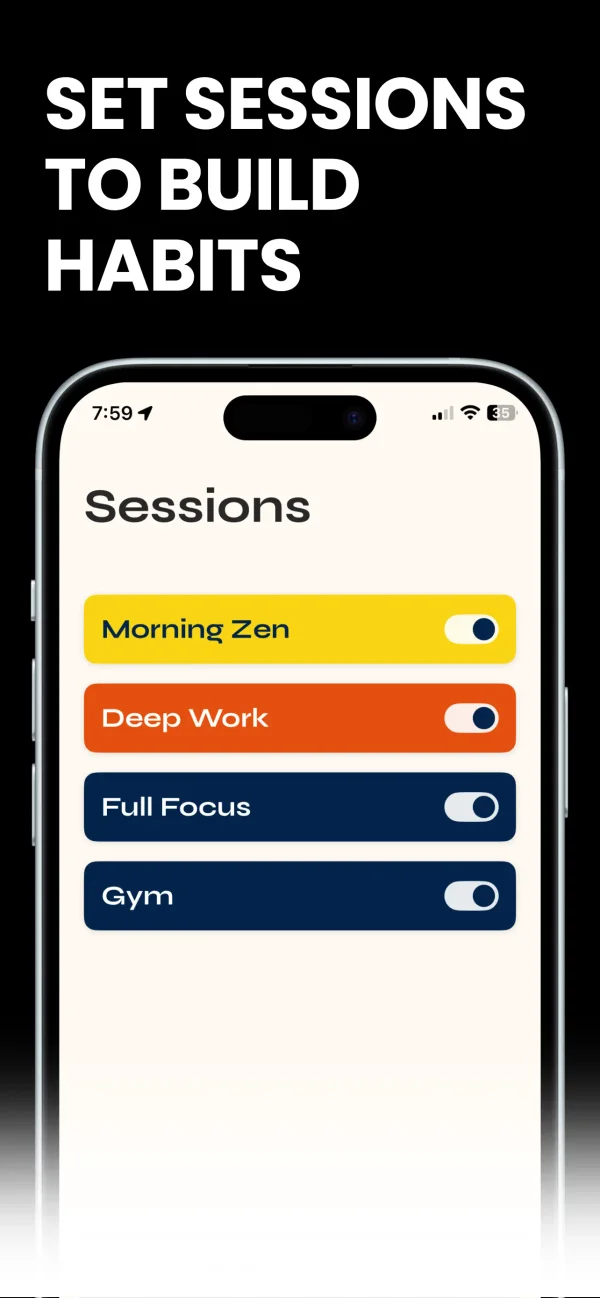
Create unlimited custom focus sessions for work, study, sleep, or personal routines. Start sessions manually with a long press or schedule them to begin and end automatically throughout the day. Set specific times and days for automatic focus mode activation, helping you build consistent focus habits.
Emergency Unblock
When flexibility is needed, Fokus includes an Emergency Unblock option with 3 limited monthly uses to preserve the effectiveness of focus sessions while providing necessary flexibility for urgent situations. This feature ensures you're never completely locked out when something important comes up.
Insights & Progress Tracking
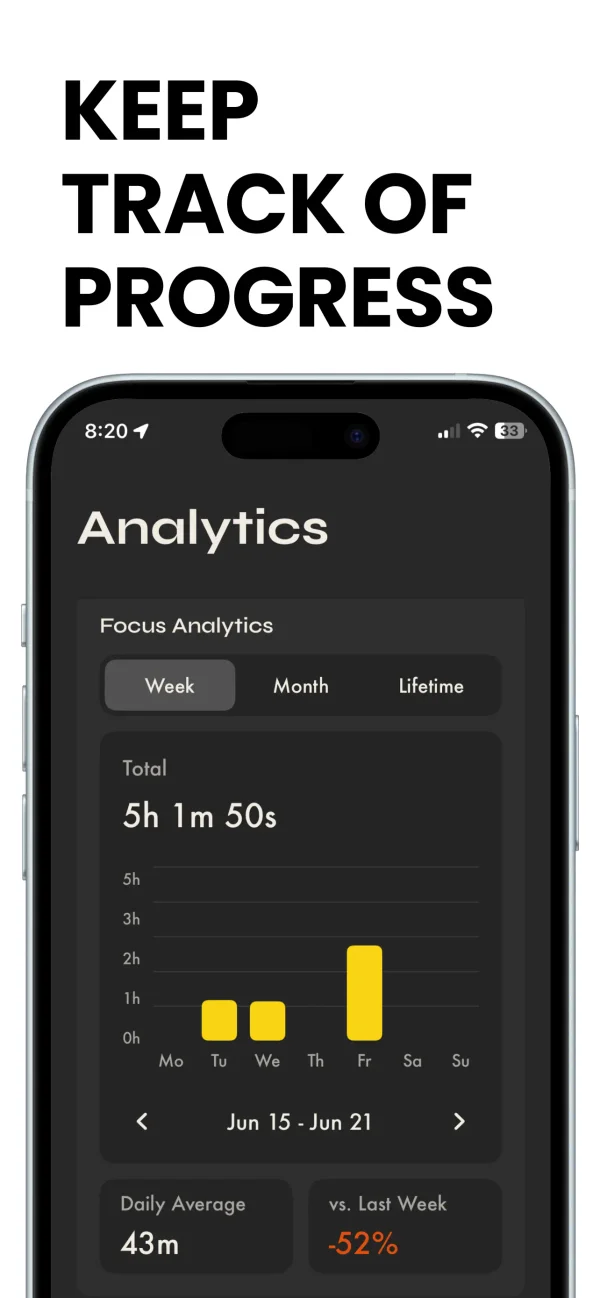
Track focus time, completed sessions, daily streaks, and screen time analytics to better understand your digital habits and improve time management. Visualize your progress with charts, calendars, and detailed statistics showing your focus journey over time. See which days you focused, how long your sessions lasted, and celebrate your focus streaks.
DESIGNED FOR REAL LIFE
Fokus blocks distractions—not your phone. You can still receive calls, send messages, and use essential apps while a focus session is active. Fokus is designed to support productivity and digital wellness without disconnecting you from what matters. Perfect for students, professionals, and anyone seeking better focus and reduced screen time.
PRIVATE & ON-DEVICE
• Works entirely on your iPhone—no cloud sync required
• No account or login required—complete privacy
• No ads or third-party tracking—your data stays local
• Built using Apple's Screen Time APIs—system-level security
• All data stored locally on your device
REQUIREMENTS
• iPhone with required capabilities (iPhone 7 or later)
• FOKUS physical device (available at getfokus.de)
• Screen Time permission (required for app blocking functionality)
• iOS 17.0 or later
A CALMER WAY TO FOCUS
新機能
バージョン 1.0.3 · 2026/10/23
Your focus progress, backed up
When you’re signed in, your focus history syncs across devices using the same account—helping you keep your statistics, streaks, and achievements.
More control over scheduled sessions
You can now end a scheduled session early by scanning your paired Fokus device, when early ending is enabled in the session’s settings.
Improved reliability
We’ve improved session recovery and blocking reliability to help your focus sessions run more consistently.
アプリのプライバシー
このアプリのデータの取り扱いについて、Sharma & Singh GbRがApp Storeで申告している内容です。
-
データの収集なし
開発元はこのアプリからデータを収集しません。
プライバシーの取り扱いは、ご利用の機能やお客様の年齢などに応じて異なる場合があります。
情報
- 販売元
- Sharma & Singh GbR
- カテゴリ
- 仕事効率化
- バージョン
- 1.0.3
- 更新日
- 2026/10/23
- リリース
- 2026/1/7
- サイズ
- 14.2 MB
- 必要条件
- iOS 17.6以降
- 対象年齢
- 4+
- 価格
- 無料
- 言語
- 英語
- 著作権
- © 2025 Get Fokus GbR . All rights reserved.