- 対象年齢4+
- カテゴリビジネス
- 開発元FormConnections, Inc.
- 言語英語
- サイズ137.2 MB
App Storeの公式ページにリンクしています
Download.orgはFormConnect Pro+のファイルを一切ホストしていません。ボタンを押すと、FormConnections, Inc.が公開しているApp Storeのアプリページが開きます。ページの最終確認:2026/11/12。
スクリーンショット
概要
開発元はこのテキストをお使いの言語で提供していません。
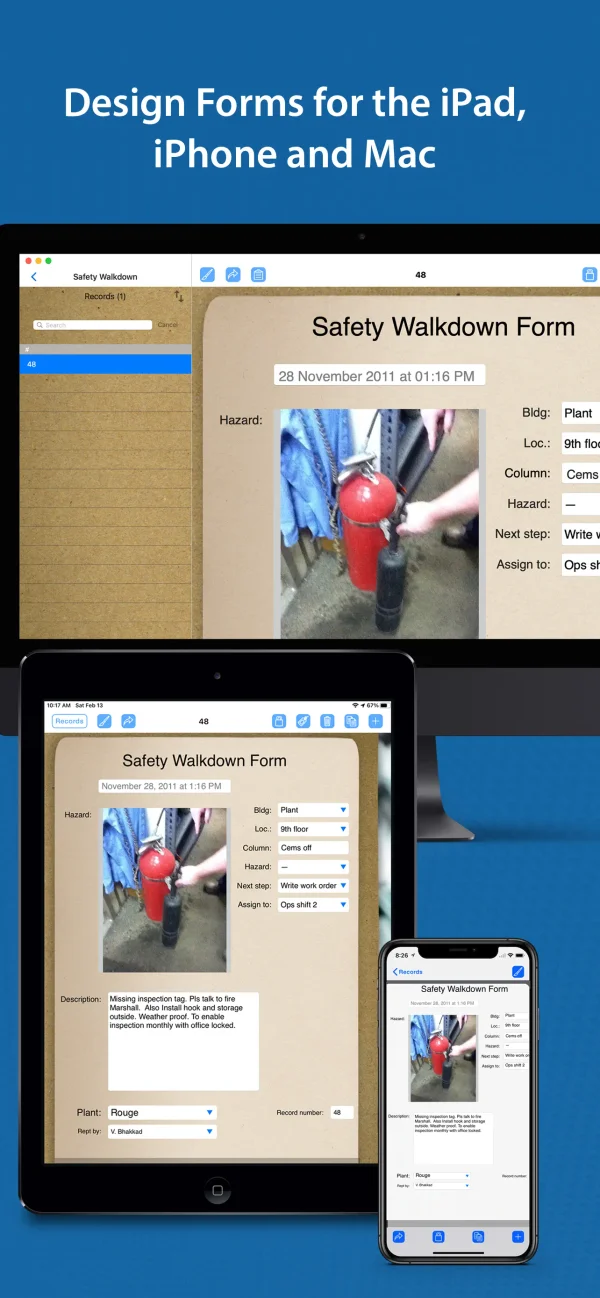
Your forms, everywhere you work. FormConnect Pro+ delivers the ultimate form building experience with seamless automatic iCloud synchronization and full design capabilities across your iPhone, iPad, and Mac!
Unlike other form builders that limit creation to desktop, FormConnect Pro+ gives you the freedom to design, edit, and fill custom forms on whichever Apple device is in front of you. Perfect for scaling businesses and busy professionals on the move, a single-user license lets you start a form design on your Mac, tweak it on your iPad in the field, and review real-time submissions on your iPhone.
Form Design Features:
• Create an unlimited number of form templates.
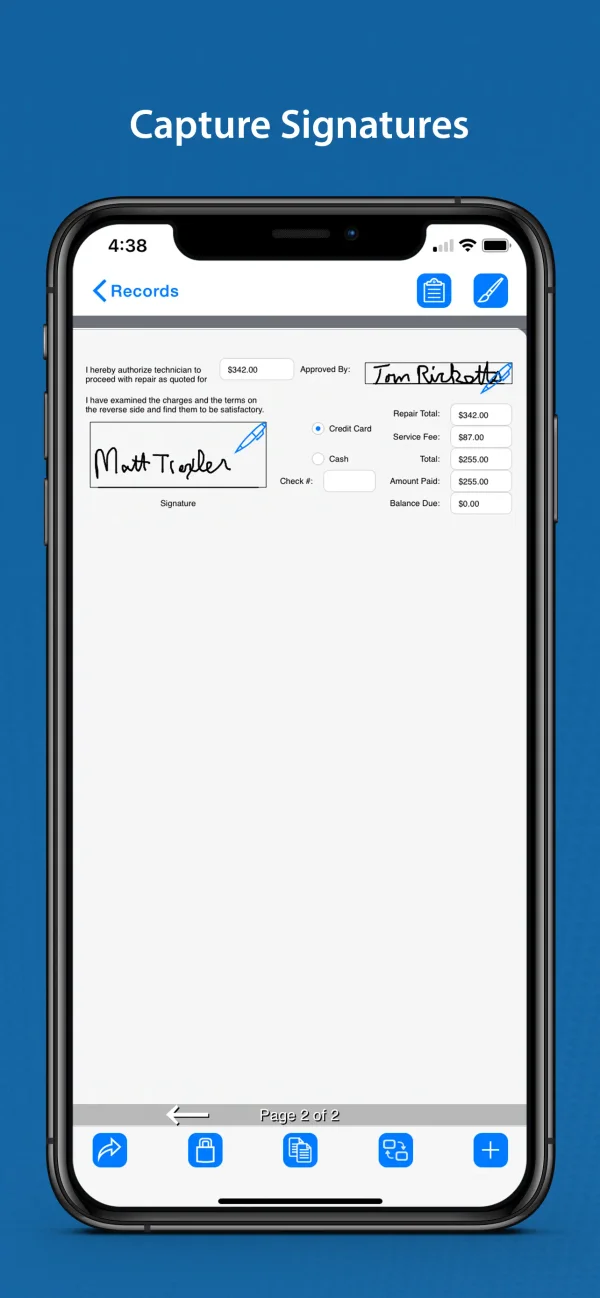
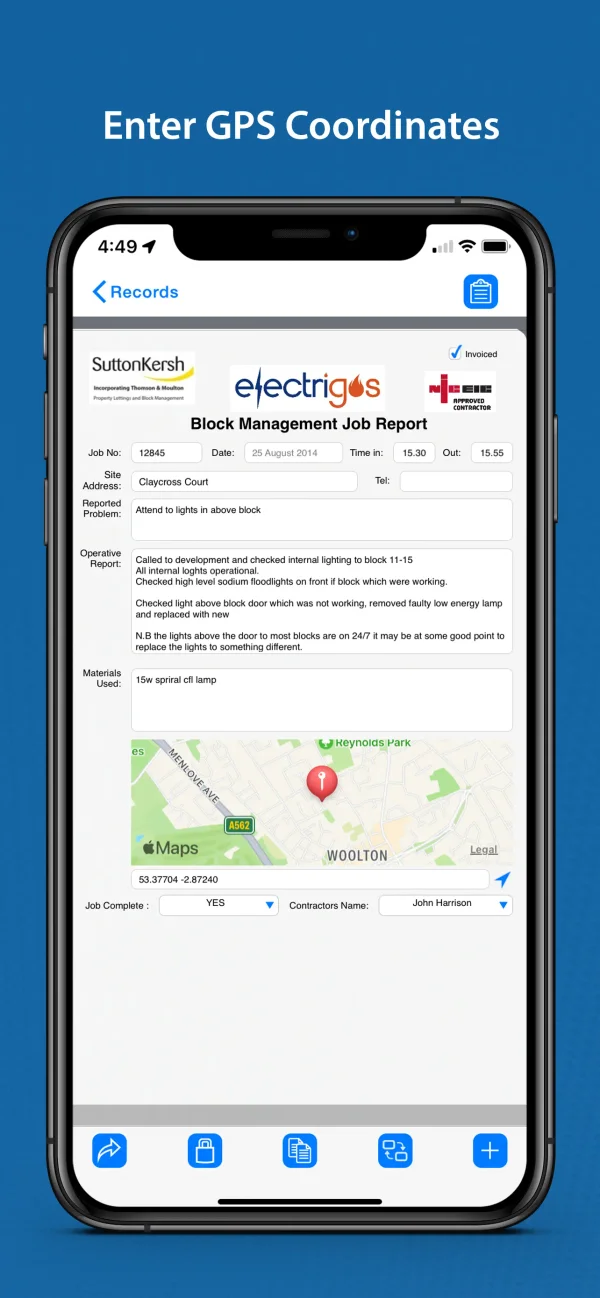
• Choose from multiple field types (text, date, checkbox, radio buttons, drop-down, text labels, photos, signatures, image, draw/annotate, table, GPS, barcode).
• Choose from multiple themes (clipboard, clip fastener, spiral bound, journal, moleskin, stainless steel).
• Customize the Alignment of a field (left, right, center).
• Customize the formatting of the text (bolding, italicizing, text color).
• Adjust the length of a field.
• Adjust the font size of a field.
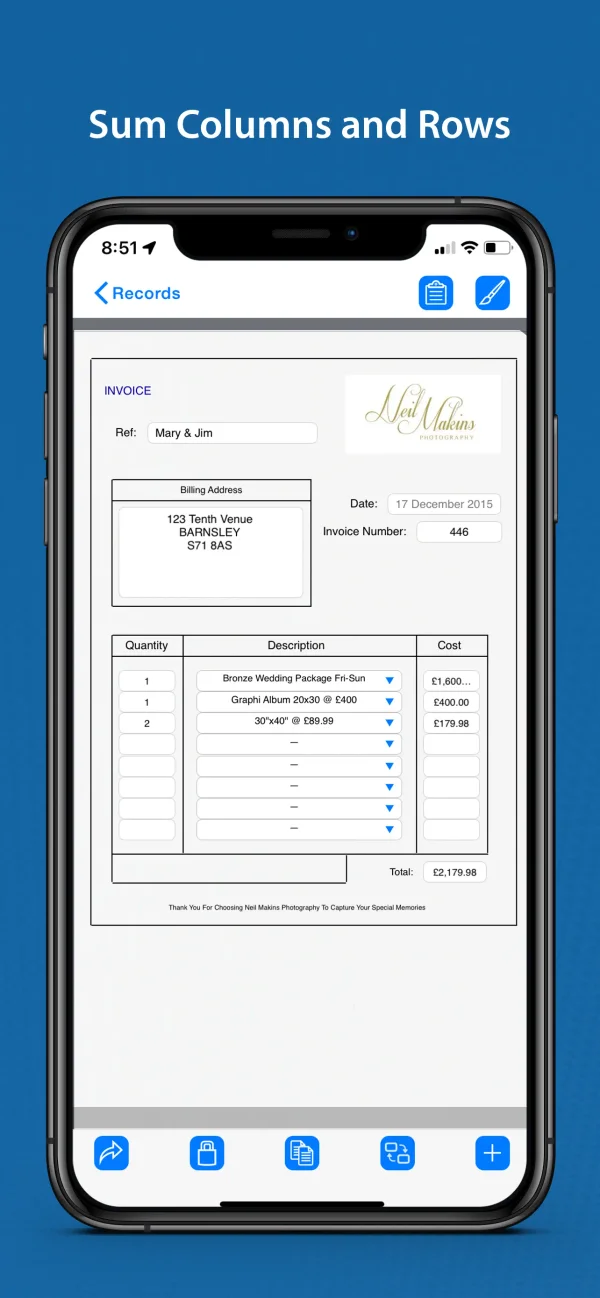
• Organize various fields into a table with rows and columns.
Form Filling Features:
• Fill out a form an unlimited number of times.
• Touch screen and external keyboard support.
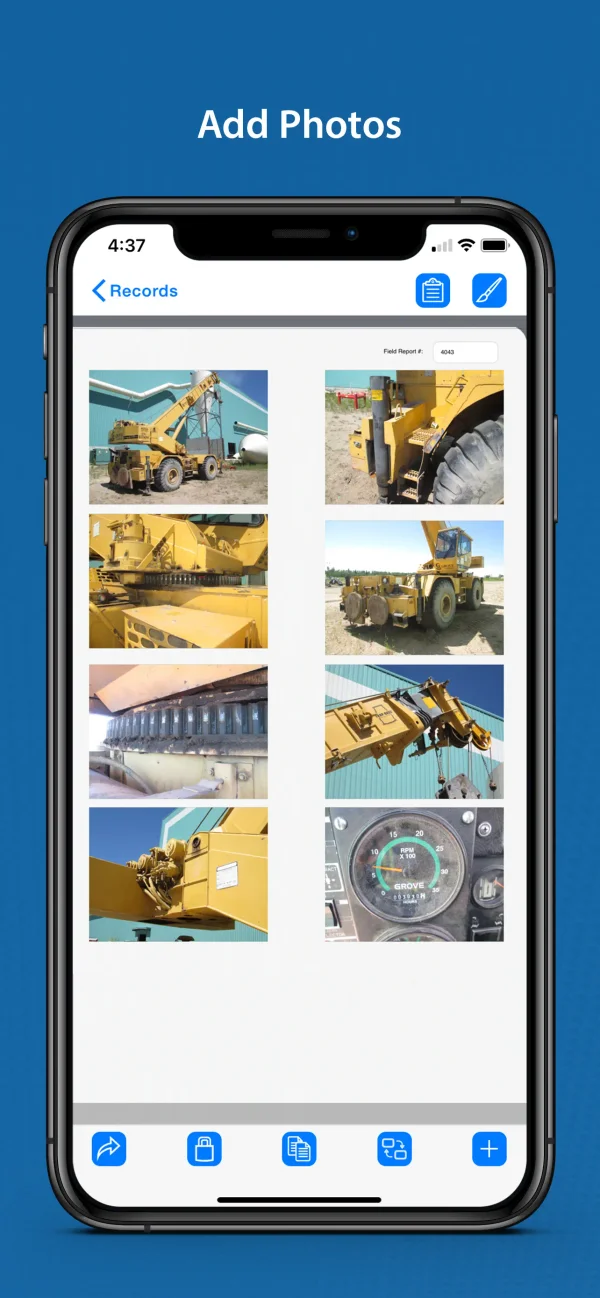
• Snap photos with the iPad or iPhone’s camera.
• Import photos from the photo library.
• Lock forms from being altered once they have been filled out.
• Print forms to external printers.
• Store data locally and in Apple's iCloud.
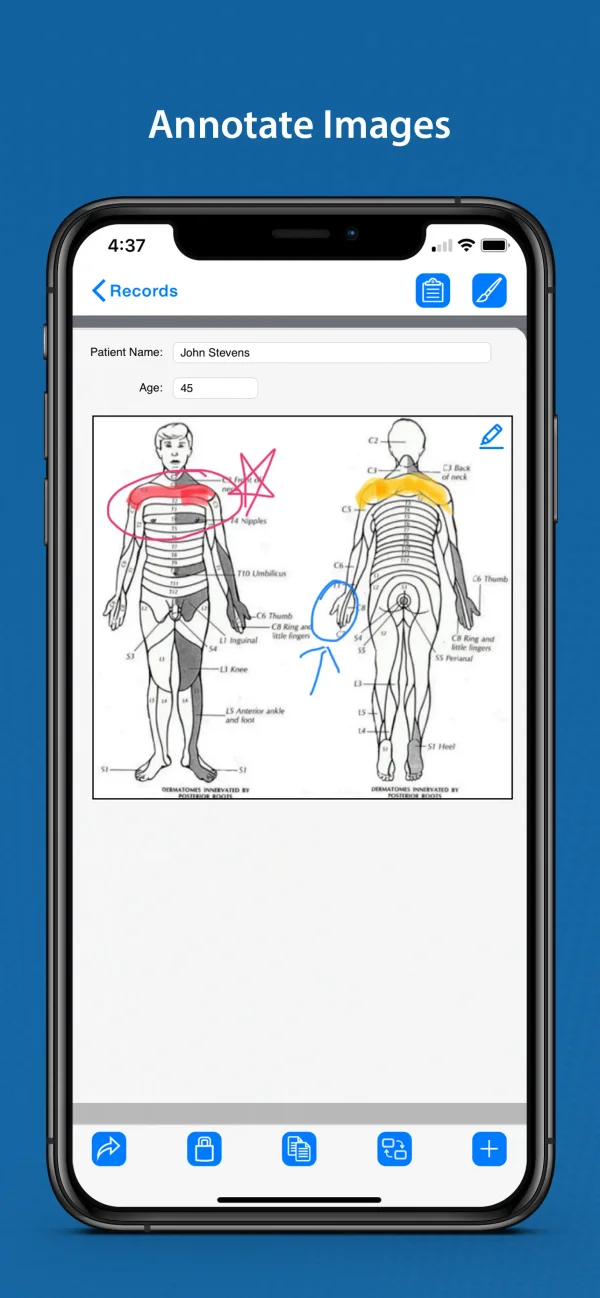
• Annotate/draw on photos and images.
• Signature Signing.
• Import and export form data.
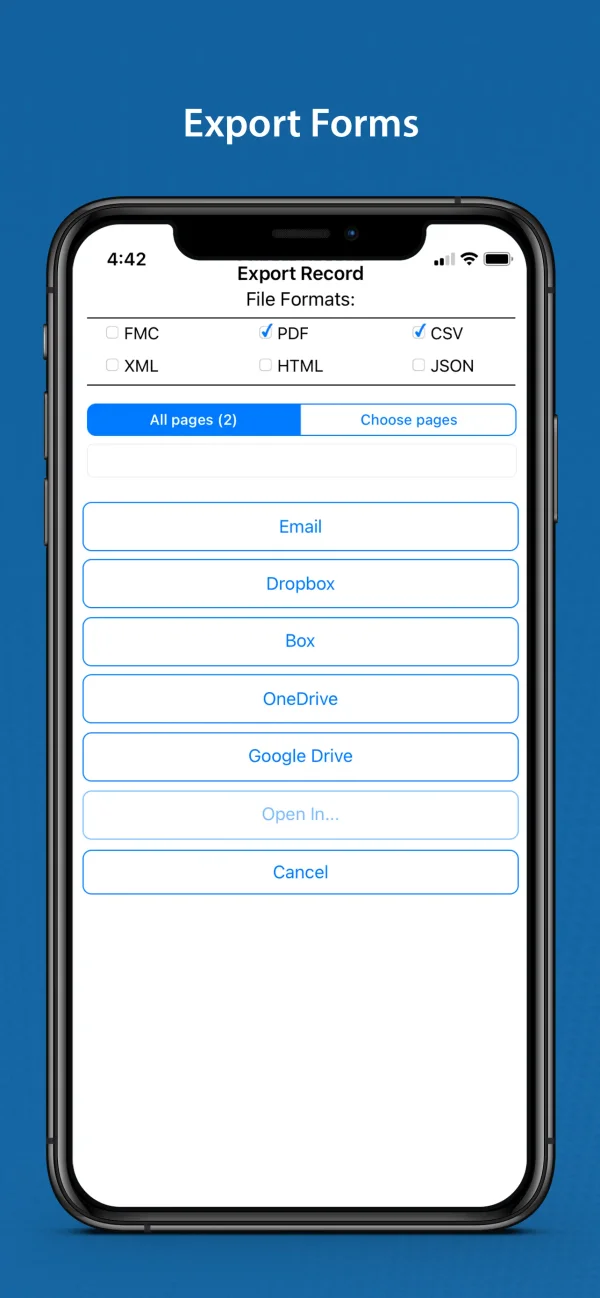
• Export data into the following formats: (PDF, CSV, XML, HTML, FMC, JSON).
• Export forms via email or to cloud services (Dropbox, Box, Google Drive, Microsoft OneDrive).
• Pre-populate form fields.
• Prevent users from editing a form.
• Auto increment a field on the form.
• A spreadsheet-like function for summing rows and columns.
• Require a field be mandatory before it can be saved.
• Kiosk data entry mode for displaying a simpler user interface for customers.
• A GPS field setting that displays latitude and longitude coordinates.
SmartForm Automation Features:
• Sync your forms across all your devices (iPad, iPhone and Mac).
• Collaborate with multiple users when working on the same form.
• Folders - Organize your forms into multiple folders for easy access.
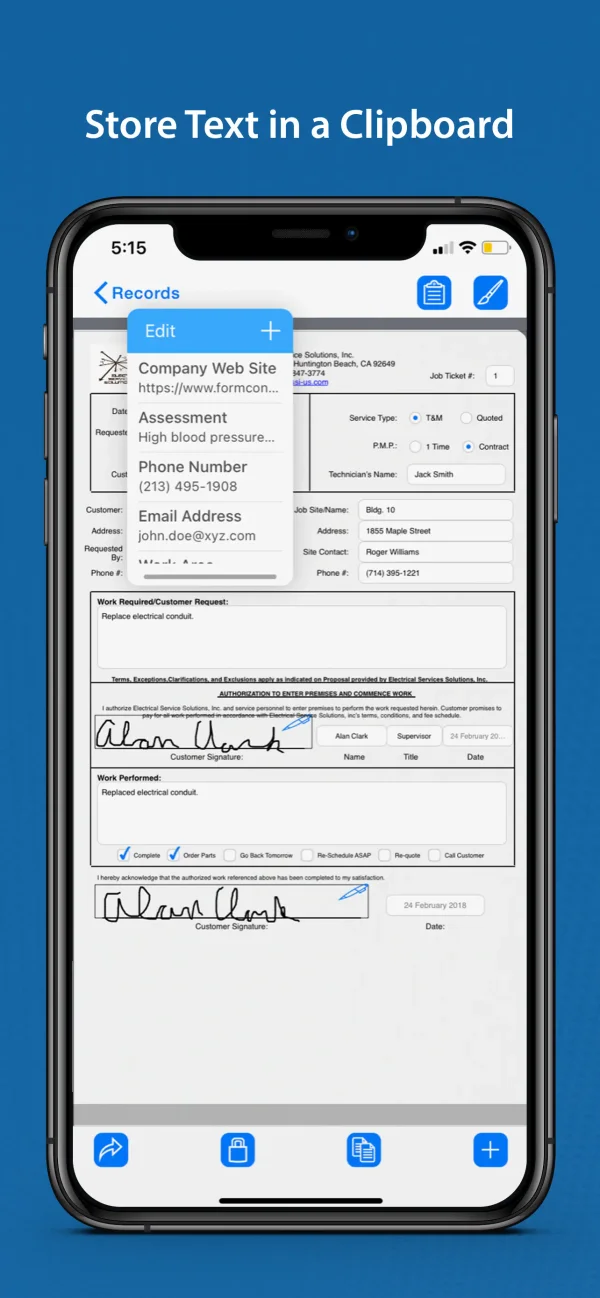
• Clipboard - Store text in a clipboard that can be copied and pasted into a field on the form.
• Index Tabs - Place multiple tabs on the form to navigate between pages.
• Field Linkage - Link multiple fields together so that one field can update another field.
• Form Linkage - Link multiple forms together so that one form can update another form.
• Automatically upload forms to cloud service providers.
• Form Tabs - View multiple forms by opening tabs.
• Auto Launcher - Open multiple forms simultaneously.
• Scripting - Create scripts to automate a series of commands.
• Toolbar Customization - Show/hide any of the buttons on the toolbar.
• Page Rearrangement - Rearrange the pages on the form.
• Nested Lists - A list within a list, creating a hierarchical structure where items can be grouped and organized.
• Table Lookup - Organize various fields on the form into a table layout.
• Mail Merge.
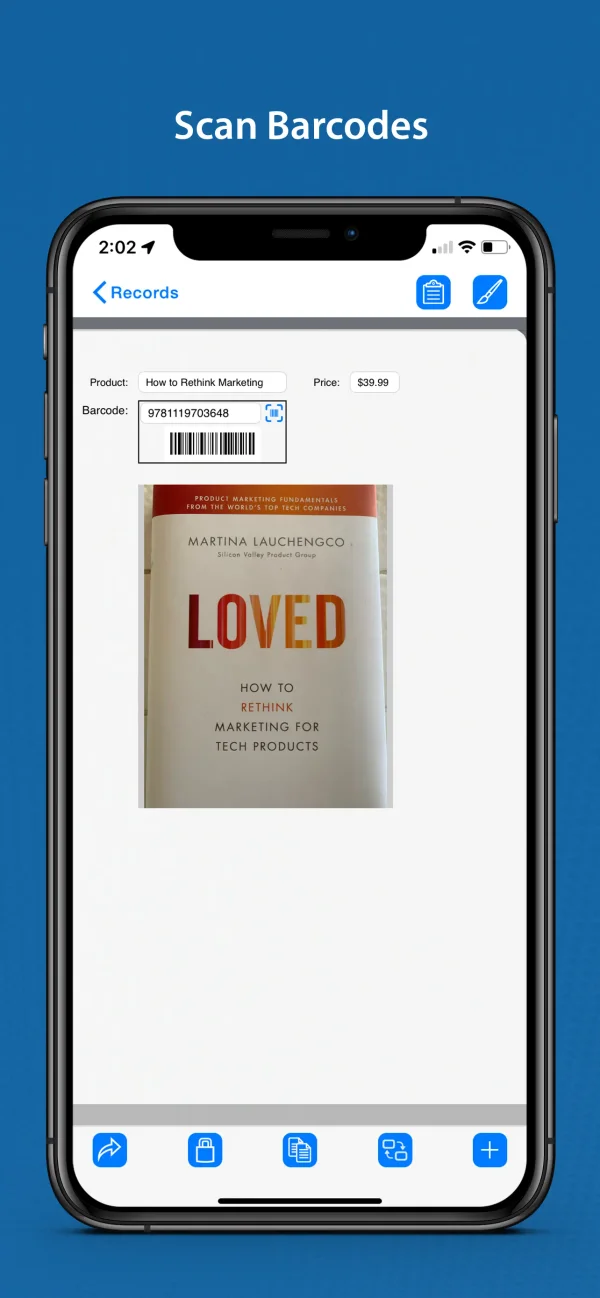
• Barcode and QR Code Scanning.
• Database Querying.
• Keyboard shortcuts to execute commands.
• Siri Shortcuts to automate tasks.
• Widgets placed on the home page to open a form.
Cloud Syncing:
• Auto syncing of forms from one device to another.
• Creation of groups where team members can collaborate on the same form.
• Auto backup of forms to iCloud.
• Restoration of forms that have been deleted.
• Automatically upload forms to cloud service providers.
Terms of Use: https://www.formconnections.com/terms-of-use/
Privacy Policy: https://www.formconnections.com/about-2/privacy-policy/
新機能
バージョン 3.6.7 · 2026/10/19
- Redesigned the User Interface.
- Added the ability to change the subtype of a text or date field parameter.
- Added the ability to rearrange the order of a drop-down list or a radio button field.
- Added the ability to bold/italicize Individual words inside a text label field.
- Bug fixes and performance improvements.
アプリのプライバシー
このアプリのデータの取り扱いについて、FormConnections, Inc.がApp Storeで申告している内容です。
-
ユーザーに関連付けられないデータ
収集される場合がありますが、ユーザーの識別情報には関連付けられません。
- 診断
プライバシーの取り扱いは、ご利用の機能やお客様の年齢などに応じて異なる場合があります。
情報
- 販売元
- FormConnections
- カテゴリ
- ビジネス
- バージョン
- 3.6.7
- 更新日
- 2026/10/19
- リリース
- 2021/9/21
- サイズ
- 137.2 MB
- 必要条件
- iOS 16.6以降
- 対象年齢
- 4+
- 価格
- 無料
- アプリ内課金
- あり
- 言語
- 英語
- 著作権
- © 2026 FormConnections, Inc.