- 対象年齢4+
- カテゴリユーティリティ
- 開発元永 张
- 言語英語ほか1言語
- サイズ825.0 KB
App Storeの公式ページにリンクしています
Download.orgはFrameloomのファイルを一切ホストしていません。ボタンを押すと、永 张が公開しているApp Storeのアプリページが開きます。ページの最終確認:2026/11/13。
スクリーンショット
概要
開発元はこのテキストをお使いの言語で提供していません。
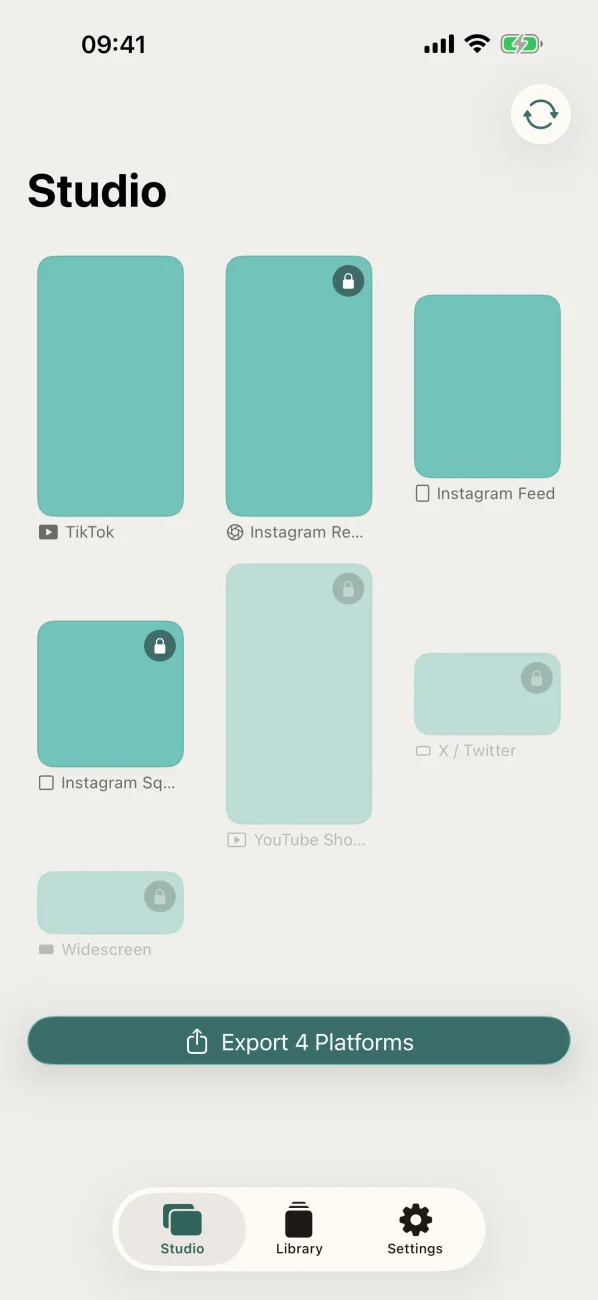
Recorded one video but need it everywhere? Frameloom instantly reframes your clip for TikTok, Instagram, YouTube Shorts, and X — side by side, so you can drag to reposition the shot for each platform's exact aspect ratio in seconds.
Every social app crops differently. A video shot for one platform gets awkward pillarboxing or a badly cropped face when you upload it elsewhere. Frameloom fixes that by showing live preview cards for every target platform at once — TikTok and Reels in 9:16, Instagram Feed in 4:5, Square posts in 1:1, X in 16:9, even ultrawide 21:9 — and lets you drag, pinch, or nudge with arrow keys to get the framing exactly right.
One tap can auto-center the shot on detected faces using on-device Vision, so portraits and interviews line up automatically. When you're happy, export platform-correct files with proper naming in one tap, saved straight to your Photos library.
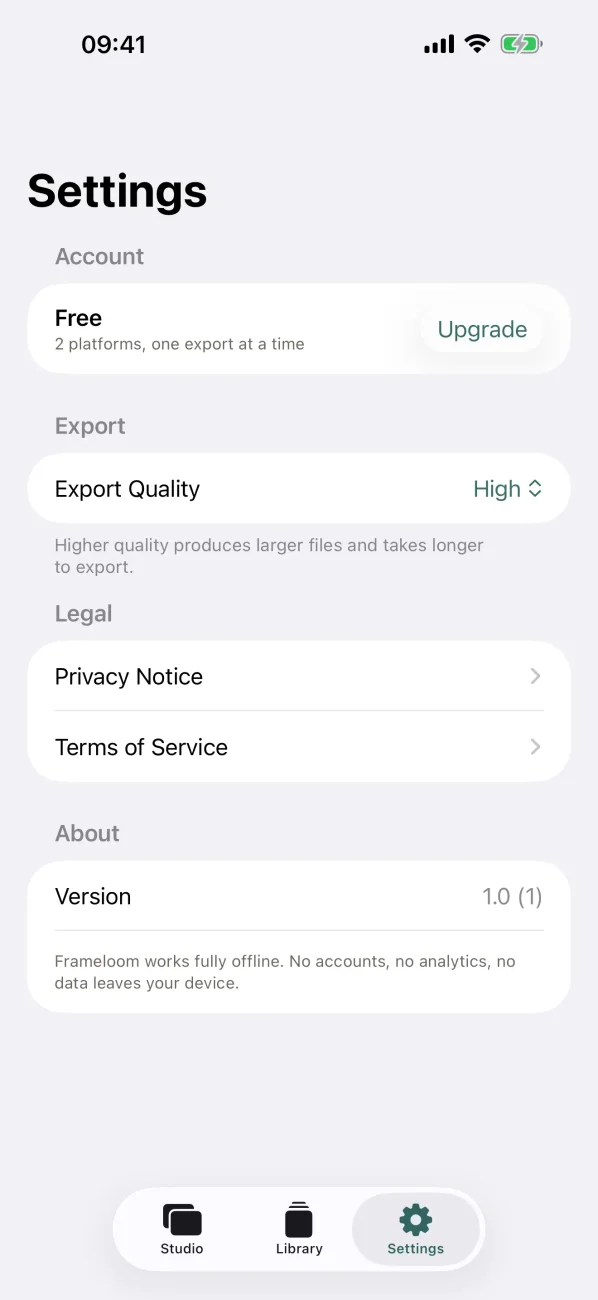
Everything happens on your device. No accounts, no uploads, no analytics — your videos never leave your phone.
FEATURES
• Live multi-platform preview: see TikTok, Instagram, YouTube Shorts, and X crops side by side
• Drag, pinch, and arrow-key nudge to reposition each platform's crop precisely
• On-device face auto-centering — no cloud processing
• One-tap export with platform-correct file naming, saved to Photos
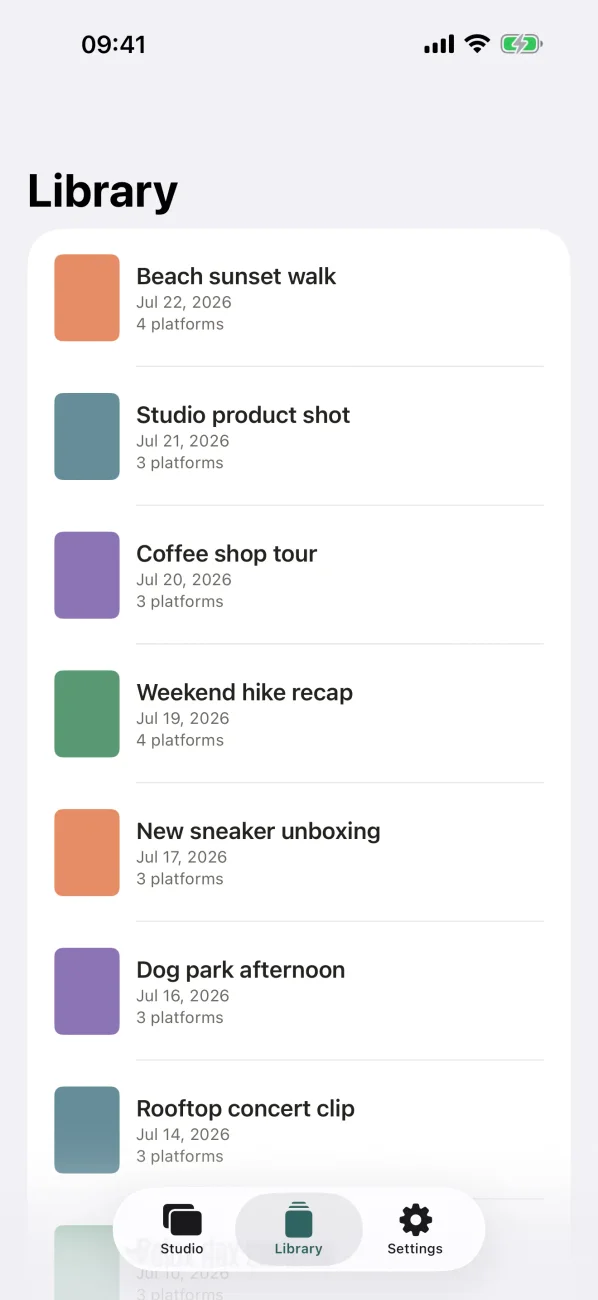
• Project Library to reopen and re-export past fits anytime
• Fully offline — no accounts, no tracking, no data collection
アプリのプライバシー
このアプリのデータの取り扱いについて、永 张がApp Storeで申告している内容です。
-
データの収集なし
開発元はこのアプリからデータを収集しません。
プライバシーの取り扱いは、ご利用の機能やお客様の年齢などに応じて異なる場合があります。
情報
- 販売元
- 永 张
- カテゴリ
- ユーティリティ
- バージョン
- 1.0
- 更新日
- 2026/8/4
- リリース
- 2026/8/4
- サイズ
- 825.0 KB
- 必要条件
- iOS 26.0以降
- 対象年齢
- 4+
- 価格
- 無料
- アプリ内課金
- あり
- 言語
- 英語, 簡体字中国語
- 著作権
- Copyright © 2026 Peter Zhang. All rights reserved.